




Mexican Food For Dinner!

· 414 views
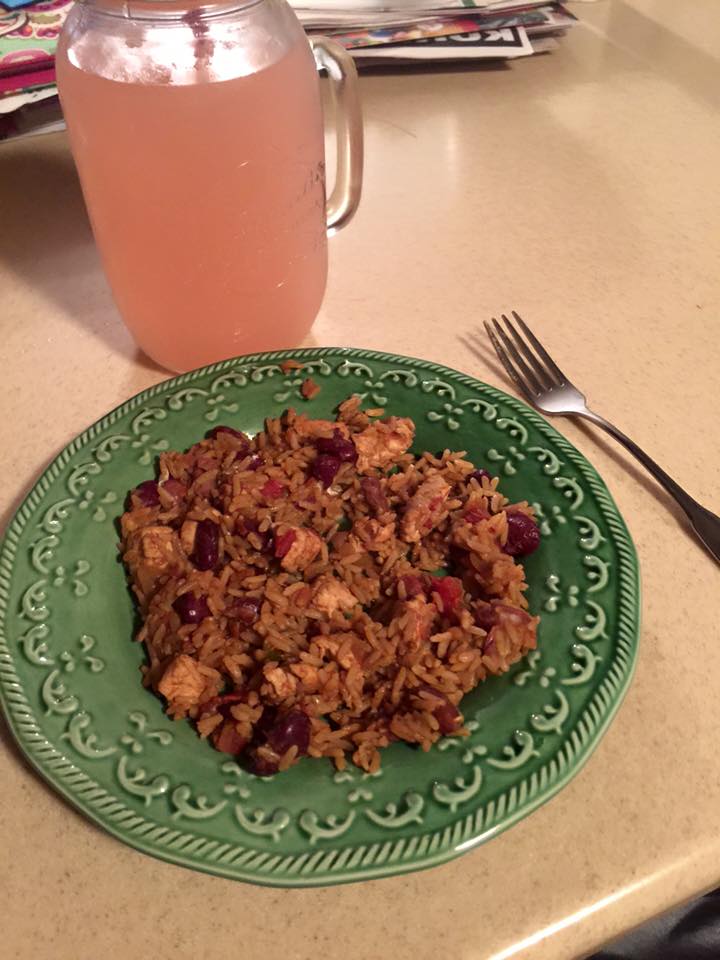
Today was a pretty good day other than it being super rainy out! I feel really good I have been able to stick to my dietitians goals she has set for me which is home cooked dinners at least 5 days a week and then cutting out the sugary drinks! So far this week it has been a success I have not had any sugary drinks I have been replacing them with water, protein drinks, or crystal light water flavoring! And as far as dinner goes I have cooked every night this week! Tonight's dinner was chicken burrito skillet which was a combination of brown rice, chicken, tomato's, peppers, beans, and onions! I'll include a picture of the dinner with todays entry! It was so good and everyone loved it! I also found a lot of other dinner ideas for this week on Pinterest! I was also think about including what I what everyday with my post, since I have to record my food everyday anyway!
Todays Food:
Breakfast:
- Protein Shake
Lunch:
-Scrambled eggs with cheese
Snack:
Rockin Refuel (protein shake)
Dinner:
Chicken Skillet Burrito
Snack:
GNC ice cream protein bar
Recommended Comments