Skip to content
View in the app

A better way to browse. Learn more.

BariatricPal

A full-screen app on your home screen with push notifications, badges and more.

To install this app on iOS and iPadOS
  1. Tap the Share icon in Safari
  2. Scroll the menu and tap Add to Home Screen.
  3. Tap Add in the top-right corner.
To install this app on Android
  1. Tap the 3-dot menu (⋮) in the top-right corner of the browser.
  2. Tap Add to Home screen or Install app.
  3. Confirm by tapping Install.

Stocking Up :)

blog-0782472001447378925.jpg

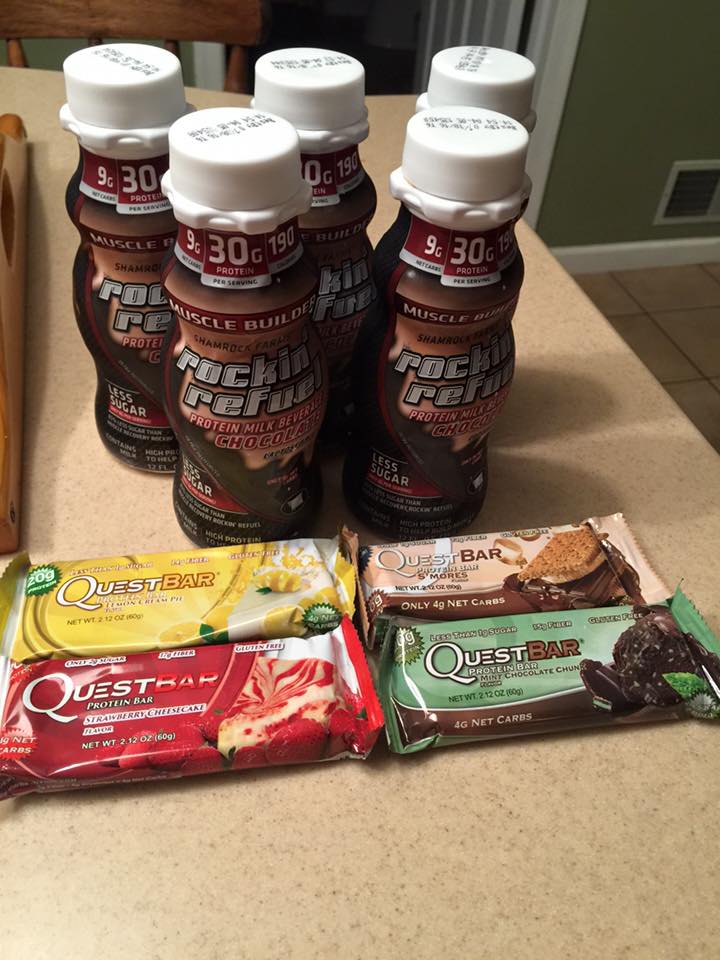
Started my day off with waking up early and have a yummy protein shake (Rockin Refuel) I love love love them they are the best and cheapest single protein shakes I've been able to find! They are available at Giant and are really delicious! I will include a picture of them in todays entry! I also had another successful day of eating healthy and not drinking any sugary drinks! I don't have much to include in todays entry so I wont blabber on anymore! Here is what I ate today!


Breakfast:

- Rockin Refuel protein drink

Snack:

- pretzels(28)

- laughing cow cheese (garlic and herb)

Lunch:

- chicken burrito skillet

Snack:

- Yoplait yogurt (mixed berry)

Dinner:

- buffalo chicken salad

0 Comments

Recommended Comments

There are no comments to display.

Guest
Add a comment...

Account

Navigation

Search

Search

Configure browser push notifications

Chrome (Android)
  1. Tap the lock icon next to the address bar.
  2. Tap Permissions → Notifications.
  3. Adjust your preference.
Chrome (Desktop)
  1. Click the padlock icon in the address bar.
  2. Select Site settings.
  3. Find Notifications and adjust your preference.