



Join BariatricPal at the WLSFA patient conference in San Antonio!
- Views 498
- Created
- Last Reply

A better way to browse. Learn more.
A full-screen app on your home screen with push notifications, badges and more.
Join BariatricPal free
Find support for your bariatric or GLP-1 journey. Save helpful conversations and take part when you are ready.
Choose your email preferences on the registration form.
Already a member? Sign in
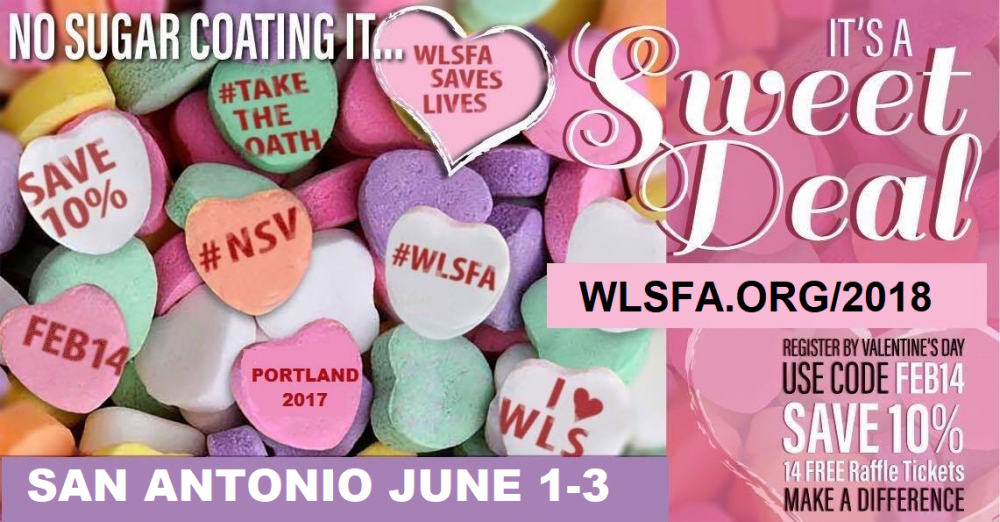
From now until February 14th at midnight the WLSFA is offering a 10% discount and 14 raffle tickets if you register for the Making a Difference patient conference![]()
Who should be registering?
WLSFA patient conferences are more than a meeting with great sessions, they include meet & greet opportunities, an expo where samples and services are shared, and lots of fun. Your attendance at our event helps save a life and give hope to someone who is in desperate need of a surgery grant.
The 23 grants that have been awarded over the past 7 years are a result of hundreds of WLS patients and businesses that have had the vision to save a life ... one grant at a time. Won't you join us in our 8th year and help make a difference in the life in at least one more person who is in need?
Find out more information or register here: http://www.wlsfa.org/2018-2/