Start here
Where are you in your journey?
Choose the path that fits today. We’ll take you to the most useful discussions.
- GLP-1 medication Zepbound, Wegovy, access, side effects, progress, and support.
- Before surgery Compare procedures, plan ahead, and get honest pre-op answers.
- Post-op Recovery, food stages, symptoms, and support.
- Long-term Regain, labs, habits, and life after the honeymoon.
- Revision Explore revision options, complications, and next steps.

Saleen0623
Gastric Bypass Patients
-
Joined
-
Last visited
Everything posted by Saleen0623
-
You got this! I’m having my revision on January 26th.
-
Thank you so much. I’m trying to stay forever young….
-
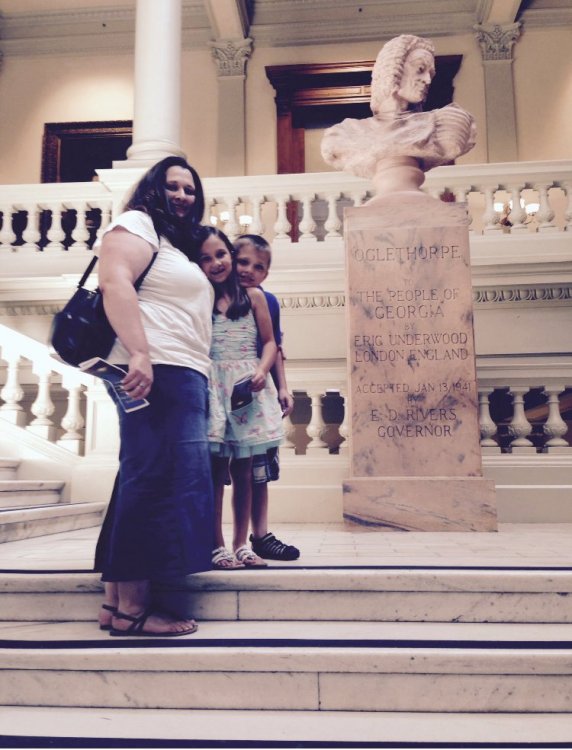
January 26th I will have Bypass from my previous sleeve surgery done August 27,2015. I had major GERD issues & strictures. I put back on 34 pounds. However; I did lose a lot and maintained most of my weight loss. I’m so ready to get this done. Before sleeve 2015 & After sleeve Now December 2021-January 2022. Wishing everyone the best!








.png)