Start here
Where are you in your journey?
Choose the path that fits today. We’ll take you to the most useful discussions.
- GLP-1 medication Zepbound, Wegovy, access, side effects, progress, and support.
- Before surgery Compare procedures, plan ahead, and get honest pre-op answers.
- Post-op Recovery, food stages, symptoms, and support.
- Long-term Regain, labs, habits, and life after the honeymoon.
- Revision Explore revision options, complications, and next steps.
rjenee1977
Pre Op
-
Joined
-
Last visited
Everything posted by rjenee1977
-
Omg yes after losing 80+lbs I use to hate socks and pajamas now they are my best friends lol.
-
Thank you so much...yes I feel great..my kids ask me to slow down at the grocery store lol...wayyyyy less pains in my body..love it!
-
Thank you so much...yes I feel great..my kids ask me to slow down at the grocery store lol...wayyyyy less pains in my body..love it!
-
Awesome..make sure u hv some gas x..u r gona need it!
-
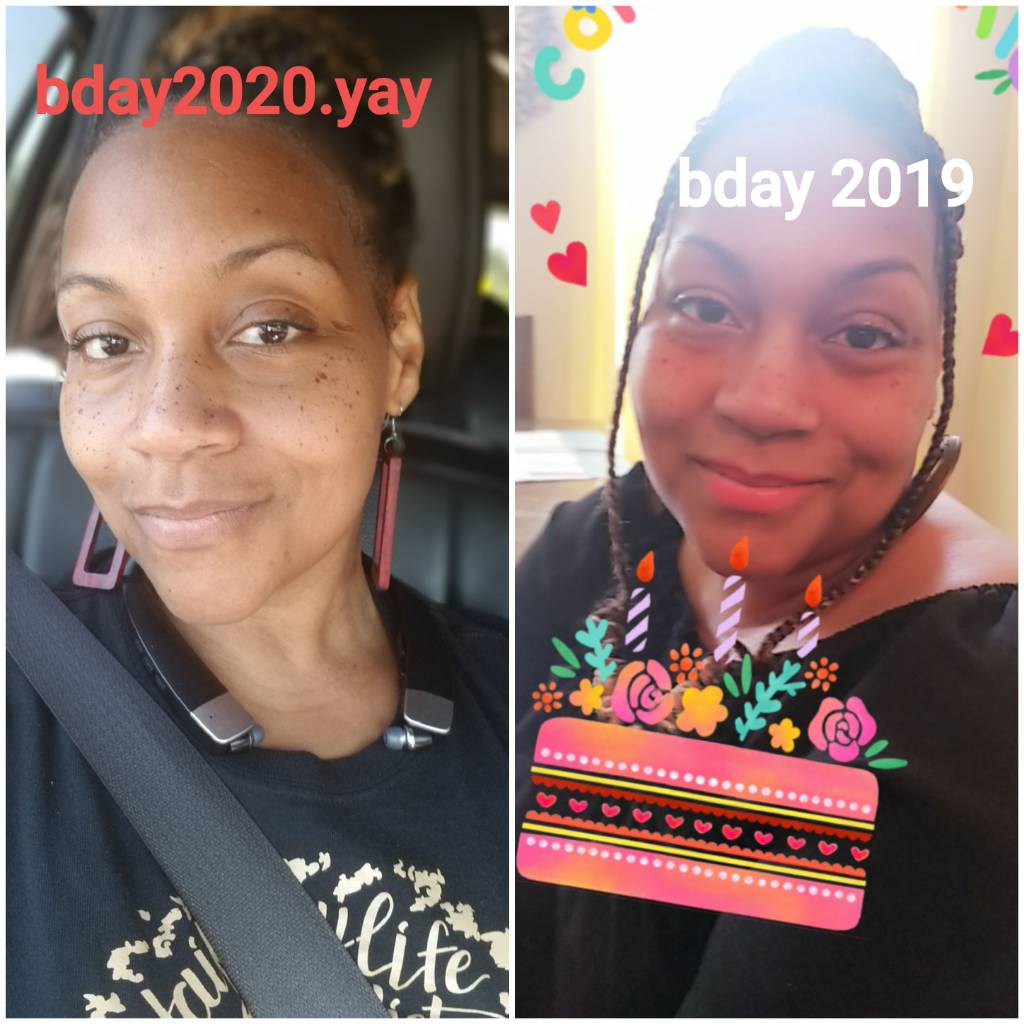
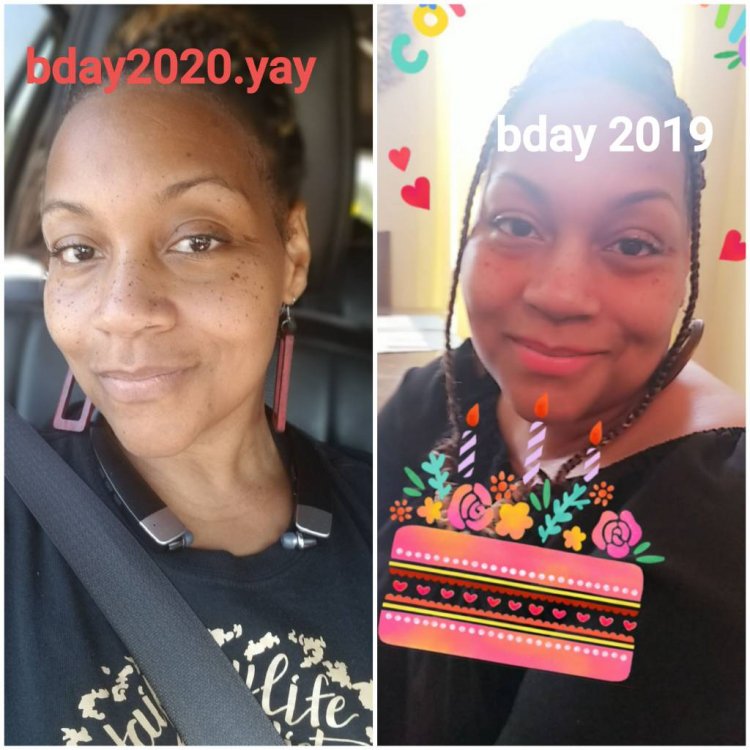
I was sleeved August 12 2019....was the best thing I did for myself ... lifesaving surg...I was 272 now 183...surg was great no problems from that day to this. I have encouraged 3 friend to have the surgery with great success. Have faith and do it!

.thumb.jpg.41242f0fc3239a8e356621184660ff4e.jpg)




.jpg.43f7ffcacd02a82e1b2d2ca6325663e1.jpg)