Skip to content
View in the app

A better way to browse. Learn more.

BariatricPal

A full-screen app on your home screen with push notifications, badges and more.

To install this app on iOS and iPadOS
  1. Tap the Share icon in Safari
  2. Scroll the menu and tap Add to Home Screen.
  3. Tap Add in the top-right corner.
To install this app on Android
  1. Tap the 3-dot menu (⋮) in the top-right corner of the browser.
  2. Tap Add to Home screen or Install app.
  3. Confirm by tapping Install.

rjenee1977

Pre Op
  • Joined

  • Last visited

Everything posted by rjenee1977

  1. Omg yes after losing 80+lbs I use to hate socks and pajamas now they are my best friends lol. Sent from my SM-G950U1 using BariatricPal mobile app
  2. Thank you so much...yes I feel great..my kids ask me to slow down at the grocery store lol...wayyyyy less pains in my body..love it! Sent from my SM-G950U1 using BariatricPal mobile app
  3. Thank you so much...yes I feel great..my kids ask me to slow down at the grocery store lol...wayyyyy less pains in my body..love it! Sent from my SM-G950U1 using BariatricPal mobile app
  4. Awesome..make sure u hv some gas x..u r gona need it! Sent from my SM-G950U1 using BariatricPal mobile app
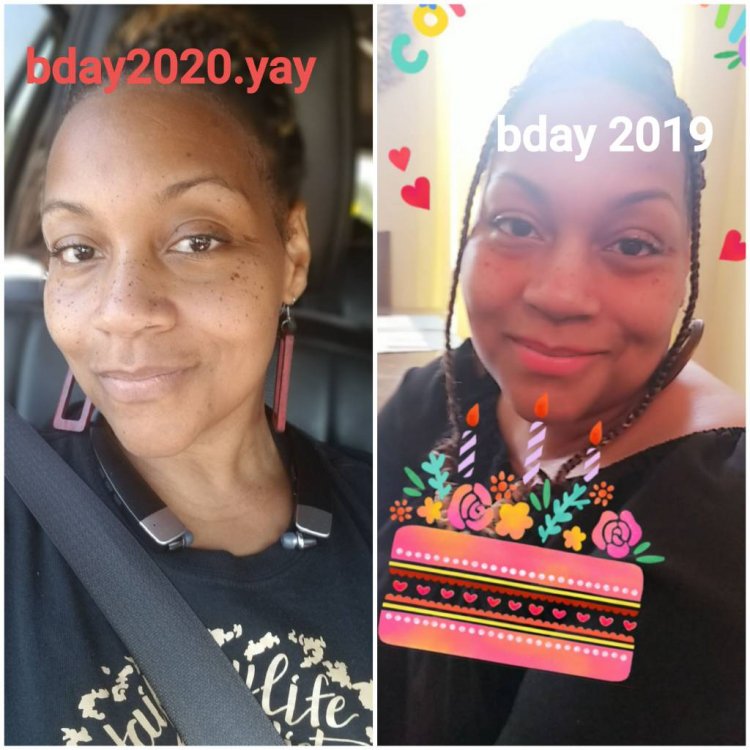
  5. I was sleeved August 12 2019....was the best thing I did for myself ... lifesaving surg...I was 272 now 183...surg was great no problems from that day to this. I have encouraged 3 friend to have the surgery with great success. Have faith and do it! Sent from my SM-G950U1 using BariatricPal mobile app
Trending Products

PatchAid Vitamin Patches

Account

Navigation

Search

Search

Configure browser push notifications

Chrome (Android)
  1. Tap the lock icon next to the address bar.
  2. Tap Permissions → Notifications.
  3. Adjust your preference.
Chrome (Desktop)
  1. Click the padlock icon in the address bar.
  2. Select Site settings.
  3. Find Notifications and adjust your preference.