Start here
Where are you in your journey?
Choose the path that fits today. We’ll take you to the most useful discussions.
- GLP-1 medication Zepbound, Wegovy, access, side effects, progress, and support.
- Before surgery Compare procedures, plan ahead, and get honest pre-op answers.
- Post-op Recovery, food stages, symptoms, and support.
- Long-term Regain, labs, habits, and life after the honeymoon.
- Revision Explore revision options, complications, and next steps.

bigswol2
Pre Op
-
Joined
-
Last visited
Everything posted by bigswol2
-
I'm gonna need to see some pics in this post. Sent from my SM-S908U using BariatricPal mobile app
-
72% at 70 is too wet. Bump that back a little.
-
My problem after losing over 200 lbs is where to sit this big ass peter when I sit down to take a **** Sent from my SM-N960U using BariatricPal mobile app
-
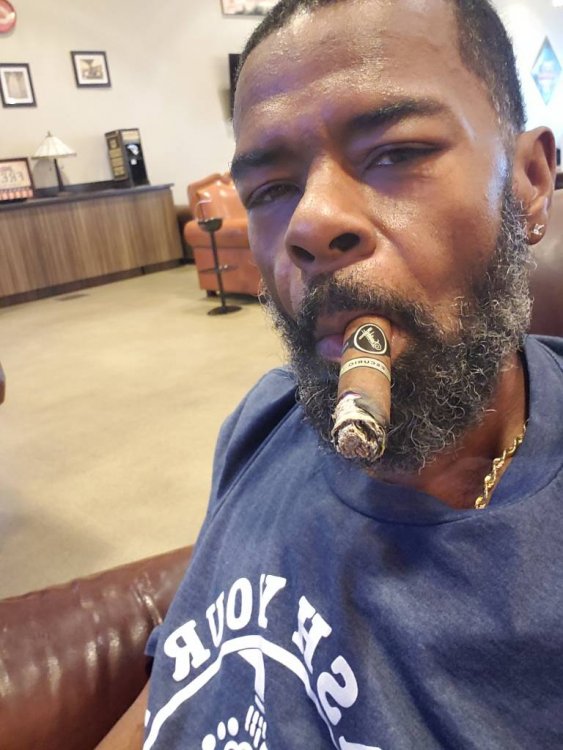
Year and a half out. But I waited 6 months to enjoy a cigar. Now I have a couple a week. Sent from my SM-N960U using BariatricPal mobile app
-
Hater's gonna hate! Sent from my SM-N960U using BariatricPal mobile app
-
Hello everyone! I had duodenal switch 12/14. My surgeon Dr. Sharp here in Raleigh did an excellent job. Little to no pain. Walked off the gas in a couple days. I did experience a slight tugging sensation when standing from a seated position the first few days. Its been a couple weeks and I'm ready to go back to work.