Start here
Where are you in your journey?
Choose the path that fits today. We’ll take you to the most useful discussions.
- GLP-1 medication Zepbound, Wegovy, access, side effects, progress, and support.
- Before surgery Compare procedures, plan ahead, and get honest pre-op answers.
- Post-op Recovery, food stages, symptoms, and support.
- Long-term Regain, labs, habits, and life after the honeymoon.
- Revision Explore revision options, complications, and next steps.


Geri Marie
Gastric Sleeve Patients
-
Joined
-
Last visited
-
-
-
-
-
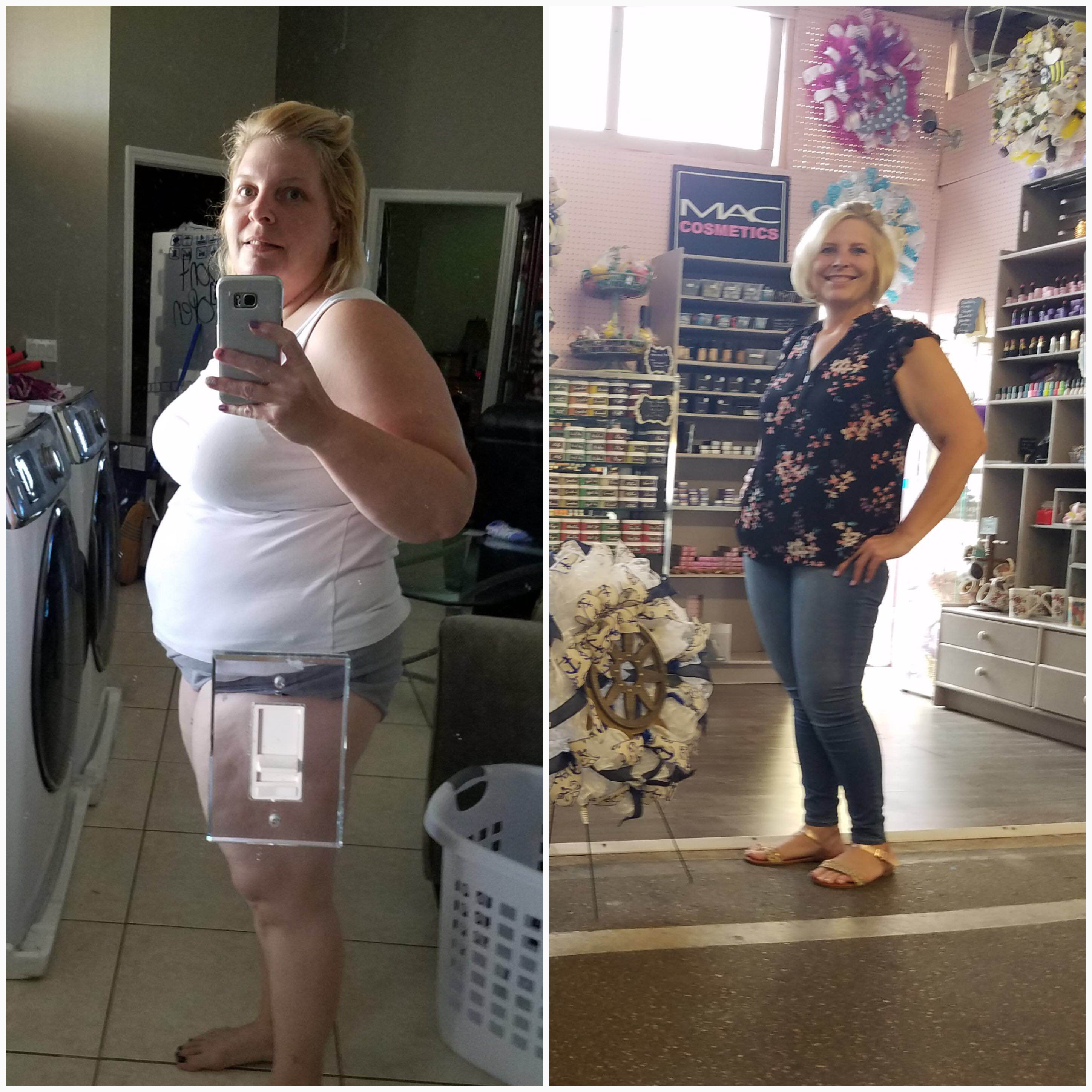
Hey all just wanted to update you on what’s going on lately. I reached my first goal of 175. I struggled with a loooooonnnnnngggggg stall. So I went back to the basics. Protein shakes, yogurt, water. Now I’ve crushed my first goal and on to the final. 150! I am at 164 and so happy. Thanks for reading. Hw 289 Sw 243 Cw 164 Goal w 150
-
-
Geri Marie changed their profile photo
-
You all look great!! I can't wait to join you!!!