Start here
Where are you in your journey?
Choose the path that fits today. We’ll take you to the most useful discussions.
- GLP-1 medication Zepbound, Wegovy, access, side effects, progress, and support.
- Before surgery Compare procedures, plan ahead, and get honest pre-op answers.
- Post-op Recovery, food stages, symptoms, and support.
- Long-term Regain, labs, habits, and life after the honeymoon.
- Revision Explore revision options, complications, and next steps.

plgondeck
Gastric Bypass Patients
-
Joined
-
Last visited
Everything posted by plgondeck
-
I try to eat 140 grams a day but closer to 100 grams.
-
There are better quality shakes. I like GNc and cyrosport complete whey.
-
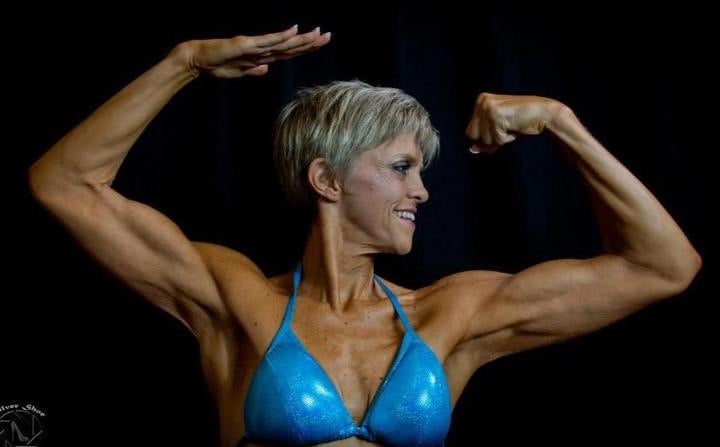
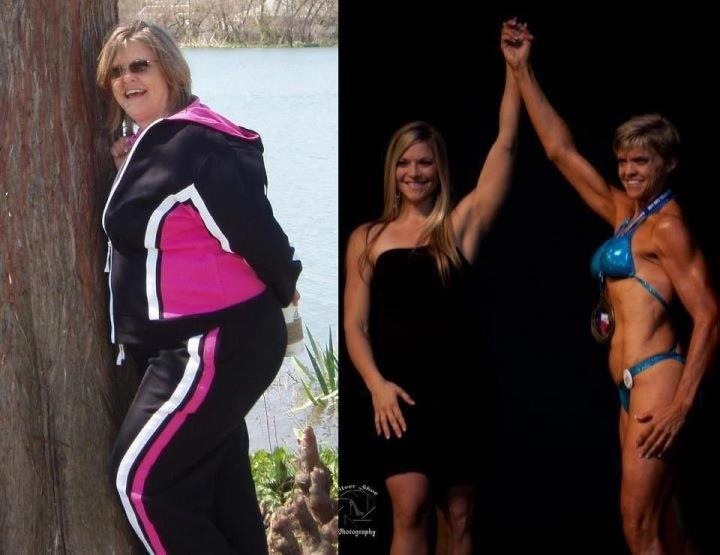
I decided one day I wanted to be a body builder and did it!
-
Chantix and determination!
-
I don't understand? You are having surgery for a better quality of life, right? So why continue to smoke? I am smoke free since 2007 and don't miss it.
-
Yes, that is me with no cosmetic surgery, here are more!





-
Go for quality protein!
-
Definitely hit the gym as soon as released! I wish I hadn't waited so long!
-
Low fat refrained beans and salsa purée was my favorite!
-
Thanks!
-
Don't buy too much in advance because your taste changes. Get some samples to get ya started! I personally don't like what I am hearing about soy! But definitely listen to your doctor.
-
If y'all start a fb group, please include me, please!
-
I did start an ocassional glass if wine 2 years out and the dumping isn't worth it! Be afraid!
-
Wow! Seems like yesterday! I do have some advice while you are waiting. Try to eat a diet similar to post surgery so you can wrap your head around it! Just be patient! Also with doctors approval start xercising even if you just walk 3 times a dat for 10 minutes.