joanna
Gastric Bypass Patients
-
Joined
-
Last visited
-
-
-
Stay away from fast food drink protein shakes untill u can eat also yogurt jello pudding stuff like that
-
I am 13 months out and sane thing I go from 153 to 157 it changed Daley makes me feel like I am failing I want to be 140
-
-
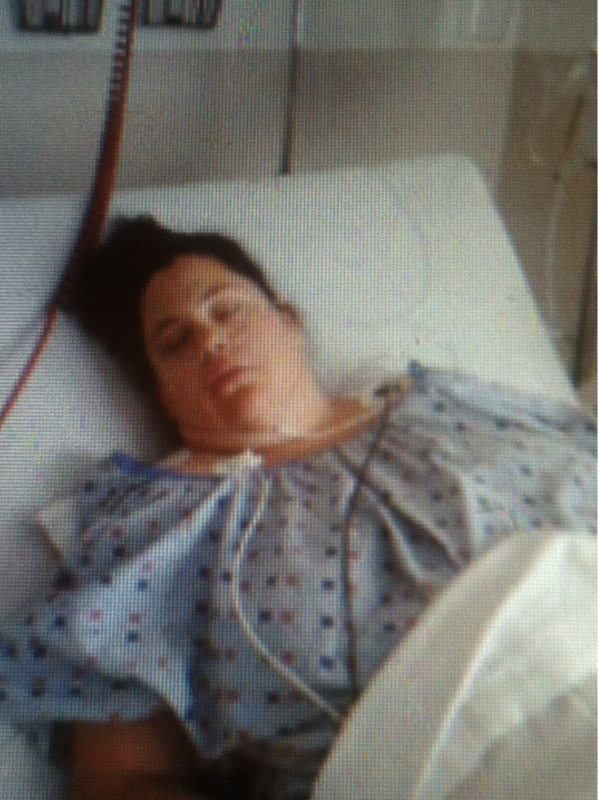
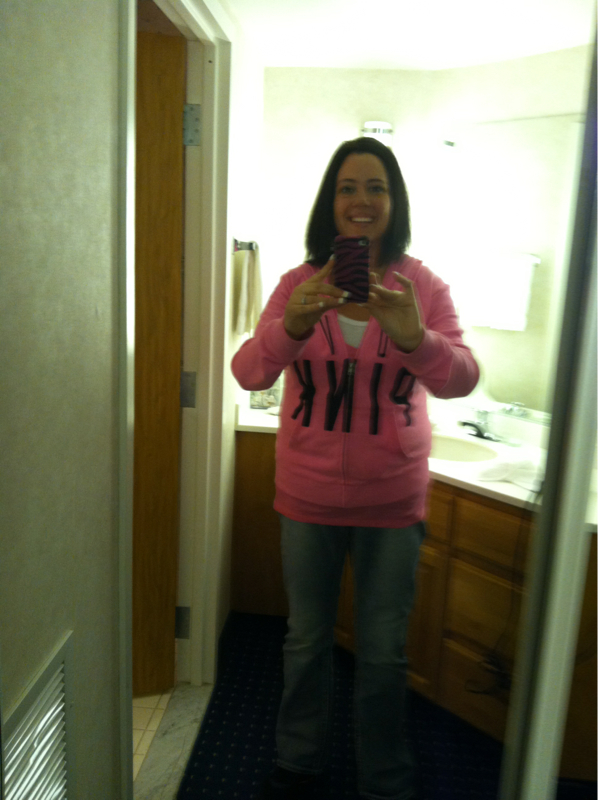
This is my day of surgery June 22 2012 and then me July 20 2013 40 more lbs till goal

-
I am a 13 months out and need a little help I started at 310 and am now 154 I want to be 145 or less and advice on how to lose this last 10 lbs I eat healthy go to the gym 3 to 4 times a week help
-
I am in need if some new food ideals I feel like I do the same things chicken protein shakes salid and brown rice I don't eat fish but what else can I cook or eat help
-
-
I had surgery In June and it just started with me to I feel hungry allllll the time u am scared that u re stretched it to but I added more protein I live on Atkins bars I can handle them better then a shake and they r yummy I also added 1 shake a day when I work out it seems to help good luck
-
You look awesome I am right about where u r to our smiles do get bigger I know mine did I am very happy
-
So I have been drinking ice green tea is that good for us or can it count as a water for us ? I love it
-
Yes it is
-
-
Thanks I just feel so mad at myself but I am doing everthing I am suppst to I do about 75gm of protein I will bump that to 100 thanks and about how many bottles of water I am doing 4
-
Sad today I have been working out and eatting about 1100 cal like I was told by my and this week I gained 5 lbs idk what I am doing wrong any ideals to change up my food mebe that's what I was thinking I am 7 months out today very bumbed and feel like i am failing
-
-
This sounds cool add me jpost1221@yahoo
-
I am also almost 7 months this is the best thing I have done we were about the same size and now I am between 11 and 12 I am also at a stall I have. Switched up my exersing and eatting to trick my body lol


-
-
-
Shadyadaisy thank u good advice
-
I feel great mebe it is stress I just got engaged so i have soooo much to do