




Start here
Where are you in your journey?
Choose the path that fits today. We’ll take you to the most useful discussions.
- GLP-1 medication Zepbound, Wegovy, access, side effects, progress, and support.
- Before surgery Compare procedures, plan ahead, and get honest pre-op answers.
- Post-op Recovery, food stages, symptoms, and support.
- Long-term Regain, labs, habits, and life after the honeymoon.
- Revision Explore revision options, complications, and next steps.


Roserie
Gastric Bypass Patients
-
Joined
-
Last visited
Everything posted by Roserie
-
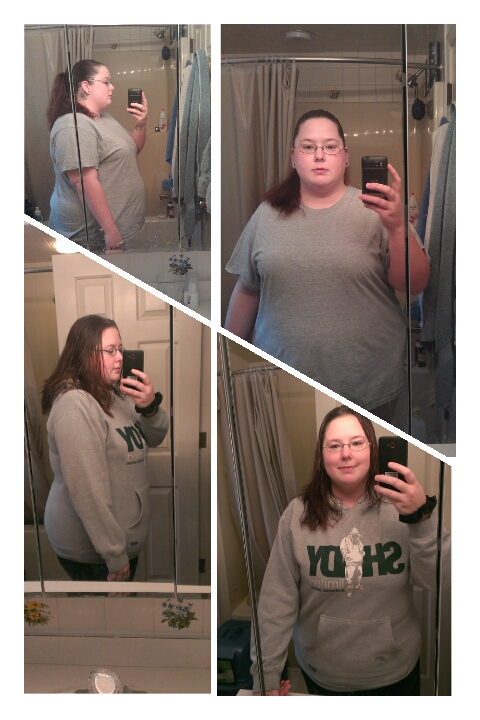
Left is 4 days after surgery and right is almost 5mths out. Almost 70lbs lost.
-
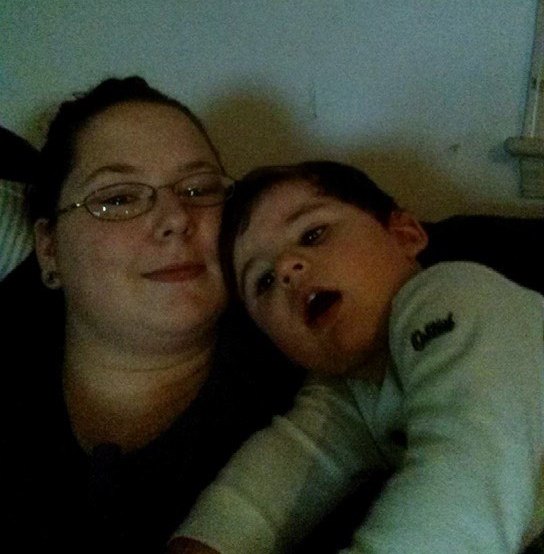
Progress. The top was about 4 days after surgery and the bottom was today. SW 315 CW 255. I'm almost 3mths out. Also, that hoodie is a men's small and I haven't fit into it in 6yrs. It's tight, but I was able to get it on. I'm no longer "extremely obese" and am just "obese". And a bonus picture of me with my little one.


-
I seem to get that a lot, not sure why lol.
-
Progress pics
-
It's understandable that ins wouldn't pay to have it out if you weren't having issues with it. I will say you will feel sooooo much better once you get it out. Make sure you take it easy afterwards though. It took me a good two weeks before I started to feel better pain wise because I was lifting my son right after (instead of listening to the dr). Good luck!
-
I love how great and happy everyone looks!
-
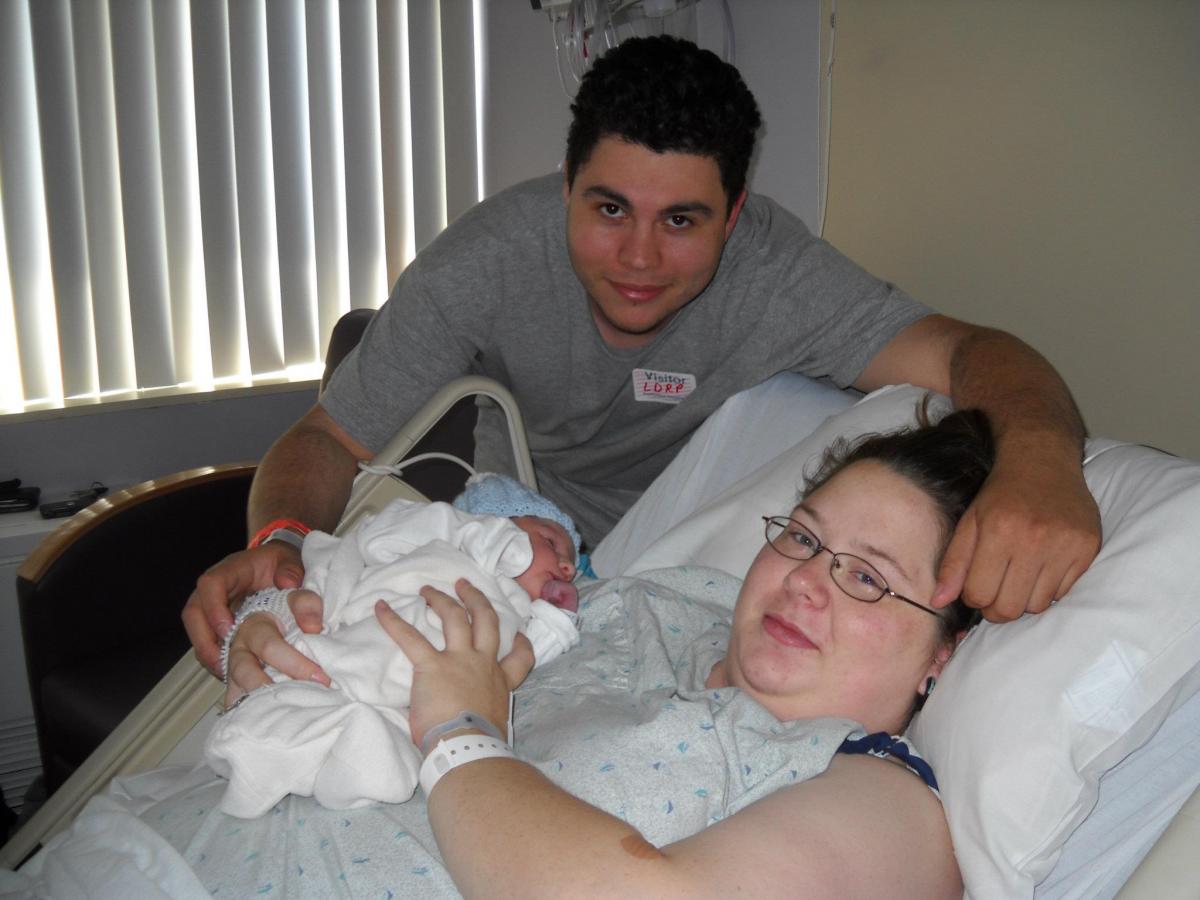
I love seeing the progress people have made after surgery. So for those comfortable enough to share them I'd love to see your before and after (and even progress) pics. I haven't had surgery yet (and wont for at least another 3mths) so I don't have any to post but I still like seeing what I have to look forward to. The pic below is me at my highest of 316lbs 2hrs after my son was born.




.png)