




2022-Jan-25_newDownPants

By ms.sss
- 972 views
- View ms.sss's images
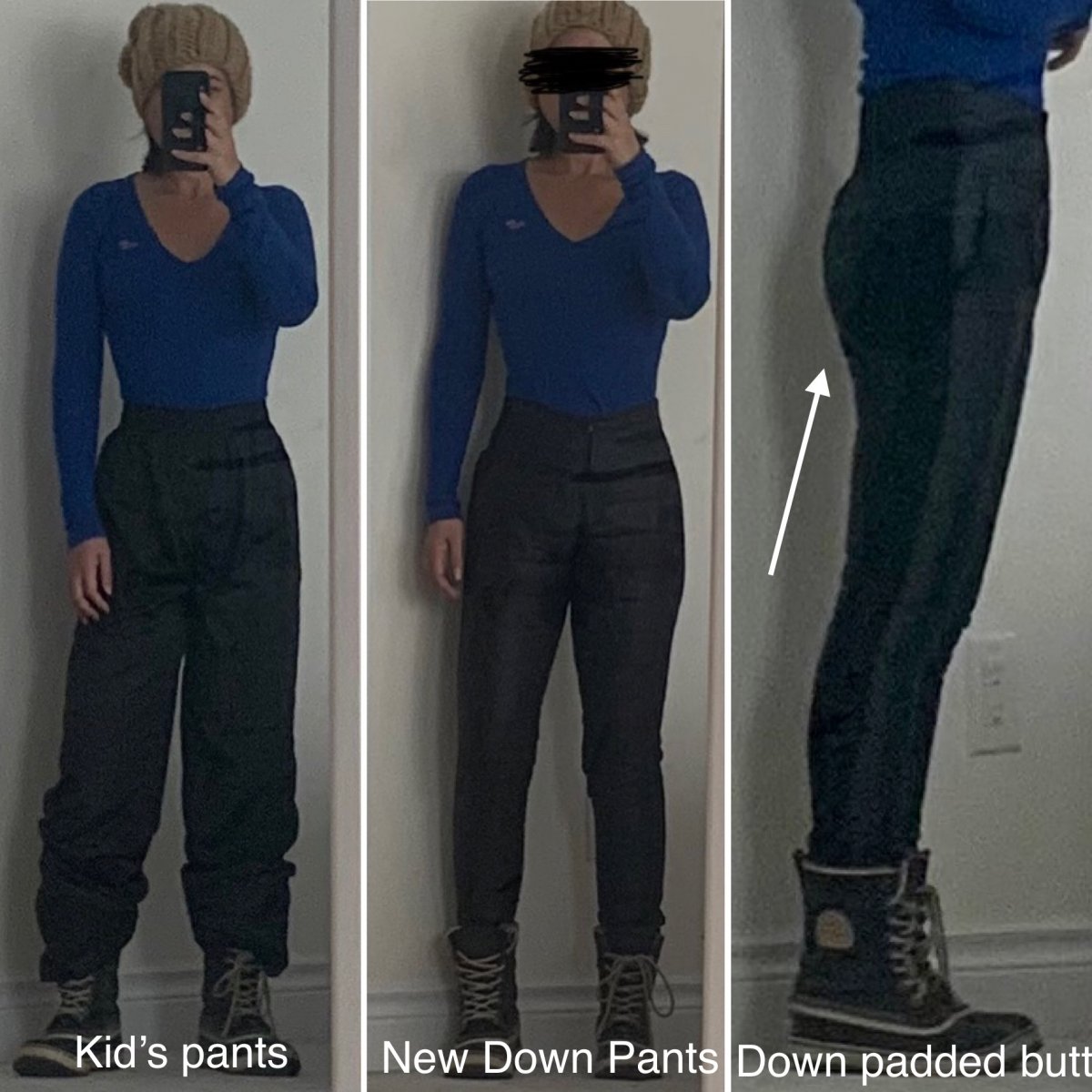
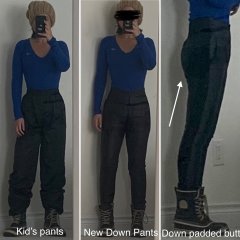
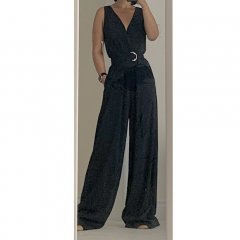
We do alot of hiking. My legs tend to get cold so I'm always borrowing one of the Kid's snowpants. They are way too long for me and I have to tuck them in my boots. So i ordered me some "slim-fit down filled pants" last month and they finally came! This is probably the first pair of "snow pants" i've bought for myself in 15 years. Based on sizing chart (from China, i think), I ordered an XL (an XL?!?!?)...but they are a little snug on the lower legs so I probably should have gone with an XXL (an XXL?!?!?). On the bright side, the down filling makes my butt look plumper (and higher!) than it really is. Maybe I should look into getting some down filled underwear....
Recommended Comments
Join the conversation
You can post now and register later. If you have an account, sign in now to post with your account.