




Sept 2012 - Out on the town

- 775 views
- View DivaStyleCoach's images
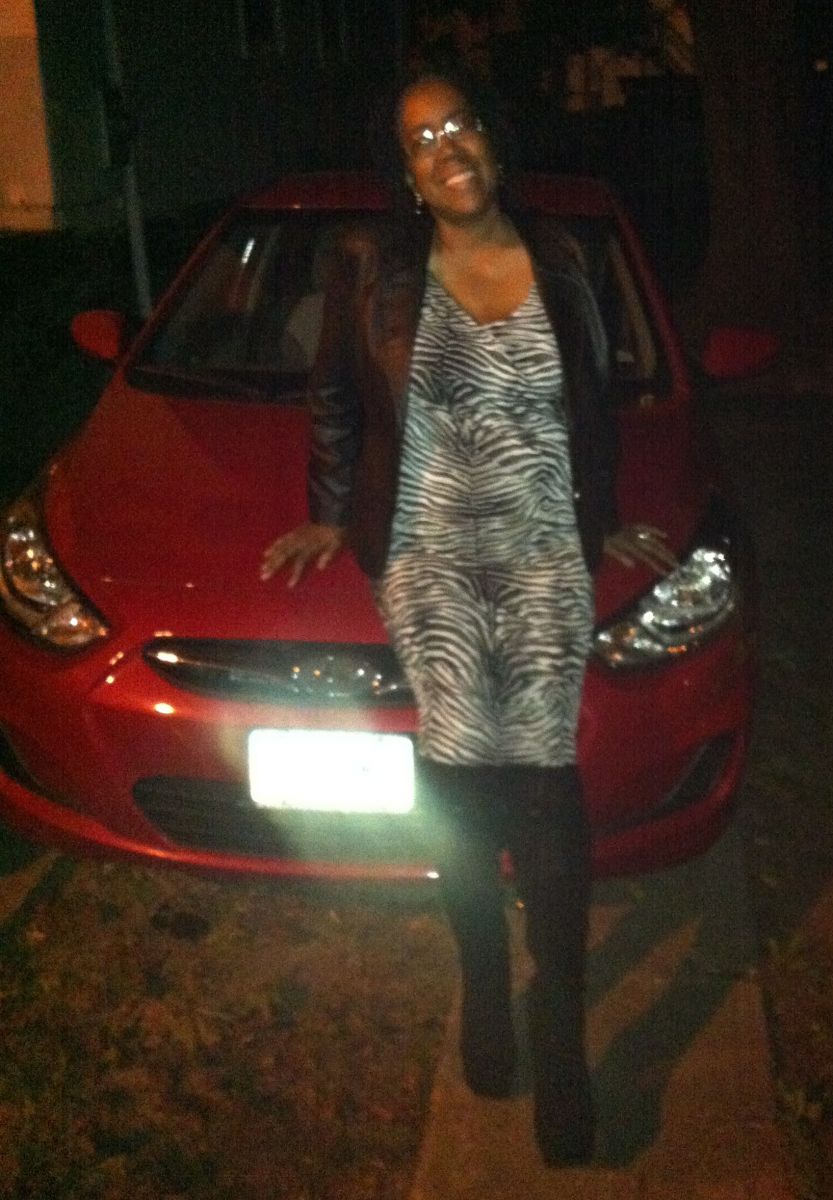
Took this shot after a night out with my hubby at a concert. The zebra dress and the HIGH wedge boots are definitely items I would NOT have purchased before being banded - the over-the-knee boots would not have fit around my calves, and I'd never have worn this relatively fitted dress. I felt happy and beautiful - something I want for everyone who undergoes lap-band surgery and who also sees these pictures.
Keep working at it, never QUIT. If you must - go back to the days right after your surgery and remember how it felt - how full of enthusiasm and hope for the future you were. Remember all the dreams you had for your life...the healthy activities you wanted to pursue, the new wardrobe you wanted to buy, the knowledge that your improving health would help ensure that you'd be there for your families' significant events - graduations, new jobs, weddings, new babies...all of that is within your reach - as long as you don't give up.
Recommended Comments
Join the conversation
You can post now and register later. If you have an account, sign in now to post with your account.