




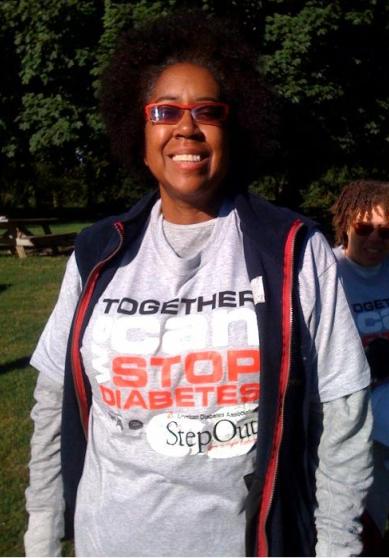



2009 Step Out For Diabetes

- 756 views
- View DivaStyleCoach's images
The year after I was banded, I started doing the Couch to 5k program. I wanted to step up my exercise, but because I'd never done more than 30 min or so walking, I was a bit afraid of the longer distances. Doing it for a different cause - something beyond myself helped immensely.
This time, it was the Step Out for Diabetes Walk - it's an annual event and held in many places around the country - check to see if there's one going in your area and start your training now!
Copyright
© 2009 Dianne M. Daniels, All Rights Reserved. Any duplication, copying or downloading strictly prohibited.
Recommended Comments
Join the conversation
You can post now and register later. If you have an account, sign in now to post with your account.