Skip to content
View in the app

A better way to browse. Learn more.

BariatricPal

A full-screen app on your home screen with push notifications, badges and more.

To install this app on iOS and iPadOS
  1. Tap the Share icon in Safari
  2. Scroll the menu and tap Add to Home Screen.
  3. Tap Add in the top-right corner.
To install this app on Android
  1. Tap the 3-dot menu (⋮) in the top-right corner of the browser.
  2. Tap Add to Home screen or Install app.
  3. Confirm by tapping Install.
  • Appearance

Constantly weighing yourself

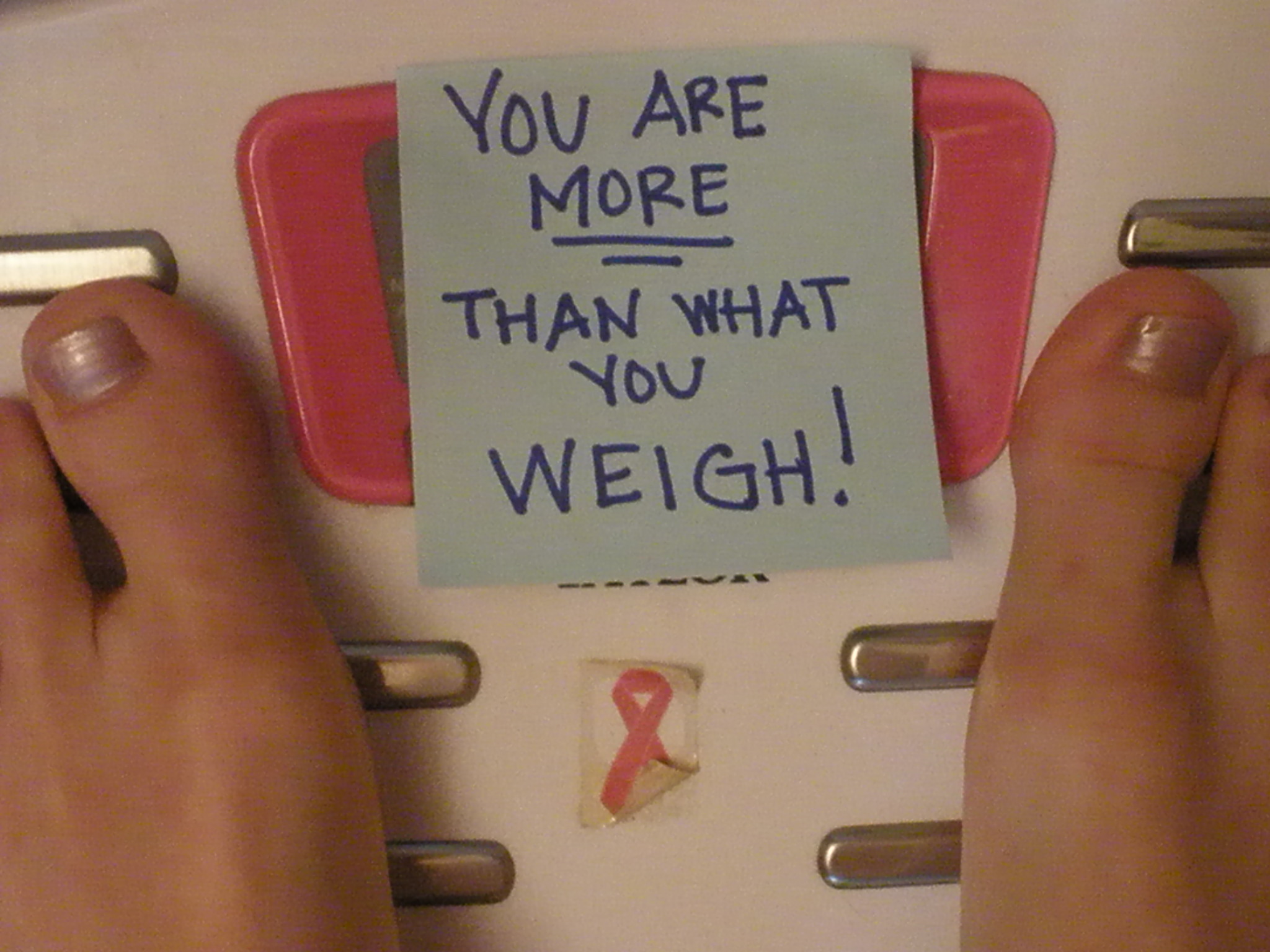
blogs/blog-0739404001368545888.jpgJust put some masking tape over the number part of the scale. On the tape write down your goal weight. Now EVERY time you step on you will ONLY see your goal weight and are forced to either wait until you see the Dr. or bend over and remove the tape (which you KNOW will be wrong)

3 Comments

Recommended Comments

tiffany1521

Gastric Sleeve Patients

SUCH A GOOD IDEA! i suffer from weighing myself every second so i will def try this. Thank you!

Dallas Curvy Girl

LAP-BAND Patients

My hubby removed the scale when I went in to have surgery. He told me that is the least of my worries but to focus on me and following my doctors orders. I have not desired to look at the scale yet. I was thinking maybe at my 1 month mark and then I go and see the Dr at my 3 month mark. That sounds like a good time span to me.

kulita

Gastric Sleeve Patients

DCG, it is a part of human nature to be inquisitive. When our brains take over and want us to be obsessed over something, is when we need to stop and assess what the real issue is at hand.

For me, I KNEW i was going to worry about the scale moving. This is why I put the tape on the scale and said forget it... I am not going to waste my time stressing over this. If I show up at the Dr or NUT and I have been following their orders and there is a problem we will take care of it then. I will NOT sabotage myself....LOL

Guest
Add a comment...

Account

Navigation

Search

Search

Configure browser push notifications

Chrome (Android)
  1. Tap the lock icon next to the address bar.
  2. Tap Permissions → Notifications.
  3. Adjust your preference.
Chrome (Desktop)
  1. Click the padlock icon in the address bar.
  2. Select Site settings.
  3. Find Notifications and adjust your preference.