tiffany1521
Gastric Sleeve Patients
-
Joined
-
Last visited
-
-
-
-
-
-
-
-
-
-
-
-
-
-
-
-
-
-
Kelly!!!!!! i am so sorry for responding so late. Thank you, thank you, thank you for the compliment! how are things with you? Please update me on your progress! also, do you have instagram? I'm so excited to hear about how you're doing Talk to you soon!
-
Thank you for the compliments! i am about 6'1 and now weight 250.
-
-
-
-
You guys are amazing, THANK YOU!!!!!
-
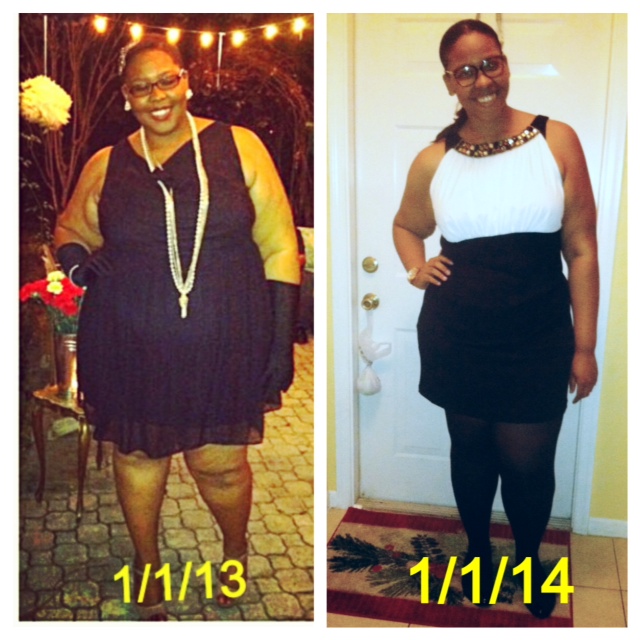
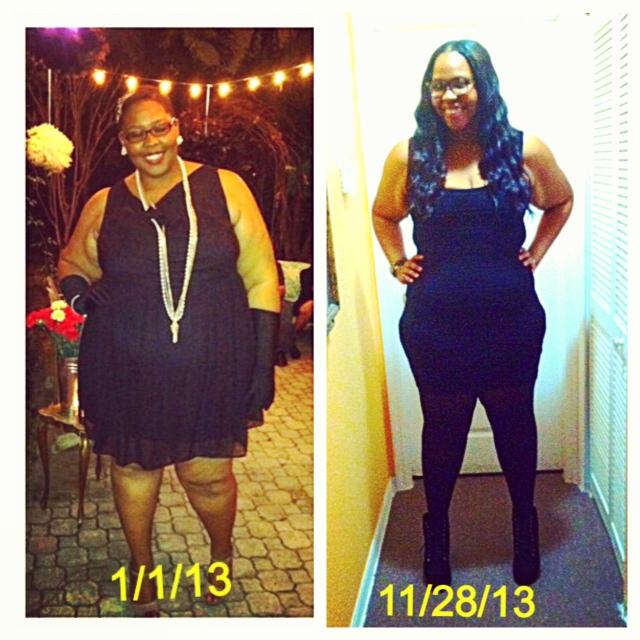
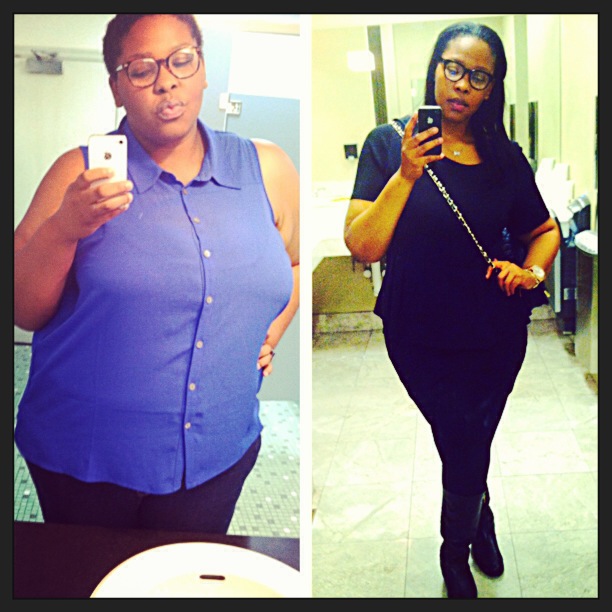
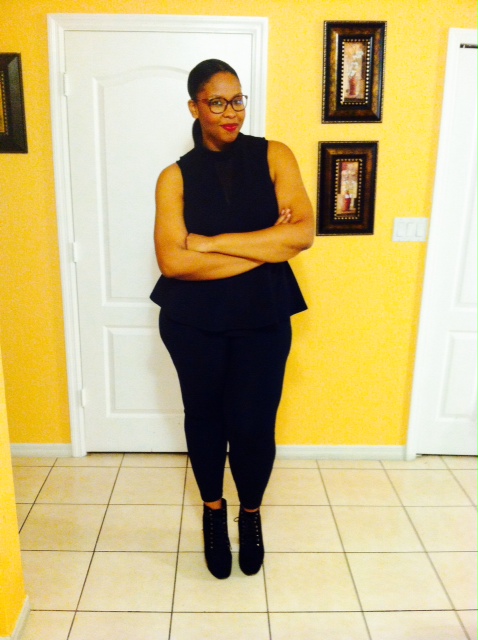
Hi everyone! I just wanted to post a few pictures of my progress since having been sleeved on 5/3/13. I know that there's someone reading this that's either considering surgery or already had it and are not where they wish they could be. I just want to say that it takes time, effort, dedication, and determination. I'd be lying if i said that i ate a ton of junk food since having been sleeved and lost all this weight. I lost this large amount of weight by working out and training like an athlete, eating clean, and staying hydrated. There were days where i cried, cheated, and gave up but ultimately, i got right back on track and continued. It hasn't been easy but it's definitely been worth it. I started at a size 26 and i am now a size 16/18. I weighed in at 383 on 5/3/13 and as of today, i'm 263lbs. I worked hard to see that 263 and am continuing to work hard till i reach the onderlands. I hope that this post can inspire atleast one person today If any of you guys have personal questions you'd like to ask, you can always reach me at: sleevedtiffy(at)gmail.com Wishing all of you luck and great success! Tiffany
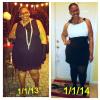
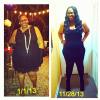
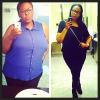

-
Yaya, that's amazing! i'm 3 1/2 months out and i'm down 63lbs so i can definitely relate. It's a great feeling being on the losing end. Wish you well on the rest of your journey Now that you're four months out, how are you eating? can you give me a day to day regimen you may have?
-
awww.. Thank you so much!
-
congrats! i'm sure everything will go well. Have you been approved by your insurance yet?
-
I'M AN OFFICIAL COLLEGE GRADUATE AS OF 8/6/13!! I am so happy that I've finally gotten to the end of this journey. After many sleepless nights, good and bad grades, endless studying, and everything that comes along with being in college, I've finally finished and reached the end. Now that i am done with school (for now) i am going to put my heart in soul into working towards my next goal which is to lose 40lbs by October 15th ( my birthday) . As of August 4th 2013, 3 months post- op, i am down 63lbs and i know i can reach goal if i work hard and eat right. Wish me luck guys!


-
Congrats on your NSV's My goodness, for me it's so many things! - After cleaning i'm not so winded and don't sweat anymore. - Back use to ache when i washed dishes. Not anymore baby! - dark spots on my face are clearing up - My neck is super thin and my face has pulled back considerably - After my mom uses my car ( she's way thinner than me) i don't have to readjust so i can fit. Her chair settings fit me comfortably. - My shorts are way too big. - Jeans no longer fit me. Too big. - As you stated, pooch is getting way smaller so it doesn't poke out when i wear dresses. My stomach somewhat flat in clothes. - When i climb the stairs i'm no longer out of breath - I more comfortably in small chairs. - Small clothes are becoming too big and small bras are fitting just right now. I can go on and on and on..it's not easy but the good has most definitely been outweighing the bad.
-
Deb, thank you so much for the encouraging words.. lol i'm a looker now, can't imagine how good i'll look once i reach goal. lol
-
Thank you! i read your bio on your profile and i wish you the best of luck with everything. I know the past few months have been everything but easy however, i'm positive that better days will come. I will think of you and send positive vibes and prayers your way when you have surgery next week. Wishing you all the best.
-
Congrats to you as well! you are almost there! you are going to be just fine and surgery will be a breeze. You are off to a great start and it will only get better from here. I wish you luck tomorrow and if you need tips or anything, let me know. I'll be more than glad to help.
-
Tes, i am very tall lol. I'm 6'1 so my weight distributed evenly.. I know that as i slim down, i'll look even better.
-
Surprisingly enough, i don't have much saggy skin in my stomach area.. it's shrinking so i don't think i'll need a tummy tuck or anything.. I do have extremely saggy arms. It literally flaps when i move my arms. I know i'll be getting surgery for that for sure..
-
Thank you soo much!. i'm a work in progress but the results have been astounding thus far and it's motivation for me to keep going!.