Skip to content
View in the app

A better way to browse. Learn more.

BariatricPal

A full-screen app on your home screen with push notifications, badges and more.

To install this app on iOS and iPadOS
  1. Tap the Share icon in Safari
  2. Scroll the menu and tap Add to Home Screen.
  3. Tap Add in the top-right corner.
To install this app on Android
  1. Tap the 3-dot menu (⋮) in the top-right corner of the browser.
  2. Tap Add to Home screen or Install app.
  3. Confirm by tapping Install.

3 Comments

Recommended Comments

Guest

Guest

Guests

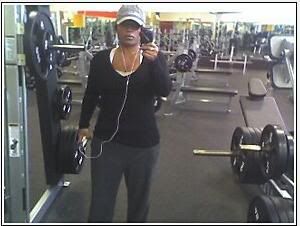
Tellygymdec.jpg

Guest

Guest

Guests

Telly, a friend of mine has entered the BFL challenge. Not sure if you have heard about it, but its 12 week challenge and she just found out a few nights ago, she is one of the finalyst. Here is her progression photos. Its amazing what she did in just 12 weeks. Thought I would share them with you.

http://www.bodyforlife-tracker.com/showphotos.cfm?id=15910

Guest

Guest

Guests

She's done a fantastic job. She looks great!

Guest
Add a comment...

Account

Navigation

Search

Search

Configure browser push notifications

Chrome (Android)
  1. Tap the lock icon next to the address bar.
  2. Tap Permissions → Notifications.
  3. Adjust your preference.
Chrome (Desktop)
  1. Click the padlock icon in the address bar.
  2. Select Site settings.
  3. Find Notifications and adjust your preference.