Skip to content
View in the app

A better way to browse. Learn more.

BariatricPal

A full-screen app on your home screen with push notifications, badges and more.

To install this app on iOS and iPadOS
  1. Tap the Share icon in Safari
  2. Scroll the menu and tap Add to Home Screen.
  3. Tap Add in the top-right corner.
To install this app on Android
  1. Tap the 3-dot menu (⋮) in the top-right corner of the browser.
  2. Tap Add to Home screen or Install app.
  3. Confirm by tapping Install.

First day of the rest of my life.

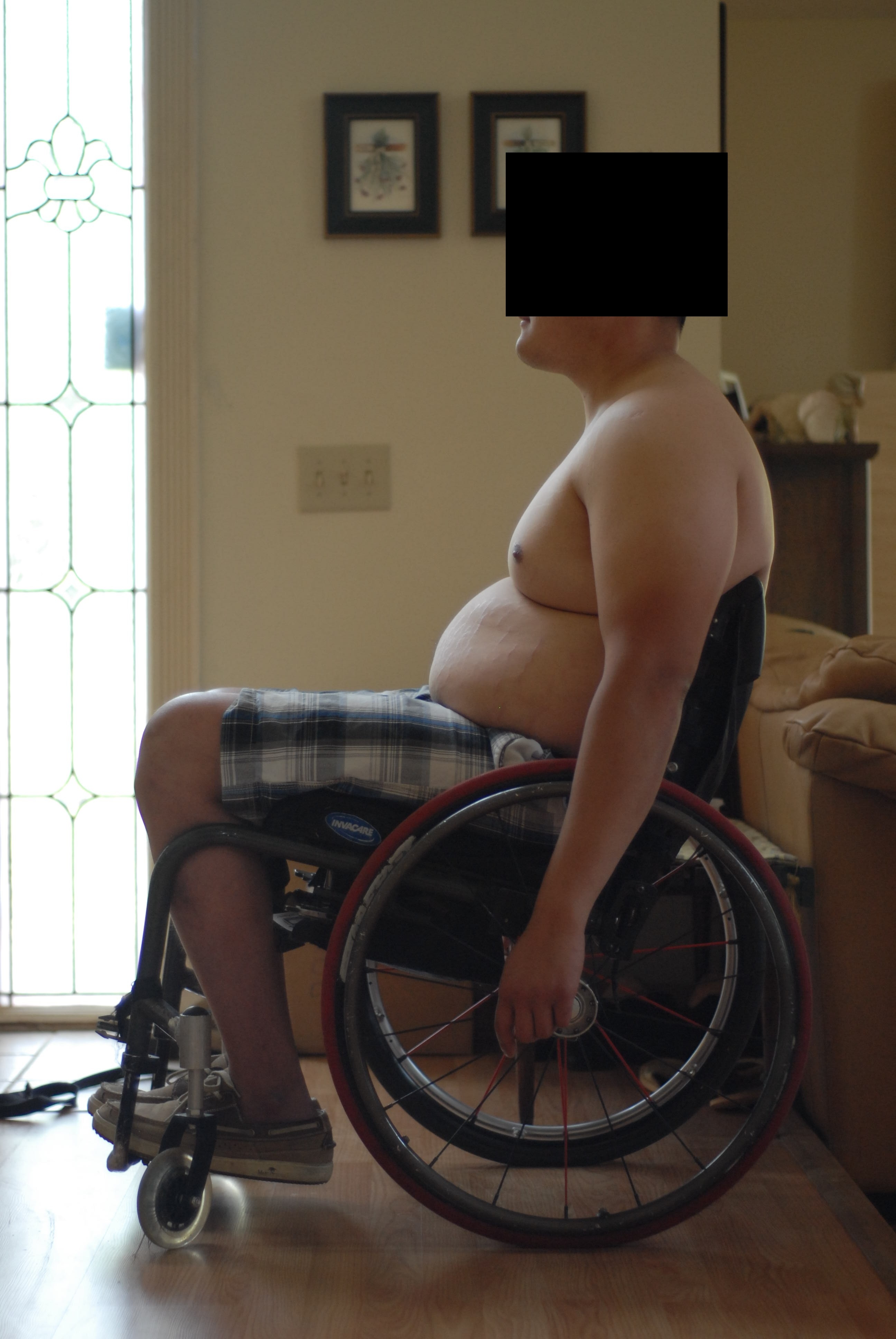
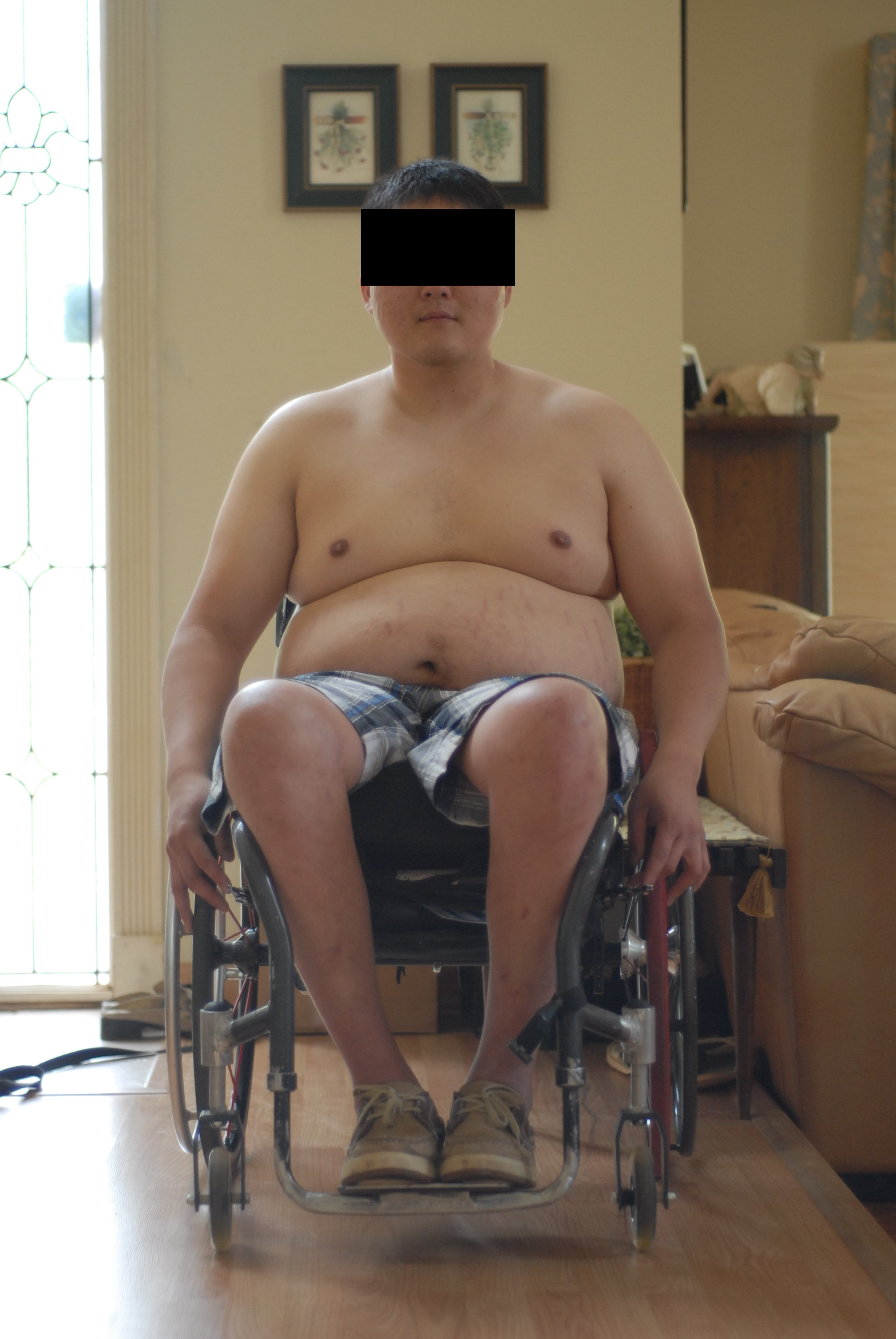
This is me. June 3, 2011. The day of my surgery.
 

blogentry-315988-13814444818189.jpg


blogentry-315988-13814444824545.jpg


Current Stats:

Weight: 260+

BMI: Who cares...

Pants Size: 38~40"

Shirt Size: X-Large, XX Large


Goal:

Weight:<170

Body fat: <11%

Pants Size: <34"

Shirt Size: Large - X Large


Fitness Goals:

Benchpress: 225lb x 10 reps

Military Press: 185lb x 10 reps

Lateral Pulldown: 240lb x 10 reps

Bicep Curl: 40lb x 10 reps

Tricep Pulldown: 60lb x 10 reps

1 Comment

Recommended Comments

Karon

LAP-BAND Patients

Good luck and God bless. I know you can reach your goals, they are quite realistic. I will be following you in July. My goal is to get rid of my cane and walk on my own.

Kbiggrin.gif

Guest
Add a comment...

Account

Navigation

Search

Search

Configure browser push notifications

Chrome (Android)
  1. Tap the lock icon next to the address bar.
  2. Tap Permissions → Notifications.
  3. Adjust your preference.
Chrome (Desktop)
  1. Click the padlock icon in the address bar.
  2. Select Site settings.
  3. Find Notifications and adjust your preference.