Skip to content
View in the app

A better way to browse. Learn more.

BariatricPal

A full-screen app on your home screen with push notifications, badges and more.

To install this app on iOS and iPadOS
  1. Tap the Share icon in Safari
  2. Scroll the menu and tap Add to Home Screen.
  3. Tap Add in the top-right corner.
To install this app on Android
  1. Tap the 3-dot menu (⋮) in the top-right corner of the browser.
  2. Tap Add to Home screen or Install app.
  3. Confirm by tapping Install.
  • Cart

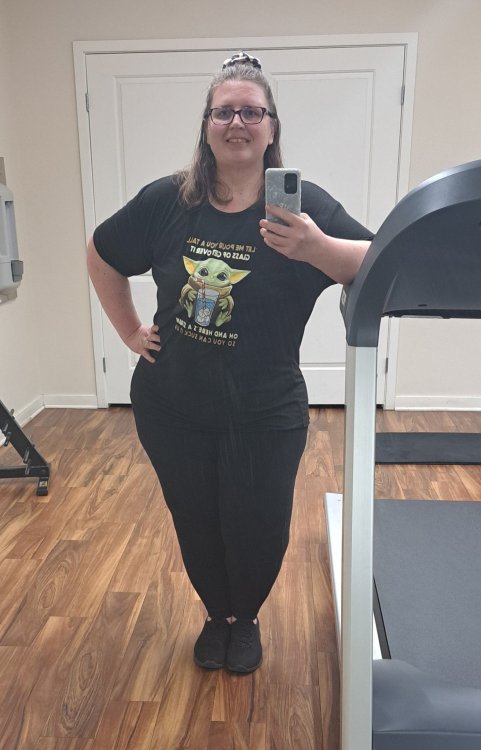
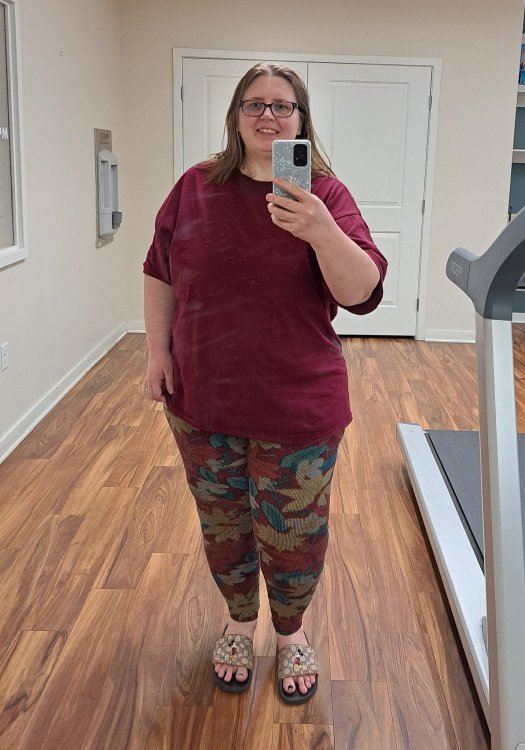
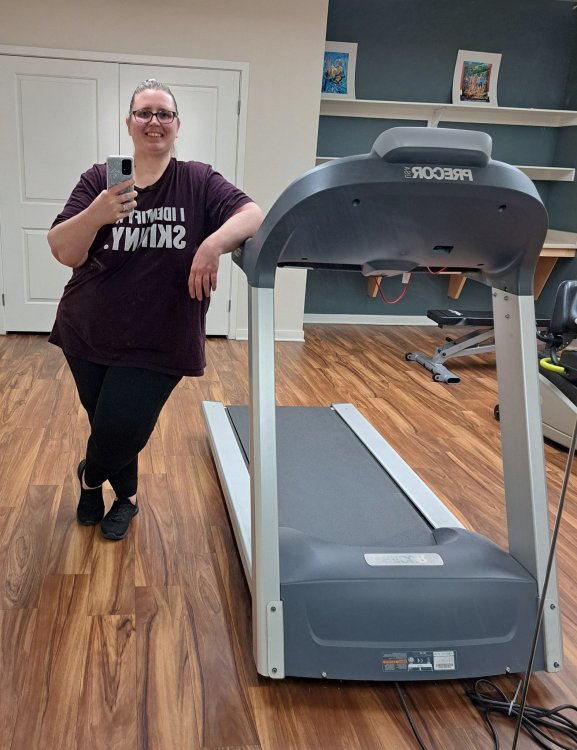
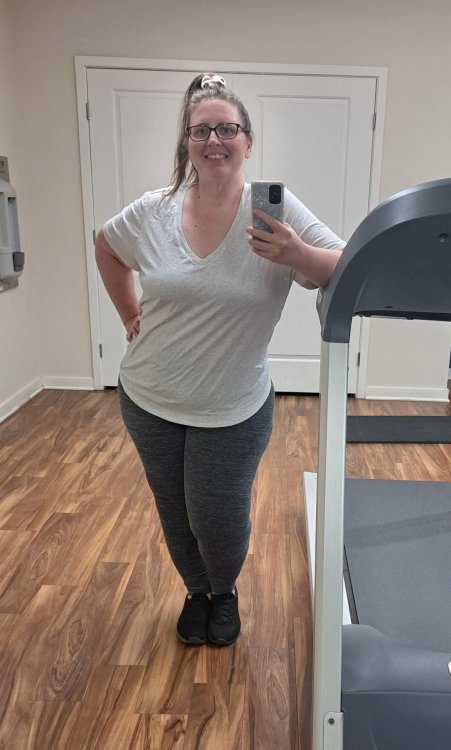
My progress so far.....

  • Popular Post

pic 1 - 421 pounds (2 months before surgery)

pic 2 - 360 pounds

pic 3 - 330 pounds

pic 4 - 300 pounds

pic 5 - 275 pounds

pic 6 (today) - 263 pounds

158 pounds lost in 17 months (15 months since original surgery plus 2 months keto before surgery)....another 63 to go!!!!!

1.jpg

2.jpg

3.jpg

4.jpg

5.jpg

6.jpg

Edited by SleeveToBypass2023

  • Replies 11
  • Views 984
  • Created
  • Last Reply

Top Posters In This Topic

Most Popular Posts

  • Jonathan Carlson
    Jonathan Carlson

    Great work!

  • WOW !!!!!!!!! You are an inspiration to me !!!!! There's not enough words of praise I can give you ! Thanks for the pics and all the words of wisdom you post in this forum

  • Fred in Pa
    Fred in Pa

    You have overcome so much…congrats!

Posted Images
Featured Replies

WOW !!!!!!!!! You are an inspiration to me !!!!! There's not enough words of praise I can give you ! Thanks for the pics and all the words of wisdom you post in this forum :)

Edited by KathyLev

Wow, great job! It takes a lot of strength and persistence to make such a change.

  • Author

Thank you all so much :) Having so many complications, having 6 surgeries in 6 months, getting a revision.... I wasn't sure if I would actually get my life back or not. So happy that I finally am. It's slow going, but it's happening :)

Way to GO! You are doing great, cheering you on.

Wow!! Congrats on your determination and successes. You'll be there before you know it.

  • Author

Thank you guys so much :)

Join the conversation

You can post now and register later. If you have an account, sign in now to post with your account.

Guest
Reply to this topic...

Trending Products

PatchAid Vitamin Patches

Account

Navigation

Search

Search

Configure browser push notifications

Chrome (Android)
  1. Tap the lock icon next to the address bar.
  2. Tap Permissions → Notifications.
  3. Adjust your preference.
Chrome (Desktop)
  1. Click the padlock icon in the address bar.
  2. Select Site settings.
  3. Find Notifications and adjust your preference.