Skip to content
View in the app

A better way to browse. Learn more.

BariatricPal

A full-screen app on your home screen with push notifications, badges and more.

To install this app on iOS and iPadOS
  1. Tap the Share icon in Safari
  2. Scroll the menu and tap Add to Home Screen.
  3. Tap Add in the top-right corner.
To install this app on Android
  1. Tap the 3-dot menu (⋮) in the top-right corner of the browser.
  2. Tap Add to Home screen or Install app.
  3. Confirm by tapping Install.

Equate Protein Shakes

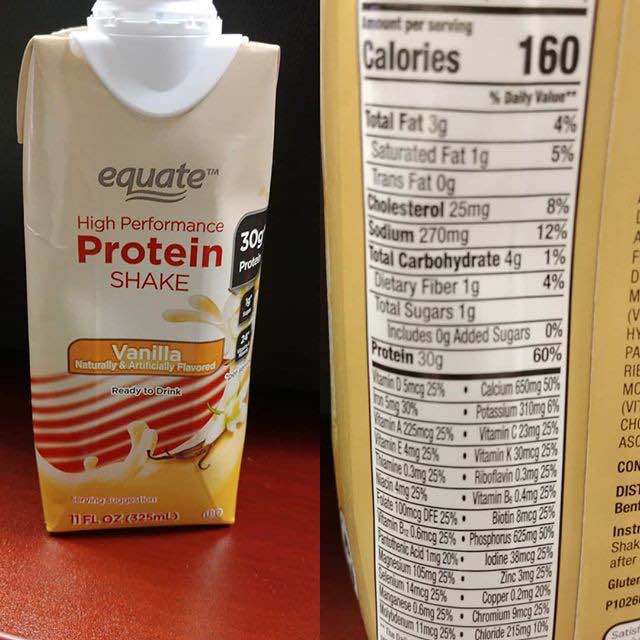
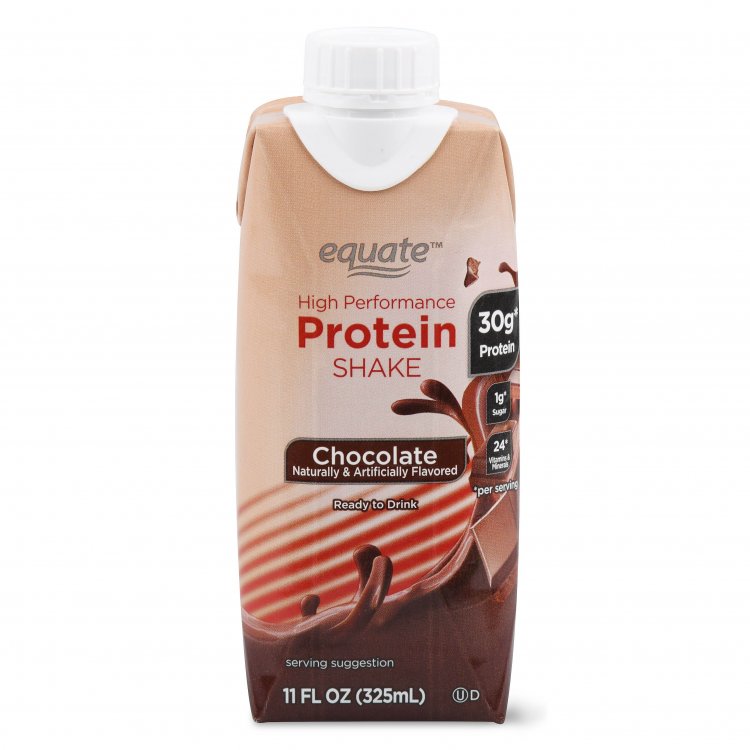
Can any tell me your opinion on Equate Protein shakes? Are they okay. The nutritional value looks acceptable.
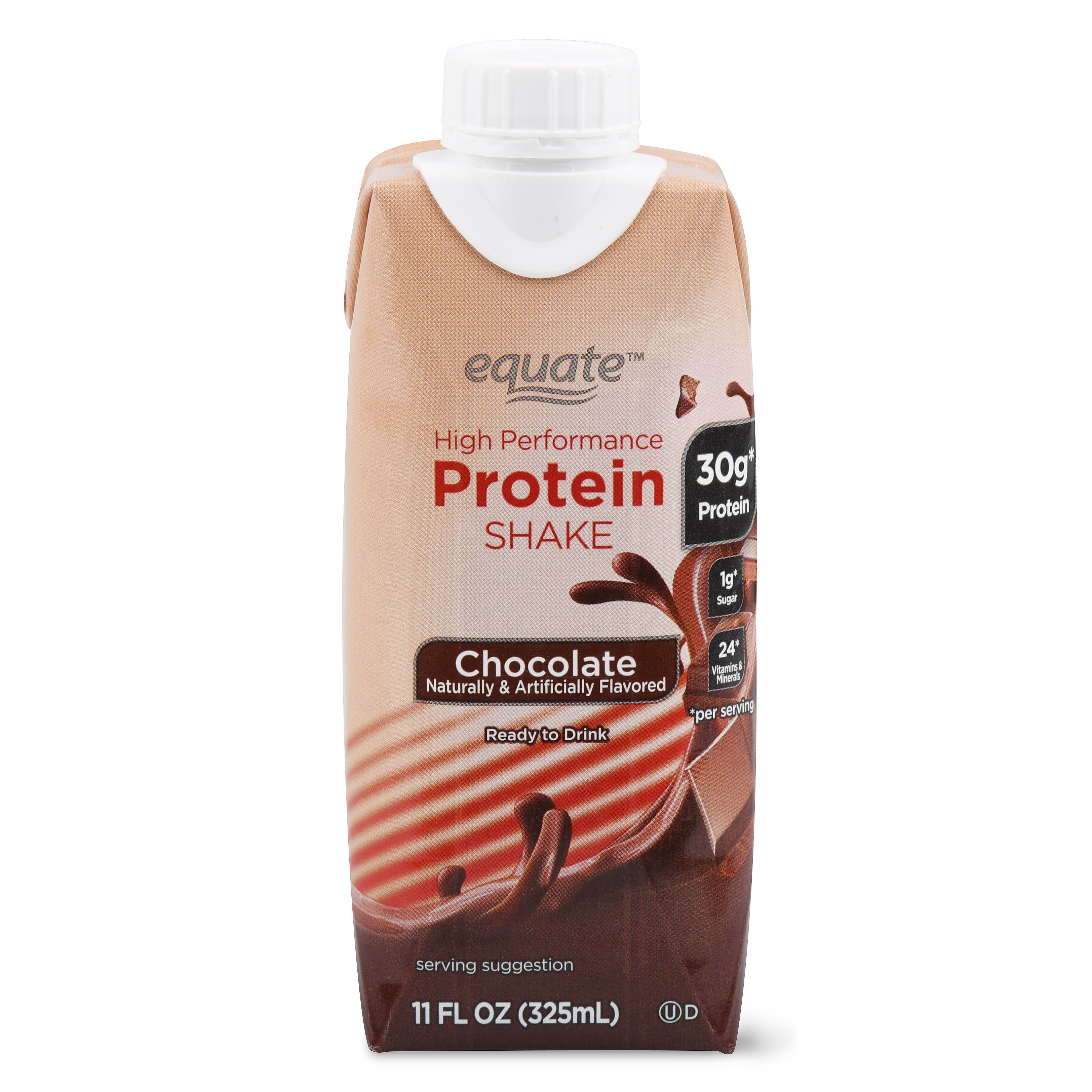

image-0.00405311584472656.jpg

  • Replies 4
  • Views 4.6k
  • Created
  • Last Reply

Top Posters In This Topic

Most Popular Posts

  • Danny Paul
    Danny Paul

    I used Premier Shakes and the comparison breakdown is as follows: Calories, Fats, dietary fiber and proteins all the same. There is a slight difference in Cholesterol 25mg to 20 mg, Sodium 270mg

  • GreenTealael
    GreenTealael

    The flavor was not equal to premier.

Posted Images

Featured Replies

I used Premier Shakes and the comparison breakdown is as follows:

Calories, Fats, dietary fiber and proteins all the same. There is a slight difference in Cholesterol 25mg to 20 mg, Sodium 270mg to 210mg, Potassium not listed to 450mg, Total Carb 4g to 5G and Dietary Fiber 1g to 3g,

If the Equate is budget friendly it could be a good product for you. I used to get my premier shakes at Costco for a bit of a savings. (I'm off shakes at this stage of my progress) Please note that the app Fooducate does not rate these shakes high at all so they are best to use short term.For you to get the protein you need when you can't get it from regular food. Premier was rated a D minus.

Join the conversation

You can post now and register later. If you have an account, sign in now to post with your account.

Guest
Reply to this topic...

Trending Products

PatchAid Vitamin Patches

Account

Navigation

Search

Search

Configure browser push notifications

Chrome (Android)
  1. Tap the lock icon next to the address bar.
  2. Tap Permissions → Notifications.
  3. Adjust your preference.
Chrome (Desktop)
  1. Click the padlock icon in the address bar.
  2. Select Site settings.
  3. Find Notifications and adjust your preference.