Skip to content
View in the app

A better way to browse. Learn more.

BariatricPal

A full-screen app on your home screen with push notifications, badges and more.

To install this app on iOS and iPadOS
  1. Tap the Share icon in Safari
  2. Scroll the menu and tap Add to Home Screen.
  3. Tap Add in the top-right corner.
To install this app on Android
  1. Tap the 3-dot menu (⋮) in the top-right corner of the browser.
  2. Tap Add to Home screen or Install app.
  3. Confirm by tapping Install.

Can’t take vitamins!

  • Replies 6
  • Views 566
  • Created
  • Last Reply

Top Posters In This Topic

Most Popular Posts

  • Most multi's make me nauseas, before and after WLS I'm not sure if they have iodine, but this is what I take. Very complete and don't bother my stomach at all. I buy them on amazon

  • Iodine Free Multivitamins on Amazon. You are just gonna have to experiment. You will need to experiment with brands, styles (chewable, gummies, capsules, etc) and will have to experiment w

  • GreenTealael
    GreenTealael

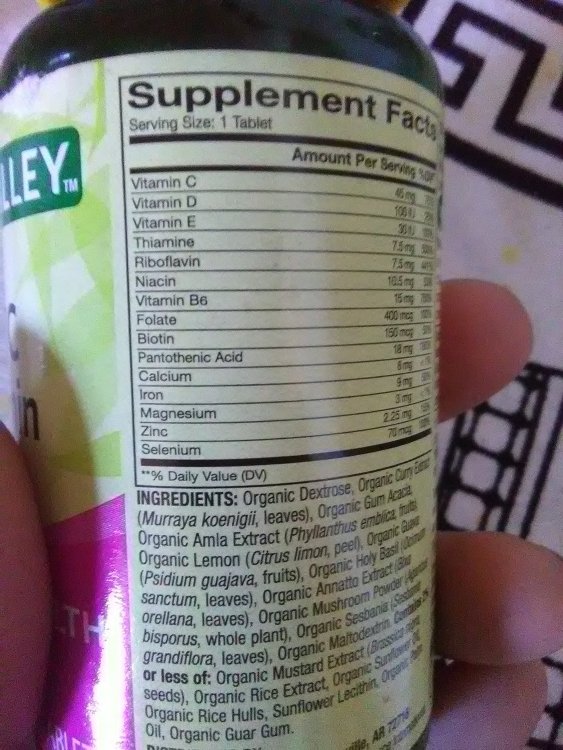
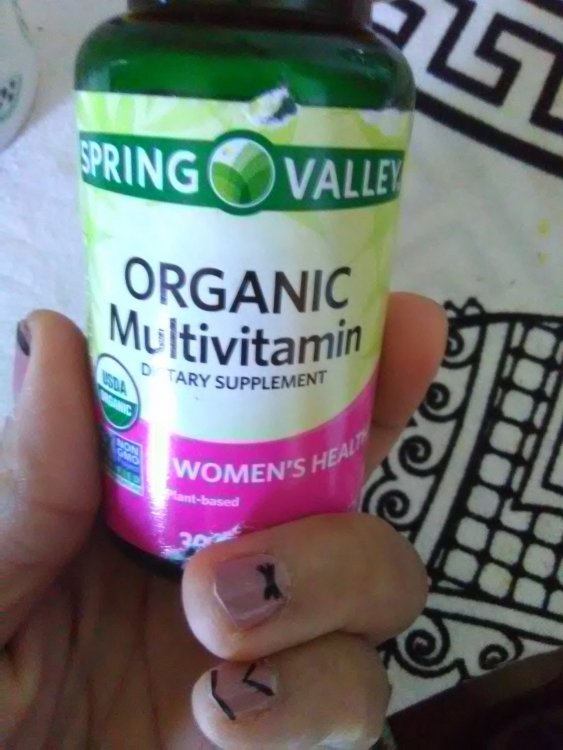
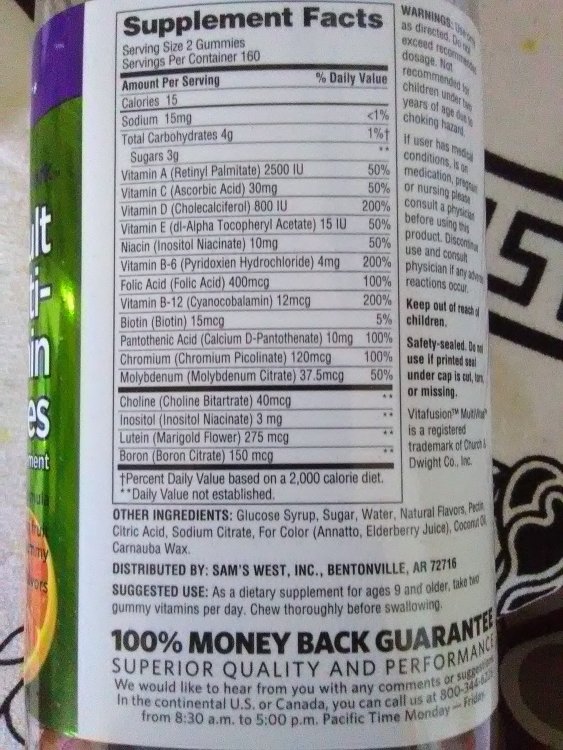
    Some Walmart/Sam's choices

Posted Images
Featured Replies

Most multi's make me nauseas, before and after WLS

I'm not sure if they have iodine, but this is what I take. Very complete and don't bother my stomach at all. I buy them on amazon

WF.jpg.e67893e8f5377da78b08995a0591f5f6.jpg

Iodine Free Multivitamins on Amazon.

You are just gonna have to experiment. You will need to experiment with brands, styles (chewable, gummies, capsules, etc) and will have to experiment with when to take them...before a meal, after a meal, etc.

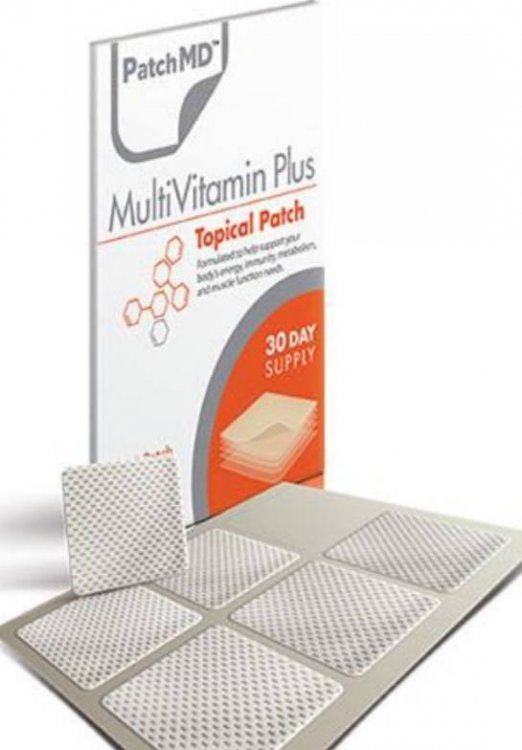
Same as LaNueva_Janie...I switch between the Centrum chewables and the patches. I also use the liquid D3 and Vitamin B's. Liquid calcium is thick and sometimes just does not go down well.

Wellesse is not That thick, tastes like orange sherbet,and I take Spring Valley prenatal vitamins from Wal-Mart but Iodine is next to bottom ingredient on the label.

Join the conversation

You can post now and register later. If you have an account, sign in now to post with your account.

Guest
Reply to this topic...

Trending Products

PatchAid Vitamin Patches

Account

Navigation

Search

Search

Configure browser push notifications

Chrome (Android)
  1. Tap the lock icon next to the address bar.
  2. Tap Permissions → Notifications.
  3. Adjust your preference.
Chrome (Desktop)
  1. Click the padlock icon in the address bar.
  2. Select Site settings.
  3. Find Notifications and adjust your preference.