Skip to content
View in the app

A better way to browse. Learn more.

BariatricPal

A full-screen app on your home screen with push notifications, badges and more.

To install this app on iOS and iPadOS
  1. Tap the Share icon in Safari
  2. Scroll the menu and tap Add to Home Screen.
  3. Tap Add in the top-right corner.
To install this app on Android
  1. Tap the 3-dot menu (⋮) in the top-right corner of the browser.
  2. Tap Add to Home screen or Install app.
  3. Confirm by tapping Install.

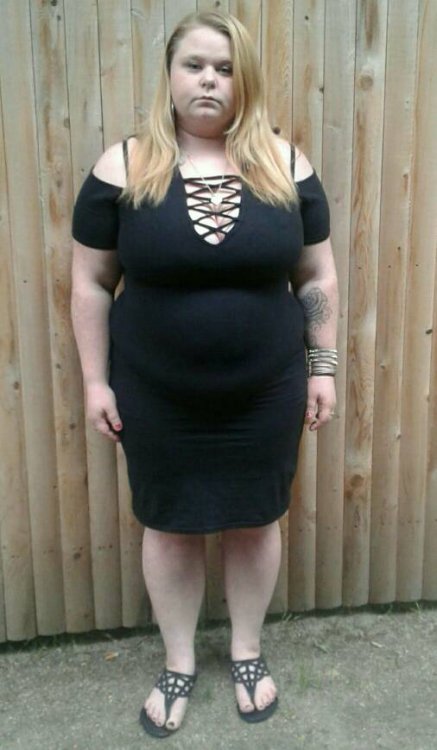
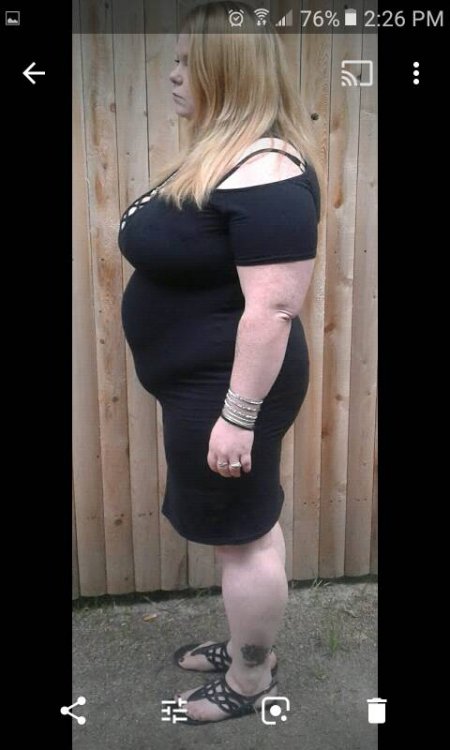
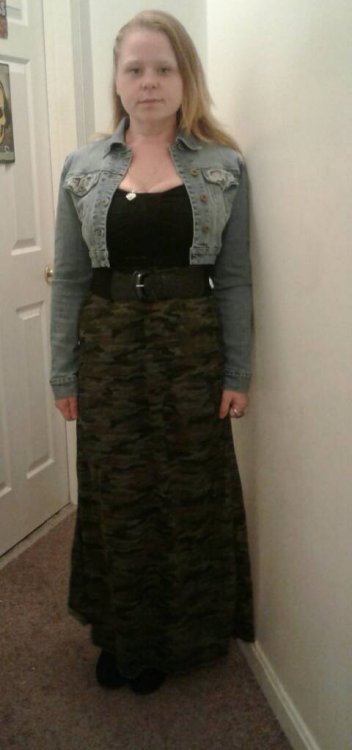
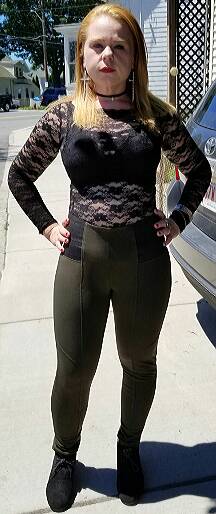
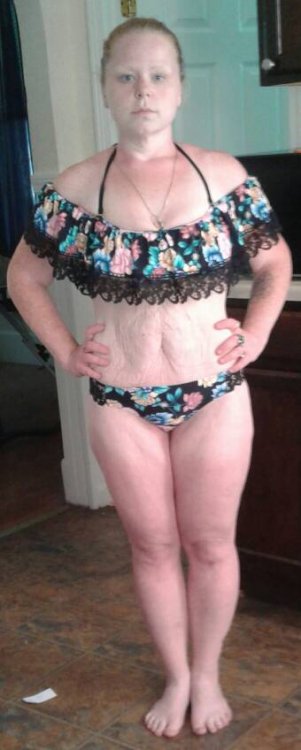
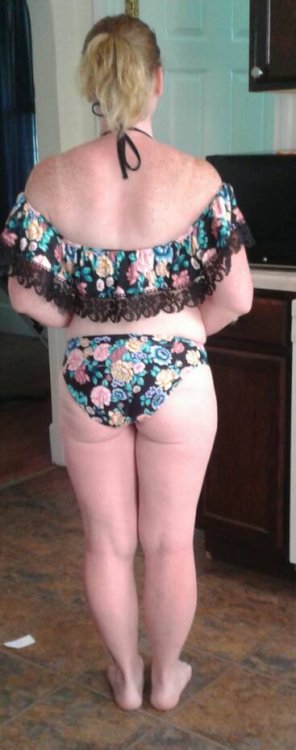
9 months post op 7/13

  • Replies 28
  • Views 3.3k
  • Created
  • Last Reply

Featured Replies

Congrats you are doing great!

Omgoodness, what a difference! Congrats! Why aren't you smiling? I'd have a grin from ear to ear with those results!

Holy shit. Looking Great. Congrats doll 
  • 2 weeks later...

You look great do you exercise?

Sent from my SM-N950U using BariatricPal mobile app

Congratulations! You look fantastic! I need to increase my cardio and really start toning. Weight loss is going well but need to up my game so to speak.

Thanks for sharing!

  • 2 months later...

Why do you start it saying that you will still lose more weight, do you not want to, are you trying to maintain.

For how long

  • 7 months later...
On 7/13/2018 at 9:26 AM, BlueEyedAngel28 said:

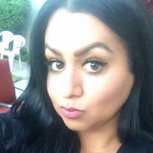
these are from yesterday20180705_193342.jpeg20180705_193512.jpeg20180705_193216.jpeg20180705_193114.jpeg

Sent from my SM-S120VL using BariatricPal mobile app

WOWSERS GIRL ? ? ? YOU LOOK YOUNGER TOO

Edited by Mikeyy

Archived

This topic is now archived and is closed to further replies.

Trending Products

PatchAid Vitamin Patches

Account

Navigation

Search

Search

Configure browser push notifications

Chrome (Android)
  1. Tap the lock icon next to the address bar.
  2. Tap Permissions → Notifications.
  3. Adjust your preference.
Chrome (Desktop)
  1. Click the padlock icon in the address bar.
  2. Select Site settings.
  3. Find Notifications and adjust your preference.