
Skip to content
View in the app

A better way to browse. Learn more.

BariatricPal

A full-screen app on your home screen with push notifications, badges and more.

To install this app on iOS and iPadOS
  1. Tap the Share icon in Safari
  2. Scroll the menu and tap Add to Home Screen.
  3. Tap Add in the top-right corner.
To install this app on Android
  1. Tap the 3-dot menu (⋮) in the top-right corner of the browser.
  2. Tap Add to Home screen or Install app.
  3. Confirm by tapping Install.
  • Appearance

Join BariatricPal free

  • Ask your own questions
  • Reply and follow topics
  • Message other members
  • No cost, no spam

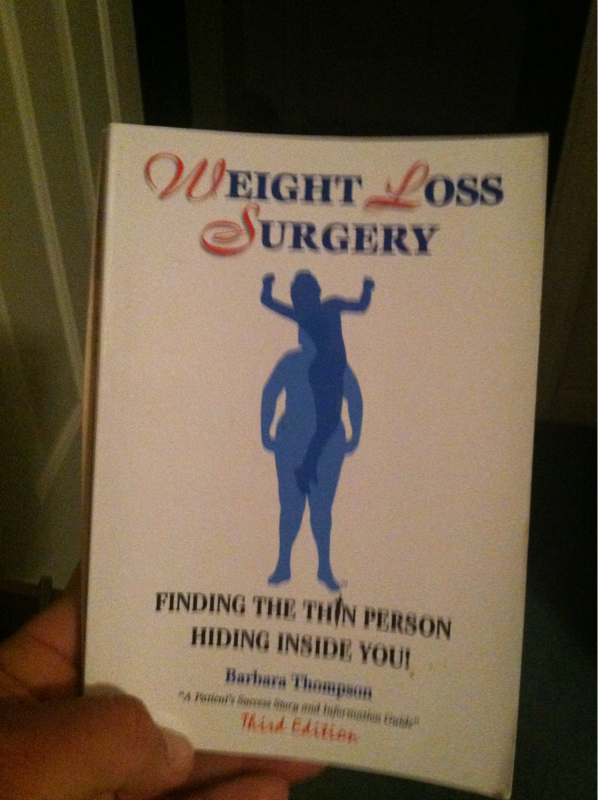
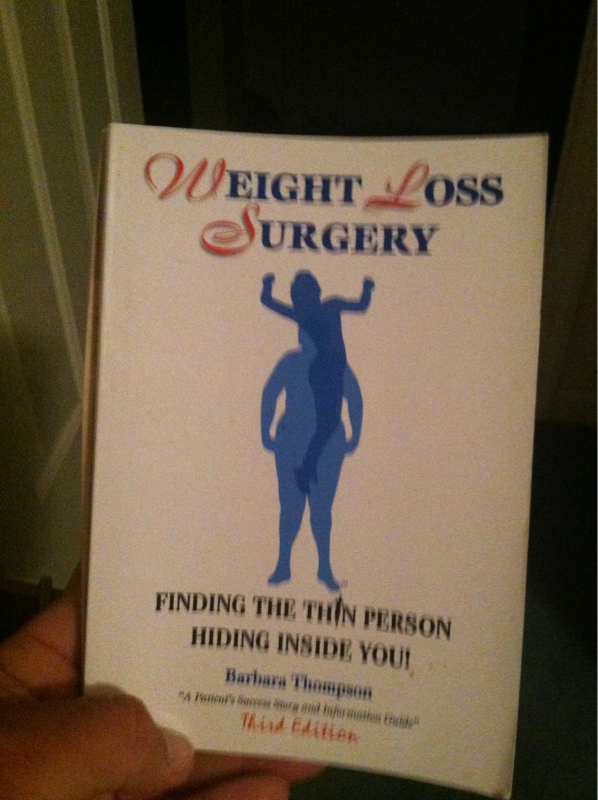
Very Good Read !

  • Replies 6
  • Views 708
  • Created
  • Last Reply

Top Posters In This Topic

Posted Images

Featured Replies

awesome! where did you get it?

  • Author

My wife ordered it thru Amazon. Com it wasnt available for kindle. Sorry for the delay !

Cool have to check it out. thanks for sharing!

My wife got that one for me great read.

You may also like Weight loss surgery for dummy's &

Weigh loss surgery cookbook for dummy's

Surgery Anniversary 7/30/12

Lol Paul I just posted on a different thread if anyone bought the cookbook

Have you tried and of the recipes yet?

I am excited to try a bunch

Nish

No I haven't tried any yet I'm still on purée (1 more week to go) but have my list ready to go.

My first will be

Sautéed Shrimp with Asparagus on page 204.

(cals 200 fat7g sodium 320mg carbs 5g Protein 24g sugar 1g

Or page 179 pork tender cutlets with Pear & Ginger sauce

( 190 cal fat 4g sodium 360 carbs 10g protein 25 g sugars 6g)

Can you tell it's been a while. They all sound great and to think we can eat 2-3 oz and be full instead of eating a pound

Enjoy

Surgery Anniversary 7/30/12

Join the conversation

You can post as a guest; create a free account to track replies, follow topics, and be part of the largest weight loss surgery community.

Join the conversation

You can post now and register later. If you have an account, sign in now to post with your account.

Guest
Reply to this topic...

Account

Navigation

Search

Search

Configure browser push notifications

Chrome (Android)
  1. Tap the lock icon next to the address bar.
  2. Tap Permissions → Notifications.
  3. Adjust your preference.
Chrome (Desktop)
  1. Click the padlock icon in the address bar.
  2. Select Site settings.
  3. Find Notifications and adjust your preference.