
Skip to content
View in the app

A better way to browse. Learn more.

BariatricPal

A full-screen app on your home screen with push notifications, badges and more.

To install this app on iOS and iPadOS
  1. Tap the Share icon in Safari
  2. Scroll the menu and tap Add to Home Screen.
  3. Tap Add in the top-right corner.
To install this app on Android
  1. Tap the 3-dot menu (⋮) in the top-right corner of the browser.
  2. Tap Add to Home screen or Install app.
  3. Confirm by tapping Install.

Before And After Pictures

  • Replies 31
  • Views 2.3k
  • Created
  • Last Reply

Top Posters In This Topic

Most Popular Posts

  • adriane76
    adriane76

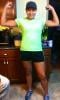
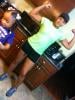
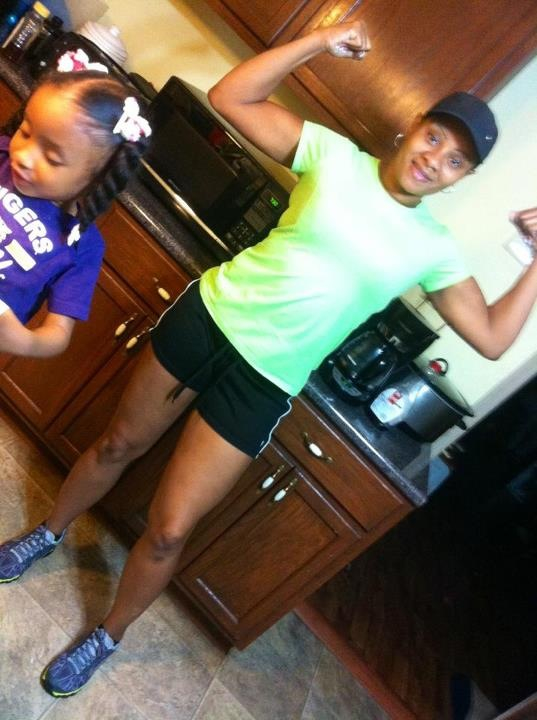
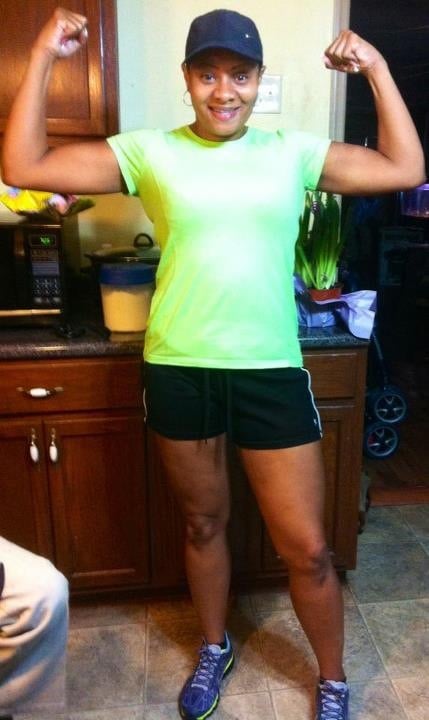
    Hello everyone and thanks for all the coments. Week one was my liquid diet water,crystal light,sugar free popsicles and jello and fruit juice bars NO SUGAR ADDED. Week two -four was a full liquid diet

  • adriane76
    adriane76

    Yes I did hire a trainer and no I didn't haven't any skin removed. But I do have loose skin in my stomach area. A lot of push ups and a lot of ab and core work but I do this five days a week two of th

  • nomorefat
    nomorefat

    Awesome !!!

Posted Images

Featured Replies

  • Author

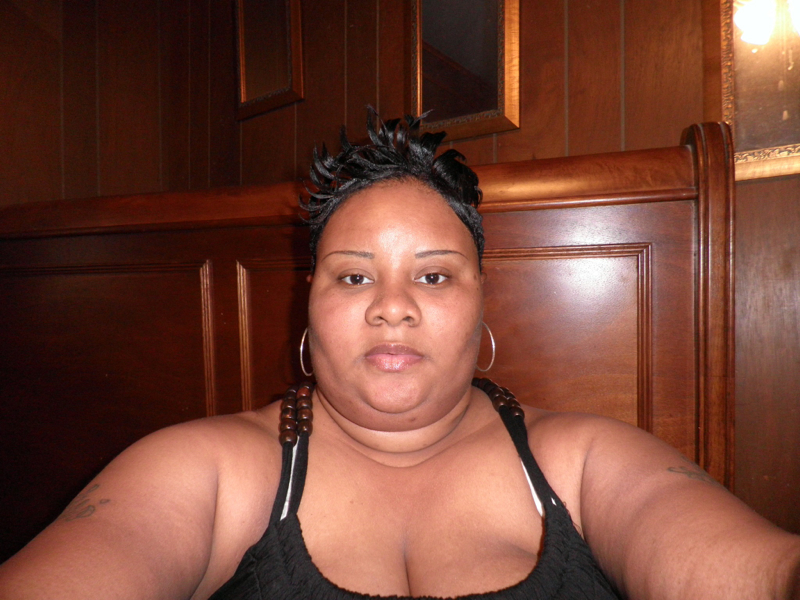
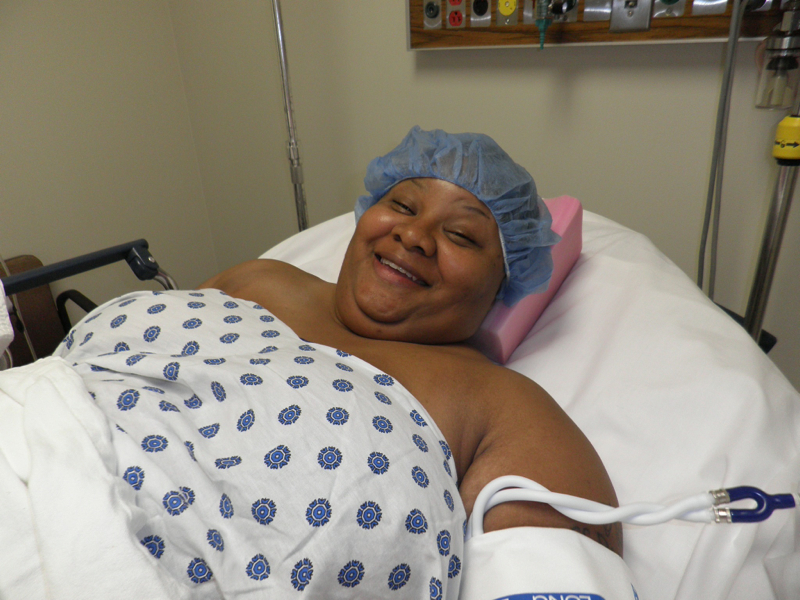
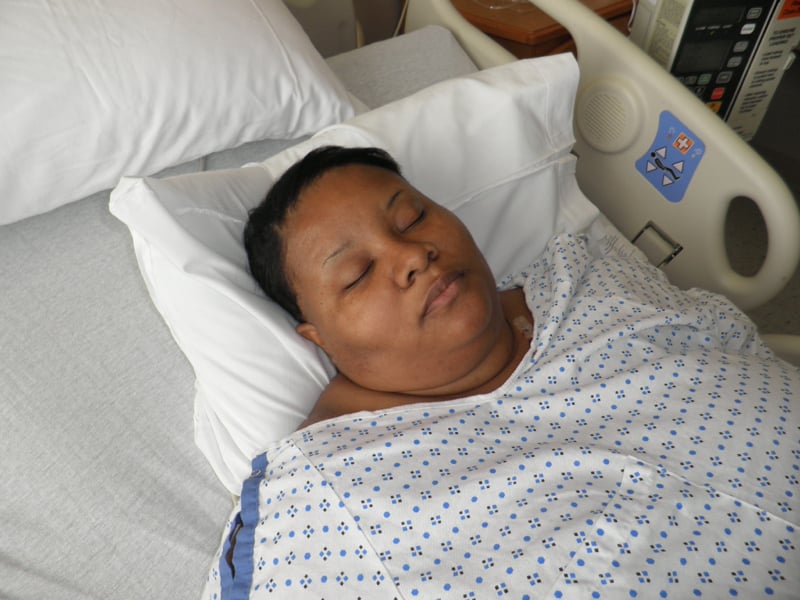
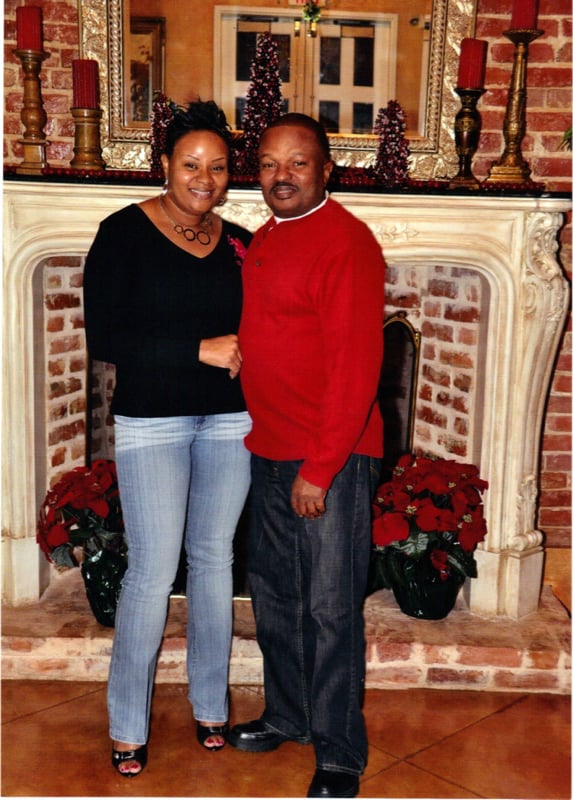
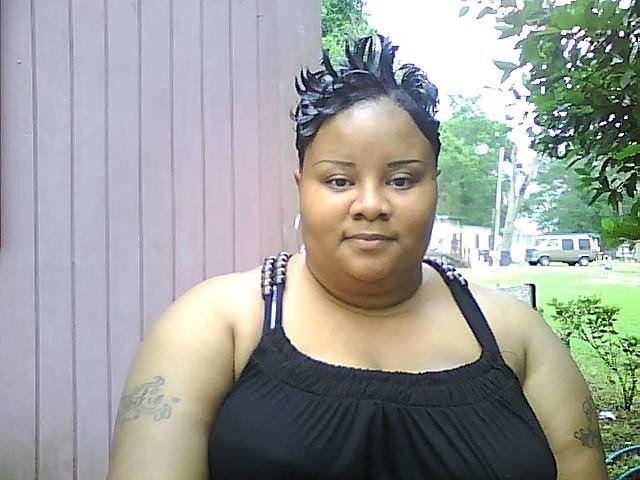
Thanks everyone hard work and dedication it pays off in the end! I had my surgery May 25,2010 no complications at all did everything as the dr told me to do.

You really do look fabulous. Congratulations on your success!

Great job ;

Amazing!

Wow u look amazing I hope I look like u Can u tell me wat kind of workout u did cause I see the u dont have any excess skin

Gooooood question

WOWWWWWWW¡!!!!!! U LOOK GREAT!!!!

You look amazing!!!

Sent from my iPhone using RNYTalk

Join the conversation

You can post now and register later. If you have an account, sign in now to post with your account.

Guest
Reply to this topic...

Trending Products

PatchAid Vitamin Patches

Account

Navigation

Search

Search

Configure browser push notifications

Chrome (Android)
  1. Tap the lock icon next to the address bar.
  2. Tap Permissions → Notifications.
  3. Adjust your preference.
Chrome (Desktop)
  1. Click the padlock icon in the address bar.
  2. Select Site settings.
  3. Find Notifications and adjust your preference.