Start here
Where are you in your journey?
Choose the path that fits today. We’ll take you to the most useful discussions.
- GLP-1 medication Zepbound, Wegovy, access, side effects, progress, and support.
- Before surgery Compare procedures, plan ahead, and get honest pre-op answers.
- Post-op Recovery, food stages, symptoms, and support.
- Long-term Regain, labs, habits, and life after the honeymoon.
- Revision Explore revision options, complications, and next steps.

SacB
Gastric Sleeve Patients
-
Joined
-
Last visited
Everything posted by SacB
-
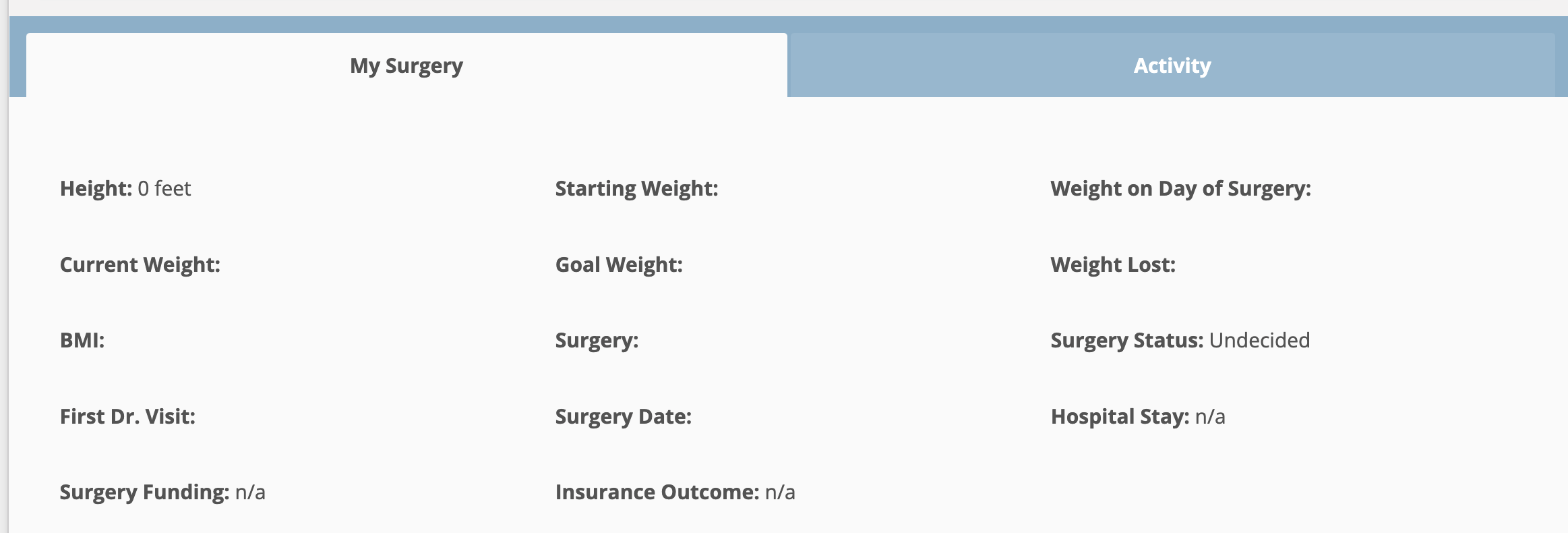
Verrry interesting. That whole section (see attached screenshot) just appeared between when I posted and right now when I logged in again to see your message. It simply wasn't there until now. Perhaps that's how it happens when someone is newly-registered to the website. I've filled in the little information I have so far, as I'm at the very beginning of this journey. Thanks to all who reached out and helped me complete my profile to date. It will help other newbies, I'm sure.

-
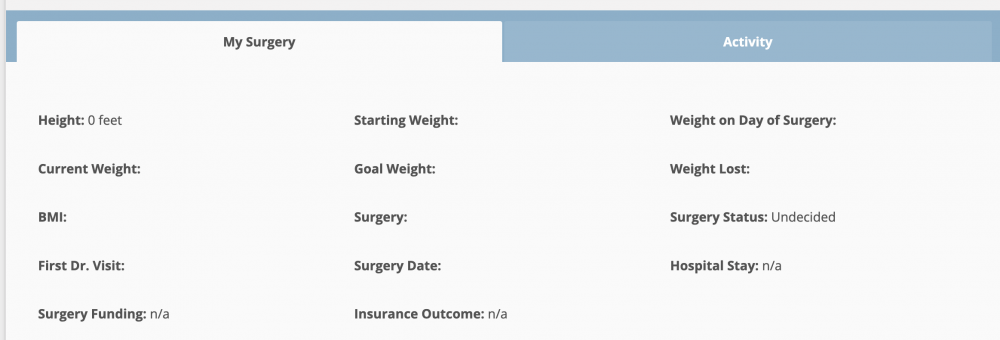
SpartanMaker, I click on my photo at the top of this page and in my profile is a "My Surgery" section, but there are no tabs within "My Surgery." There are areas to enter lots of surgery-related data (height, current weight, BMI, etc.), but when I try to type something, there's just no space to type into. I don't understand how practically everyone else participating in this Forum has been able to do it, and I can't! Here's a screenshot of how it presents to me. Notice there is no edit button or anything to click on.
-
I expected to find a pinned post at the very top, explaining to newbies how to set up their profile and signature, but after two hours of searching, I give up! Are there instructions somewhere?