Start here
Where are you in your journey?
Choose the path that fits today. We’ll take you to the most useful discussions.
- GLP-1 medication Zepbound, Wegovy, access, side effects, progress, and support.
- Before surgery Compare procedures, plan ahead, and get honest pre-op answers.
- Post-op Recovery, food stages, symptoms, and support.
- Long-term Regain, labs, habits, and life after the honeymoon.
- Revision Explore revision options, complications, and next steps.

Lunekp
Pre Op
-
Joined
-
Last visited
Everything posted by Lunekp
-
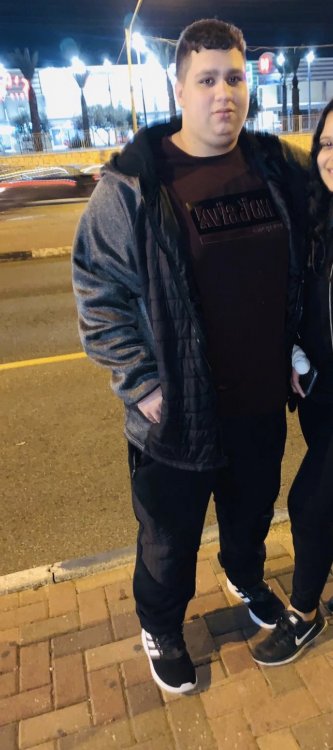
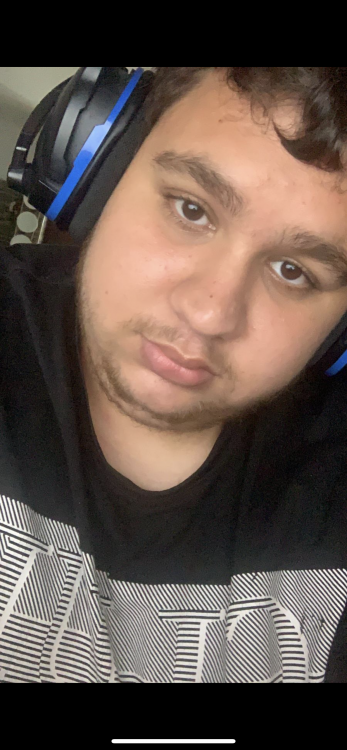
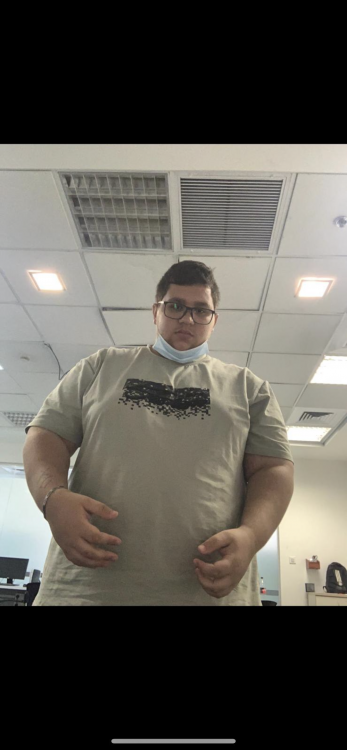
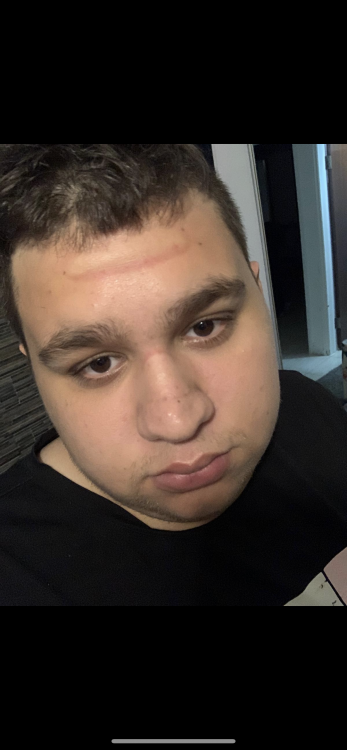
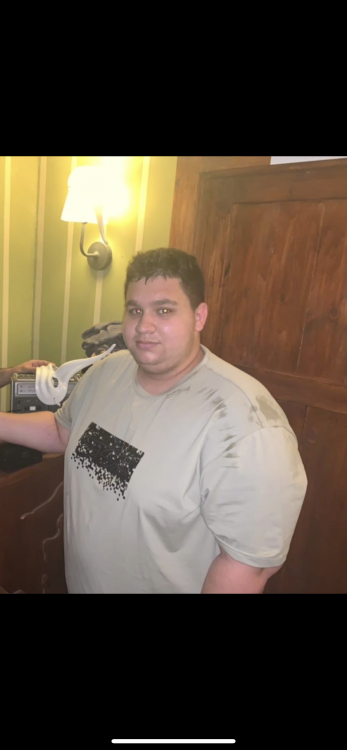
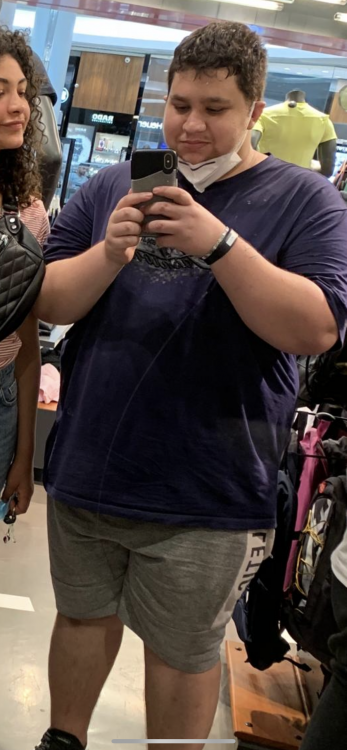
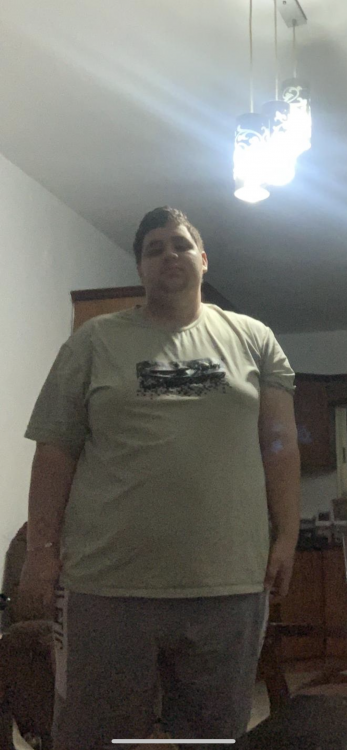
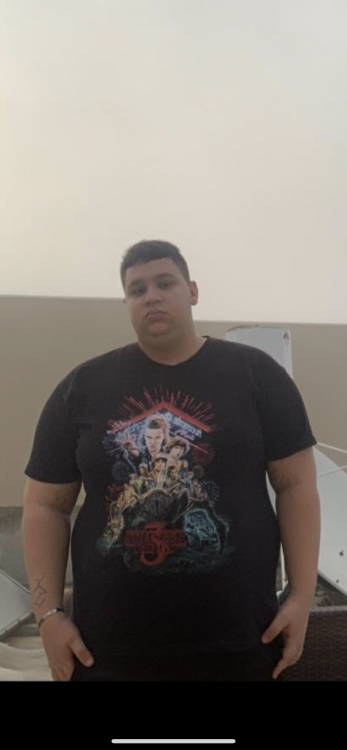
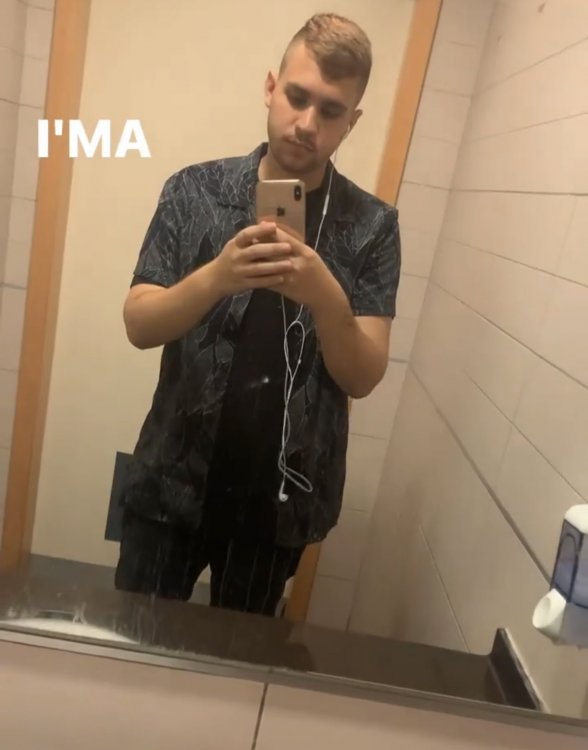
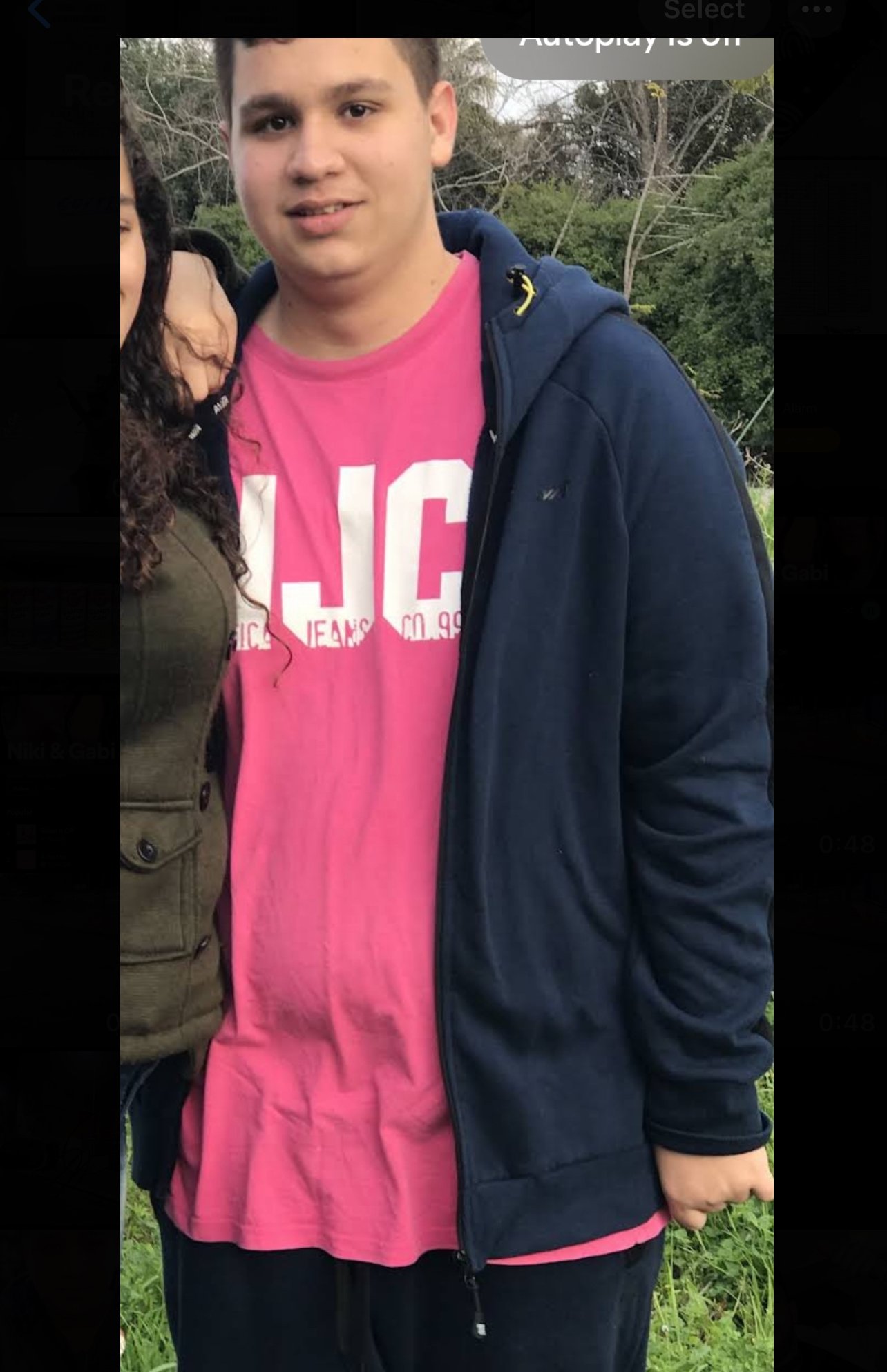
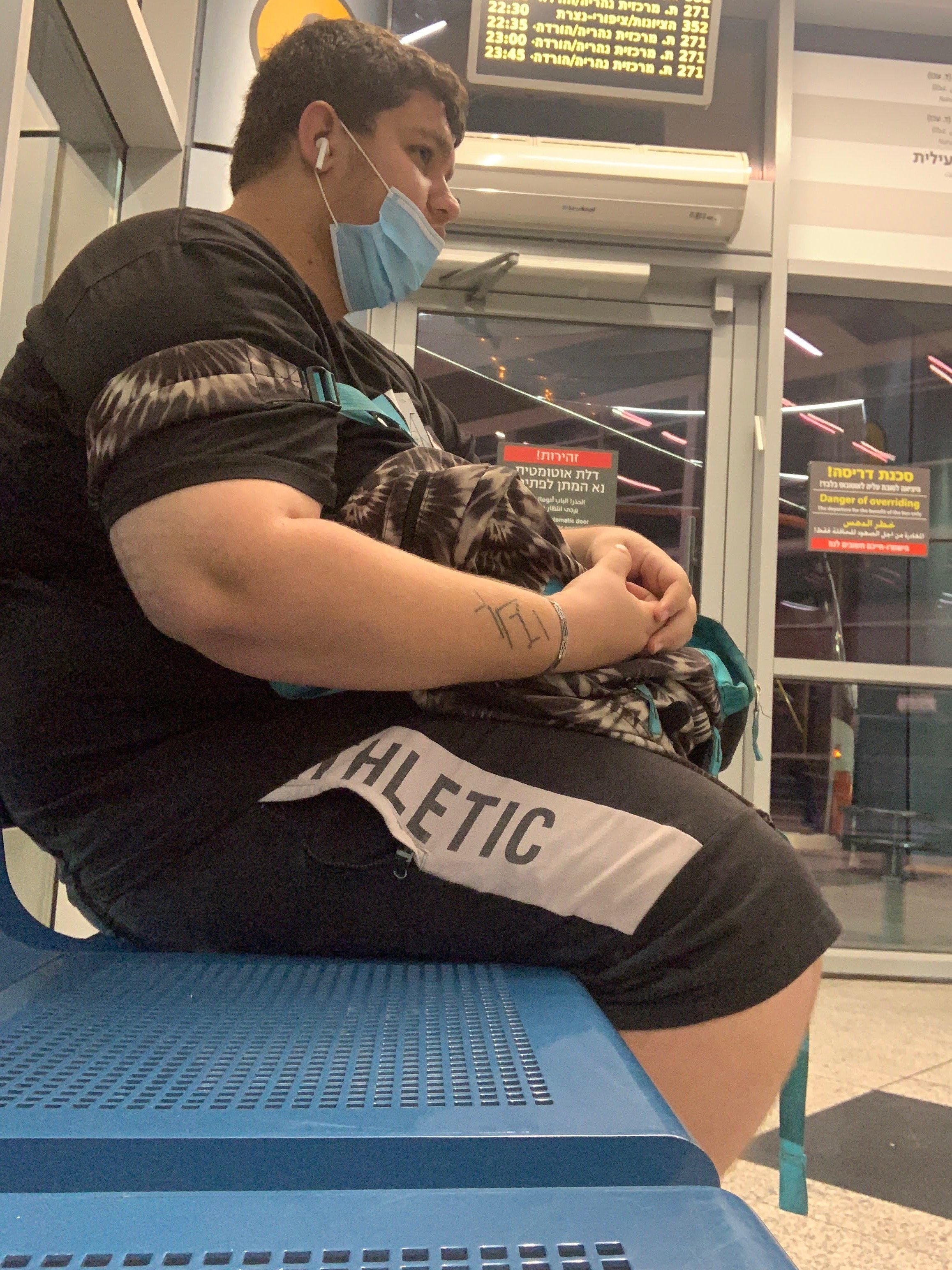
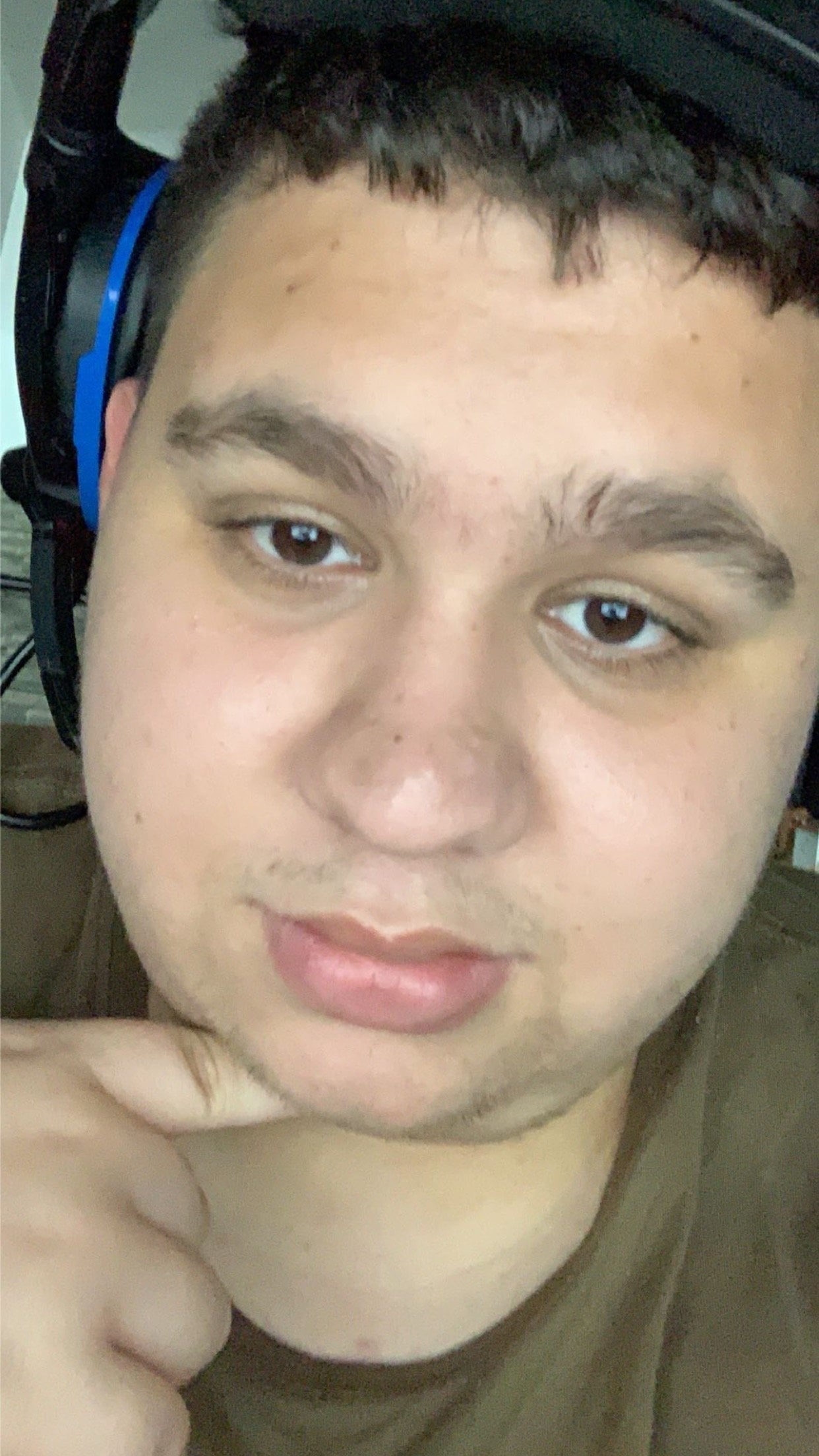
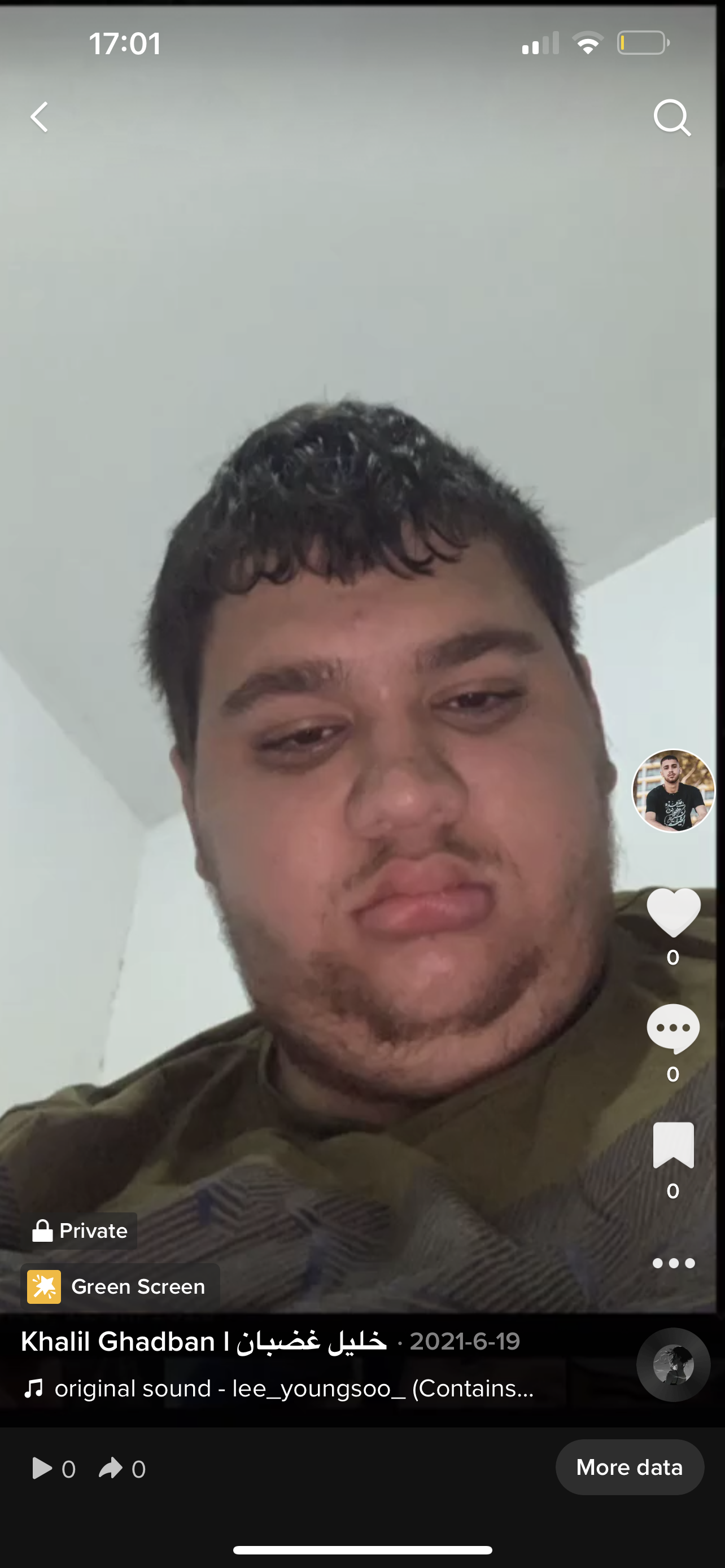
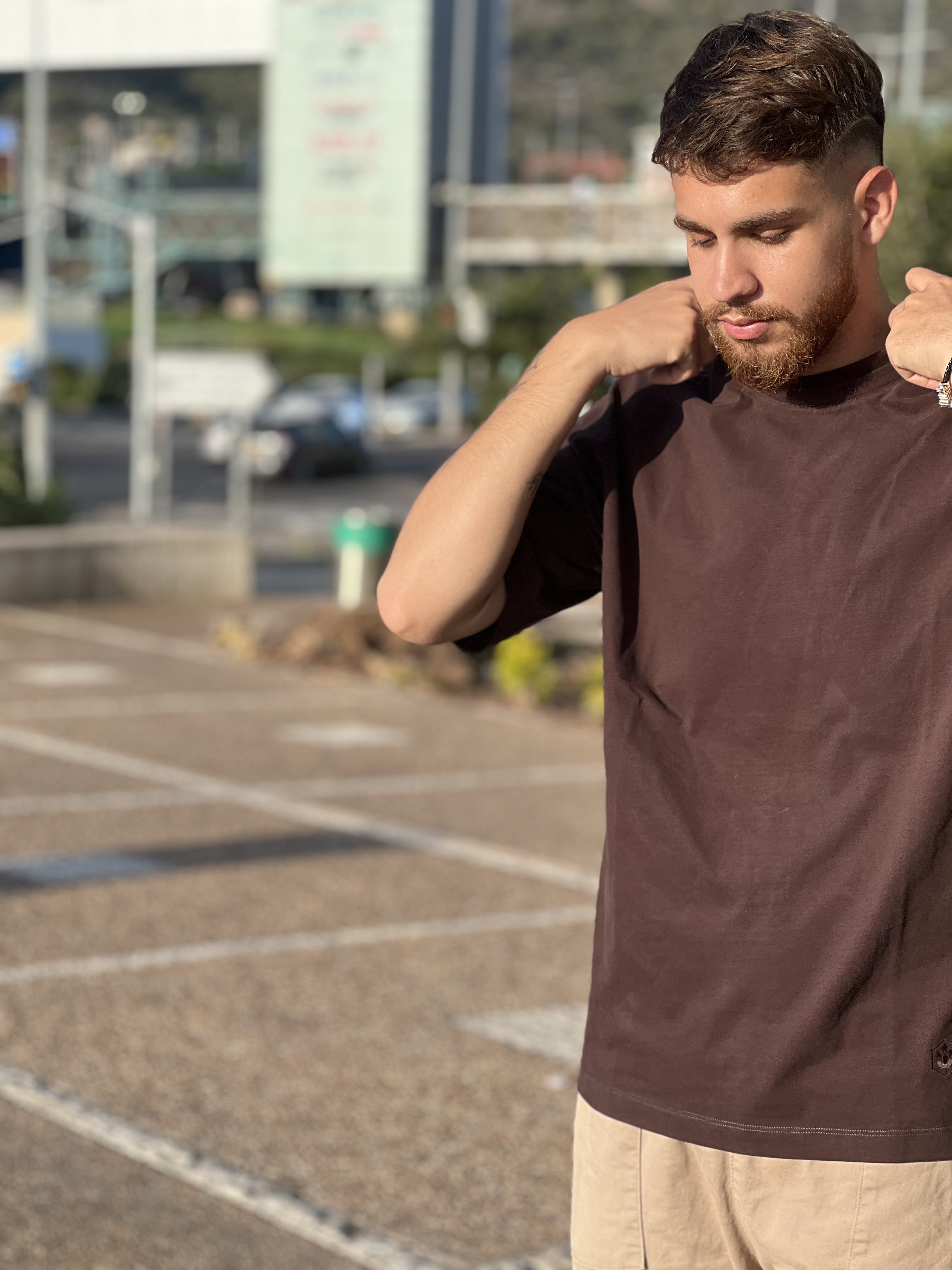
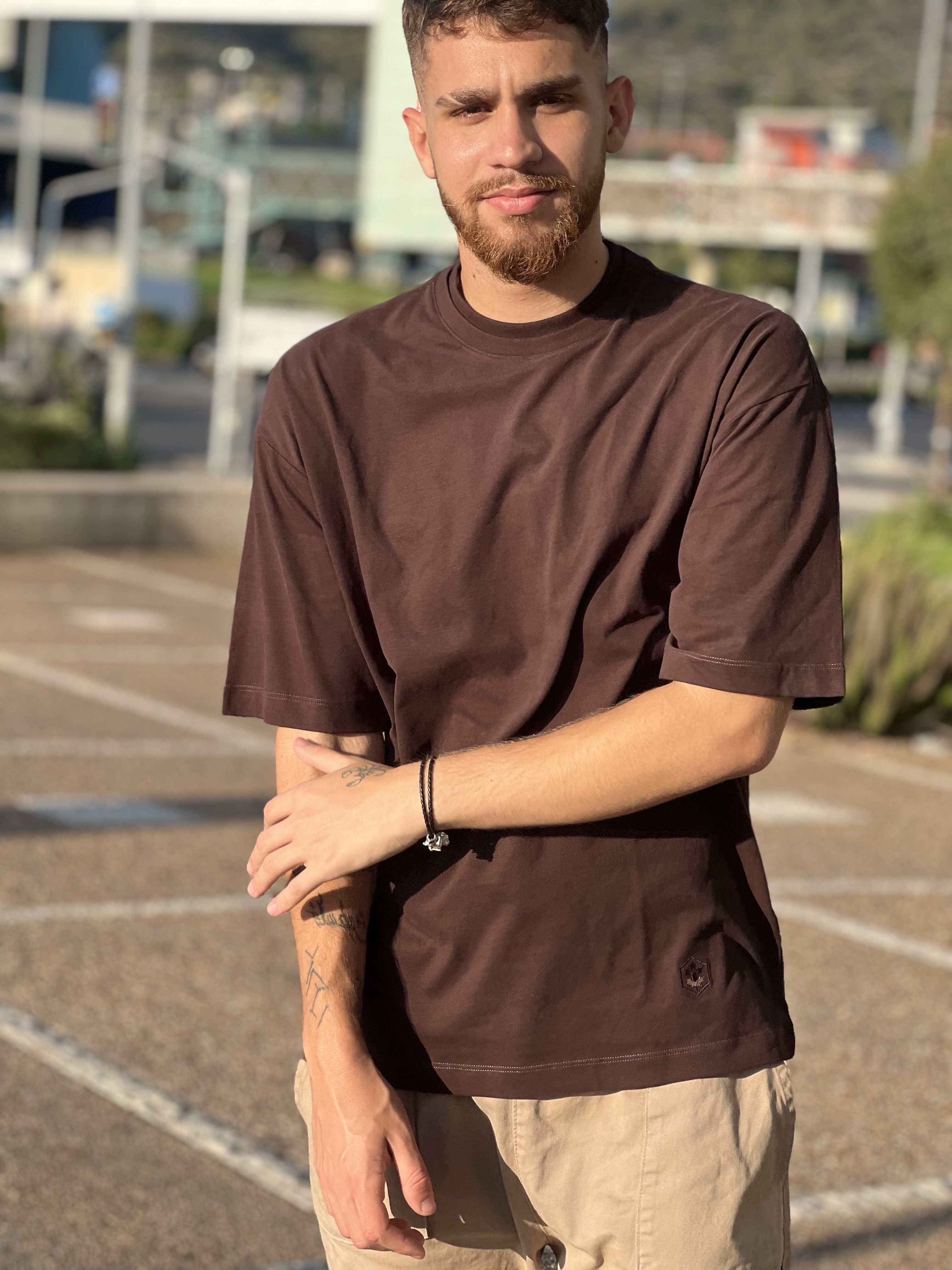
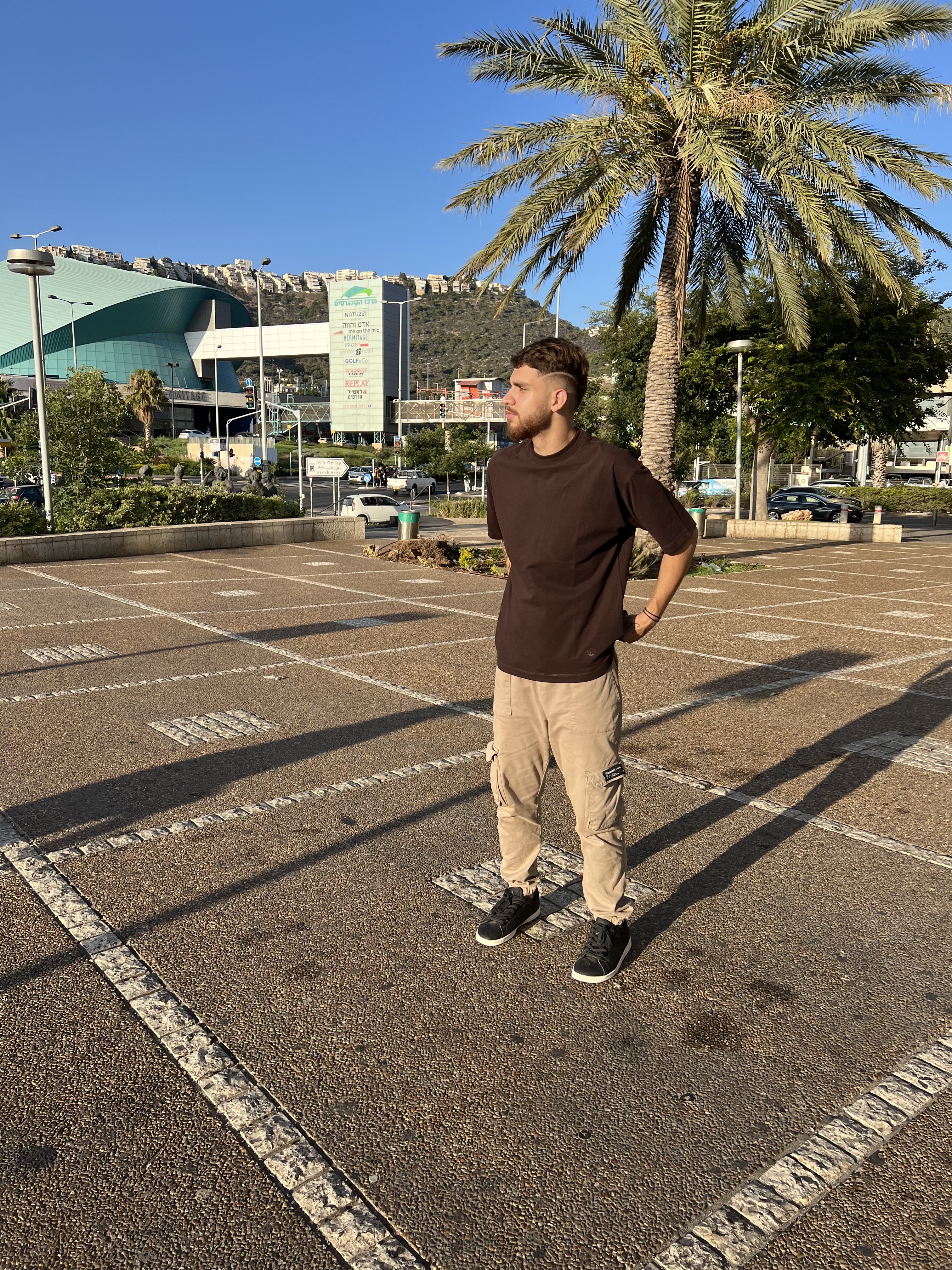
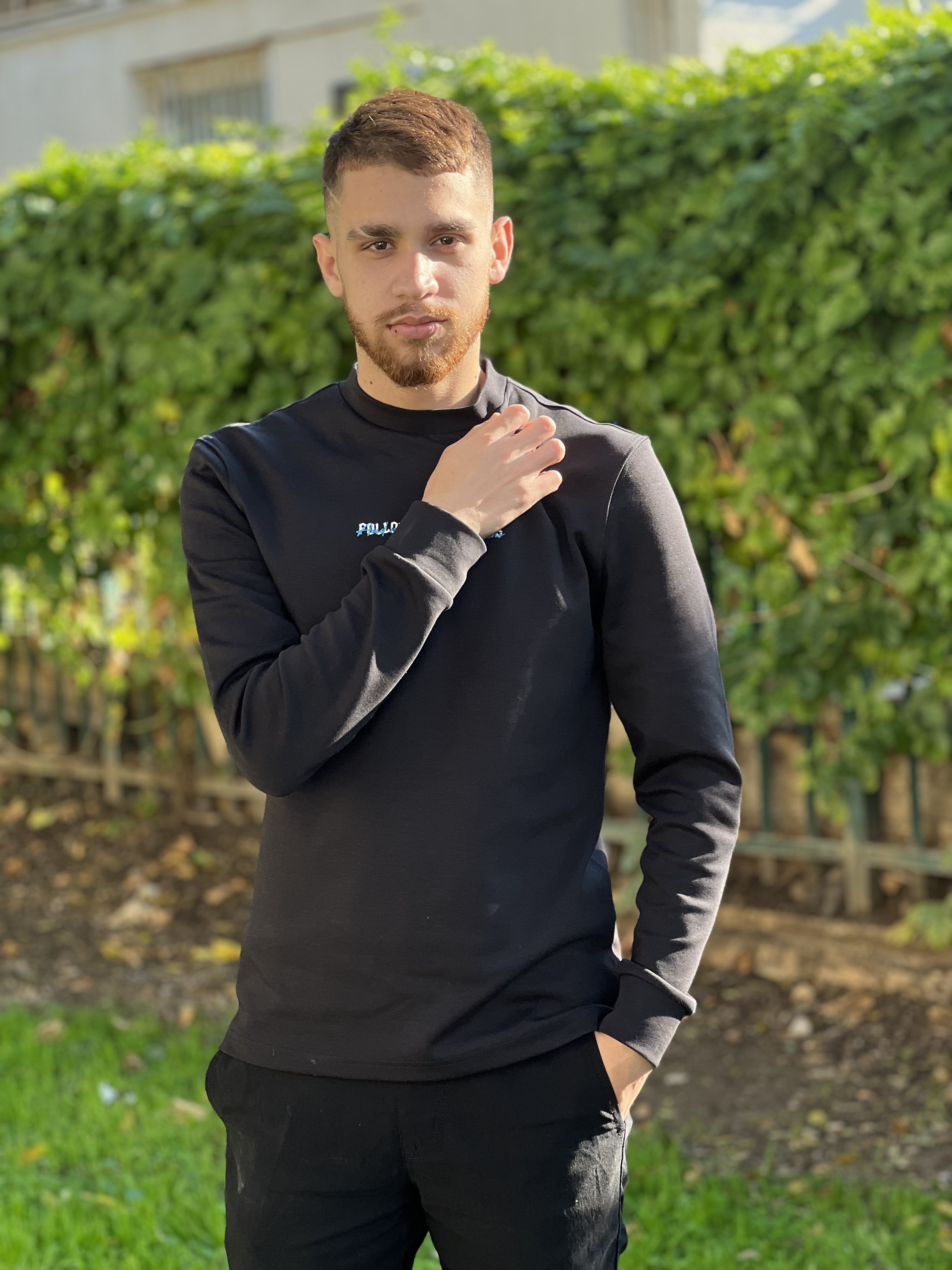
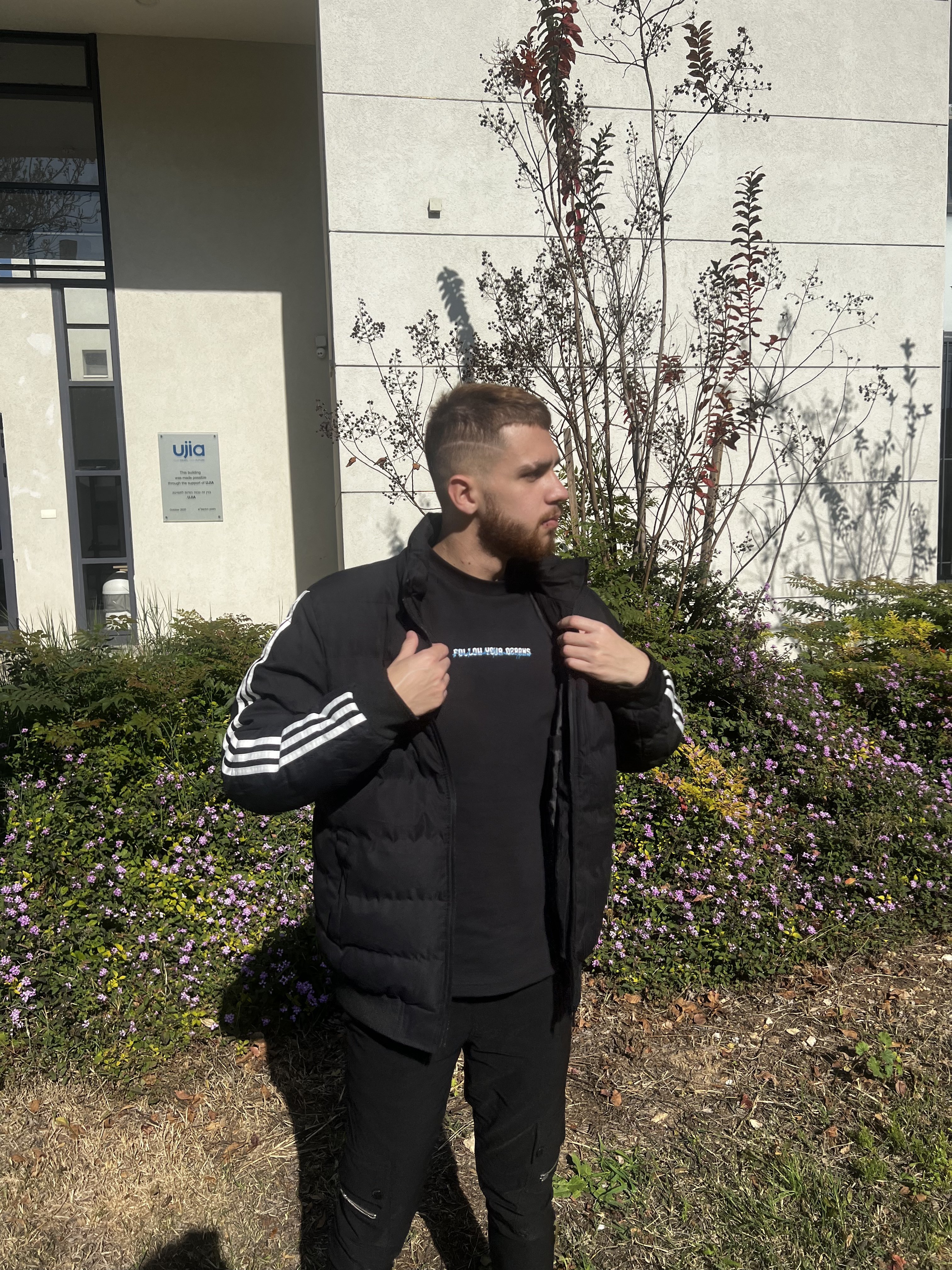
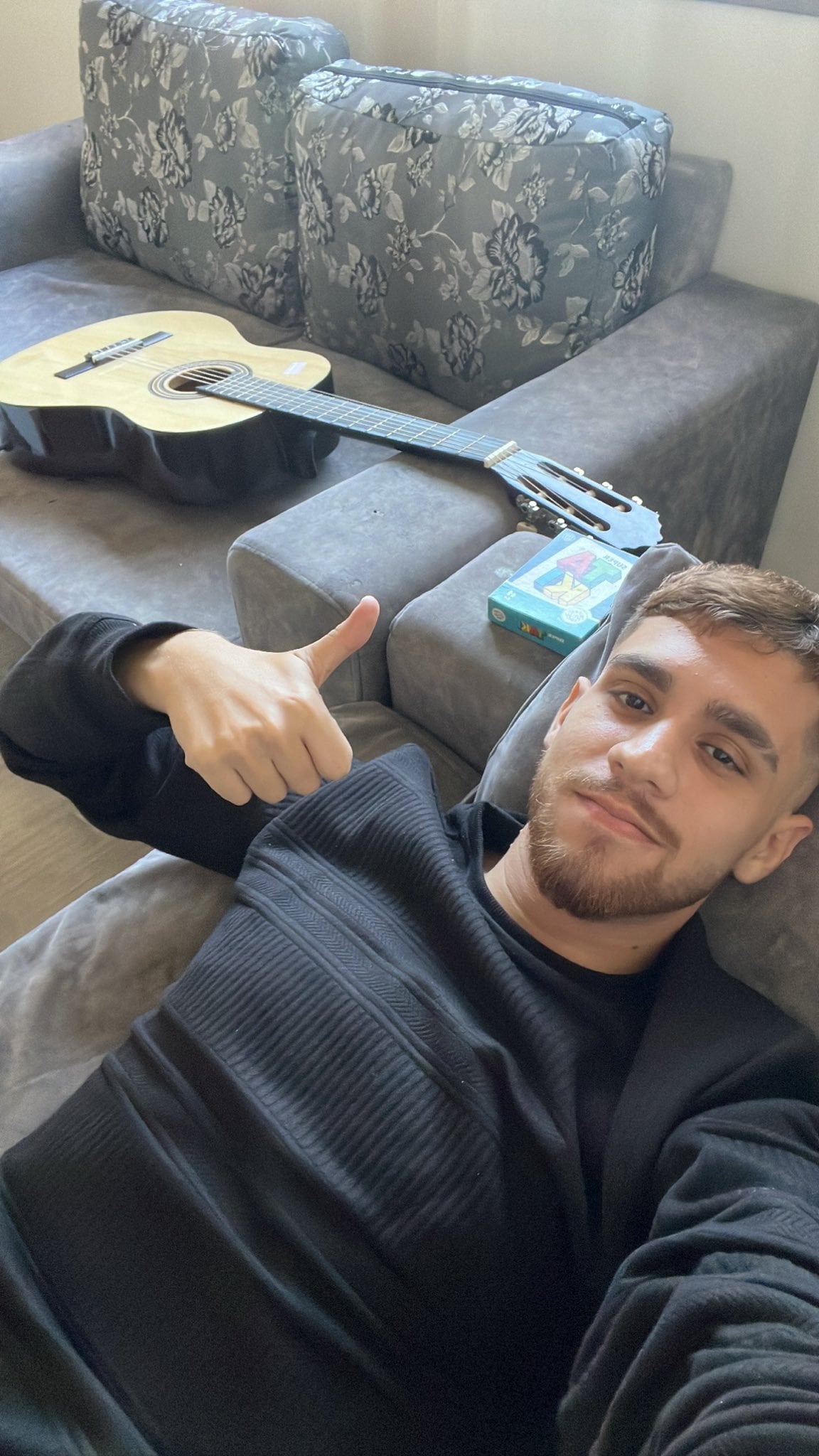
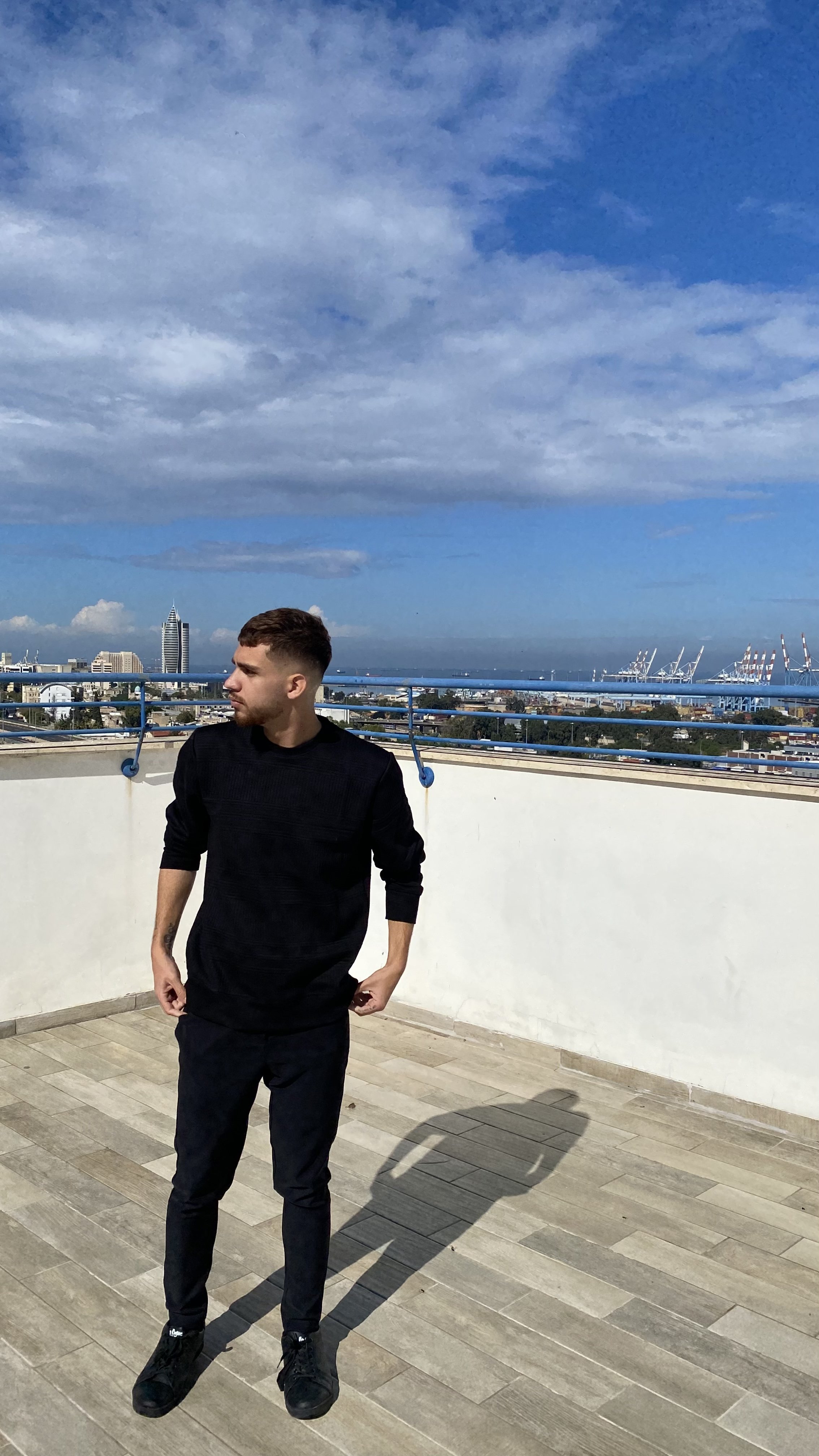
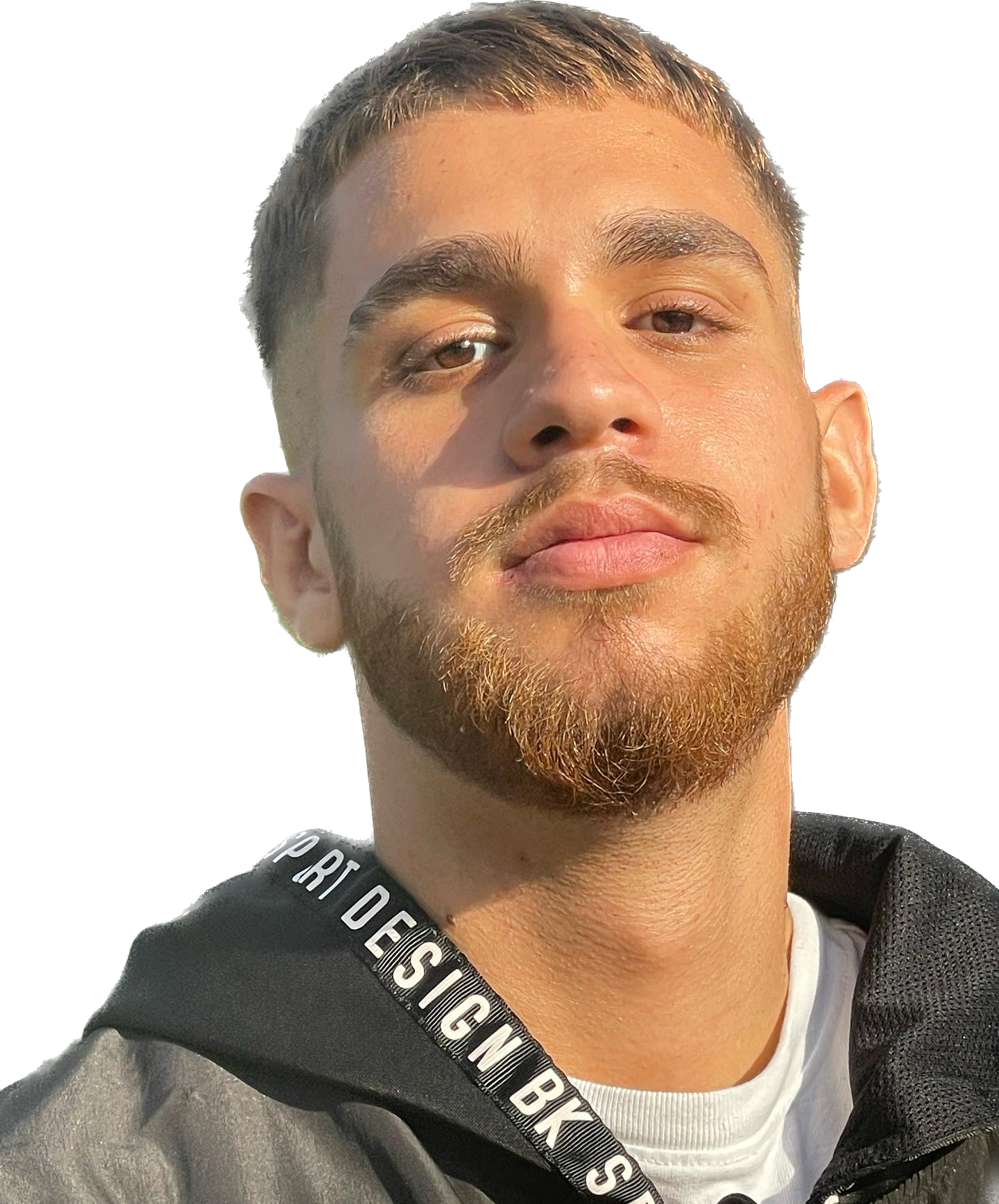
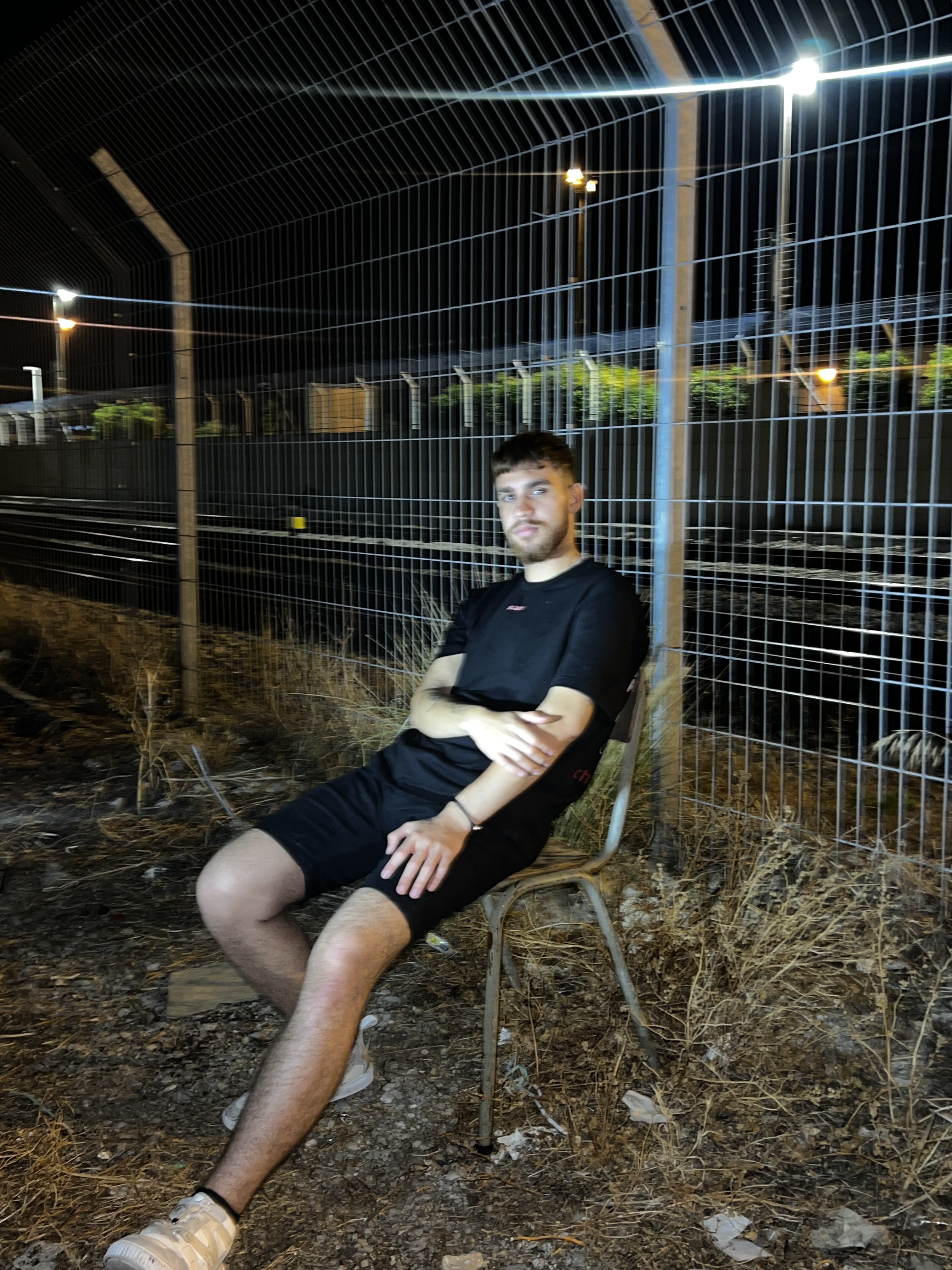
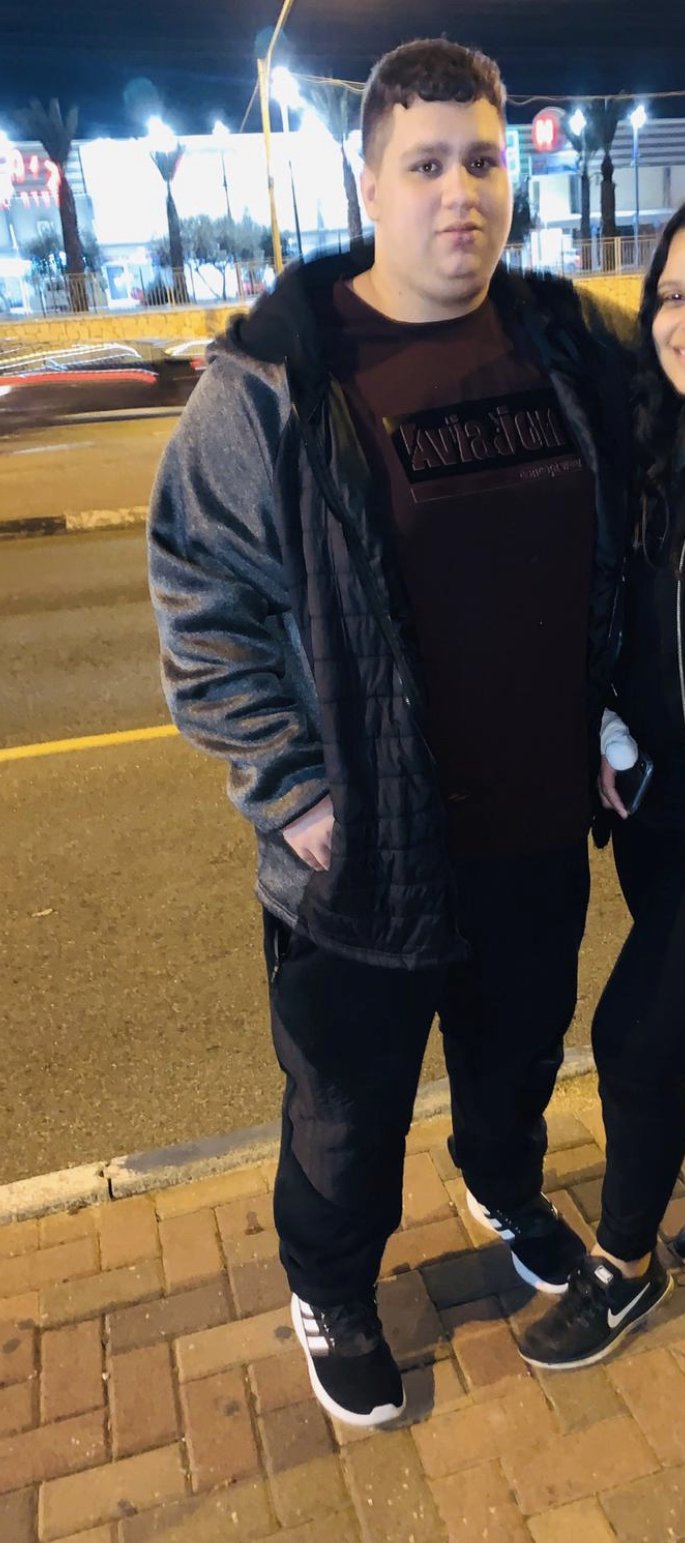
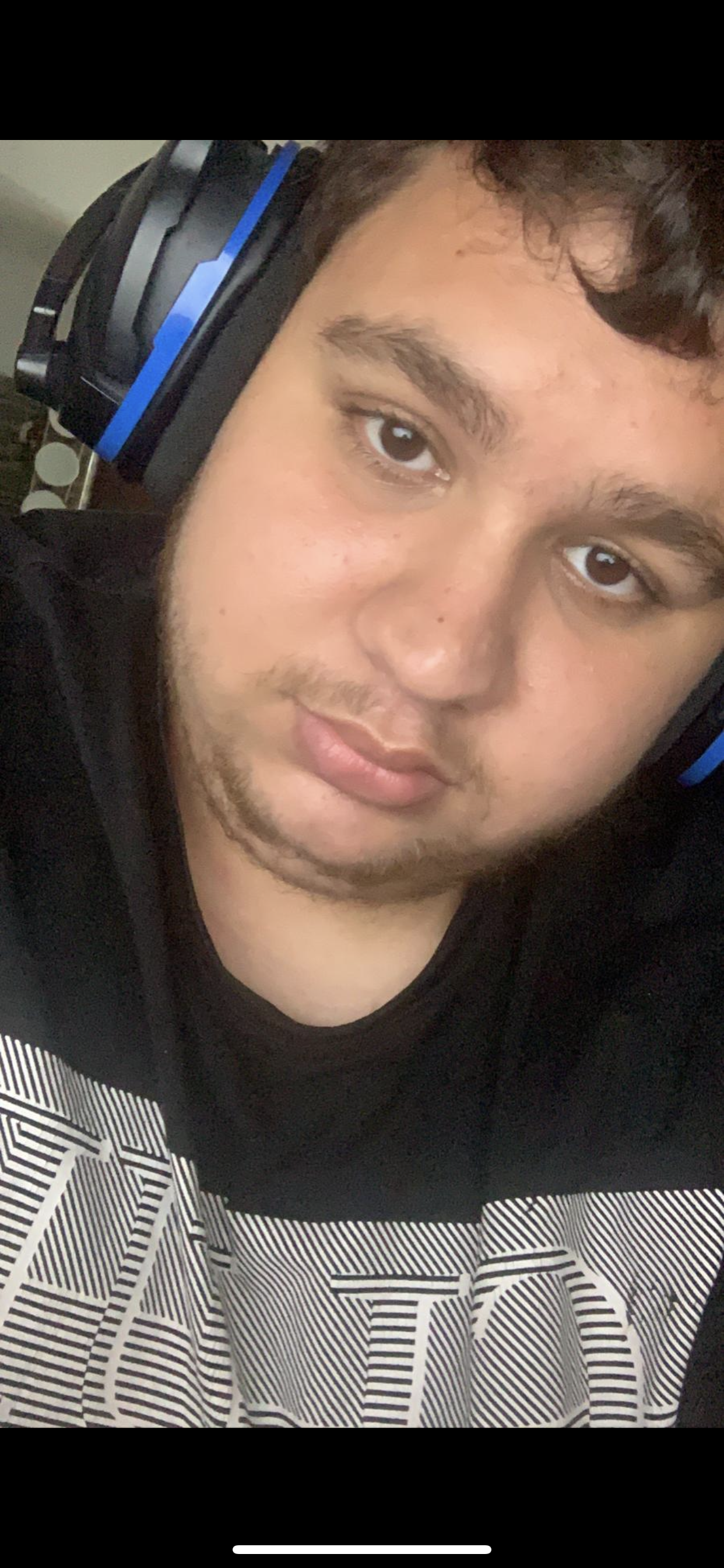
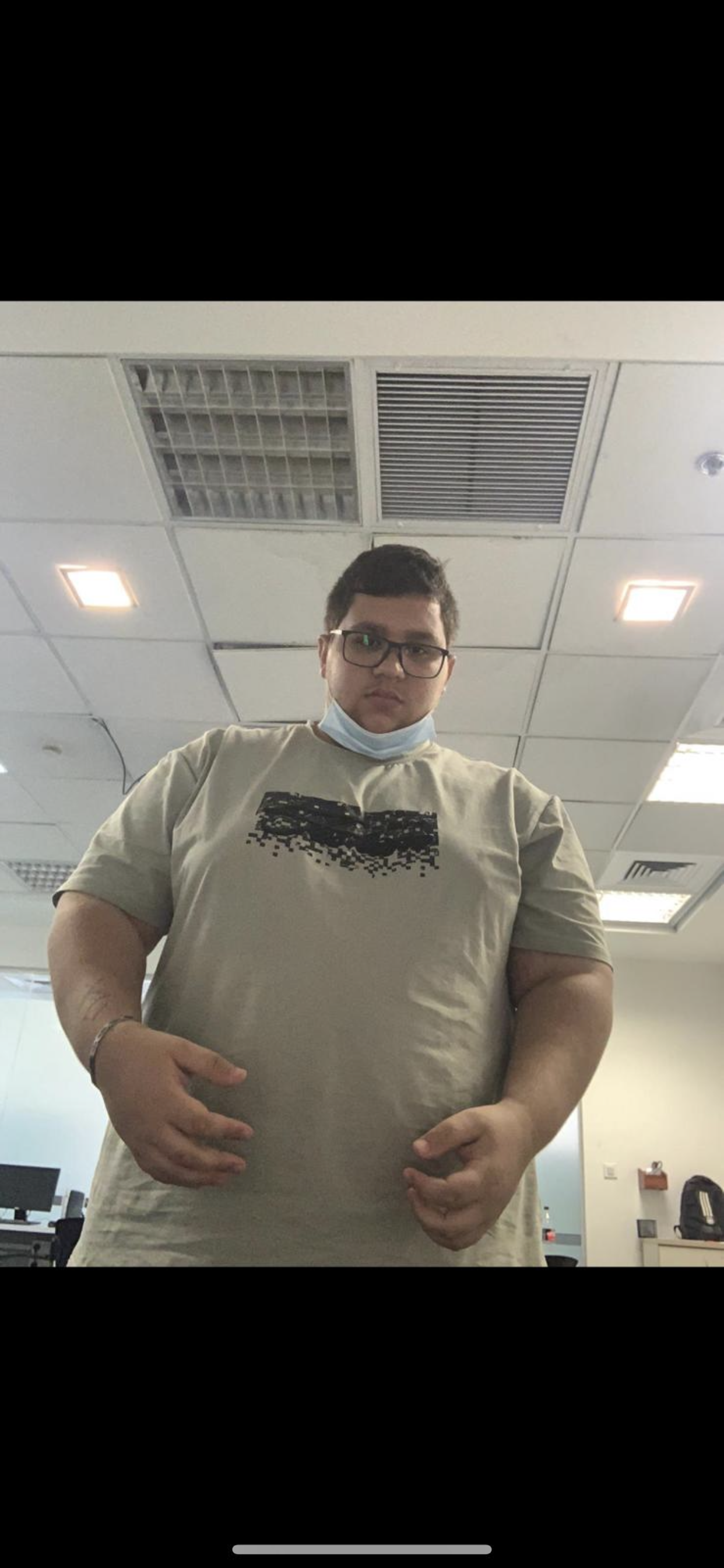
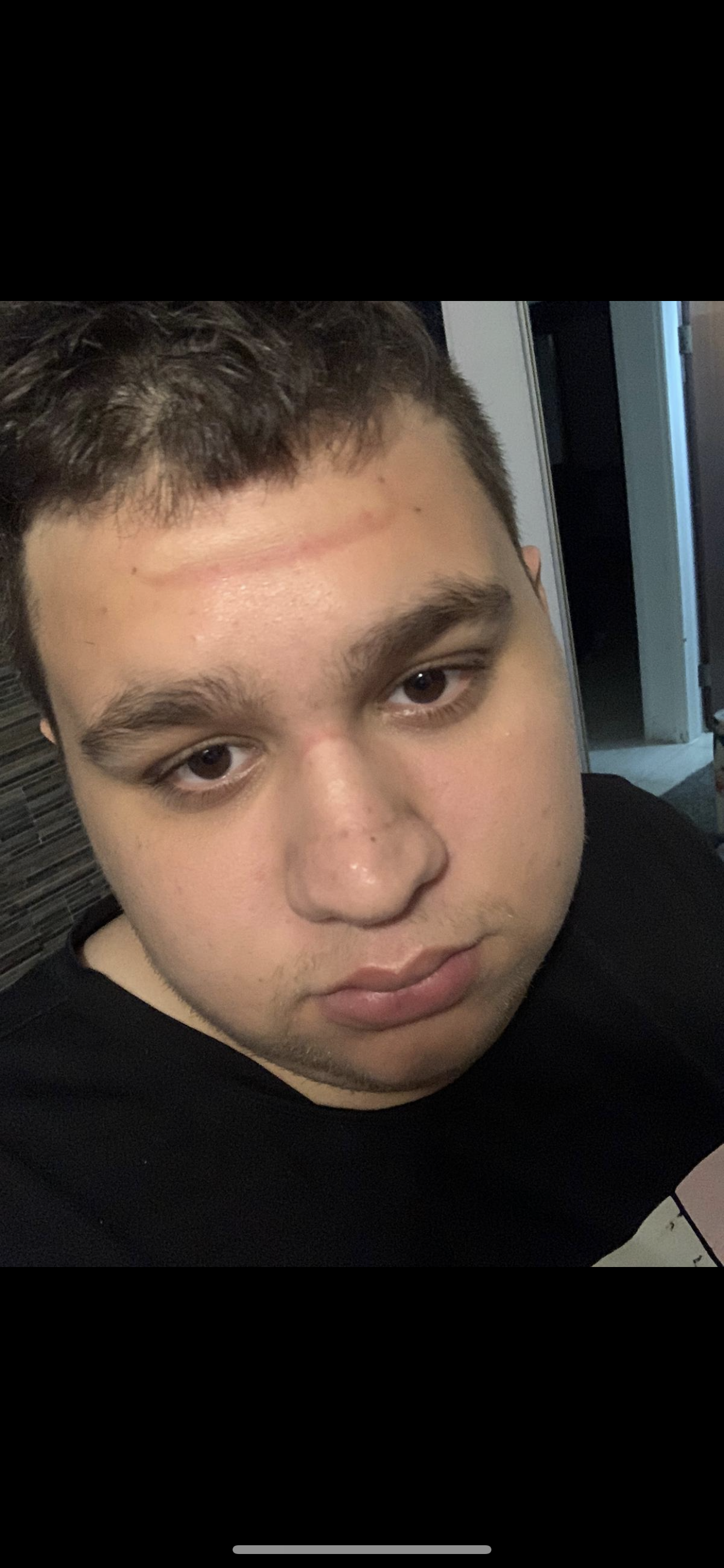
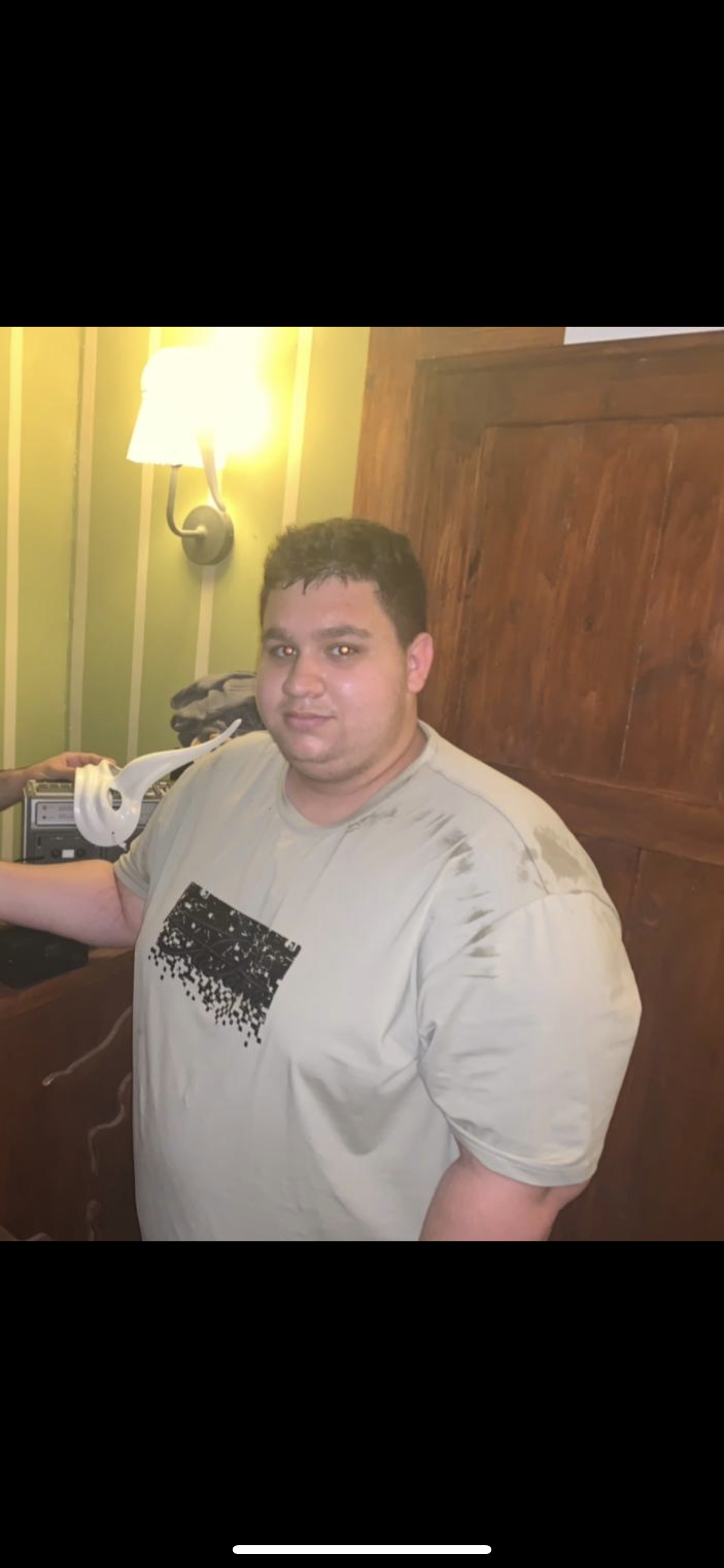
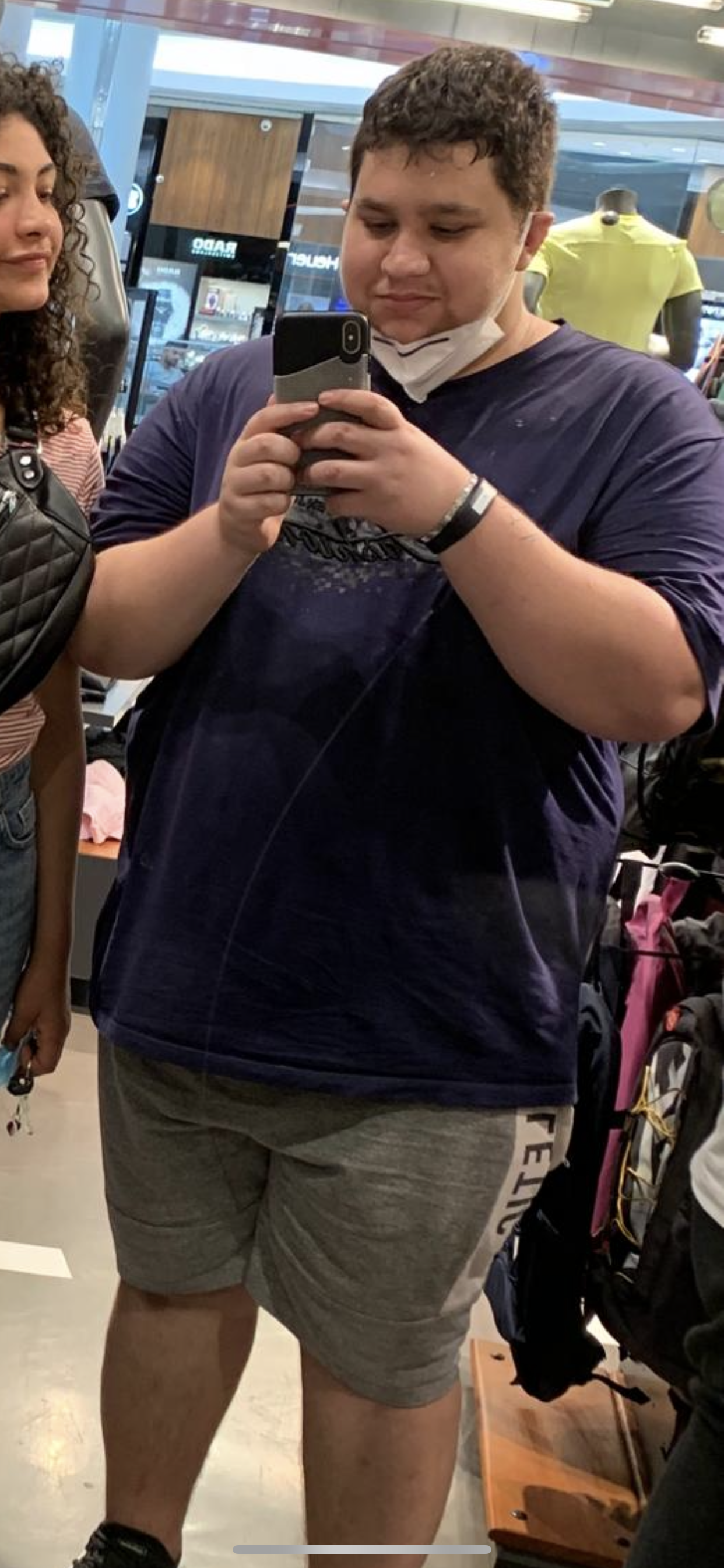
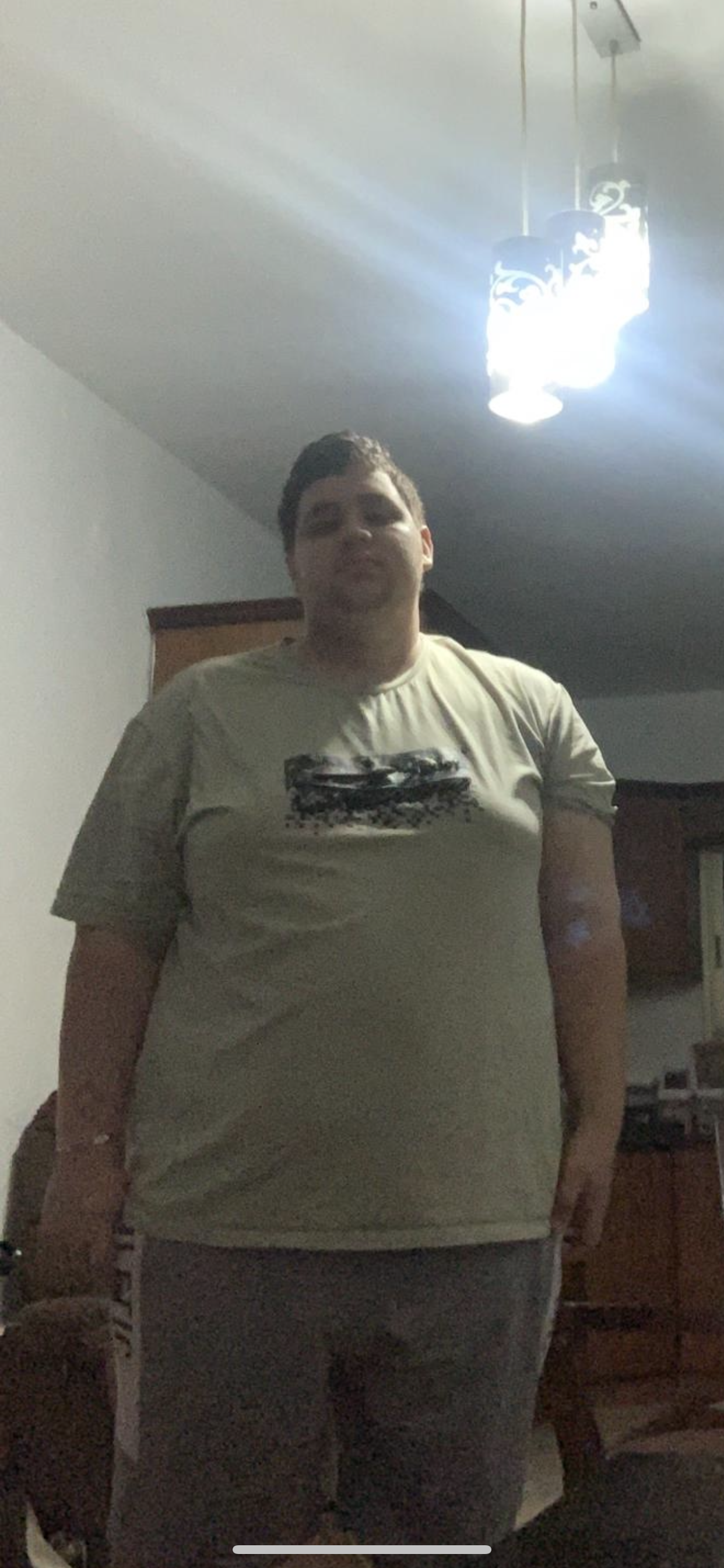
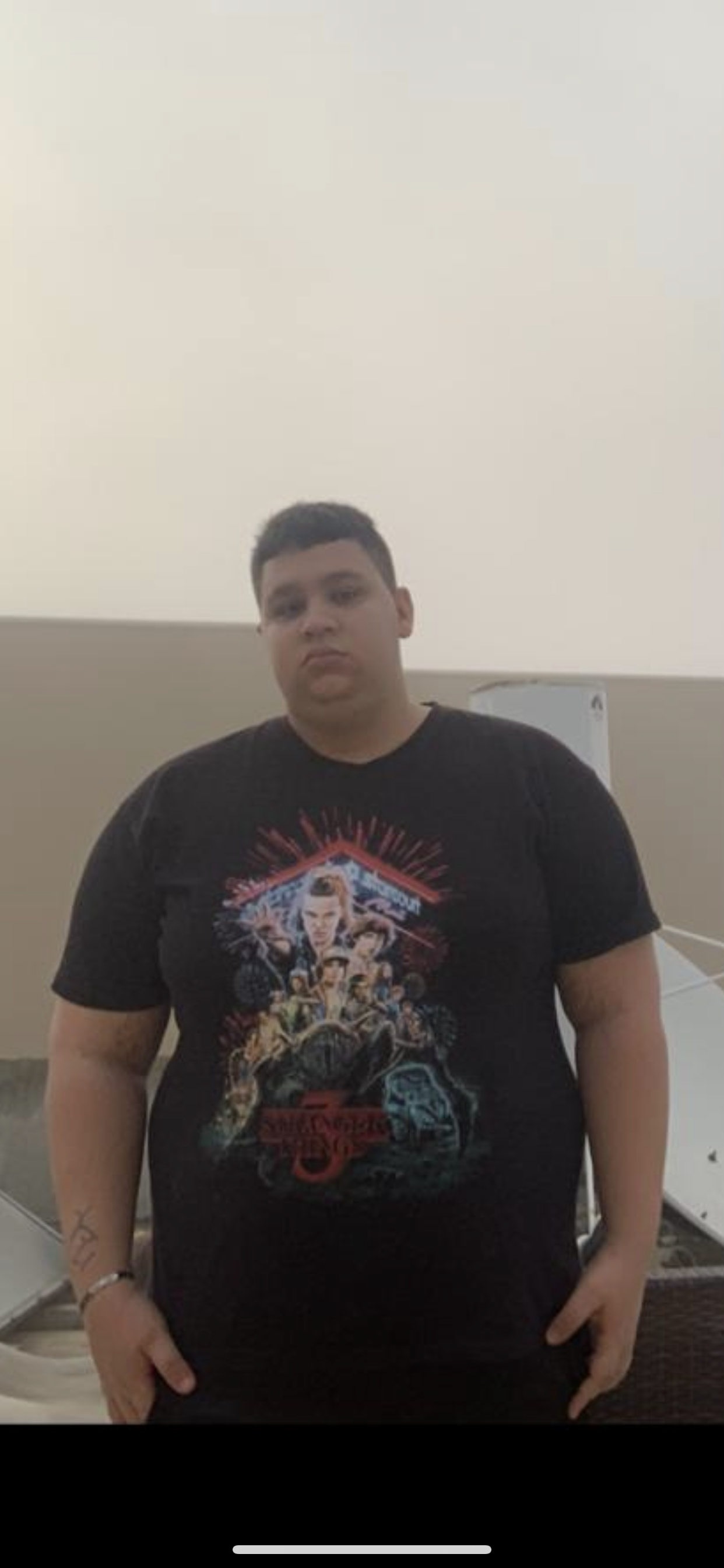
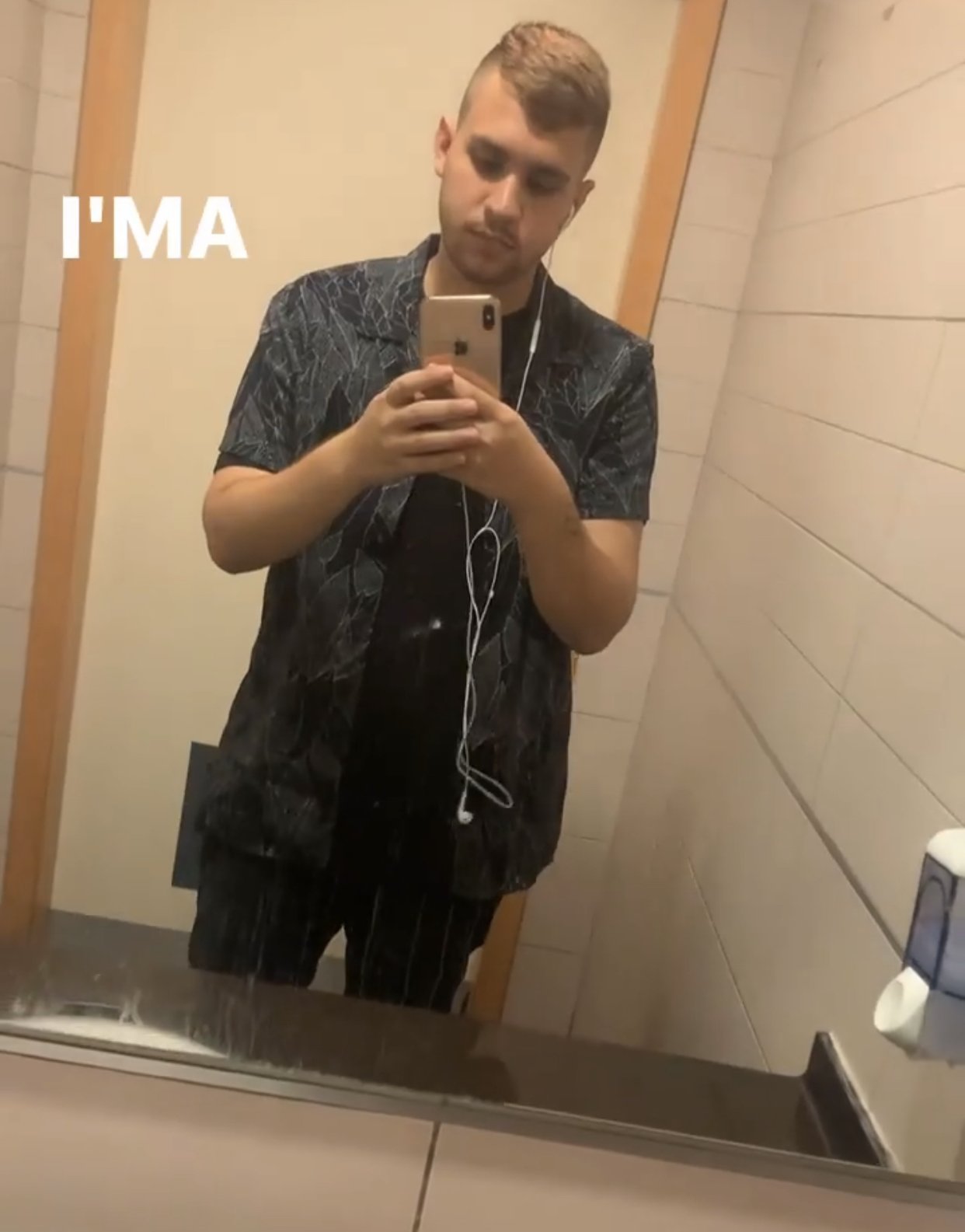
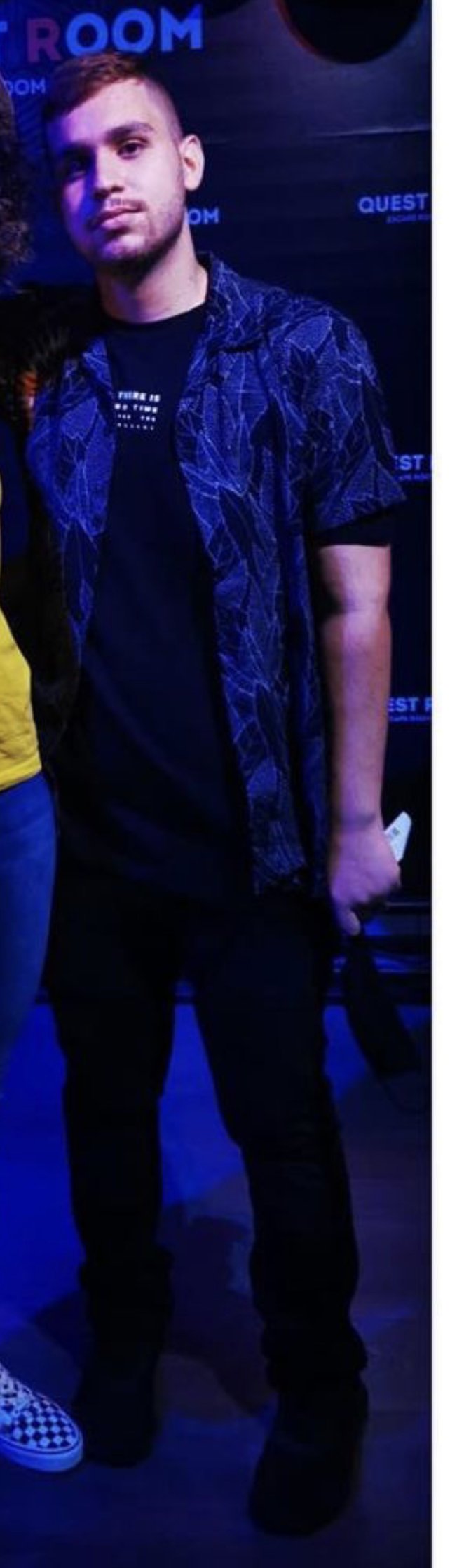
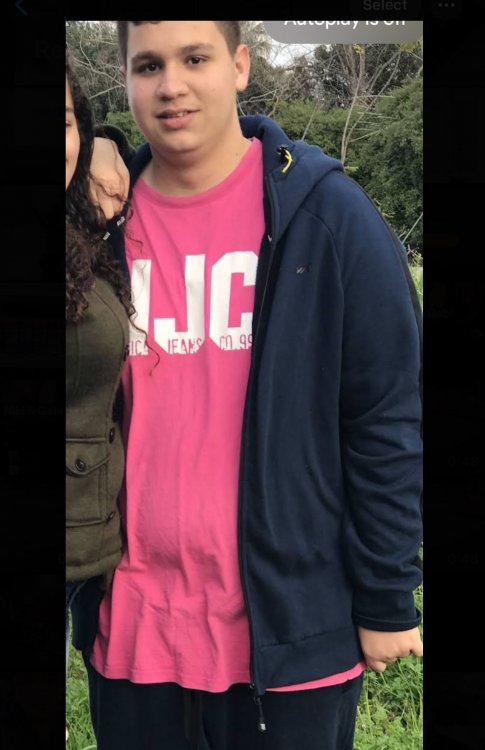
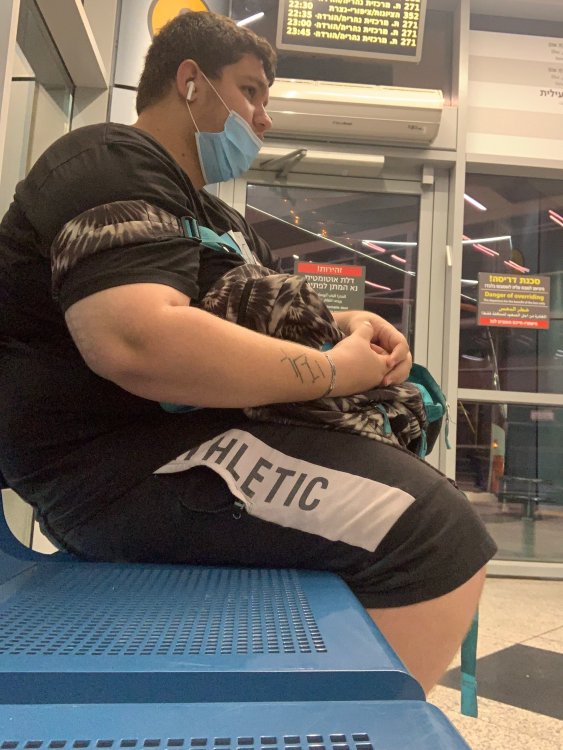
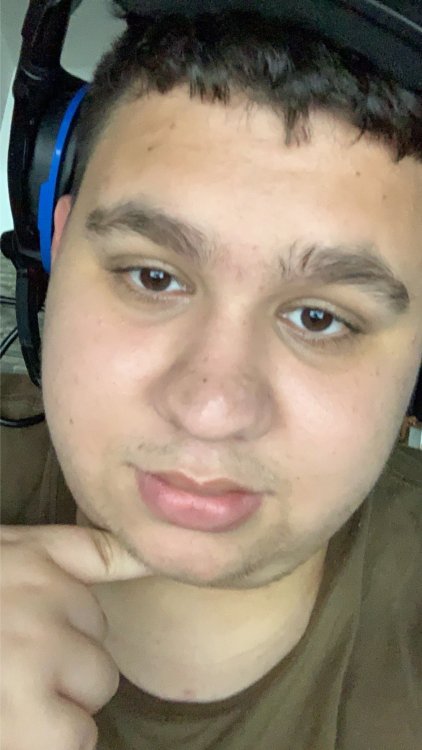
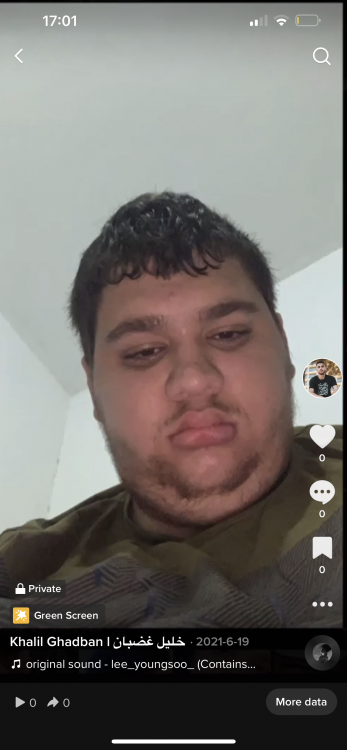
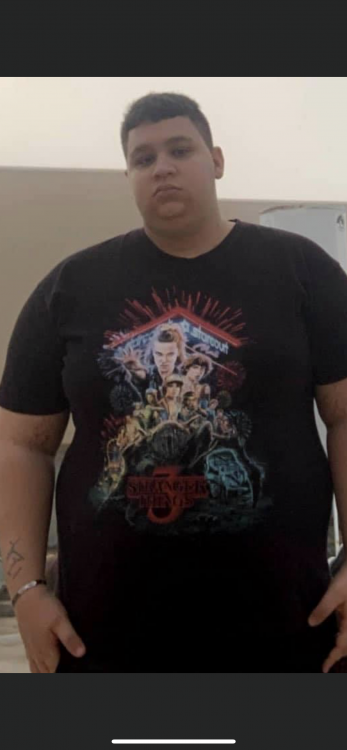
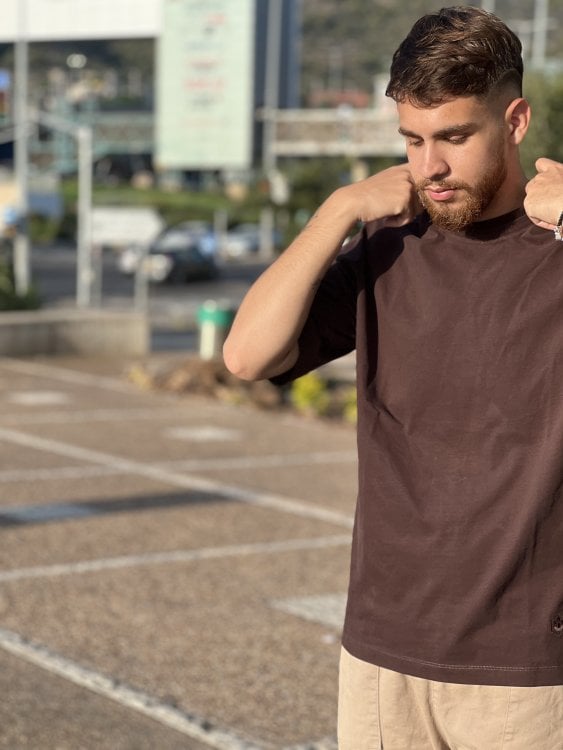
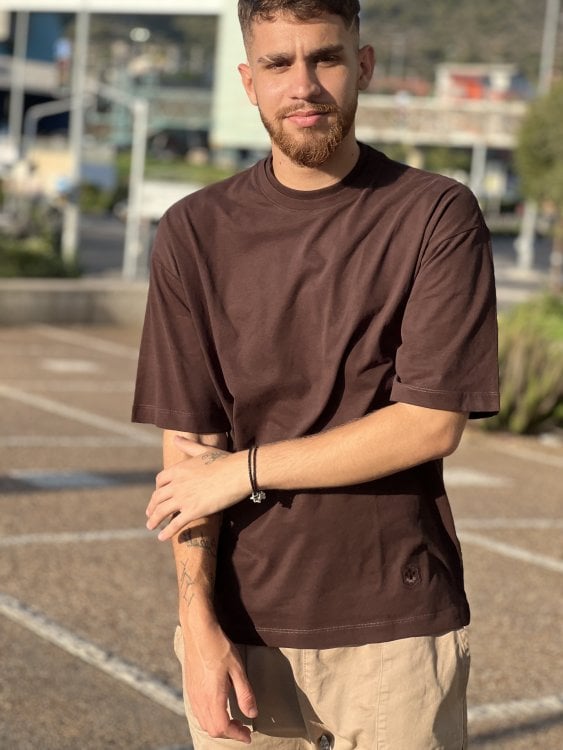
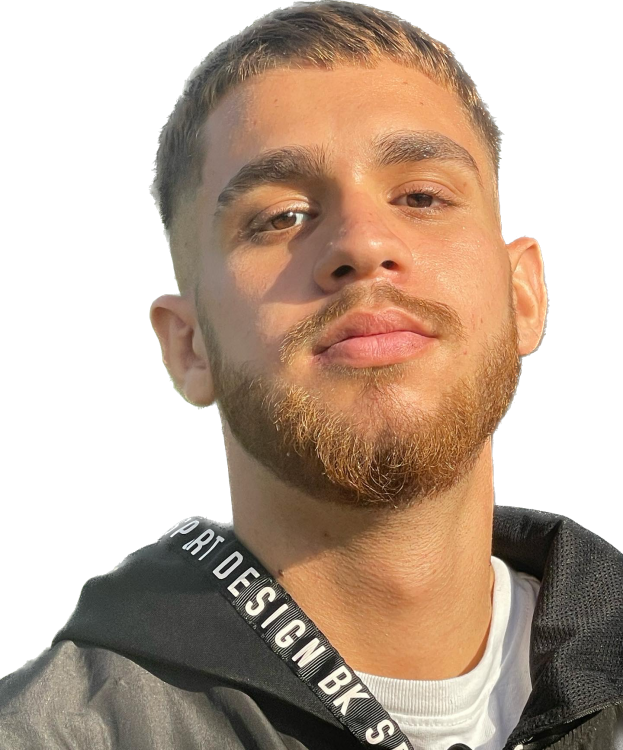
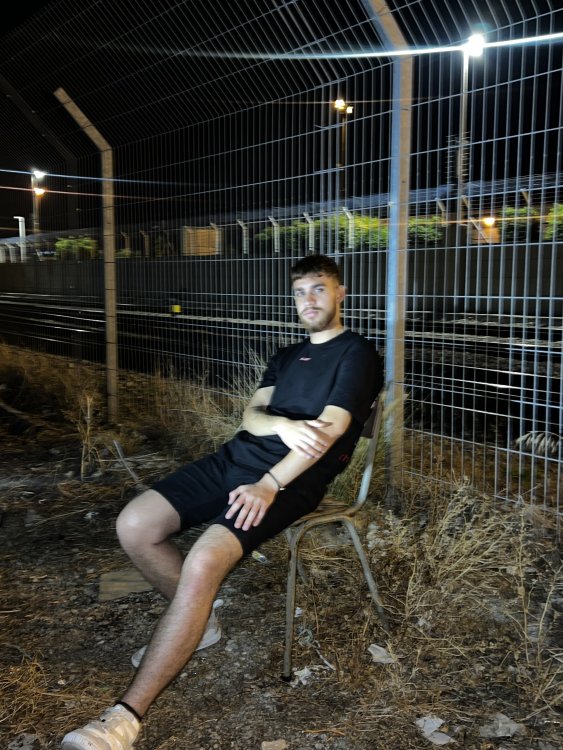
Had to share my before and after 3 years later I’m still changing and it makes me happy to see the change I no longer have sleep apnea and I don’t snore at all now.. I’m silent when I sleep lost 90 kgs (198 pounds).. I’m greatful for everything even my hair color changed during these 3 years it feels like I’m a completely new person(note that I had this hair color when I was younger.. then it got darker when I became obese.. and now it’s lighter again)! before and after pics inserted.


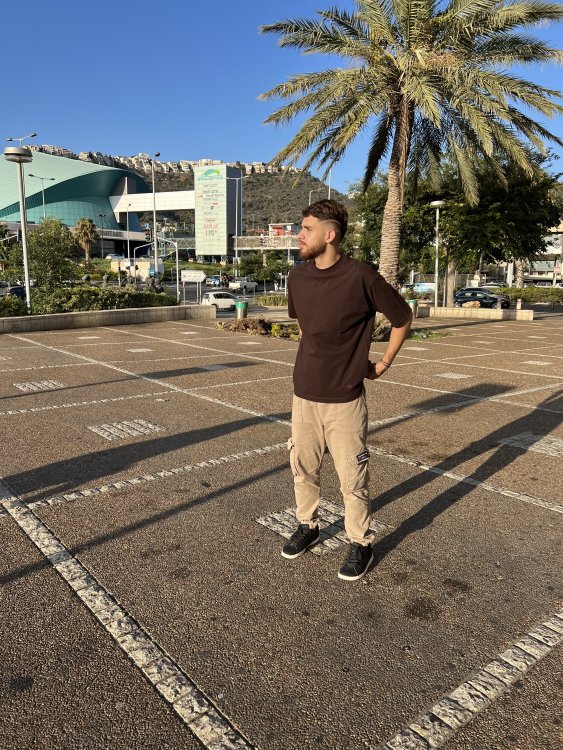



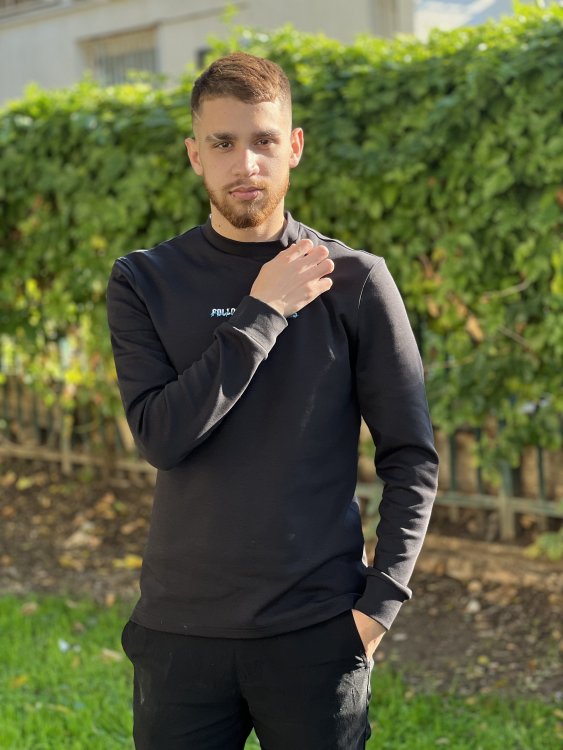
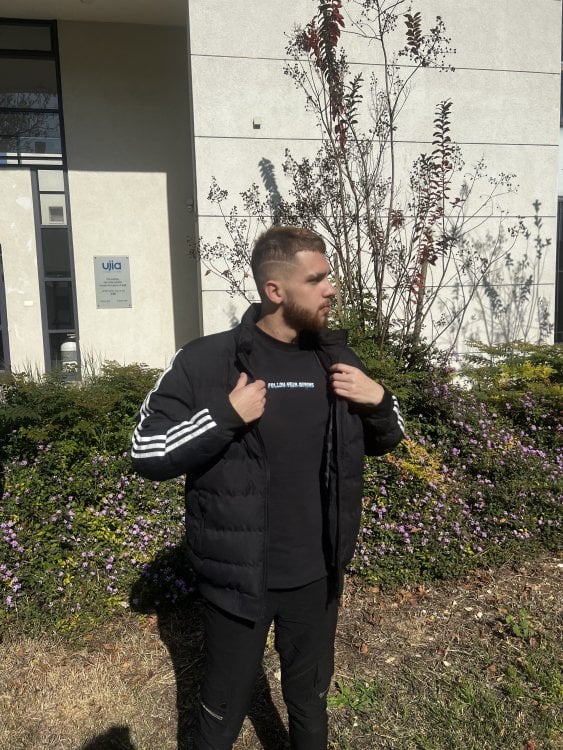
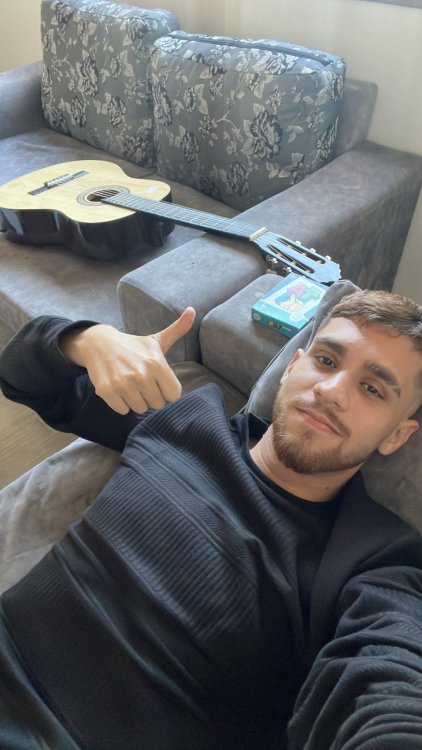

-
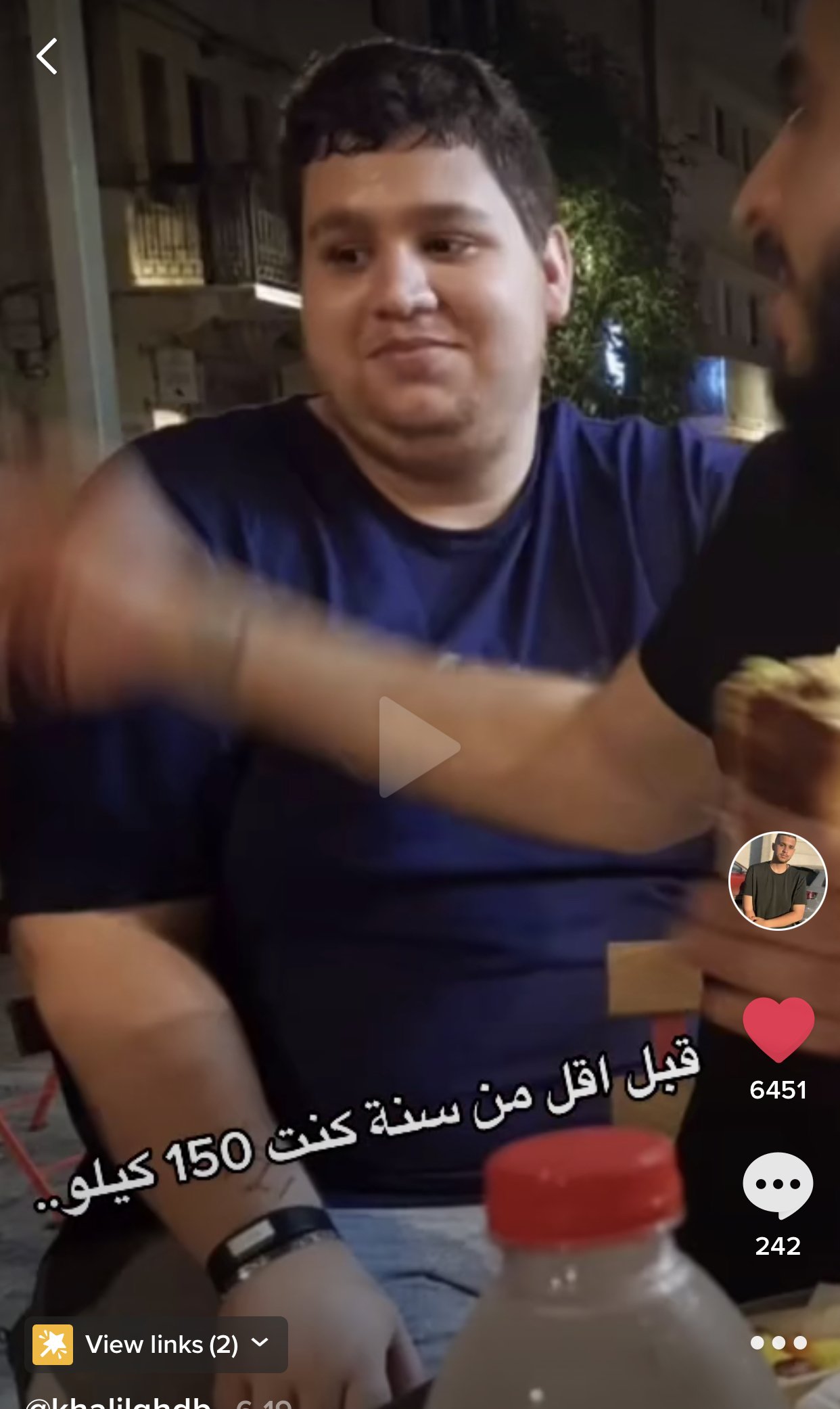
So it’s been one year! my weight before surgery (August 2020) was 330 lbs! my weight today is 170 lbs. I really want to inspire people as much as I can.. I want my journey to show you that you can do it no matter what. I’m much healthier now and I feel like I own the world, my life has completely changed, I don’t have sleep apnea anymore, I’m back to being the energetic kid I used to be, no more sleeping 24/7, and I can finally drive! ( I never had the chance to due to severe sleep apnea) I couldn’t ride roller coasters before duo to my weight, and I’ve waited in line just to discover that I don’t fit into seats many times. But now, I can fit in every single ride and I just feel so happy, I feel.. alive! Before pics and after pics included ❤️ Hope this inspires someone!!