Start here
Where are you in your journey?
Choose the path that fits today. We’ll take you to the most useful discussions.
- GLP-1 medication Zepbound, Wegovy, access, side effects, progress, and support.
- Before surgery Compare procedures, plan ahead, and get honest pre-op answers.
- Post-op Recovery, food stages, symptoms, and support.
- Long-term Regain, labs, habits, and life after the honeymoon.
- Revision Explore revision options, complications, and next steps.

Zmc
Pre Op
-
Joined
-
Last visited
-
-
-
-
-
-
-
-
-
-
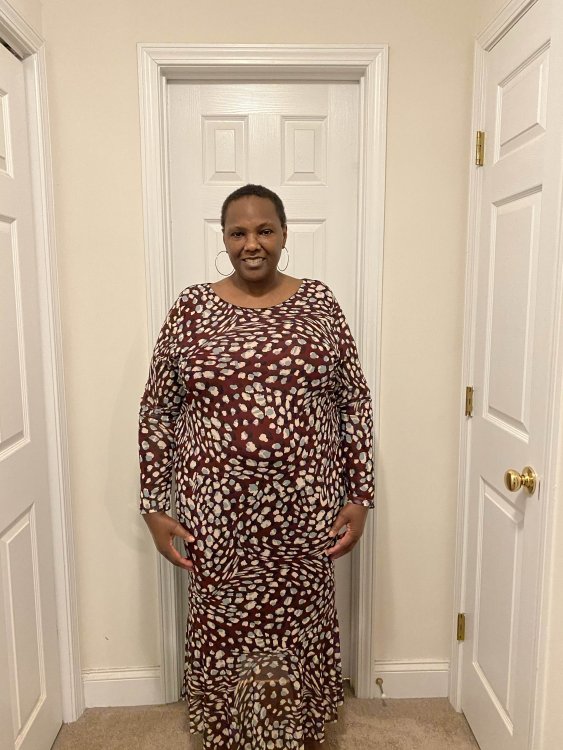
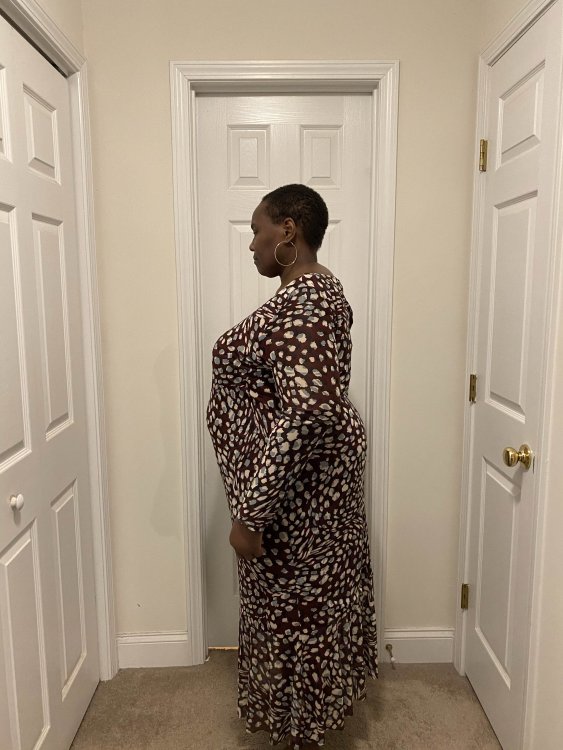
Hi, anyone so excited that they want to post a before picture before getting a surgery date? I am! Join me.
-
I am just starting my wls journey and at 284 but at my highest I was 310. Hoping not to have to wait too long to go through all of the steps my surgeon requires to submit my info to my insurance for the surgery.
-
I can’t seem to be I stop watching it either. Been watching it off and on for years. I am just starting my wls journey. Can’t say whether the show makes me want it do surgery more or less. It’s so sad that so many of the people on it aren’t even able to lose enough to get the surgery.