Skip to content
View in the app

A better way to browse. Learn more.

BariatricPal

A full-screen app on your home screen with push notifications, badges and more.

To install this app on iOS and iPadOS
  1. Tap the Share icon in Safari
  2. Scroll the menu and tap Add to Home Screen.
  3. Tap Add in the top-right corner.
To install this app on Android
  1. Tap the 3-dot menu (⋮) in the top-right corner of the browser.
  2. Tap Add to Home screen or Install app.
  3. Confirm by tapping Install.

Zmc

Pre Op
  • Joined

  • Last visited

Everything posted by Zmc

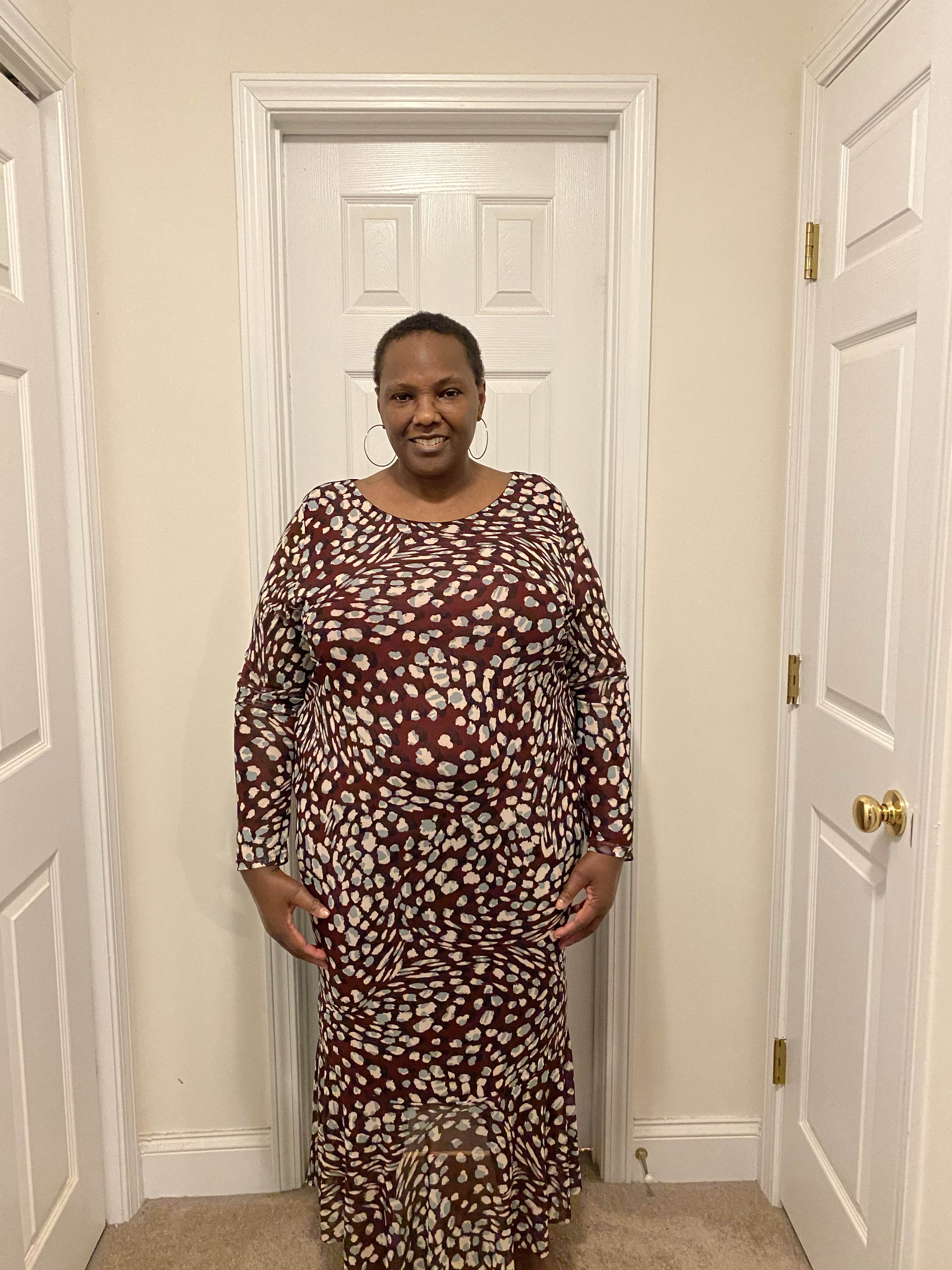
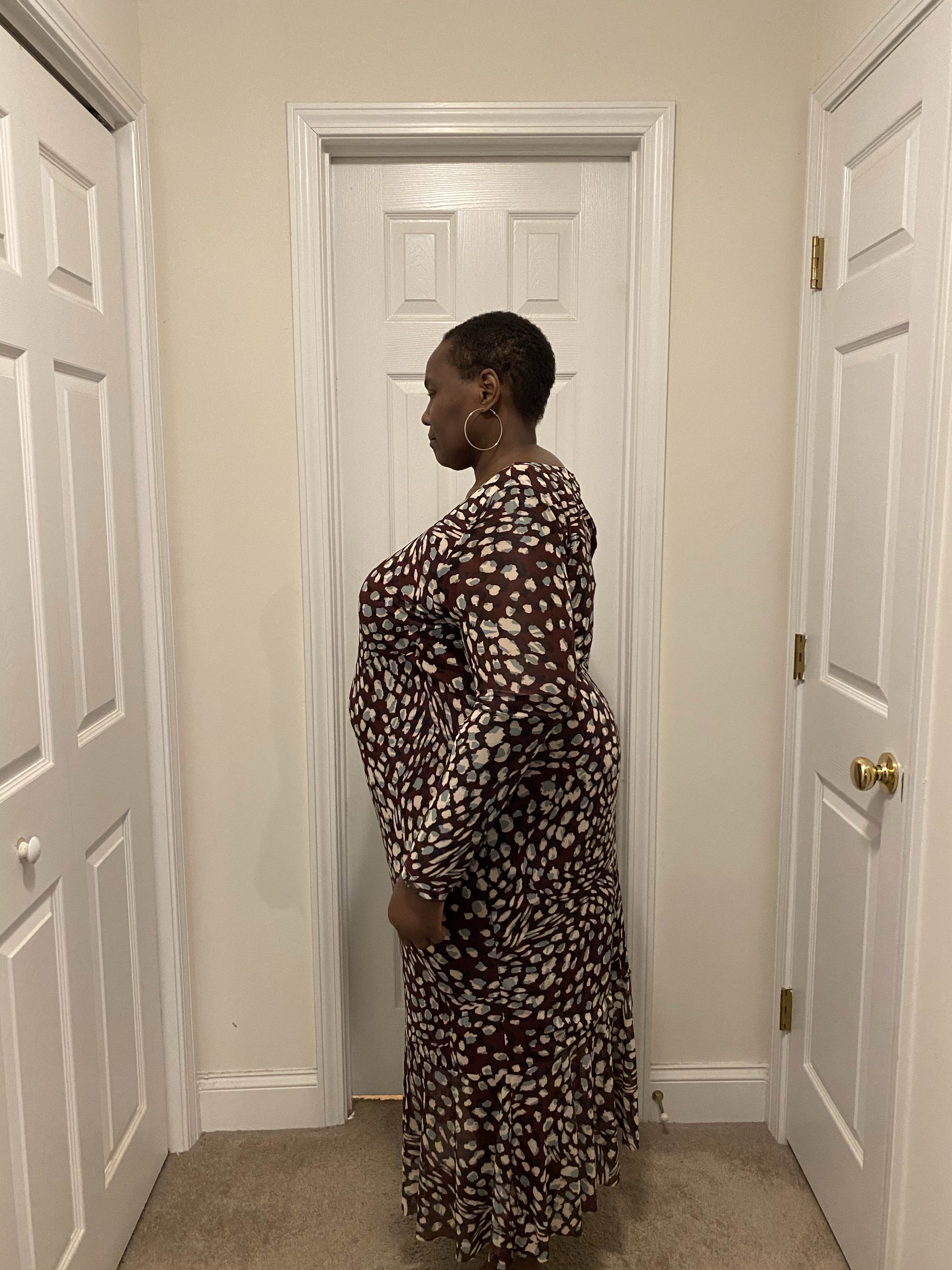
  1. Hi, anyone so excited that they want to post a before picture before getting a surgery date? I am! Join me.
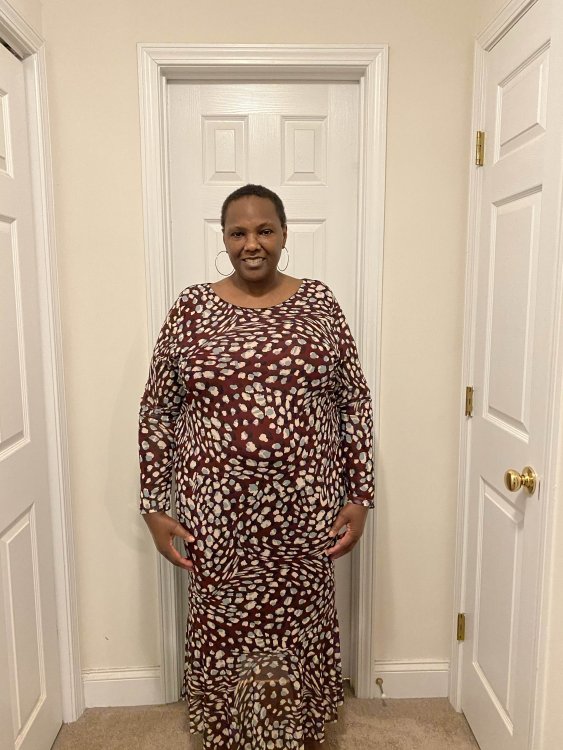
  2. I am just starting my wls journey and at 284 but at my highest I was 310. Hoping not to have to wait too long to go through all of the steps my surgeon requires to submit my info to my insurance for the surgery.
  3. I can’t seem to be I stop watching it either. Been watching it off and on for years. I am just starting my wls journey. Can’t say whether the show makes me want it do surgery more or less. It’s so sad that so many of the people on it aren’t even able to lose enough to get the surgery.
Trending Products

PatchAid Vitamin Patches

Account

Navigation

Search

Search

Configure browser push notifications

Chrome (Android)
  1. Tap the lock icon next to the address bar.
  2. Tap Permissions → Notifications.
  3. Adjust your preference.
Chrome (Desktop)
  1. Click the padlock icon in the address bar.
  2. Select Site settings.
  3. Find Notifications and adjust your preference.