Start here
Where are you in your journey?
Choose the path that fits today. We’ll take you to the most useful discussions.
- GLP-1 medication Zepbound, Wegovy, access, side effects, progress, and support.
- Before surgery Compare procedures, plan ahead, and get honest pre-op answers.
- Post-op Recovery, food stages, symptoms, and support.
- Long-term Regain, labs, habits, and life after the honeymoon.
- Revision Explore revision options, complications, and next steps.

Nuu Lyph
LAP-BAND Patients
-
Joined
-
Last visited
-
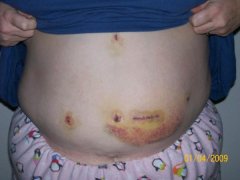
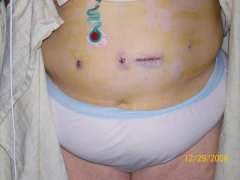
Starting my Nuu Lyph, a weight loss surgery photo album by Nuu Lyph on BariatricPal. 2 photos in Member Photo Gallery.
-
Congrats, I too am getting banded on the 29th. I am suppossed to do the Liver Shink diet, but I find myself mourning my fav foods.
-
I am very interested in attending, how do I get more info, or is it too early?:thumbup:
-
I have told a lot if people, mostly because I don't care what anyone thinks. It's taken me a long to get to a point where I want & can afford to get some help. I've been looking into this for 3yrs. A few people @ work have gotten it done, including my boss,(she had bypass) and the support is great. I've had a few nay-sayers, but I told them not to mad if I'm cuter then they are!! But seriously, you would be amazed at the support you get from folks. Good luck w/ all, and you will always get support from us:wub:
-
Congrats!!!!!!!!!!!!!! I was just approved also, so I can feel your jubilation!!! Much luck.
-
Just starting out. I had my seminar on May 27th my physc on June 16th & my surgical consult on the 17th. They said now all I have to do is gather 5 yrs of documented weight, but I feel like I'm waiting for the other shoe to drop. It can't be this easy...... can it? Nuu Lyph:redface: