Start here
Where are you in your journey?
Choose the path that fits today. We’ll take you to the most useful discussions.
- GLP-1 medication Zepbound, Wegovy, access, side effects, progress, and support.
- Before surgery Compare procedures, plan ahead, and get honest pre-op answers.
- Post-op Recovery, food stages, symptoms, and support.
- Long-term Regain, labs, habits, and life after the honeymoon.
- Revision Explore revision options, complications, and next steps.

.jpg.e9feaeee7e078c49b0e1bf1c2a594a84.jpg)
Elialitem
Pre Op
-
Joined
-
Last visited
Everything posted by Elialitem
-
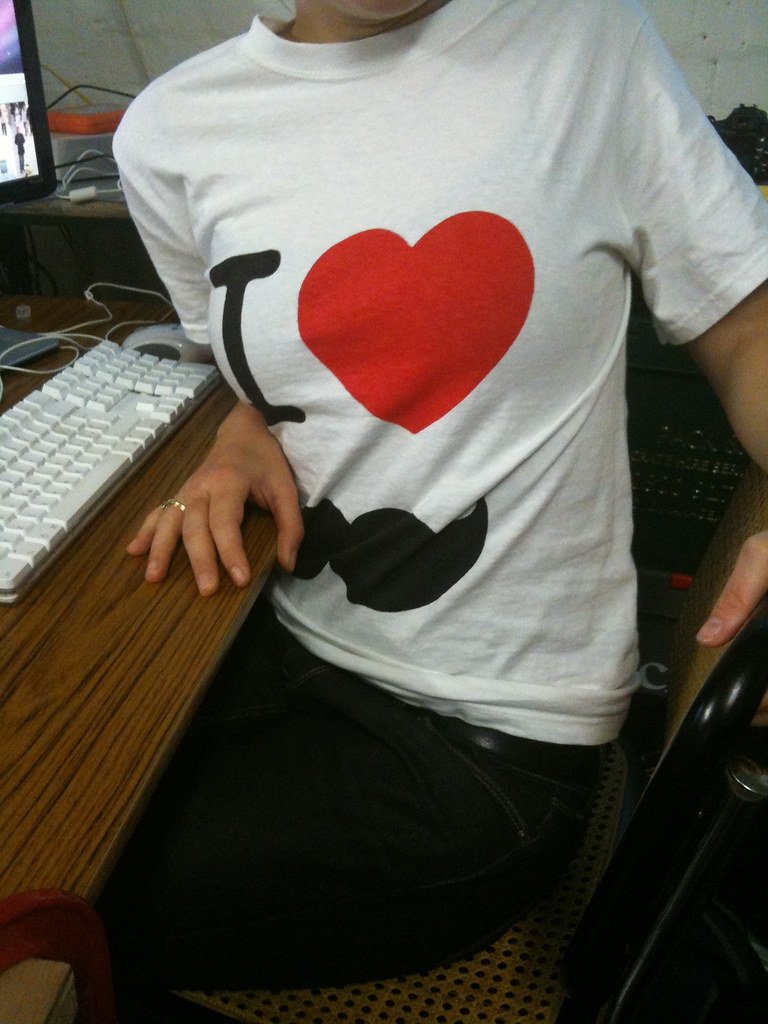
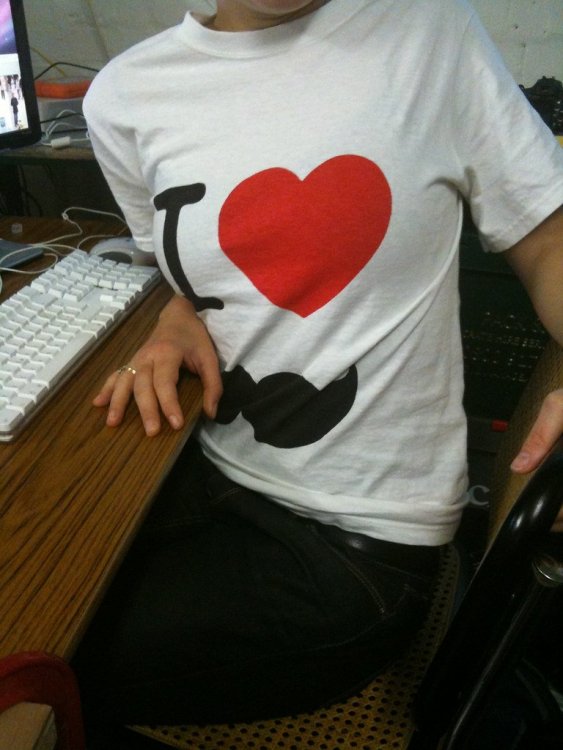
Hi guys, I hope you're doing well! I've had surgery in March and after all the actions I had to stay at home (virus, etc). I haven't got any specific hobbies, could read a book for 2-3 hours and then throw it. I was searching the net and found the article about screen printing. If you don't know, a screen printing press allows you to print different pictures on your clothes (and not only on them). Unfortunately, this unit is a bit pricey. But my wife found one good model on eBay! My first try was awful, of course, but I was full of enthusiasm. Watched a lot of videos on YouTube, read a ton of articles, followed different bloggers. And this day has come. I've made my first almost perfect T-Shirt! I tried over and over again, and this happened. I'm adding the pic of this T-Shirt. I'm so happy I found a great hobby and I wish one day I can do my own business connected with screen printing. I just wanna share with you my happiness and wish you find your own hobby if you haven't got any yet.
-
Very fast and very tasty! Thanks for sharing the recipe.
-
I think they are very tasty! I want to cook and try them?
.thumb.jpg.26df02d4fa8f31c498de33dd4b48122b.jpg)