Start here
Where are you in your journey?
Choose the path that fits today. We’ll take you to the most useful discussions.
- GLP-1 medication Zepbound, Wegovy, access, side effects, progress, and support.
- Before surgery Compare procedures, plan ahead, and get honest pre-op answers.
- Post-op Recovery, food stages, symptoms, and support.
- Long-term Regain, labs, habits, and life after the honeymoon.
- Revision Explore revision options, complications, and next steps.

vdbarbie
Gastric Sleeve Patients
-
Joined
-
Last visited
-
I had gastric sleeve last year. Only lost 52 pounds. Dr said I was a non responder to the sleeve planning on the gastric bypass next year.
-
I am 15 months out. I have stalled completely due to thyroid issues.
-
That is true. Its a lifetime change and everybody body is different.
-
I am in the same boat. I go see my primary doctor on Monday. Want to get her input.
-
-
I had the gastric sleeve July 15 2019. I only lost 52 lbs and have gain 20lbs back. I had IBS real bad. After the surgery that issue is gone.The sleeve surgery did not work for me. My appetite has increased. Question wonder if I need a revision for bypass. Just wanting your thoughts.
-
Jake I read your story on your post. Great advice and tips for me
-
Yes
-
Give me your update. Was sleeved 7/15 2019 I have gained 10 pounds feeling disappointed


-
-
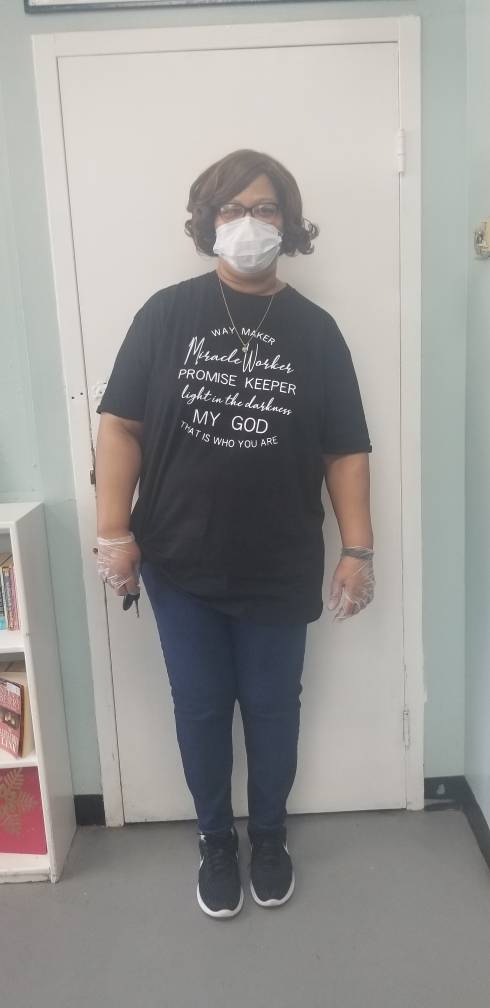
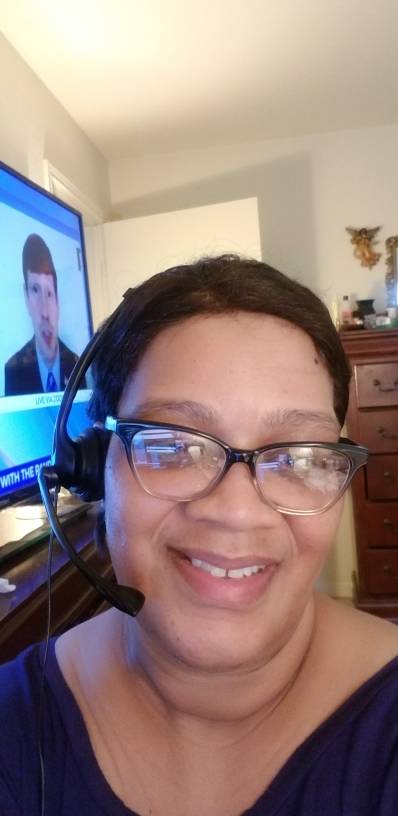
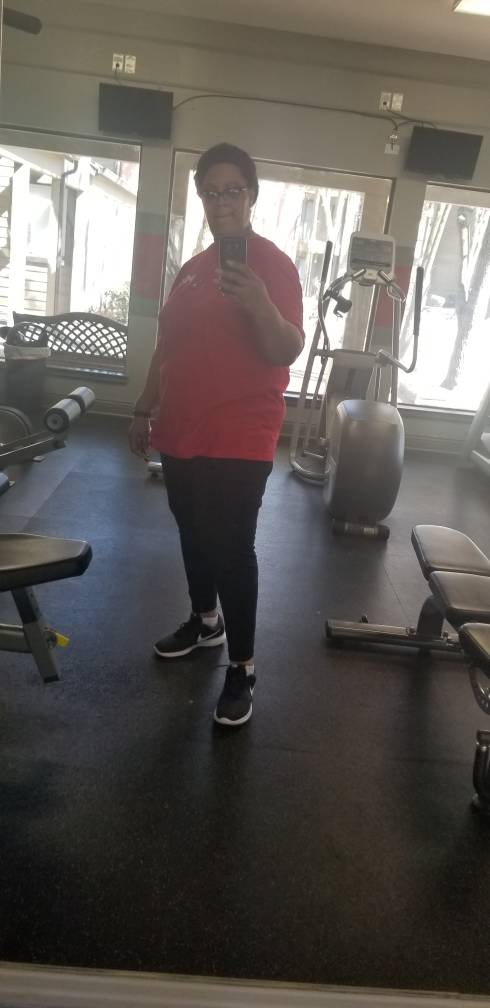
vdbarbie changed their profile photo
-
Seems like I'm at a stall. But when I went my primary. She said im doing great How are you all coming alone?
-
-
-
-
-
-
-
-
-
-
Thanks let me correct that I meant weeks
-
Great




.jpeg.150a8546b327a7d409a72e0146d2cb92.jpeg)