Skip to content
View in the app

A better way to browse. Learn more.

BariatricPal

A full-screen app on your home screen with push notifications, badges and more.

To install this app on iOS and iPadOS
  1. Tap the Share icon in Safari
  2. Scroll the menu and tap Add to Home Screen.
  3. Tap Add in the top-right corner.
To install this app on Android
  1. Tap the 3-dot menu (⋮) in the top-right corner of the browser.
  2. Tap Add to Home screen or Install app.
  3. Confirm by tapping Install.

Join BariatricPal free

  • Ask your own questions
  • Reply and follow topics
  • Message other members
  • No cost, no spam

cheyennelee623

Pre Op
  • Joined

  • Last visited

  1.    Dub reacted to a post in a topic: I Want To See Before & After Pics! (Cont'd)
  2.    Oct517 reacted to a post in a topic: I Want To See Before & After Pics! (Cont'd)
  3.    trs5502 reacted to a post in a topic: I Want To See Before & After Pics! (Cont'd)
  4.    Ruth9454 reacted to a post in a topic: I Want To See Before & After Pics! (Cont'd)
  5.    logicwand reacted to a post in a topic: I Want To See Before & After Pics! (Cont'd)
  6.    MIZ60 reacted to a post in a topic: I Want To See Before & After Pics! (Cont'd)
  7.    DanaC84 reacted to a post in a topic: I Want To See Before & After Pics! (Cont'd)
  8.    shanshan reacted to a post in a topic: I Want To See Before & After Pics! (Cont'd)
  9.    cheyennelee623 reacted to a post in a topic: Recreational Drugs
  10.    cheyennelee623 reacted to a post in a topic: First Time Posting
  11.    cheyennelee623 reacted to a post in a topic: First Time Posting
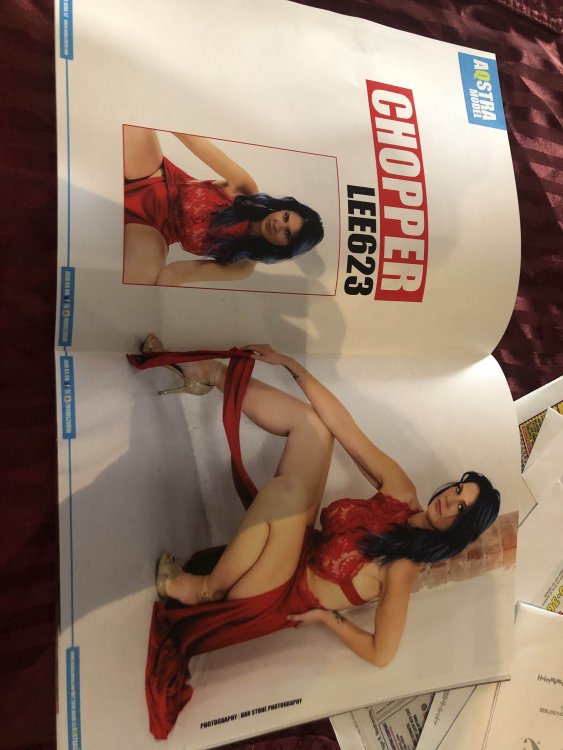
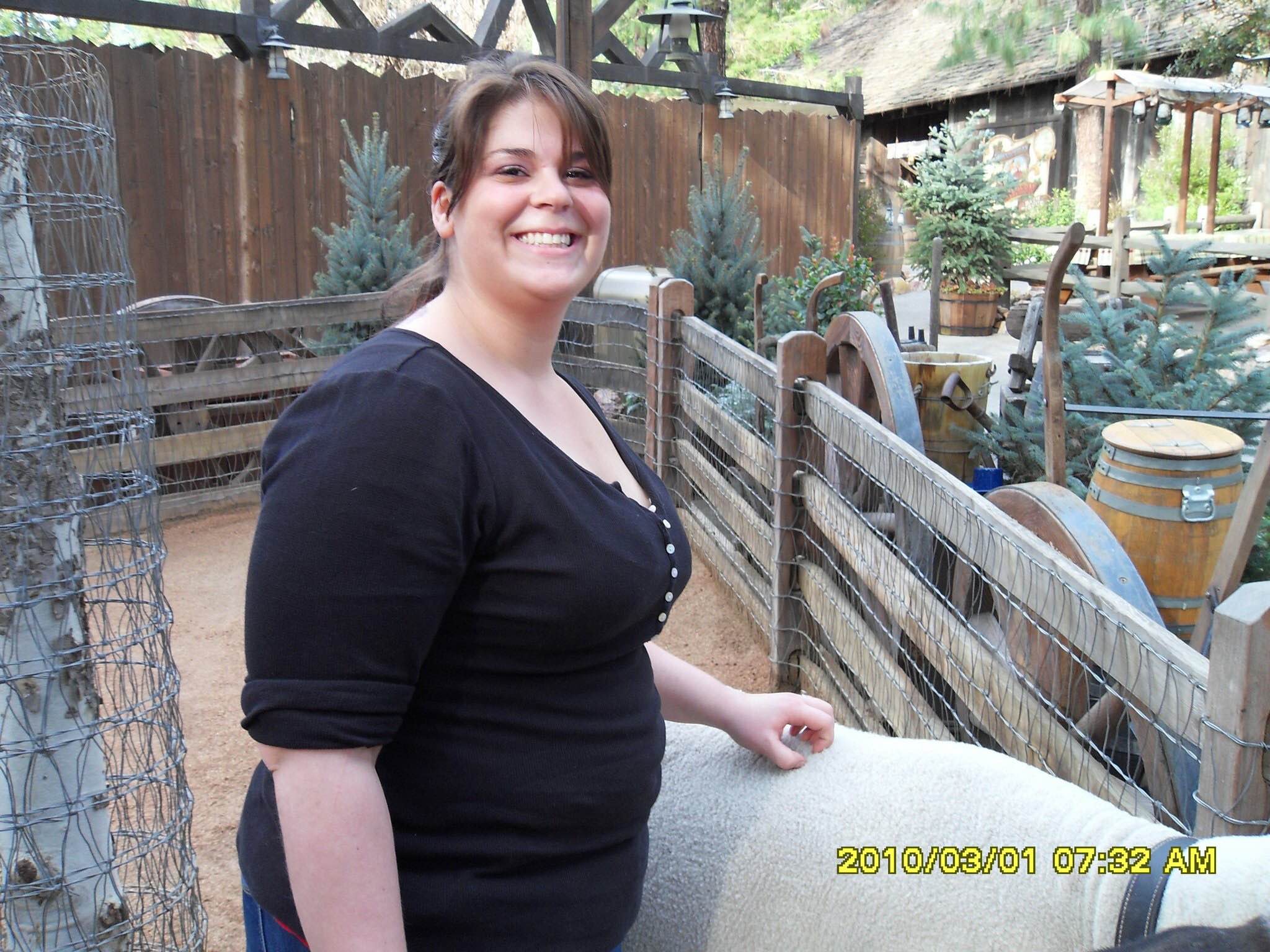
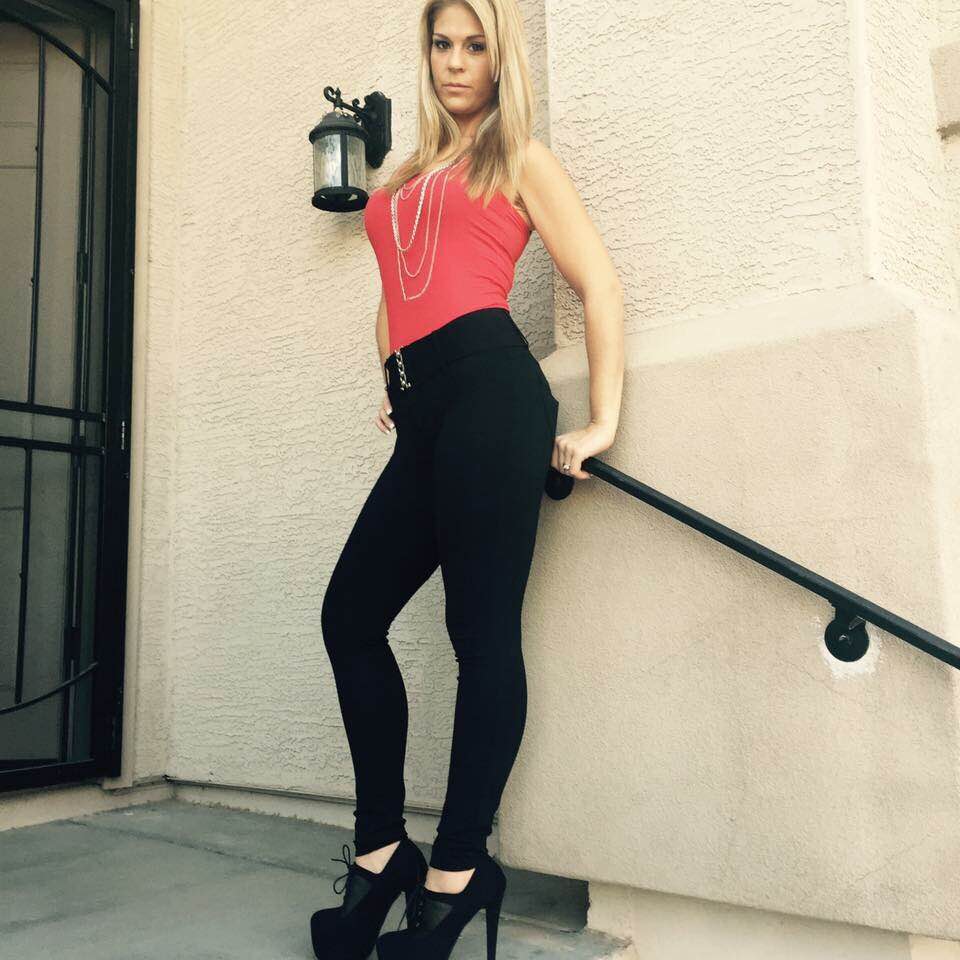
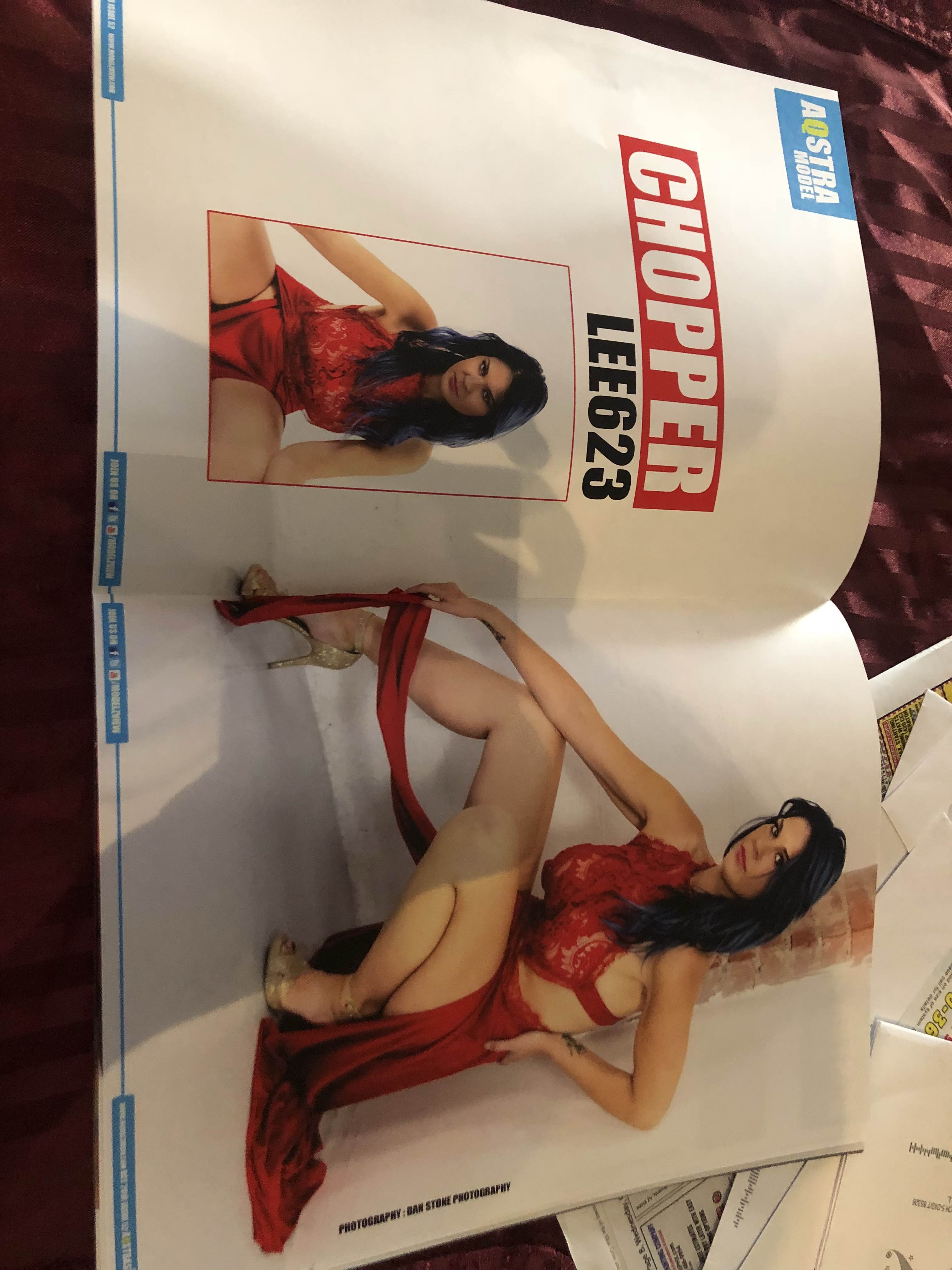
  12. First Post, never been in a gp forum, thought I’d try it out. I had rny in 2009. 300 ish to 135 lbs. 2 kids, one gb pregnancy 4 years ago. Lots of experience, ups, downs, and all of the in betweens . Hit me up if you have questions or find me on IG @cheyennelee623
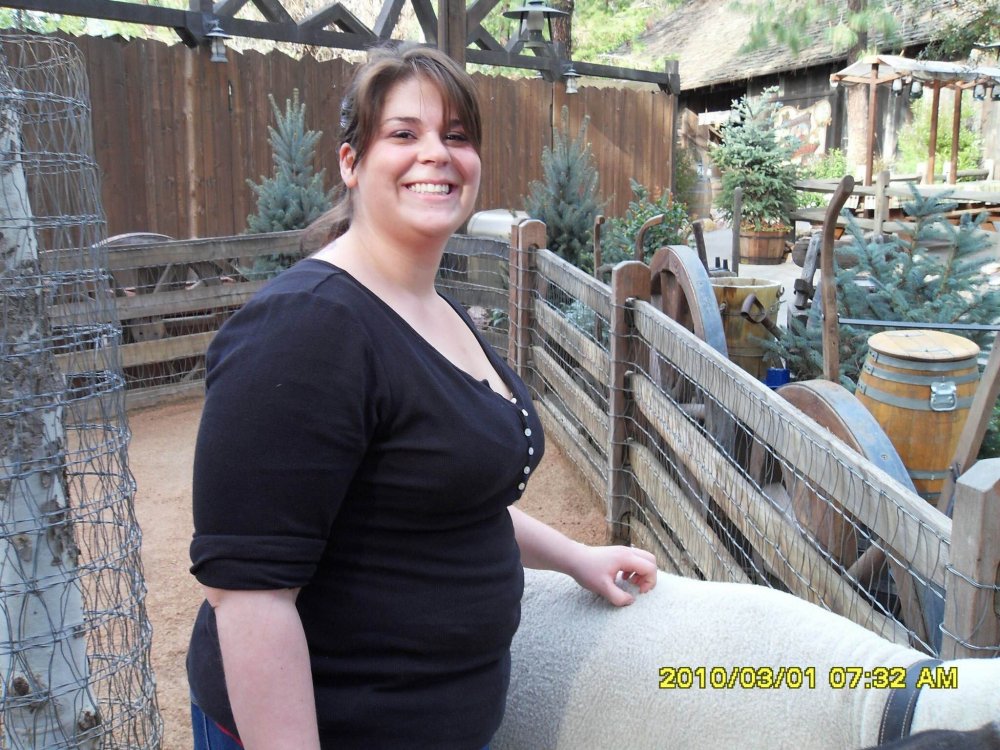
  13. Before and After photos. 10 yrs post op at 31, 2 kids, one pregnancy w gp .
Account

Navigation

Search

Search

Configure browser push notifications

Chrome (Android)
  1. Tap the lock icon next to the address bar.
  2. Tap Permissions → Notifications.
  3. Adjust your preference.
Chrome (Desktop)
  1. Click the padlock icon in the address bar.
  2. Select Site settings.
  3. Find Notifications and adjust your preference.