Start here
Where are you in your journey?
Choose the path that fits today. We’ll take you to the most useful discussions.
- GLP-1 medication Zepbound, Wegovy, access, side effects, progress, and support.
- Before surgery Compare procedures, plan ahead, and get honest pre-op answers.
- Post-op Recovery, food stages, symptoms, and support.
- Long-term Regain, labs, habits, and life after the honeymoon.
- Revision Explore revision options, complications, and next steps.

apeek
Gastric Sleeve Patients
-
Joined
-
Last visited
-
Weight loss since June
-
-
-
-
Hey Ernest! Just checking in! How’d your surgery go? It took me about 3 days to fully recover. Let me know if you want any tips!
-
Welcome!
-
-
-
-
-
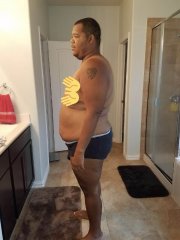
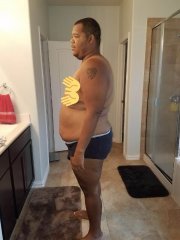
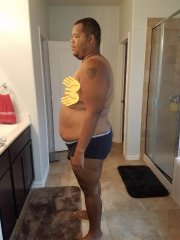
I would love to connect with any sleevers in the Austin, TX area! I just had the sleeve on a June 21 and have lost about 60 lbs! Would love to exchange stories; and maybe do a few Fitbit challenges! Thanks, Anthony
-
Every hour lol ... bad habit!
-
 George OG reacted to a post in a topic:
Did your marriage or relationship die after you lost the weight?
George OG reacted to a post in a topic:
Did your marriage or relationship die after you lost the weight?
-
Maybe the root cause of her unhappiness is because she hasn’t lost any weight. It sounds like she can also benefit from the surgery and then maybe you two can work out the some of your differences? Don’t be discouraged, you look great bro
-
-
-