Start here
Where are you in your journey?
Choose the path that fits today. We’ll take you to the most useful discussions.
- GLP-1 medication Zepbound, Wegovy, access, side effects, progress, and support.
- Before surgery Compare procedures, plan ahead, and get honest pre-op answers.
- Post-op Recovery, food stages, symptoms, and support.
- Long-term Regain, labs, habits, and life after the honeymoon.
- Revision Explore revision options, complications, and next steps.

littlebearsmom25
Gastric Sleeve Patients
-
Joined
-
Last visited
-
-
-
-
-
-
-
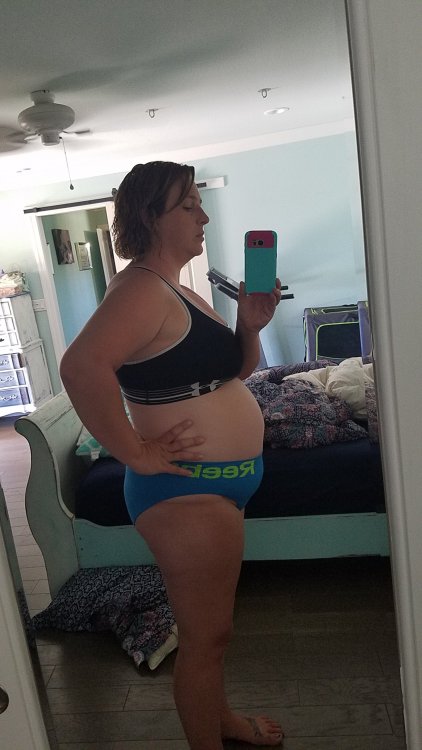
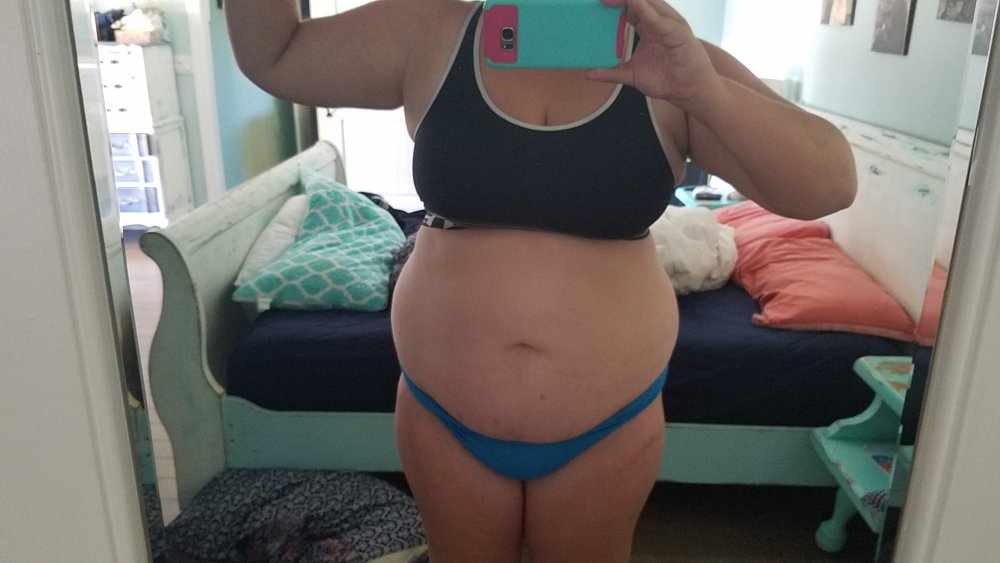
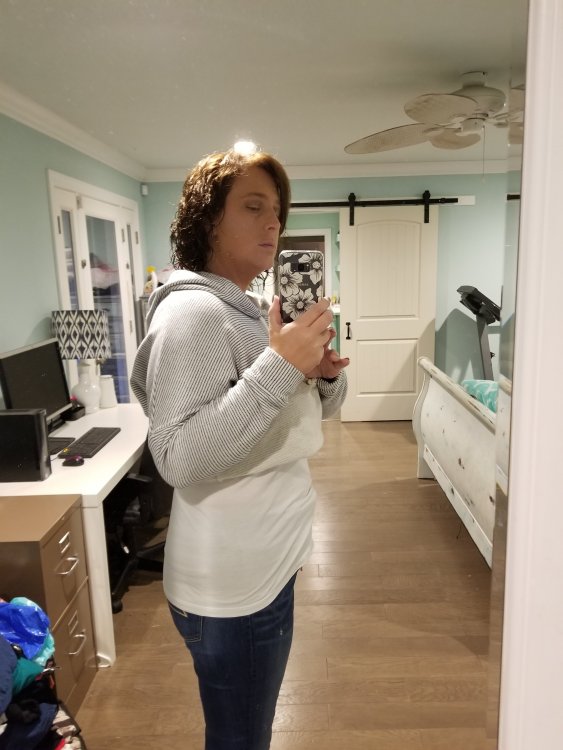
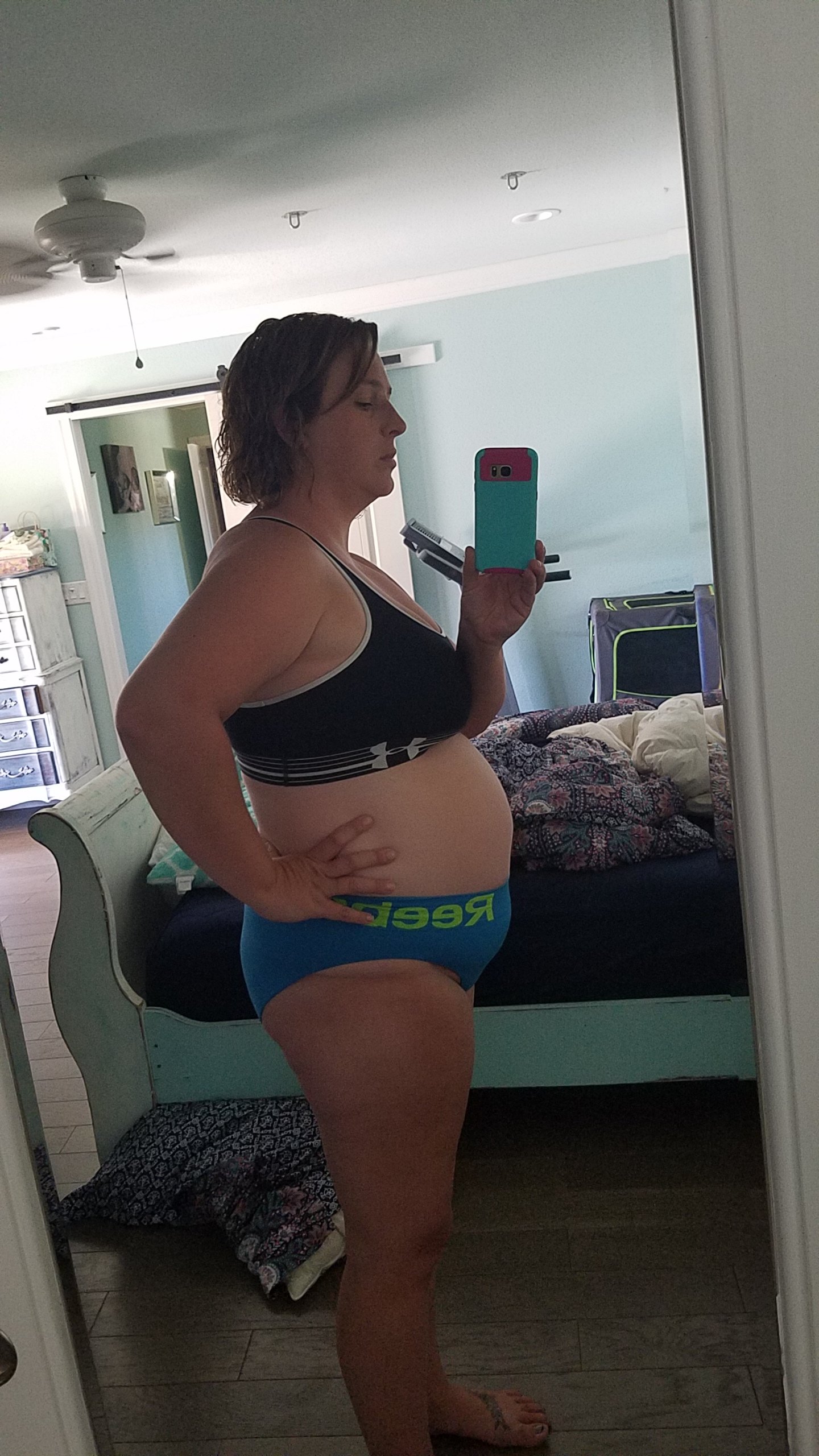
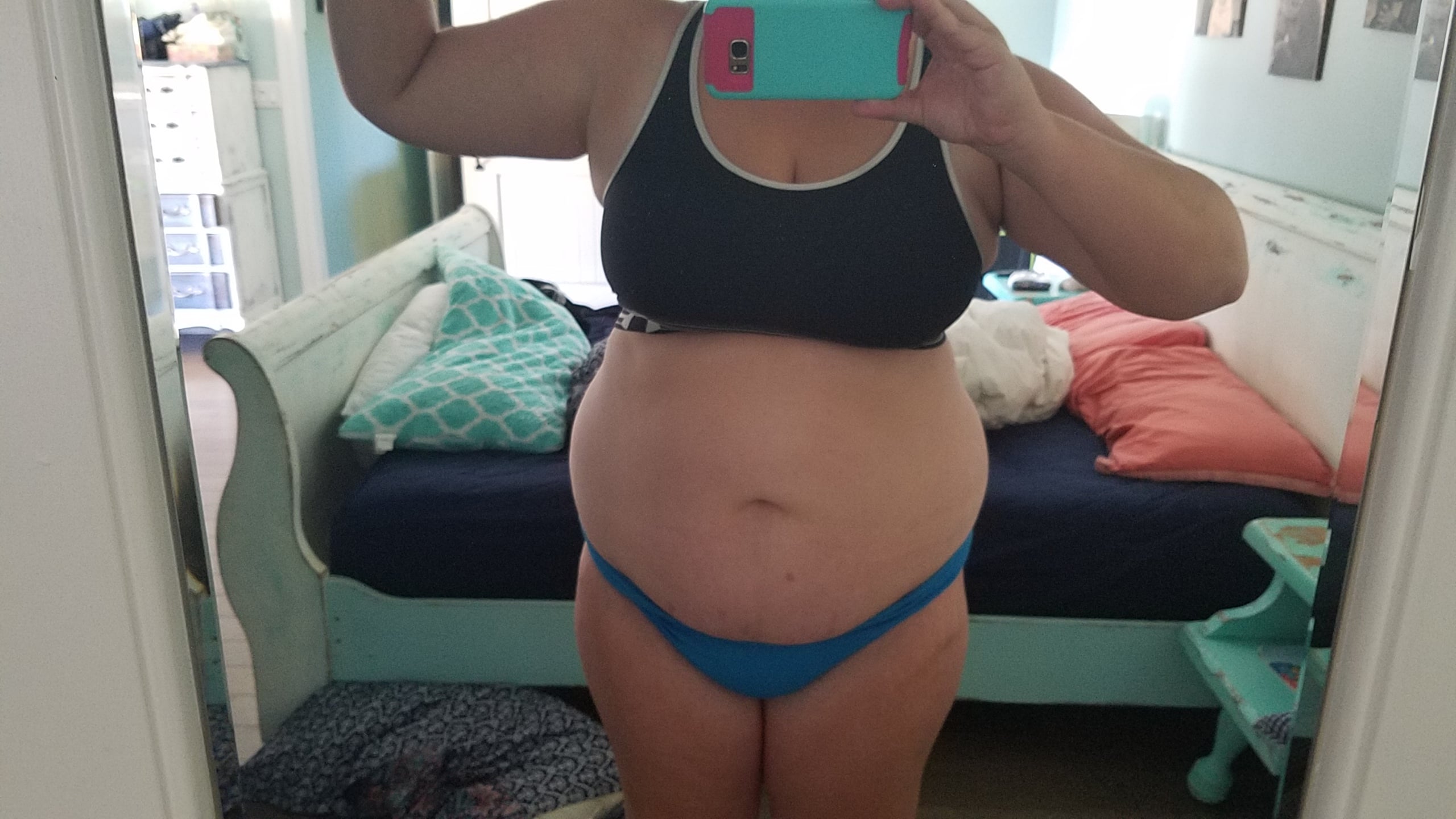
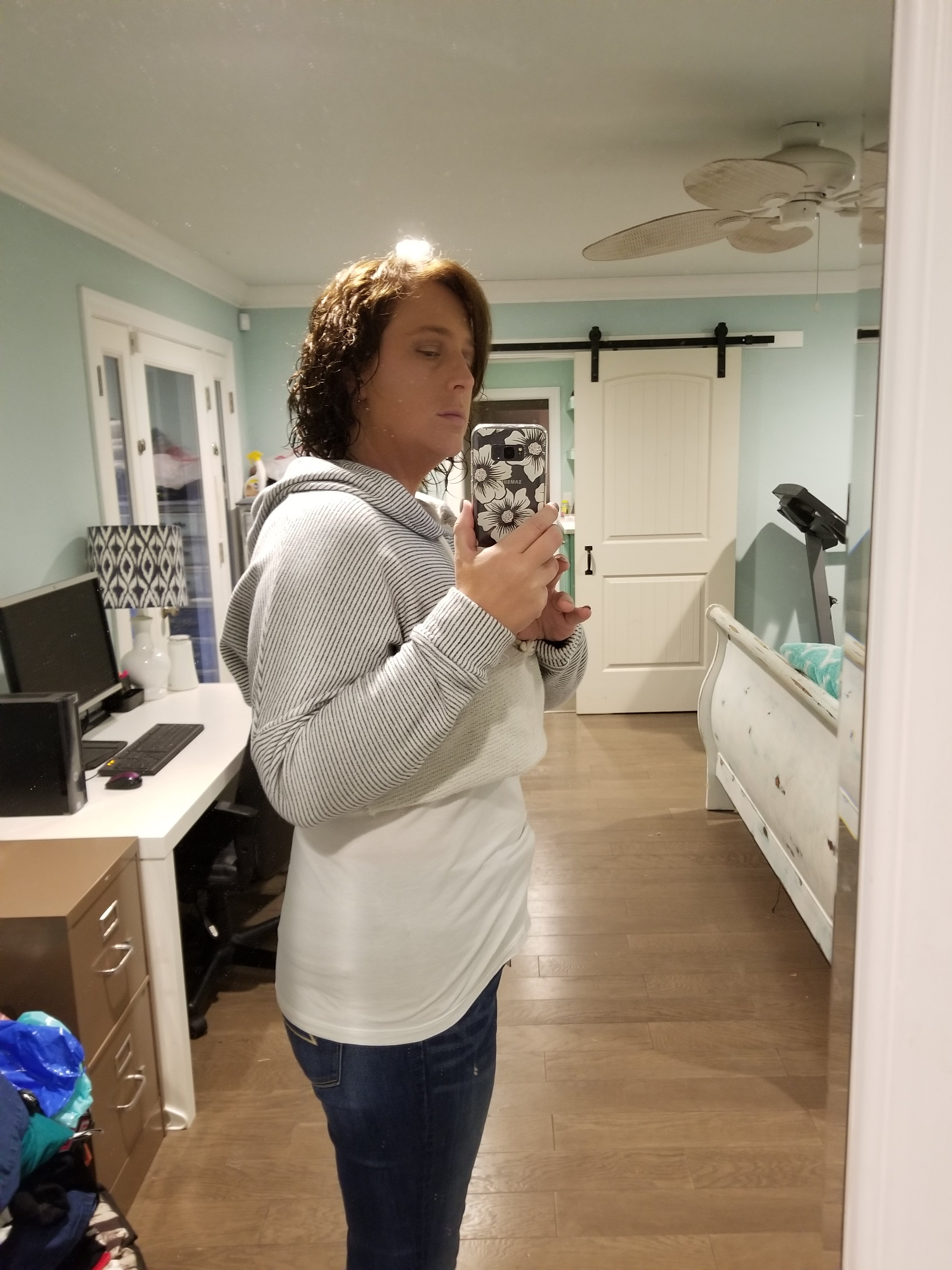
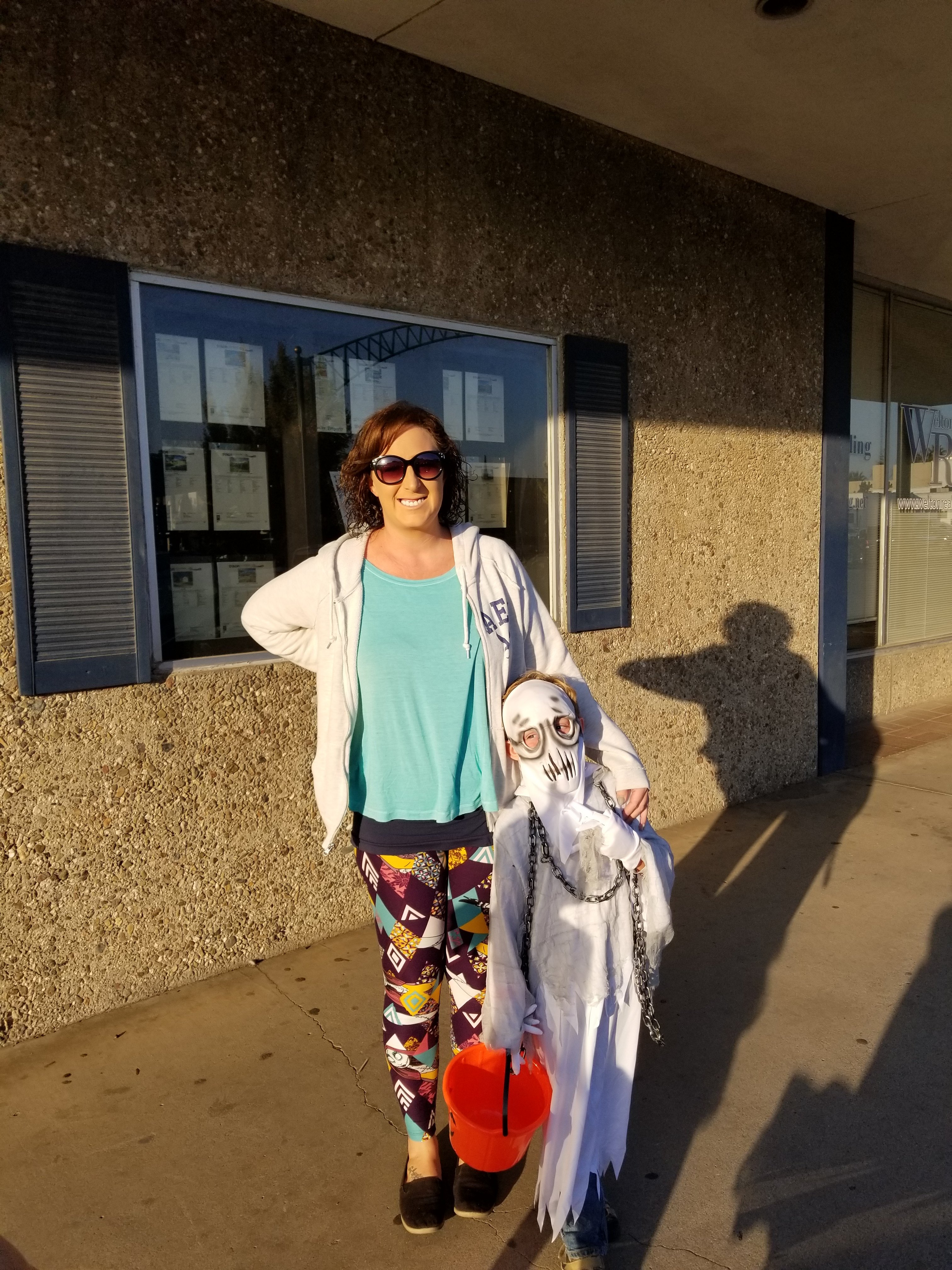
20171031_170400.jpg.lxc3f3f.partialThought I would post my first progress pics. The first and second photo in my underoos is from my highest weight of 242 lbs. The 3rd is a month after surgery at 225, and the 4th photo is from today, and the last one was from Halloween with my little guy. I am just over 2 months post op. I am 5'10 and my bmi right now is 27. HW 242 SW 235 CW 193 GW 150-160 20171031_170400.jpg.lxc3f3f.partial