Start here
Where are you in your journey?
Choose the path that fits today. We’ll take you to the most useful discussions.
- GLP-1 medication Zepbound, Wegovy, access, side effects, progress, and support.
- Before surgery Compare procedures, plan ahead, and get honest pre-op answers.
- Post-op Recovery, food stages, symptoms, and support.
- Long-term Regain, labs, habits, and life after the honeymoon.
- Revision Explore revision options, complications, and next steps.


BrandiceLeSha
Gastric Sleeve Patients
-
Joined
-
Last visited
-
-
-
-
BrandiceLeSha changed their profile photo
-
-
-
-
-
-
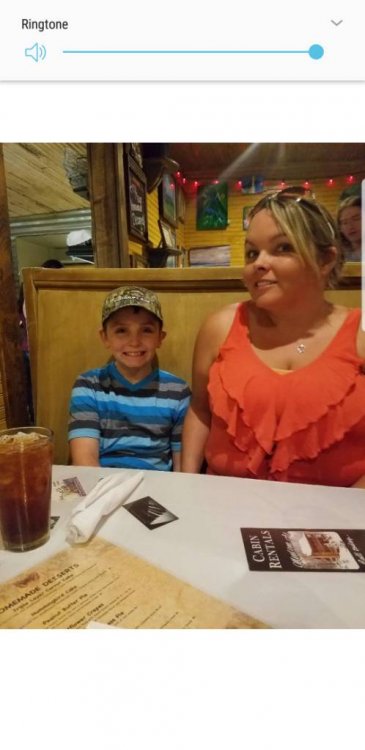
I haven't been on in awhile. Still loving my decision. My weight varies between 130-132 pounds now. Sent from my SM-N950U using BariatricPal mobile app




-
-
-
Just checking in. So happy with my decision still. Currently 142 pounds[emoji4] Sent from my SM-G955U using BariatricPal mobile app
-
Thanks!![emoji4] Sent from my SM-G955U using BariatricPal mobile app
-
I feel different too lol? Thanks!! Sent from my SM-G955U using BariatricPal mobile app
-
I started at 234 pounds, and I'm down to 145. So, I've lost right at 90 pound after being sleeved June 28.i went from size 20 to a size 6.Loving my journey[emoji4] Sent from my SM-G955U using BariatricPal mobile app