Start here
Where are you in your journey?
Choose the path that fits today. We’ll take you to the most useful discussions.
- GLP-1 medication Zepbound, Wegovy, access, side effects, progress, and support.
- Before surgery Compare procedures, plan ahead, and get honest pre-op answers.
- Post-op Recovery, food stages, symptoms, and support.
- Long-term Regain, labs, habits, and life after the honeymoon.
- Revision Explore revision options, complications, and next steps.


Ginie
Gastric Sleeve Patients
-
Joined
-
Last visited
-
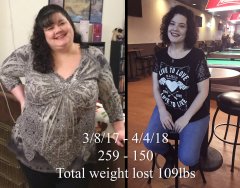 Thank you
 -
-
 You look great! Awesome job.
 -
-
-
-
-
-
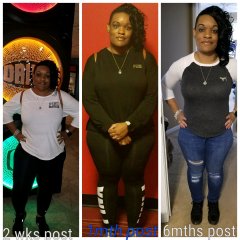 Congrats you look wonderful!!
 -
-
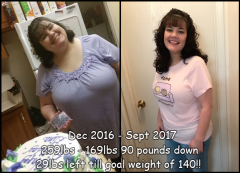
I never did quite reach my goal of 140, but I have reached another goal which was to become a healthier person and to be able to go out and do things that I was not able to do before. I now go hiking, I go out and walk around with no issues at all. I can run and chase my grandson now. The level of happiness that I have achieved far out ways the negative of not hitting a weight number goal.
-
Ginie changed their profile photo
-
-
 Haha thanks!
 -
-
-
-
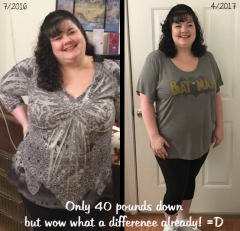
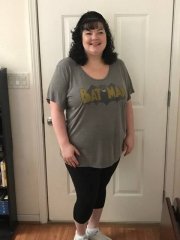
I suppose this is where I will keep my before and after pictures.