Skip to content
View in the app

A better way to browse. Learn more.

BariatricPal

A full-screen app on your home screen with push notifications, badges and more.

To install this app on iOS and iPadOS
  1. Tap the Share icon in Safari
  2. Scroll the menu and tap Add to Home Screen.
  3. Tap Add in the top-right corner.
To install this app on Android
  1. Tap the 3-dot menu (⋮) in the top-right corner of the browser.
  2. Tap Add to Home screen or Install app.
  3. Confirm by tapping Install.

jessanell

Gastric Sleeve Patients
  • Joined

  • Last visited

  1.    icstarz6 reacted to a post in a topic: I Want To See Before & After Pics! (Cont'd)
  2.    Victoryw reacted to a post in a topic: I Want To See Before & After Pics! (Cont'd)
  3.    Victoryw reacted to a post in a topic: I Want To See Before & After Pics! (Cont'd)
  4.    FabFemale reacted to a post in a topic: I Want To See Before & After Pics! (Cont'd)
  5.    smb1966 reacted to a post in a topic: I Want To See Before & After Pics! (Cont'd)
  6.    165B445 reacted to a post in a topic: I Want To See Before & After Pics! (Cont'd)
  7.    Bluesky1 reacted to a post in a topic: I Want To See Before & After Pics! (Cont'd)
  8.    luv2plumb reacted to a post in a topic: I Want To See Before & After Pics! (Cont'd)
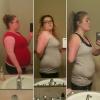
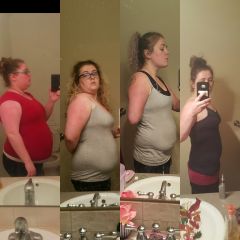
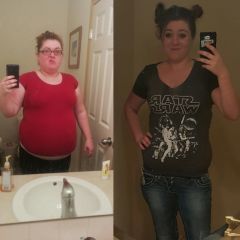
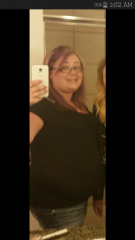
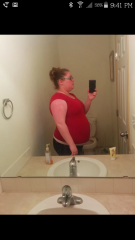
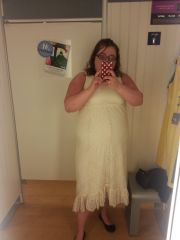
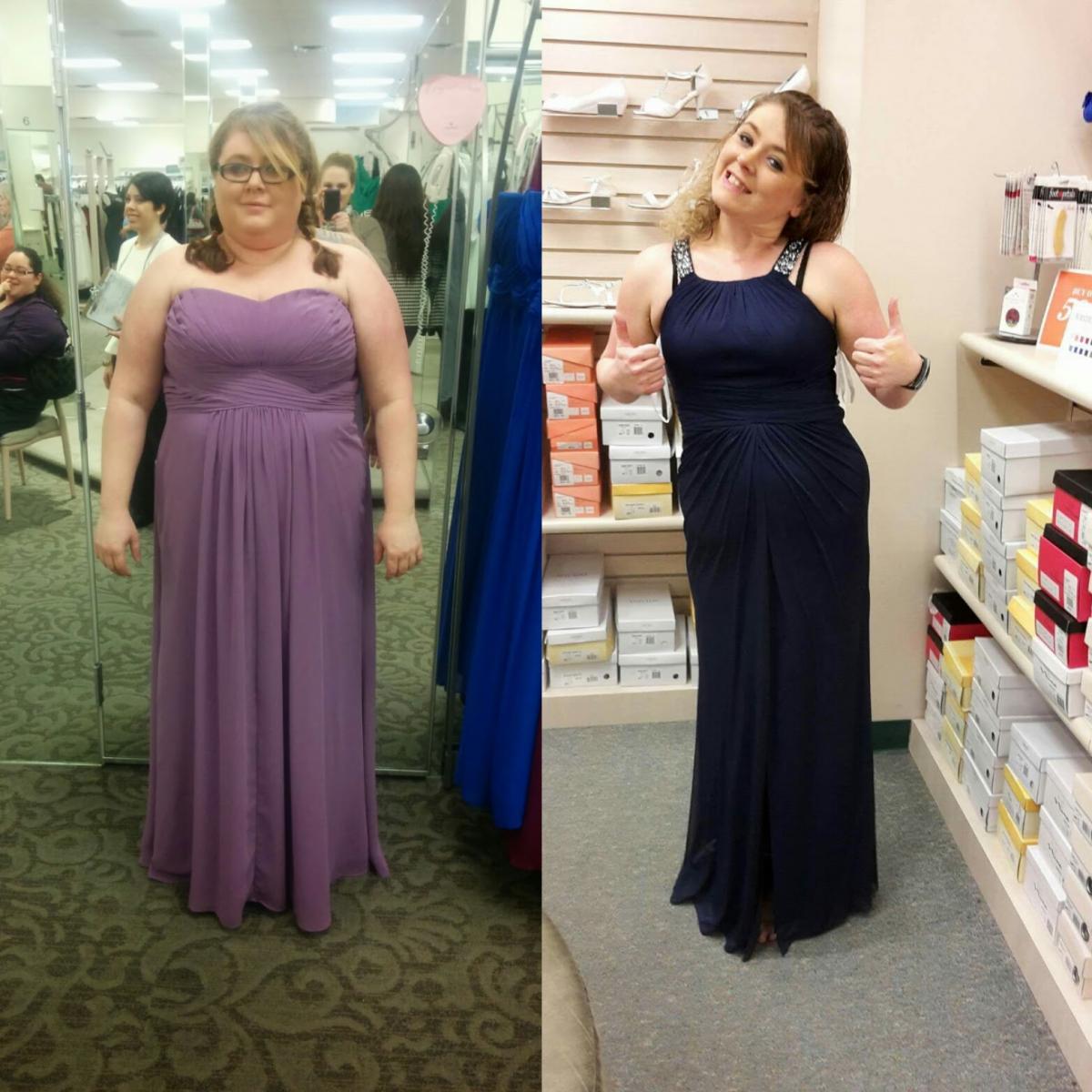
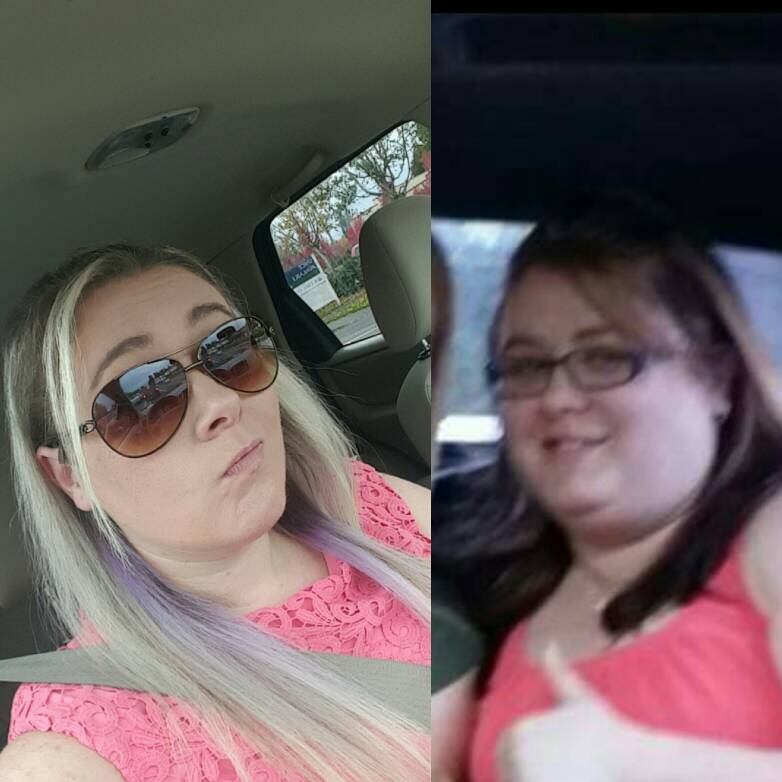
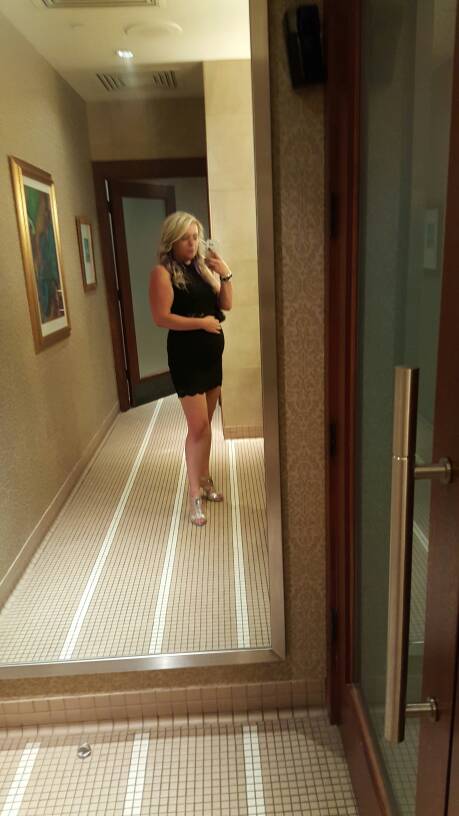
  9. I haven't posted much but I went dress shopping yesterday because I'm a bridesmaid in a wedding this summer. It reminded me of 2 years ago when I was in another friends wedding how terrible I felt ordering a size 20 dress. Well I'm happy to say I'm ordering a size 8 this time, could get a 6 but I want to be able to breathe in it. HW: 260 SW: 245 4/17/15 CW: 158 3/20/16 My goal weight is 155 so I'm so close. I have a lot of extra skin that I'm looking into having surgically removed. But I couldn't be happier with the results from my surgery!

  10.    jessanell reacted to a post in a topic: I Want To See Before & After Pics! (Cont'd)
  11.    jessanell reacted to a post in a topic: I Want To See Before & After Pics! (Cont'd)
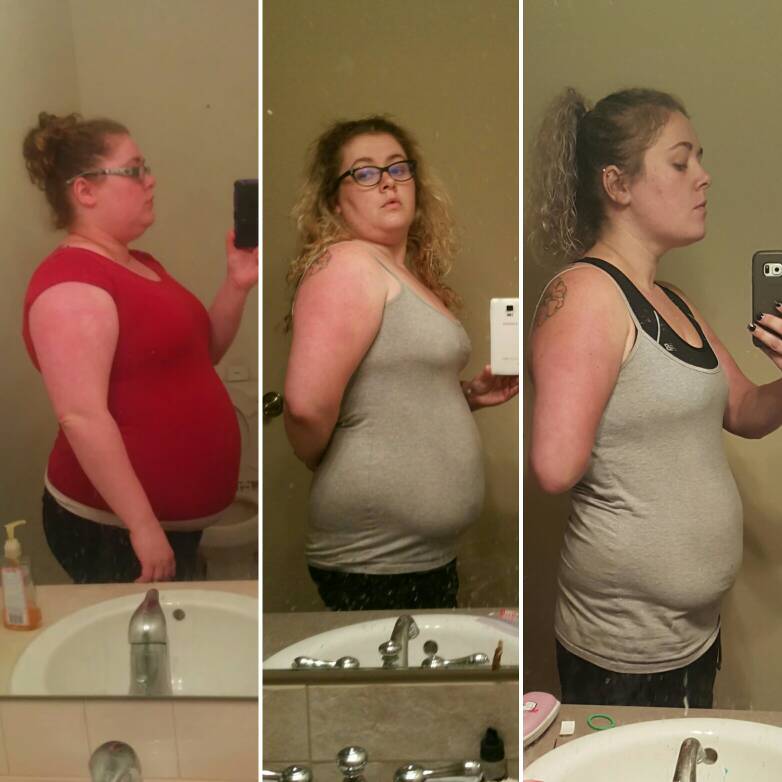
  12. 6 months out tomorrow. Down 88 pounds 20 pounds to goal.

Account

Navigation

Search

Search

Configure browser push notifications

Chrome (Android)
  1. Tap the lock icon next to the address bar.
  2. Tap Permissions → Notifications.
  3. Adjust your preference.
Chrome (Desktop)
  1. Click the padlock icon in the address bar.
  2. Select Site settings.
  3. Find Notifications and adjust your preference.