Start here
Where are you in your journey?
Choose the path that fits today. We’ll take you to the most useful discussions.
- GLP-1 medication Zepbound, Wegovy, access, side effects, progress, and support.
- Before surgery Compare procedures, plan ahead, and get honest pre-op answers.
- Post-op Recovery, food stages, symptoms, and support.
- Long-term Regain, labs, habits, and life after the honeymoon.
- Revision Explore revision options, complications, and next steps.

ladycook9713
Gastric Sleeve Patients
-
Joined
-
Last visited
-
-
Wow! You look great! Thank you both!
-
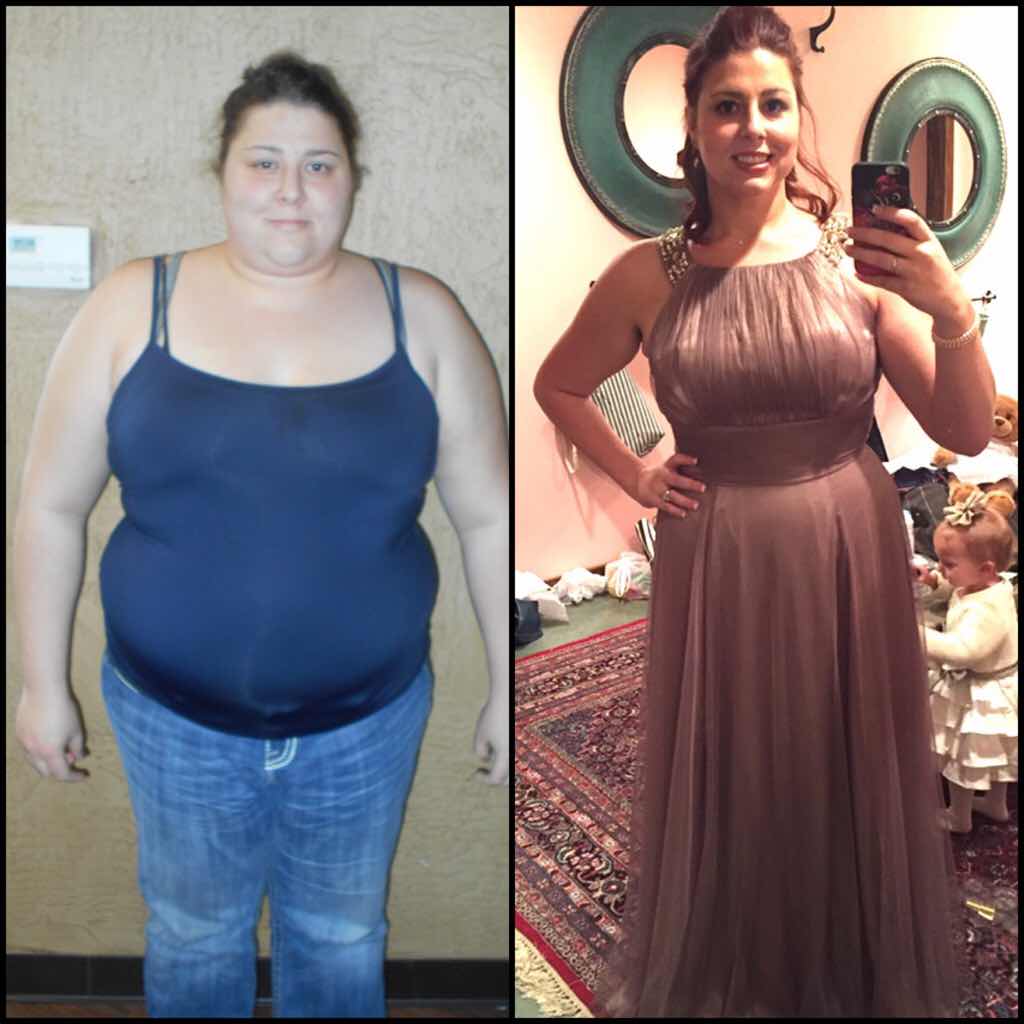
Down 130lbs! Size 24 to a size 14. Still have around 40lbs that I would like to lose. I would like to lose it by my 1 year surgiversary on 3/25/16. Just gotta keep trucking!
-
I've lost 102lbs so far. I can't believe I was that other person.
-
Omg, I emailed my surgeons office to get a copy of the before picture they took of me. I'm just so...ugh...grossed out!! HW: 316 SW: 282 CW: 214.8

-
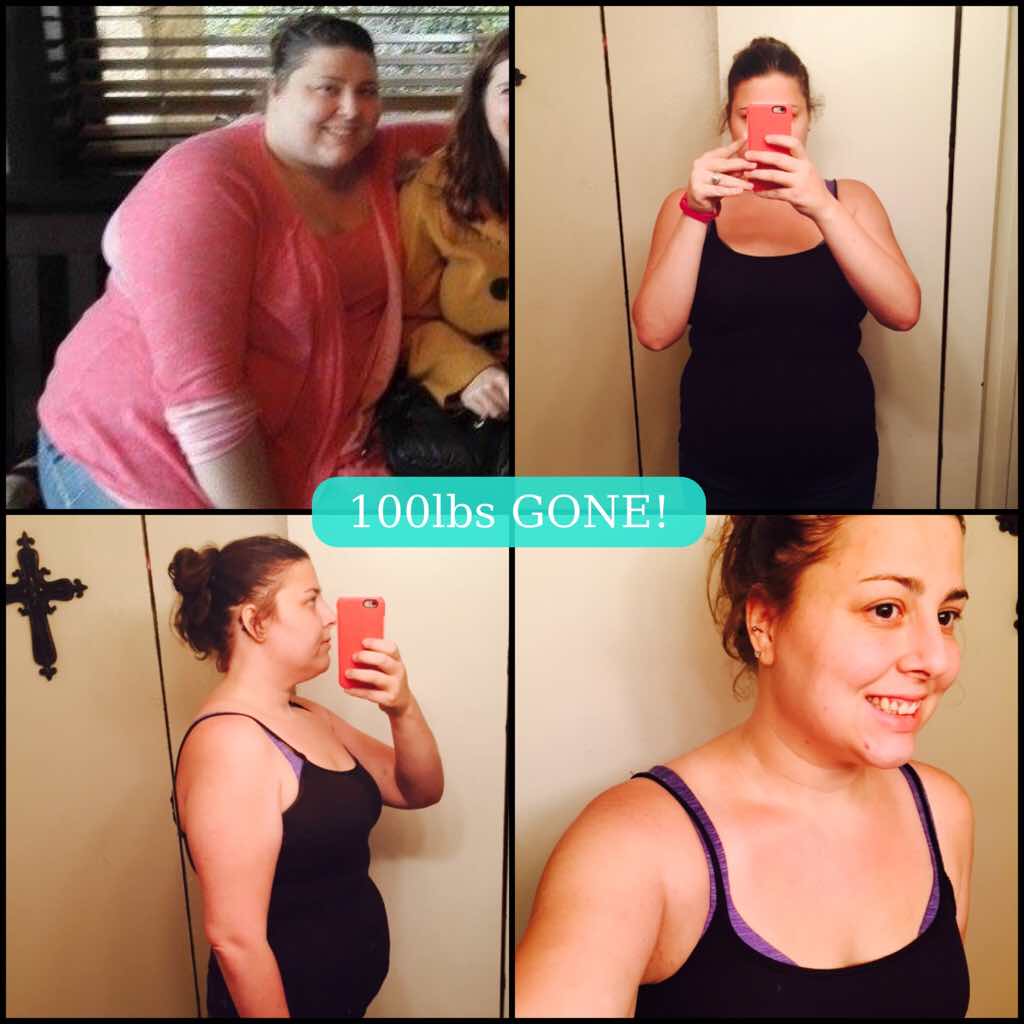
As of today I am 100lbs down!!

-
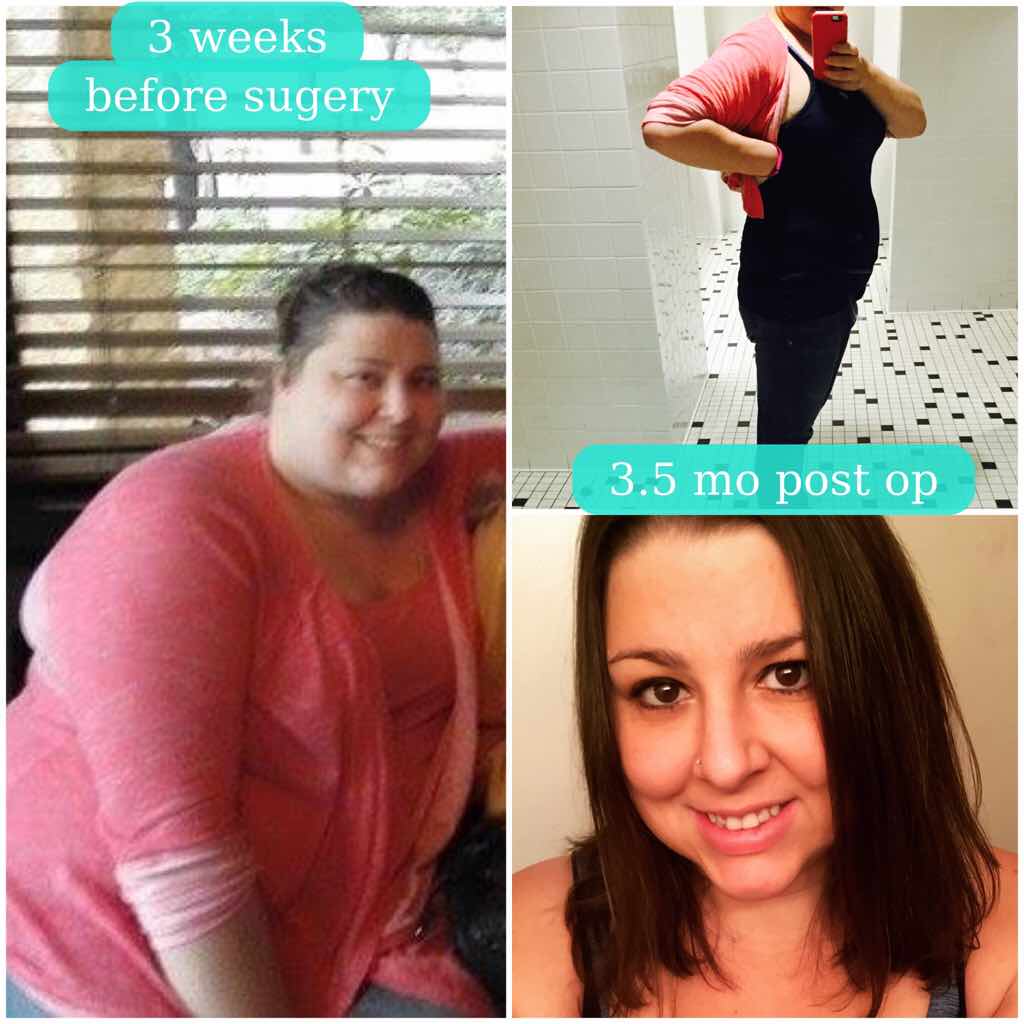
How long did it take you to lose the 93lbs?? U look amazing congrats!!!! I've lost 80lbs in 3.5 mo and 93lbs from my heaviest. And thank you! I feel so much better now!What is your secret? Because I'm 3 mos post op and only lost 50 lbs. I would love to know what you did so I can speed my weight loss up like that. Help a sista out...lol I think I could scream right now. I had a whole big reply typed out and I went to link my blog and I must have hit the wrong key, because poof it was gone....RAGE! lol What I eat and what not is on my VSG story, I'm going to start updating it more often. http://www.bariatricpal.com/topic/333750-perfectly-imperfect-ashleys-vsg-story/
-
How long did it take you to lose the 93lbs?? U look amazing congrats!!!! I've lost 80lbs in 3.5 mo and 93lbs from my heaviest. And thank you! I feel so much better now!
-
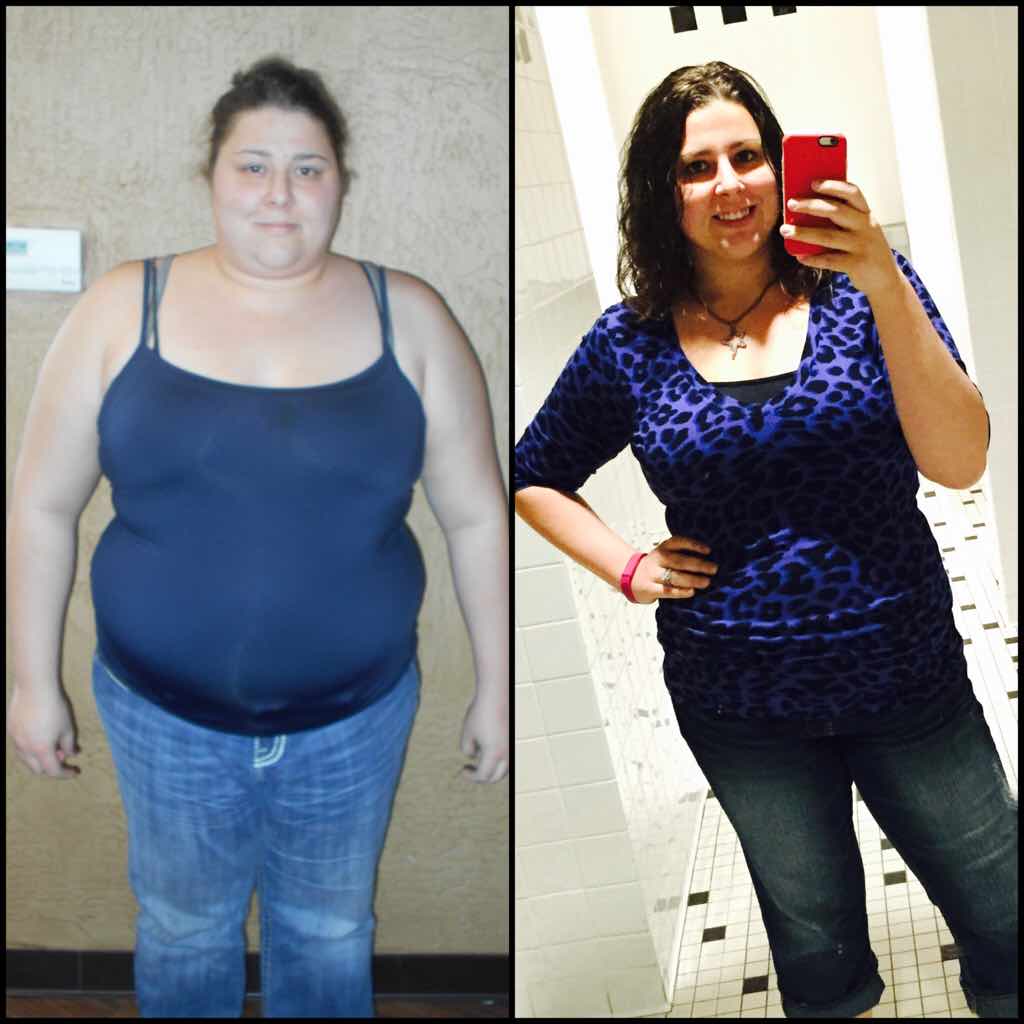
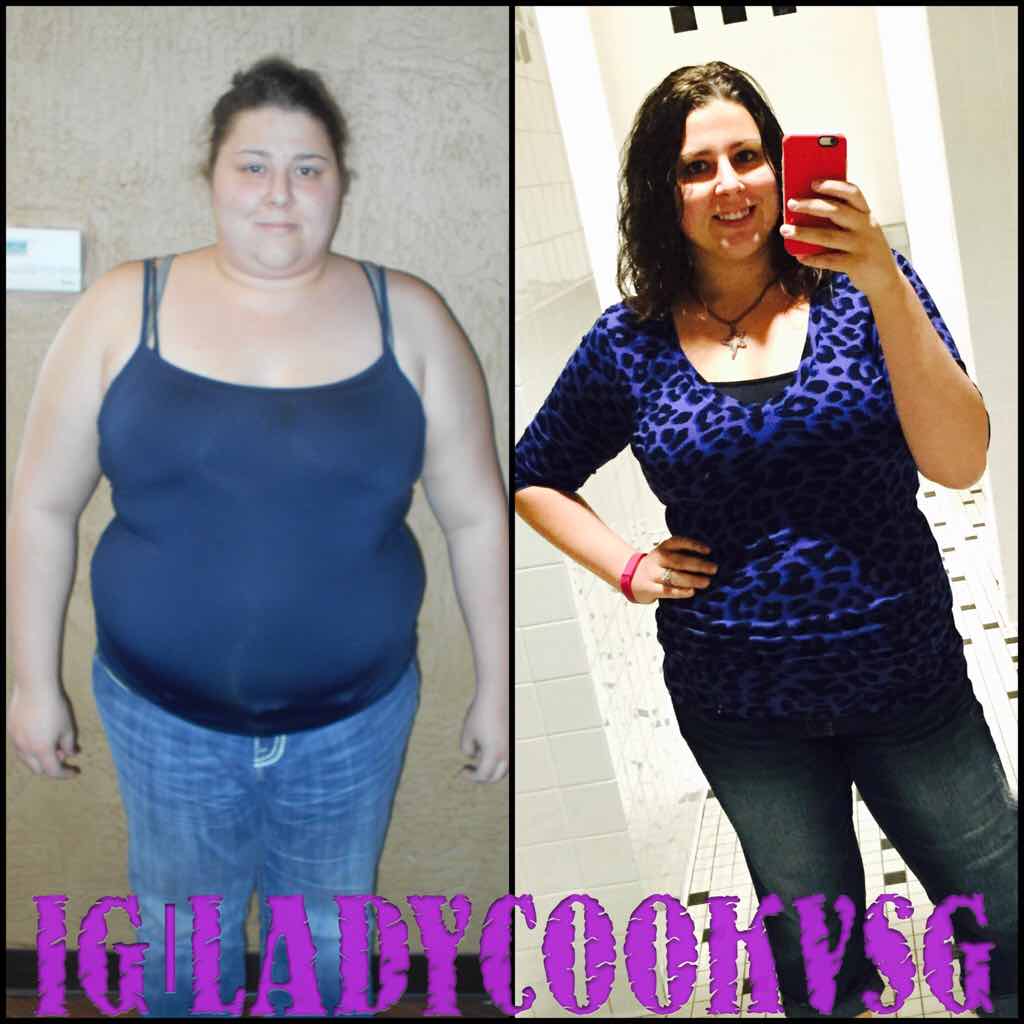
Down 93lbs! I feel amazing!