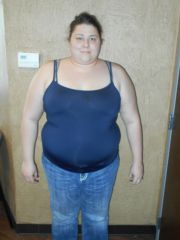
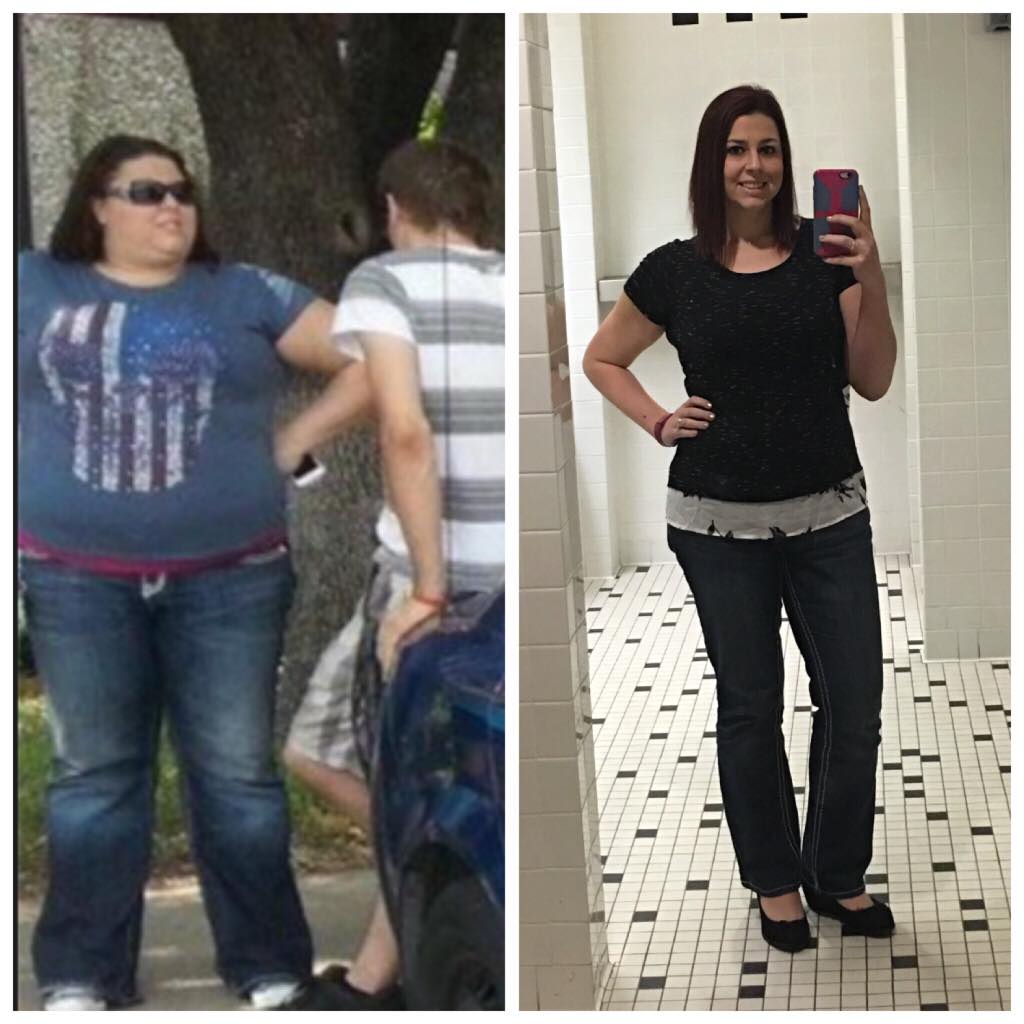
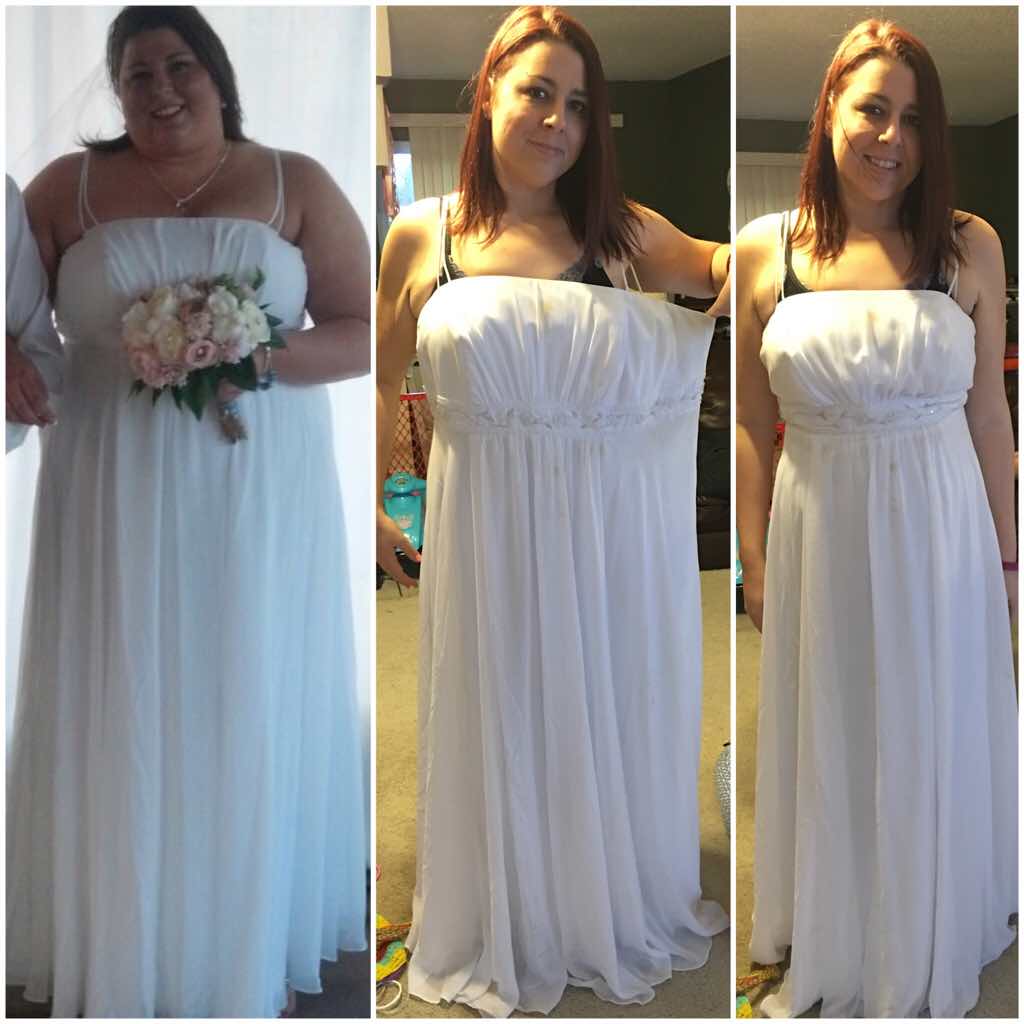
**Weight lost includes my pre-op diet as well as 13lbs lost prior to starting this journey**
February 11, 2015 - First appointment with True Results for VSG
February 12, 2015 - Had blood taken for Pre-Op blood work.
February 13, 2015 - True Results Insurance Coordinator called me to let me know she was submitting my paperwork to insurance for approval.
February 17, 2015 - I called my insurance to confirm that they had received my paperwork. They said they had received it yesterday.
February 18, 2015 - Insurance approved my VSG surgery (I wasn't aware yet)
February 20, 2015 - I called insurance to see what the status was of my surgery auth. They let me know it had been approved on the 18th!
February 25, 2015 - Went to another True Results location to have a Body Composition test done. (BMR, Body Fat %, Recommended diet)
February 26, 2015 - Finally was able to get a hold of the insurance coordinator and patient advocate to let them know that I had been approved (bad weather in the area past 2 days)
February 27, 2015 - PreOp clearance doctor's appointment with PCP for blood pressure. (rescheduled due to weather)
March 2, 2015 - PreOp clearance doctor's appointment with PCP for blood pressure. Doctor said he believes that I am low risk for surgery and sent clearance.
March 6, 2015 - Received a call from the surgeon's office and I have an appointment for 9am on March 9th to meet with the surgeon and hopefully schedule my surgery!
March 9, 2015 - Appointment at surgeon's office. Scheduled my pysch, nut, and stress test appointments.
March 11, 2015 - Nutritional and Pre-Op appointment. 2 week liquid diet starts.
March 16, 2015 - Stress Test
March 17, 2015 - Pysch Counseling
March 25, 2015 - Surgery Date! - Surgery went well and I was sent home the same day.
April 1, 2015 - 1 week post-op appointment
April 5, 2015 - 50lbs GONE
April 8, 2015 - 2 week post-op appointment
May 26, 2015 - 75lbs GONE
May 27, 2015 - 2 month post op appointment
July 26, 2015 - 100lbs GONE!
July 28, 2015 - Officially weigh the least I have in at least 10 years!
September 9, 2015 - Reached ONDERLAND!! (199.8)
October 22, 2015 - 125lbs GONE!
March 19, 2016 - 150lbs GONE!
March 20, 2016 - Got my Weightloss Tattoo
March 25, 2016 - One Year Surgiversary!