Start here
Where are you in your journey?
Choose the path that fits today. We’ll take you to the most useful discussions.
- GLP-1 medication Zepbound, Wegovy, access, side effects, progress, and support.
- Before surgery Compare procedures, plan ahead, and get honest pre-op answers.
- Post-op Recovery, food stages, symptoms, and support.
- Long-term Regain, labs, habits, and life after the honeymoon.
- Revision Explore revision options, complications, and next steps.

ElectricBoogaloo
Gastric Sleeve Patients
-
Joined
-
Last visited
Everything posted by ElectricBoogaloo
-
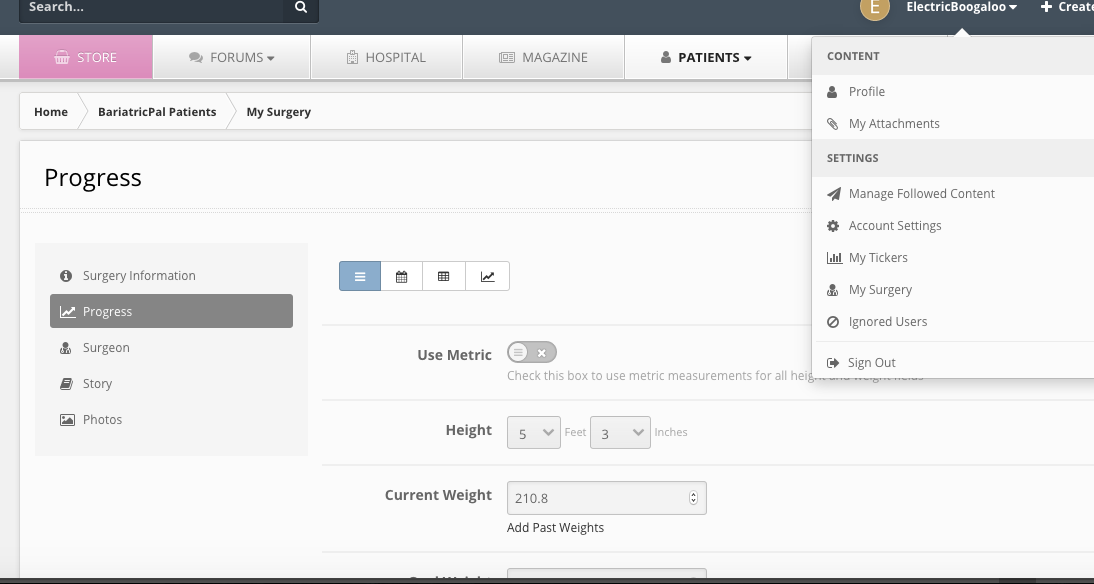
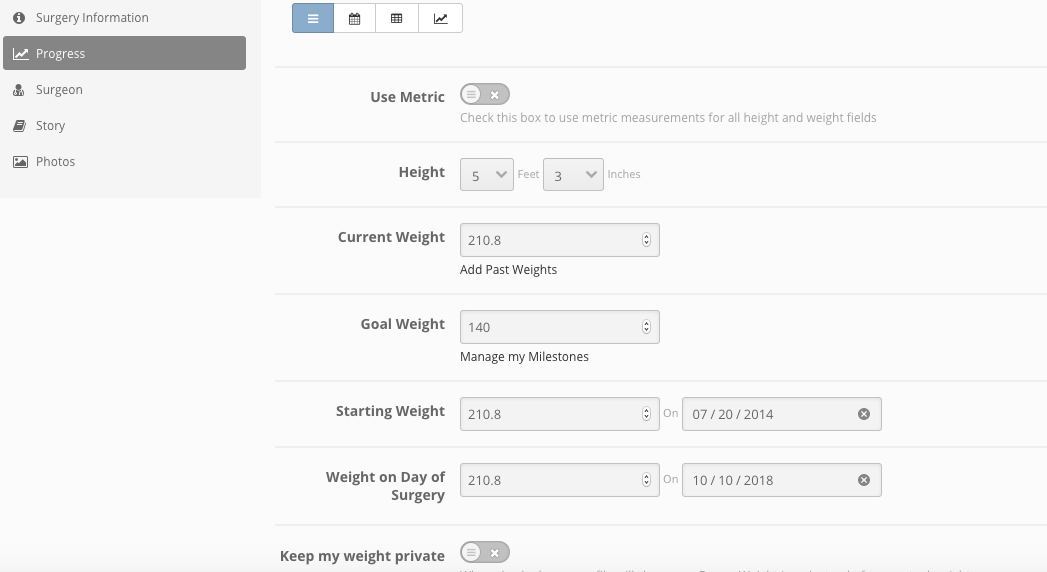
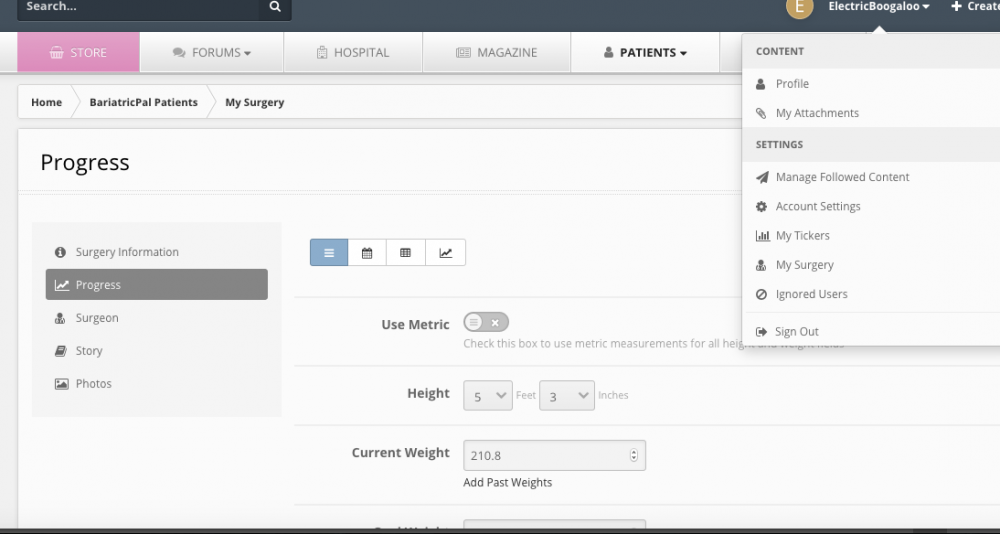
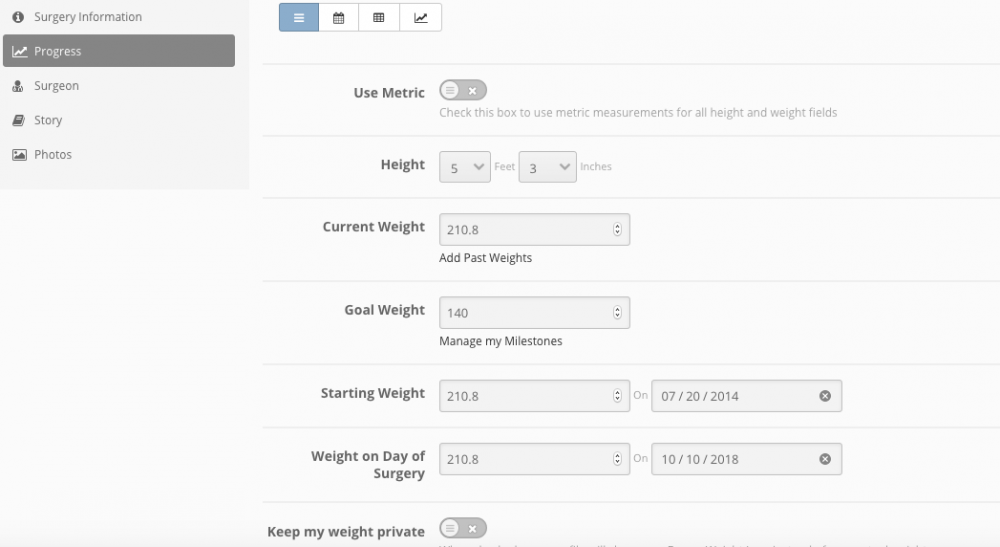
I have everything filled out within My Surgery>Progress (left hand side menu) and made sure that my information is public. My Surgery is found in the drop down menu under your name at the top right. To get the ticker in the signature, under My Ticker complete the ticker and then check to include it in your signature. If you have already done this, then I am not sure.
-
Just paying homage to Breakin' 2: Electric Boogaloo, the all-time worst movie/franchise that I couldn't get enough of when I was a kid! I thought Ozone (Shabbaa-Doo) was sooo fine! Ahh, childhood. ?
-
Band to sleeve revision, 10/10. Just returned from a one-mile walk. Gained 8 pounds of fluid during hospital stay. Finally back to pre-surgery weight. Had major constipation for the first 3 days, but normal now. Feeling as well as could be expected. Slight nausea, little pain, well managed.
-
I had my sleeve revision on October 10th. While in the hospital, I had a weight gain of 8 pounds from IV fluids. After being home for 2 days, I am back to my pre-surgery weight. Now the true weight loss begins.
-
I had my band placed July 2014, removed/revised to sleeve October 10th. I think for weight/date update, go to My Surgery > Progress. What else is up?