jennrn01
Gastric Bypass Patients
-
Joined
-
Last visited
-
-
I mix a teaspoon of sugar free pudding mix in 4oz of fage and then add frozen fruit it is very yummy!!
-
-
-
-
-
Great job!! Awesome transformation.
-
Woo hoo!! Great job!!
-
No it is pretty steady, although I have had a couple stalls.
-
-
Kelly. I said the same thing when I looked at the pictures.
-
-
-
-
Thanks!! What's even better is I feel GREAT!!! I will be 6months on 2-13-13.
-
-
Congrats to you!!
-
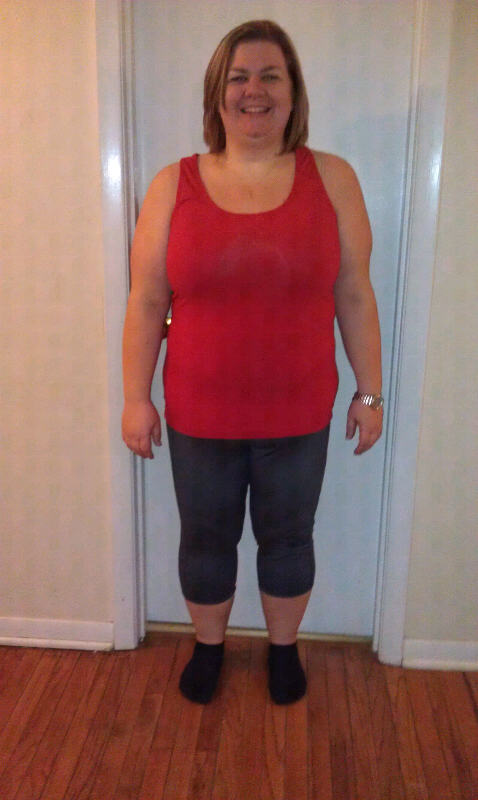
[ATTACH]2390[/ATTACH] [ATTACH]2391[/ATTACH] Now (2/4/13) and then (8/12/12) I have lost 88 pounds


-
-
Try cucumber slices as chips! Get the crunch without all the processed junk and carbs.
-
Awesome job!! So happy for you! I cannot wait to say I have lost 100lbs! Pre-op diet wt. 300 Day of surgery wt. 282 Current wt. 239Congrats!! Welcome!! Do you mean ng tube? Nasogastric tube it goes into the nose down throat into stomach. A g tube is inserted directly into the stomach through a surgical incision in the abdomen. I hope you didn't need a g tube. JennMy surgeon said I had to wait a year bc of transfer addiction concerns. As food addicts we are very susceptible to transfer addictions especially with alcohol. JennSurgery Monday morning out Tuesday evening....so approximately 36 hrs. Lap RNY JennWell found my motivation. It is all the great endorphines....I am miserable on the days I don't exercise. Jenn