Start here
Where are you in your journey?
Choose the path that fits today. We’ll take you to the most useful discussions.
- GLP-1 medication Zepbound, Wegovy, access, side effects, progress, and support.
- Before surgery Compare procedures, plan ahead, and get honest pre-op answers.
- Post-op Recovery, food stages, symptoms, and support.
- Long-term Regain, labs, habits, and life after the honeymoon.
- Revision Explore revision options, complications, and next steps.


erp
Gastric Sleeve Patients
-
Joined
-
Last visited
-
-
-
-
-
-
-
-
-
Wow! Kudos, you are rocking it!
-
This early out, no need to push it. Give yourself time to heal and focus on staying hydrated (the shakes and water) the meal can come later.
-
I always think about getting back on a PPI but haven't yet. I think a lot of my problem is head hunger.
-
Food addiction is a way of saying you have an eating disorder. Is bulimia or binge eating made up? Mine isn't.
-
@wifey I'm hungry all the time too. I'm 24 months out and after being programmed for the last couple of years to each 4-5 times a day. I feel like eating is all I do! I started prepping my food and freezing pre-portioned out so I can stick to better choices. I also have been upping my fluids in lieu of food.
-
A few days post op A week ago


-
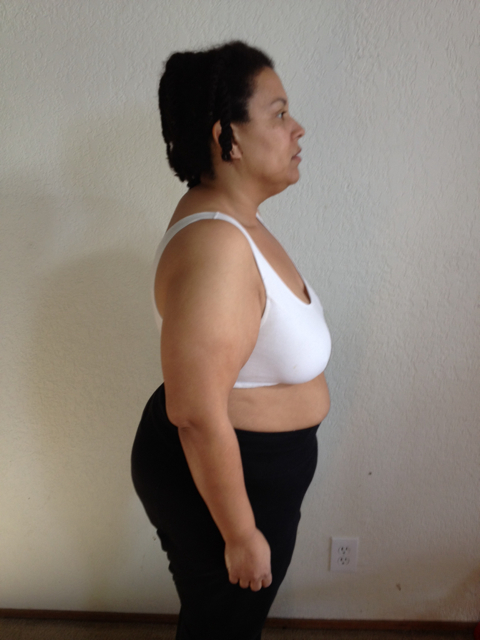
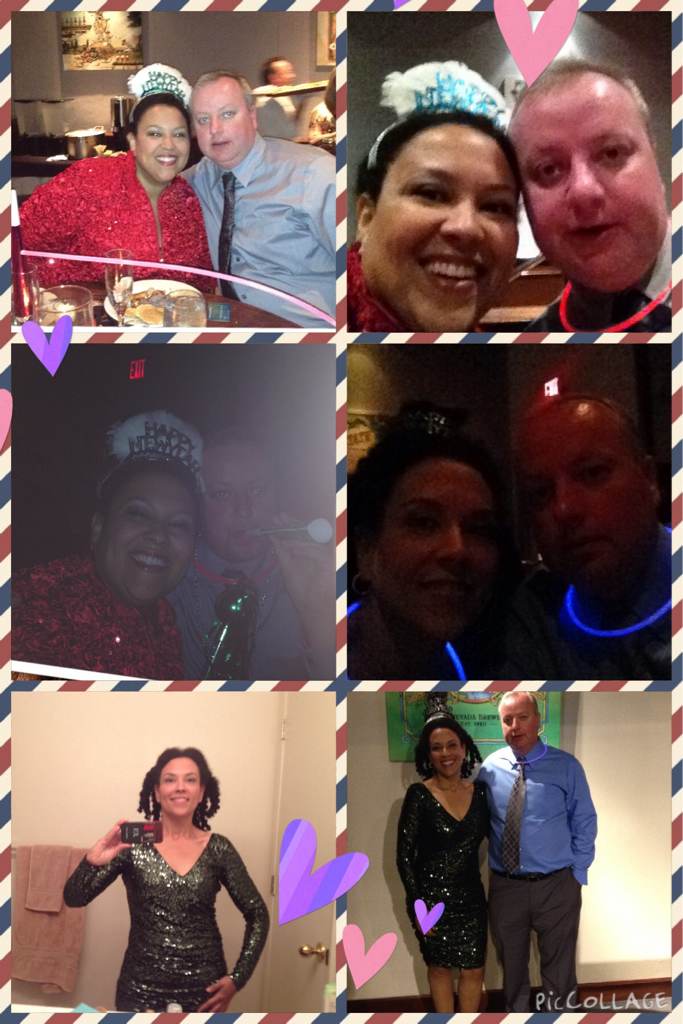
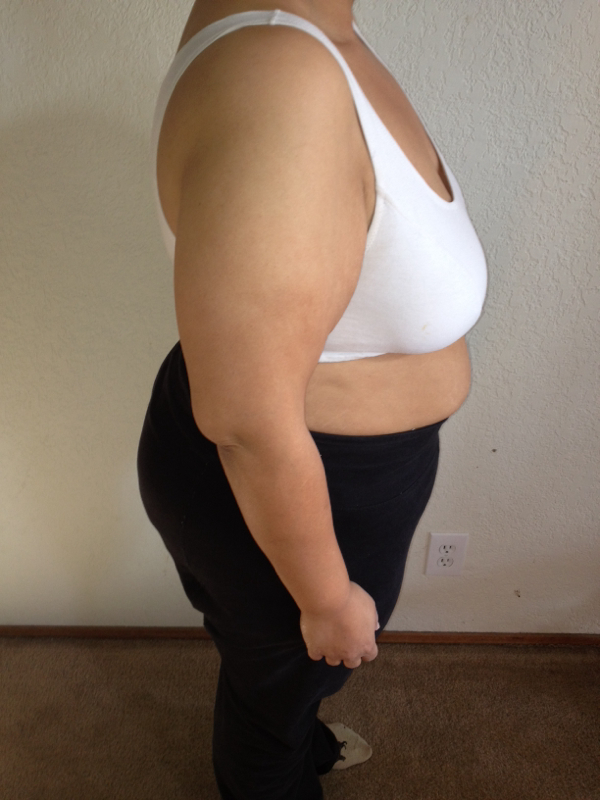
New Year's Eve update 12/13/2012 vs 12/31/2014

-
Turned 41 today. :-)
-
Took the day off, make a collage.
-
erp, a weight loss surgery photo album by erp on BariatricPal. 3 photos in Before and After Gastric Sleeve Photos.
-
Your bikini shot is amazing! As the swelling goes down, you may find yourself at 175. Congrats!
-
17 months out.
-
Updates are fun. Here's mine:
-
Updates are fun. Here's mine:


-
You look stunning. How has maintenance been for you?