TinyMamiOf3kids
Gastric Bypass Patients
-
Joined
-
Last visited
Everything posted by TinyMamiOf3kids
-
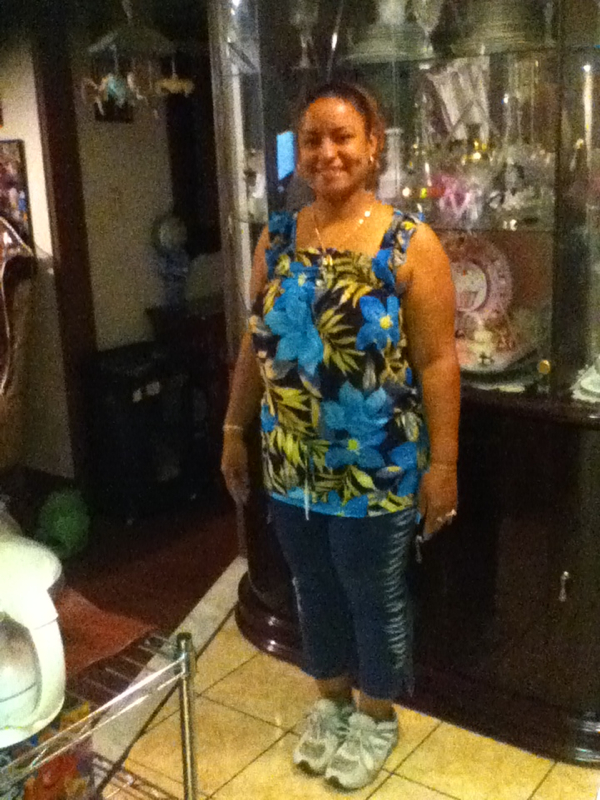
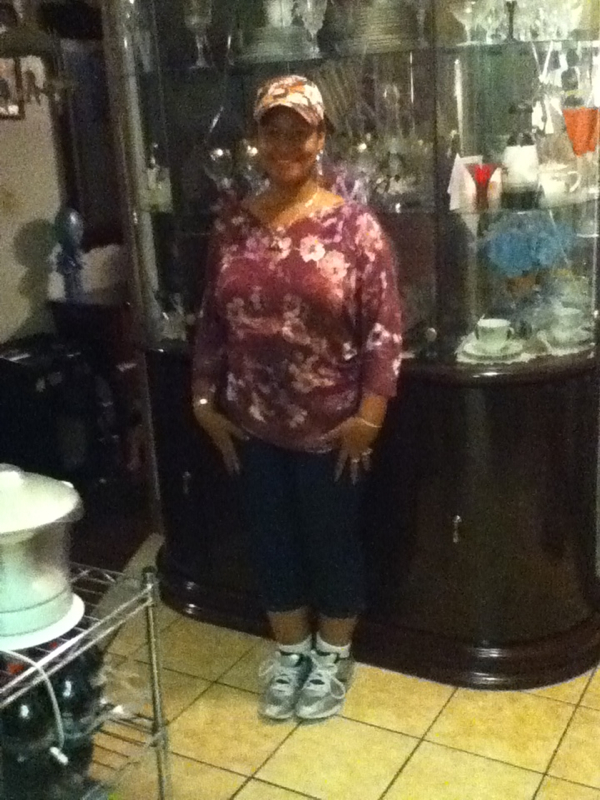
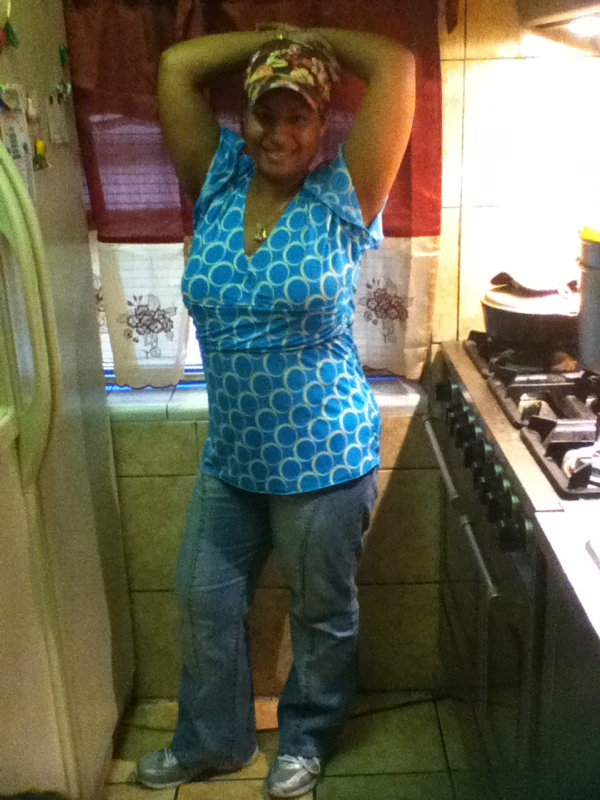
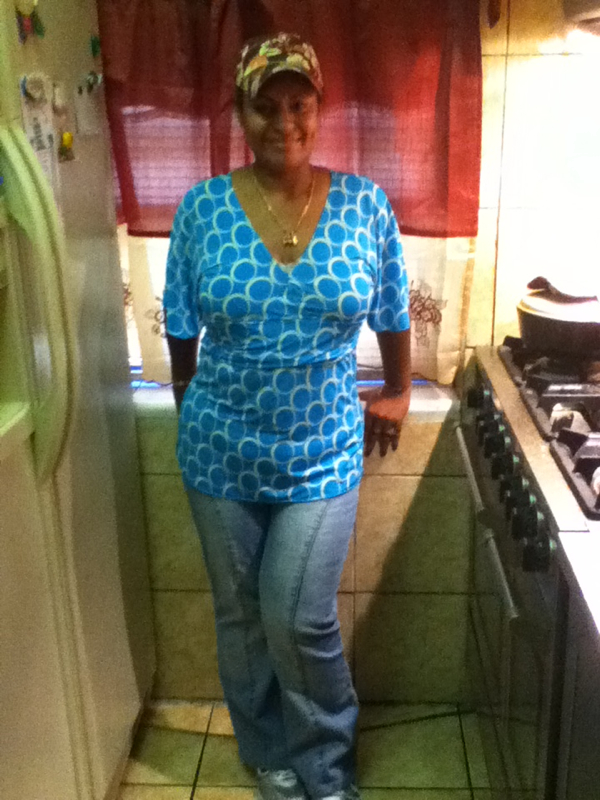
I used to have oily skim now is less oily.Awww sad your alone but glad kids can take care them self.Your welcomeI think it would make me sad if I see I gain a pound that's why I don't go on the scale daily.Welcome to the groupGood luck I do it weekly to every other weekMe tooI can't eat chicken ever again. Or pork. Idk if it will be forever but I'm ok with that.I stalled a while back. Then got back on track.I feel so sexy. Both men & women are telling me I'm sexy.It will go by so fastThank youFeel better soonLet me post the before & after here.





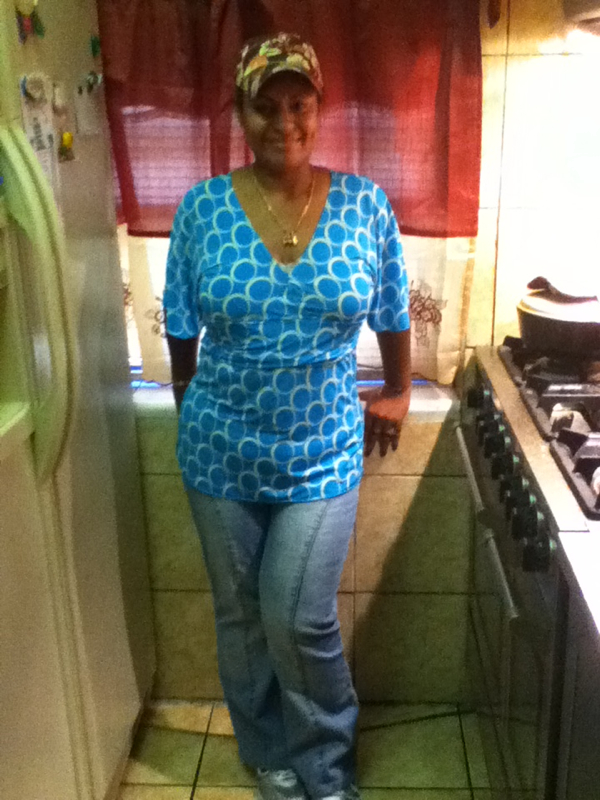
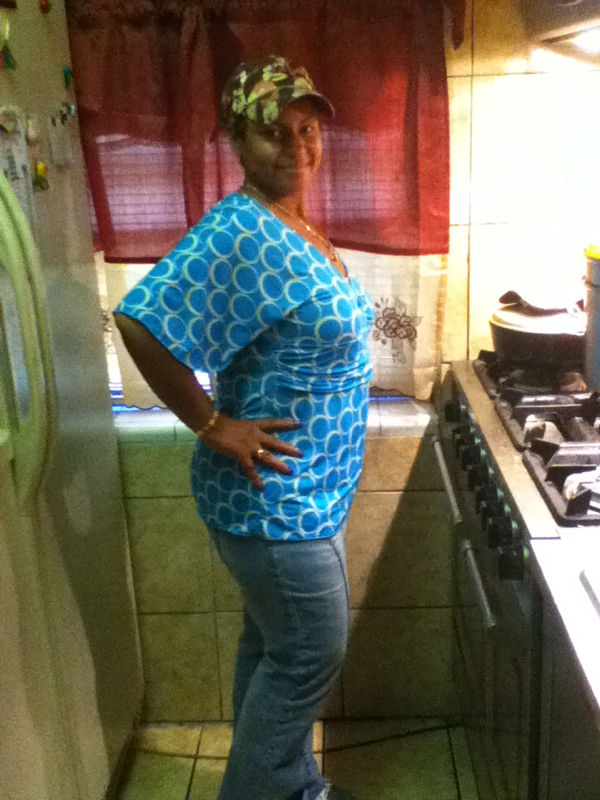
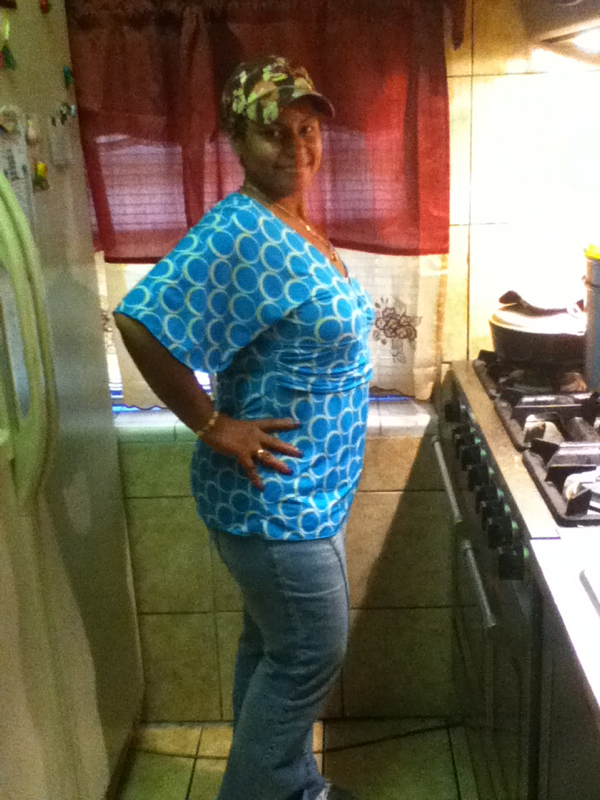
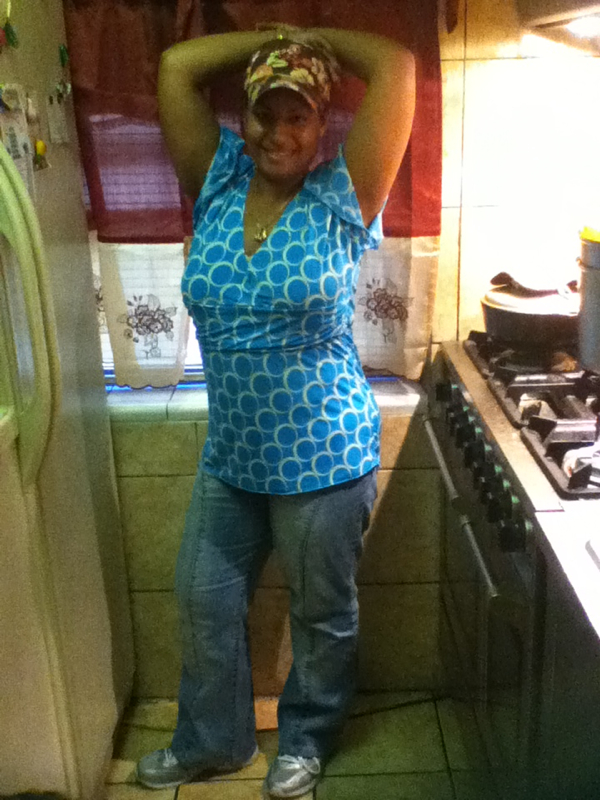
 More photos. I love this shirt. You can tell right? Lolz

 Looking good your really tall.Welcome to the groupThankyou all... I feel really goodHe can't get enough of meI will fix it in December. I will show off even more LMFAOLolz I don't think they will write a note. Poor husband of yours.Welcome to the groupLolz one nerd is nothing. It disappear in your mouth.