Start here
Where are you in your journey?
Choose the path that fits today. We’ll take you to the most useful discussions.
- GLP-1 medication Zepbound, Wegovy, access, side effects, progress, and support.
- Before surgery Compare procedures, plan ahead, and get honest pre-op answers.
- Post-op Recovery, food stages, symptoms, and support.
- Long-term Regain, labs, habits, and life after the honeymoon.
- Revision Explore revision options, complications, and next steps.

Creekwood
LAP-BAND Patients
-
Joined
-
Last visited
-
Great article! Very informative For someone that's Pre-Op like myself!
-
It makes me mad what COWARDS will say to people through a computer screen. Also, most young guys who would be on a site like that are D-bags anyway! As a girl they also view you as an easy target. You ARE better than them! We have the same starting height/weight. I guarantee those idiots wouldn't say the same thing to me... They are COWARDS! Funny thing is I've been overweight since about 11, I've RARELY had anybody make fun of me for it. I was always bigger and stronger so they just didn't. They always made fun of girls. Again, easier target. In High School I played football and our QB was a tool. Always made fun of one cheerleader because she was a little heavier than he would like her to be (who the hell is he? God?) I played defensive line and one day I blindsided him WELL after the play was over and knocked the wind out of him LOL. The coach was mad and I had to run extra laps around the track. Afterwards I told him to leave her alone or next time I'd take his knees out As far as I know he never said anything else! Your friends should have stuck up for you! Young guys are typically DBags, stay away from chat roulette, and be proud of who you are and the life changing decision you have made! Good luck!
-
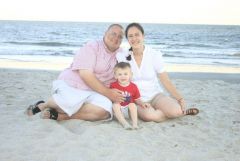
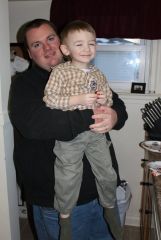
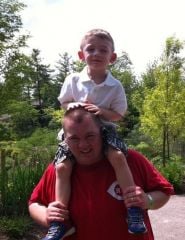
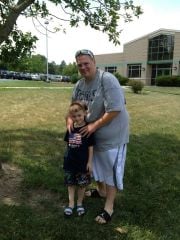
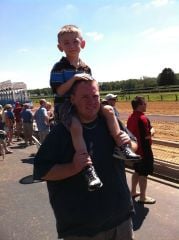
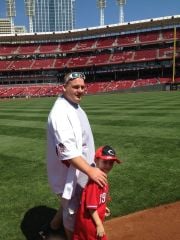
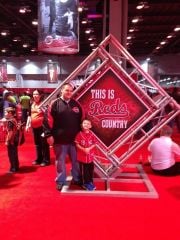
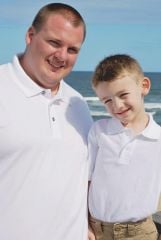
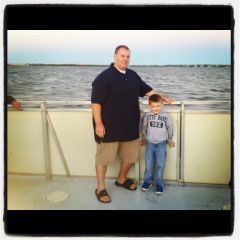
Random pictures with my son. Some are at my heaviest (395) some are more current (360's)