Start here
Where are you in your journey?
Choose the path that fits today. We’ll take you to the most useful discussions.
- GLP-1 medication Zepbound, Wegovy, access, side effects, progress, and support.
- Before surgery Compare procedures, plan ahead, and get honest pre-op answers.
- Post-op Recovery, food stages, symptoms, and support.
- Long-term Regain, labs, habits, and life after the honeymoon.
- Revision Explore revision options, complications, and next steps.


Alex Brecher
Founder
-
Joined
-
Last visited
Everything posted by Alex Brecher
-
Great feature request! We'll try to get it added shortly. We're working on weight and food tracking integration at the moment.
-
No worries! You can be logged in to from anywhere with any device all at the same time.
-
' Which App ? Android or Apple ? Are you sure you're clicking on LOGIN and not Register ?
-
I deleted the image.
-
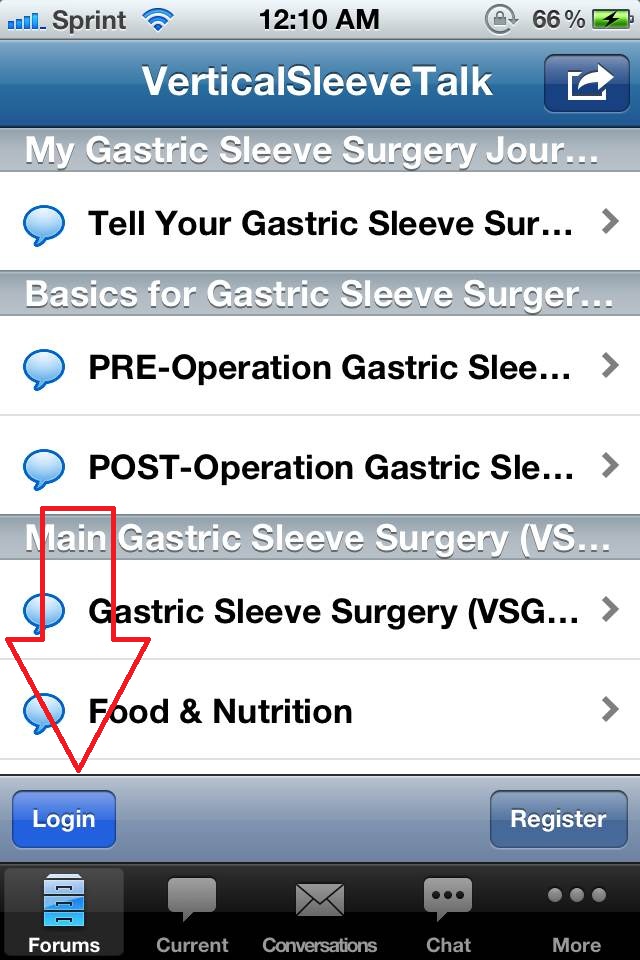
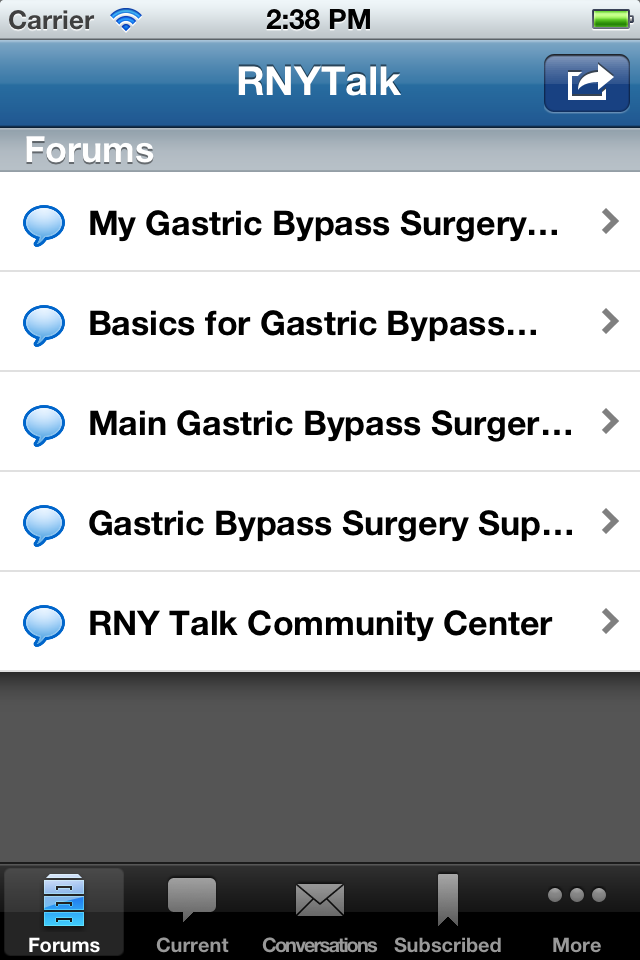
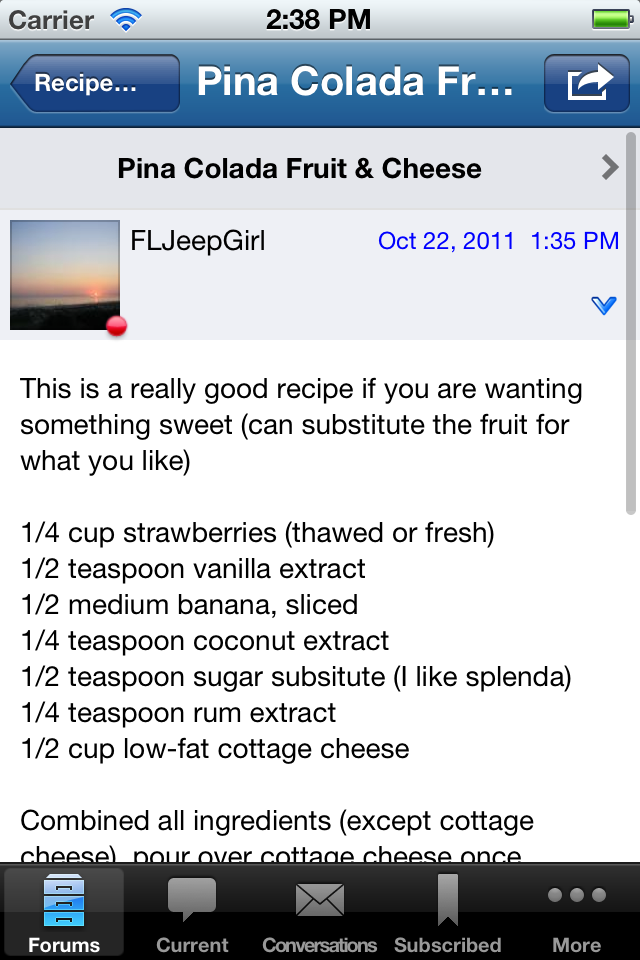
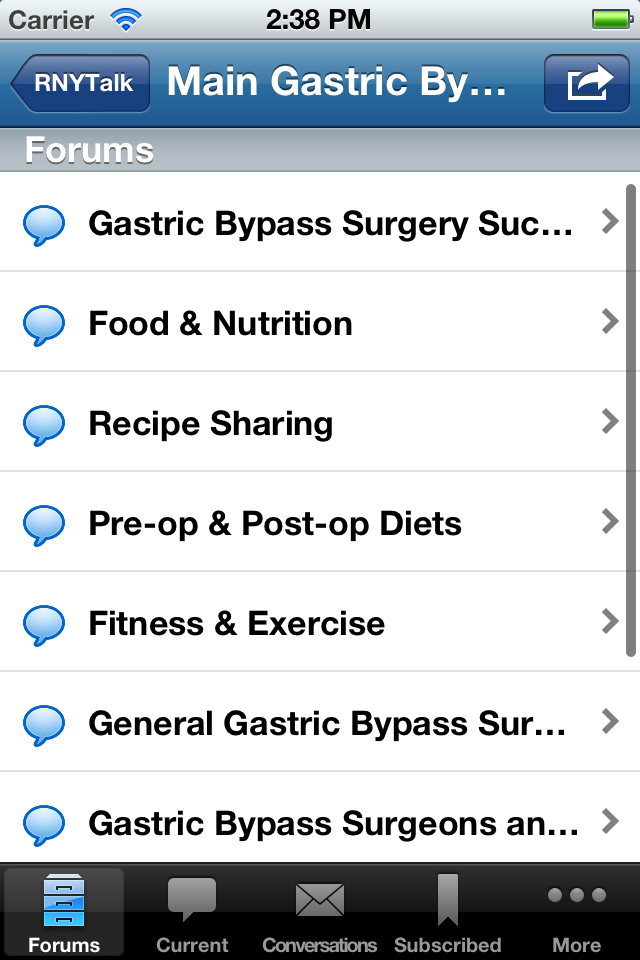
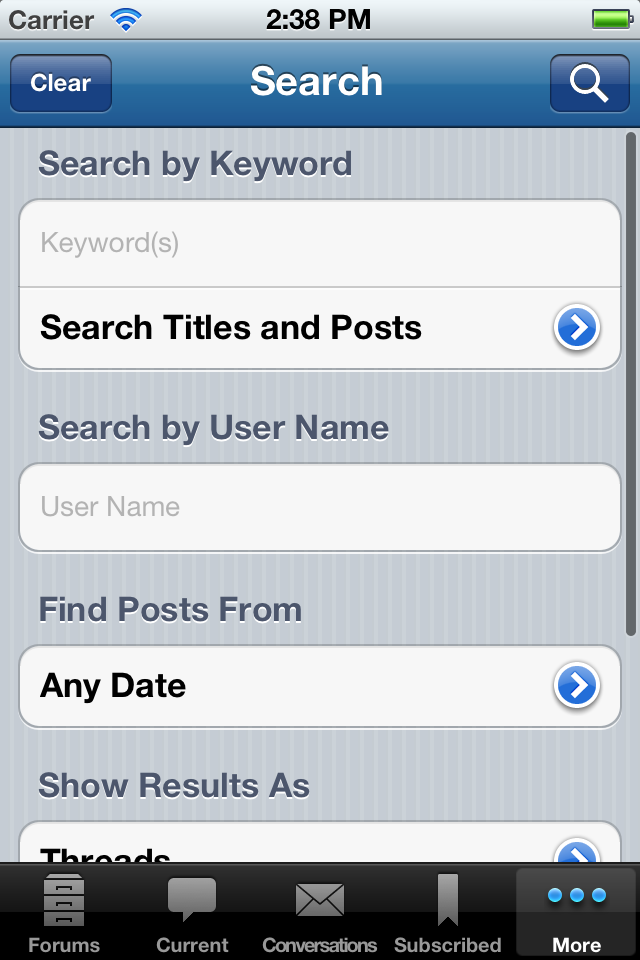
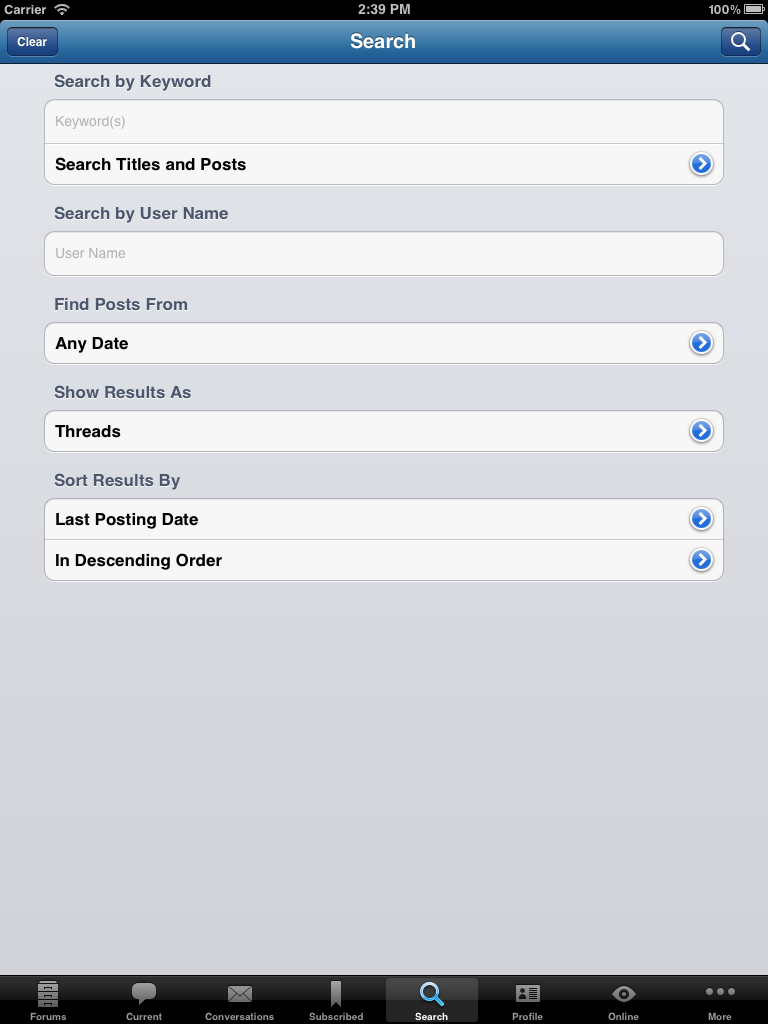
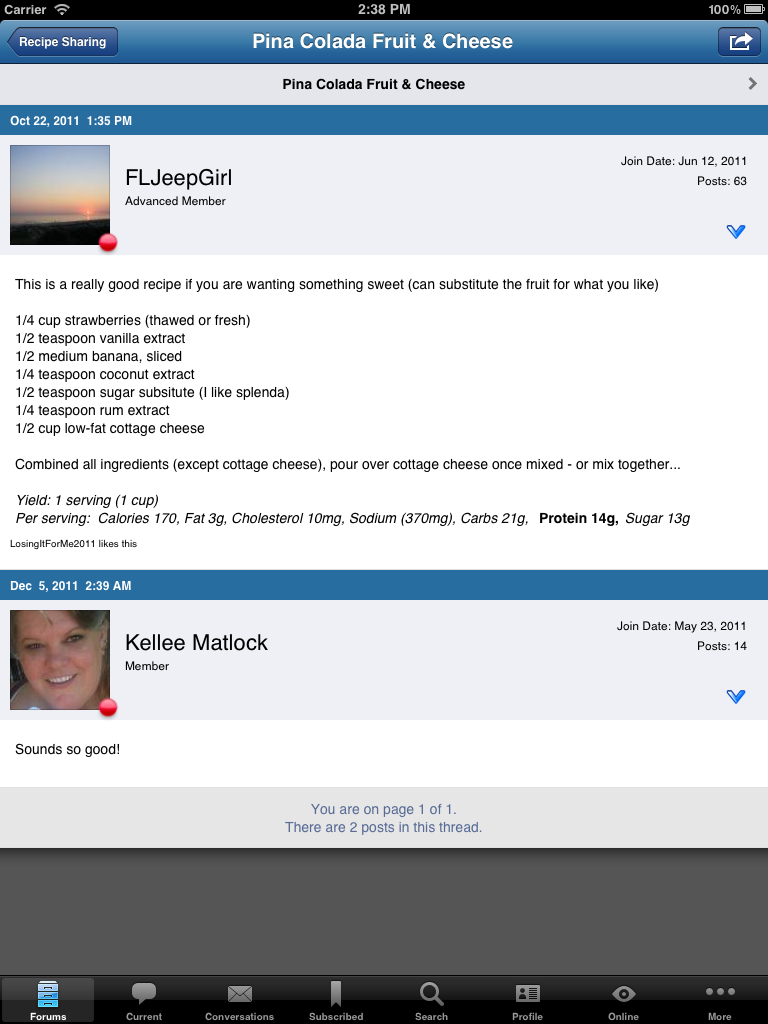
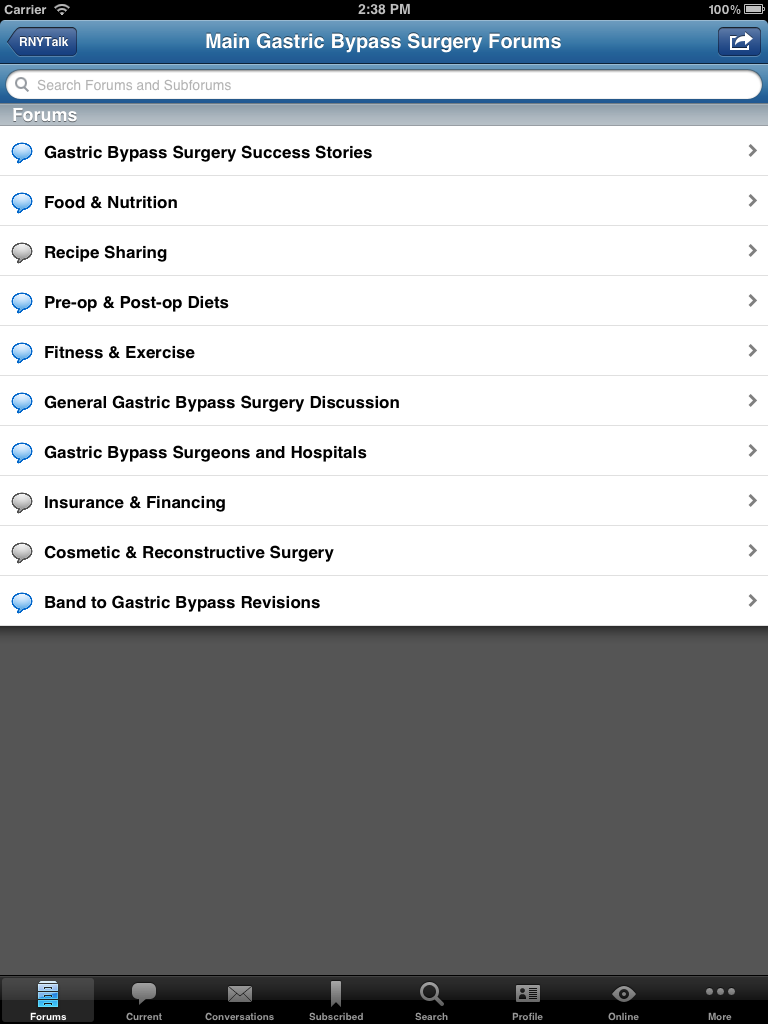
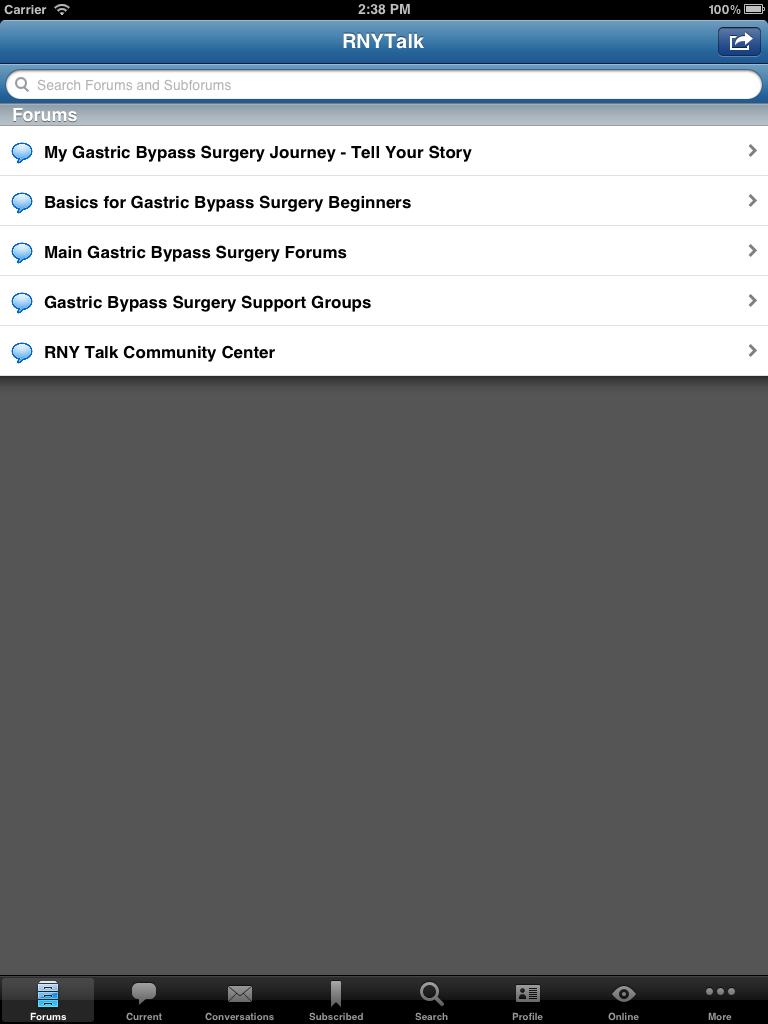
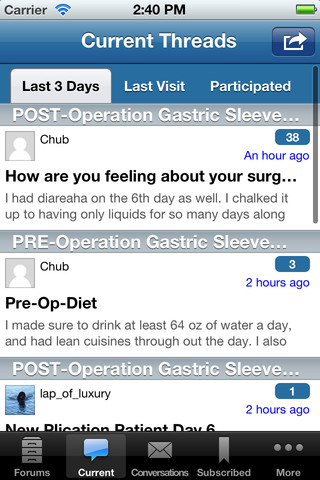
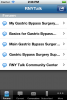
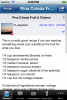
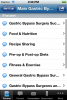
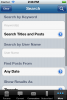
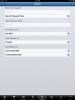
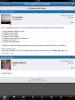
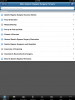
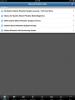
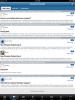
I'm excited to announce our new official RNYTalk iPhone, iPad and iPod app! This app makes it fun and easy to access the site while you're away from your computer. You can also take pictures with your phone or device and attach them directly to a thread. The RNYTalk iPhone, iPad and iPod Forum application features include: Full posting abilities Attach photos directly from your Apple device Private Messaging (with optional push notifications) Subscribe and track your favorite threads and topics (with optional push notifications) Supports both Landscape and Portrait views The app is free and you can download it directly from your phone. Just open up the Apple app store and search for "SleevePlicationTalk" and you'll find the app. Then just click install. You can also go to RNYTalk.com on your phone and it should direct you directly to the app. Once it's installed, you'll have a new icon on your phone that says RNYTalk. Click it and you'll be ready to go. Here are some screen shots: iPhone and iPod touch Screenshots: iPad Screenshots: Get the app and get ready to take RNYTalk with you wherever you go.



-
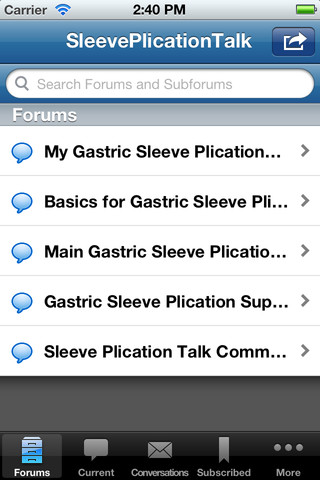
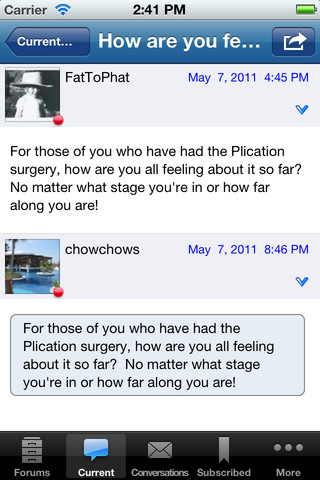
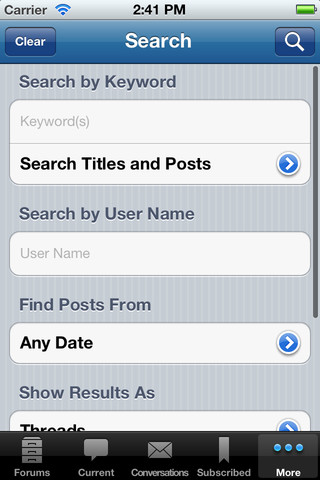
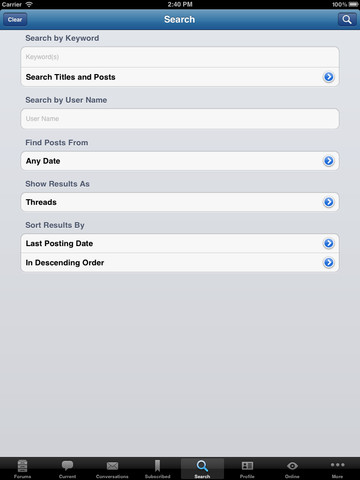
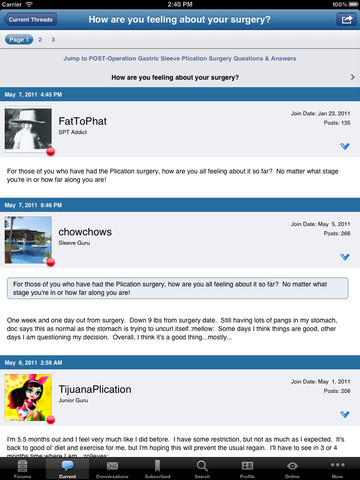
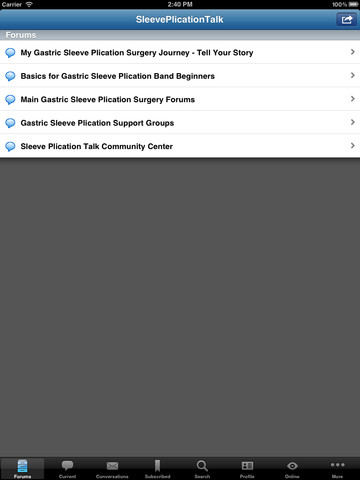
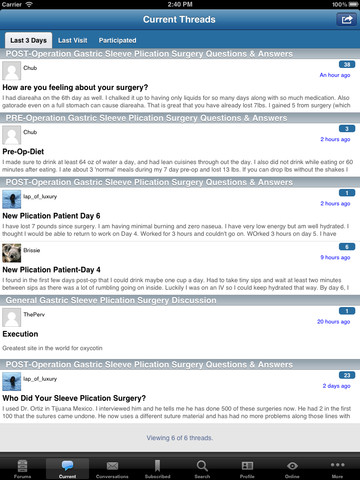
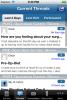
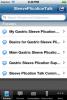
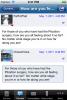
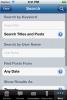
I'm excited to announce our new official SleevePlicationTalk iPhone, iPad and iPod app! This app makes it fun and easy to access the site while you're away from your computer. You can also take pictures with your phone or device and attach them directly to a thread. The SleevePlicationTalk iPhone, iPad and iPod Forum application features include: Full posting abilities Attach photos directly from your Apple device Private Messaging (with optional push notifications) Subscribe and track your favorite threads and topics (with optional push notifications) Supports both Landscape and Portrait views The app is free and you can download it directly from your phone. Just open up the Apple app store and search for "SleevePlicationTalk" and you'll find the app. Then just click install. You can also go to SleevePlicationTalk.com on your phone and it should direct you directly to the app. Once it's installed, you'll have a new icon on your phone that says SleevePlicationTalk. Click it and you'll be ready to go. Here are some screen shots: iPhone and iPod touch Screenshots: iPad Screenshots: Get the app and get ready to take SleevePlicationTalk with you wherever you go.




-
Use this link
-
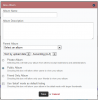
No worries! I wish our system was a bit easier to use. We're making some changes in the very near future which will simplify things. Your issue is that you don't have an album created to upload your pics into. You need to click on the "New Album" button and first create an album to upload your pics to.
-
The above app is no longer available. We just released our own Android app and we're hoping to release our own iOS/Apple app this week. We've already submitted it to Apple, just waiting on their approval process. Please stay tuned.....
-
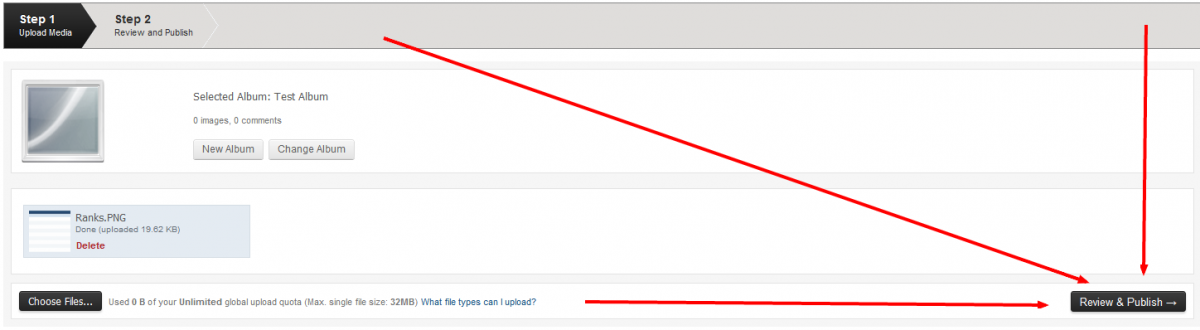
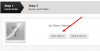
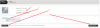
Here are the steps I took to get there: 1) Selected my album 2) Clicked on Choose files and selected the files to upload 3) After you select the files, you should see them listed right above the Choose Files button 4) All the way to the right of the "Choose Files" button, you'll see another button called "Review & Publish", this is all part of Step 1 I've attached a numbered screenshot which shows you each step:
-
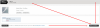
You need to hit the "Review & Publish" Button at the bottom right after you select your images. See attached screenshot please.
-
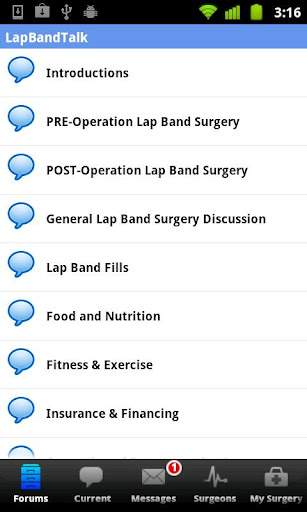
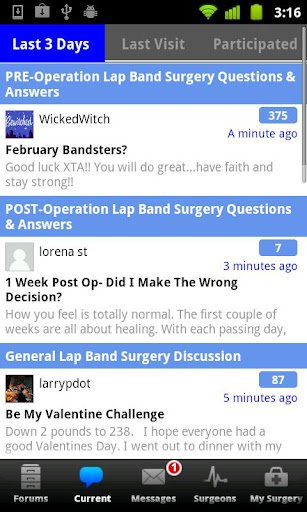
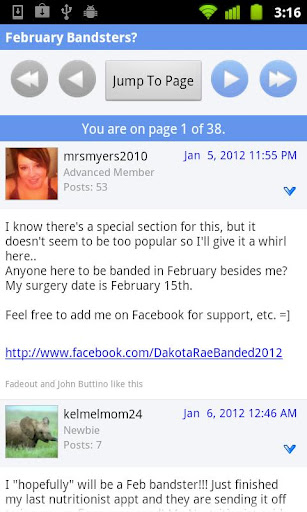
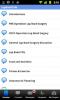
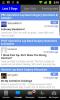
I'm excited to announce our new official LapBandTalk Android app! This app makes it fun and easy to access the site while you're away from your computer. You can also take pictures with your phone and attach them directly to a thread. The LapBandTalk Android Forum application features include: Full posting abilities Attach photos directly from your Android device Private Messaging (with optional push notifications) Subscribe and track your favorite threads and topics (with optional push notifications) Supports both Landscape and Portrait views The app is free and you can download it directly from your phone. Just open up the Android app store and search for "LapBandTalk" and you'll find the app. Then just click install. You can also go to LapBandTalk.com on your phone and it should direct you directly to the app. Once it's installed, you'll have a new icon on your phone that says LapBandTalk. Click it and you'll be ready to go. Here are some screen shots: Get the app and get ready to take LapBandTalk with you wherever you go.


-
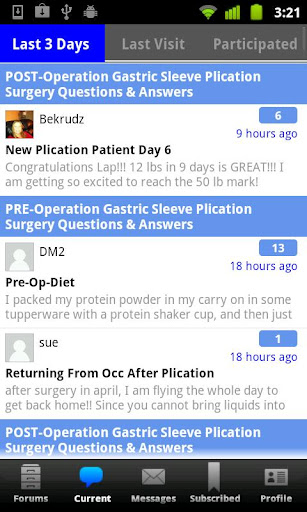
You should see an button right after the "Forum" button named "Current" Click on that button and you should be able to view Unread posts from across all forums.
-
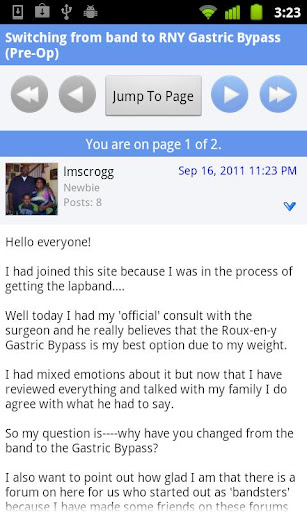
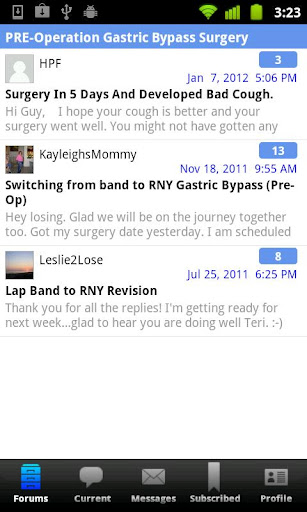
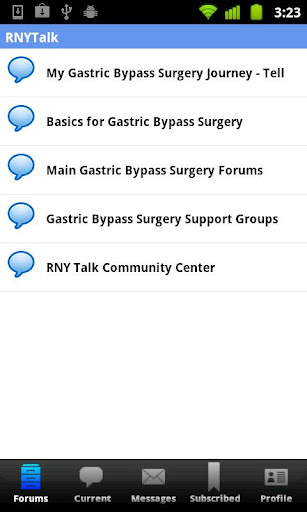
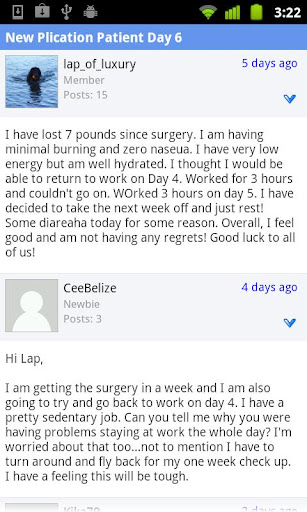
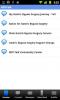
I'm excited to announce our new official RNYTalk Android app! This app makes it fun and easy to access the site while you're away from your computer. You can also take pictures with your phone and attach them directly to a thread. The RNYTalk Android Forum application features include: Full posting abilities Attach photos directly from your Android device Private Messaging (with optional push notifications) Subscribe and track your favorite threads and topics (with optional push notifications) Supports both Landscape and Portrait views The app is free and you can download it directly from your phone. Just open up the Android app store and search for "RNYTalk" and you'll find the app. Then just click install. You can also go to RNYTalk.com on your phone and it should direct you directly to the app. Once it's installed, you'll have a new icon on your phone that says RNYTalk. Click it and you'll be ready to go. Here are some screen shots: Get the app and get ready to take RNYTalk with you wherever you go.



-
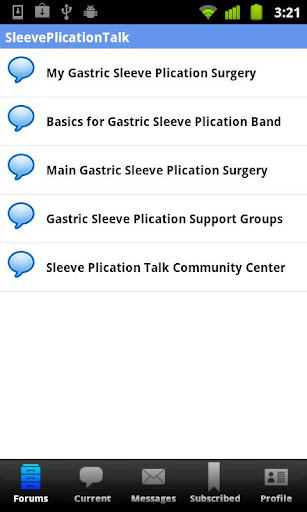
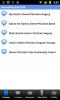
I'm excited to announce our new official Sleeveplicationtalk Android app! This app makes it fun and easy to access the site while you're away from your computer. You can also take pictures with your phone and attach them directly to a thread. The Sleeveplicationtalk Android Forum application features include: Full posting abilities Attach photos directly from your Android device Private Messaging (with optional push notifications) Subscribe and track your favorite threads and topics (with optional push notifications) Supports both Landscape and Portrait views The app is free and you can download it directly from your phone. Just open up the Android app store and search for "Sleeveplicationtalk" and you'll find the app. Then just click install. You can also go to Sleeveplicationtalk.com on your phone and it should direct you directly to the app. Once it's installed, you'll have a new icon on your phone that says Sleeveplicationtalk. Click it and you'll be ready to go. Here are some screen shots: Get the app and get ready to take Sleeveplicationtalk with you wherever you go.



-
Adding your Images Clicking an upload link or button will take you to the media upload page. This is a two step process: 1) The first step is to select or create an album to upload the images into. Once the album has been set, you can upload images right away when the upload form reveals itself. 2) When you have uploaded the images you wish to add to the album, you click the 'Review & Publish' button which will allow you to rotate the image or edit the image's details.
-
Absolutely! We submitted our App to Apple for approval a week ago. Should be available any day now.
-
Since it's not something people do often, we didn't feel this was necessary for launching our app. We do have a link to your surgery info within the app which takes you to the edit page for your surgery. We plan on adding profile editing and management in the near future.
-
If I'm not mistaken, you can set up "push settings" within the app for push notifications.
-
Ouch! LOL What exactly happens when it crashes please ? Any and as many details you can provide, would be most helpful in resolving this issue.
-
No, I enabled it now. Please let me know if you have further issues with this feature.
-
Our iOS App will be released sometime this week, stay tuned for further details. We're just waiting for Apple to approve the app in the app store.
-
The new VST App for Android is available over here Please leave us some good reviews on Android market!
-
The new VST App for Android is available over here Please leave us some good reviews on Android market!
-
The new VST App for Android is available over here Please leave us some good reviews on Android market!