







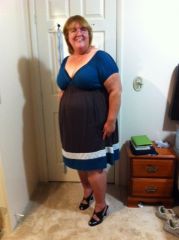




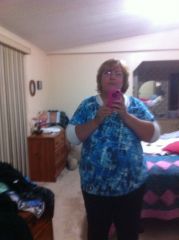

Goal Dress 012912

By Lissa
- 1,303 views
- View Lissa's images
Long story: I met a girl at WLS Support Group wearing this dress. I saw her again at the doc's a few days later and told her it was cute. She offered me the dress, which I almost declined because "No way will it ever fit me". That was just after surgery 5 months ago. Several days ago, I saw her at WLS again and she gave me the dress, which she's been carrying around for me for weeks. It's a t-shirt dress, so it's not tight. But, it fits, although I think it's probably too "young" for me.
Recommended Comments
Join the conversation
You can post now and register later. If you have an account, sign in now to post with your account.