






Skip to content
View in the app

A better way to browse. Learn more.

BariatricPal

A full-screen app on your home screen with push notifications, badges and more.

To install this app on iOS and iPadOS
  1. Tap the Share icon in Safari
  2. Scroll the menu and tap Add to Home Screen.
  3. Tap Add in the top-right corner.
To install this app on Android
  1. Tap the 3-dot menu (⋮) in the top-right corner of the browser.
  2. Tap Add to Home screen or Install app.
  3. Confirm by tapping Install.

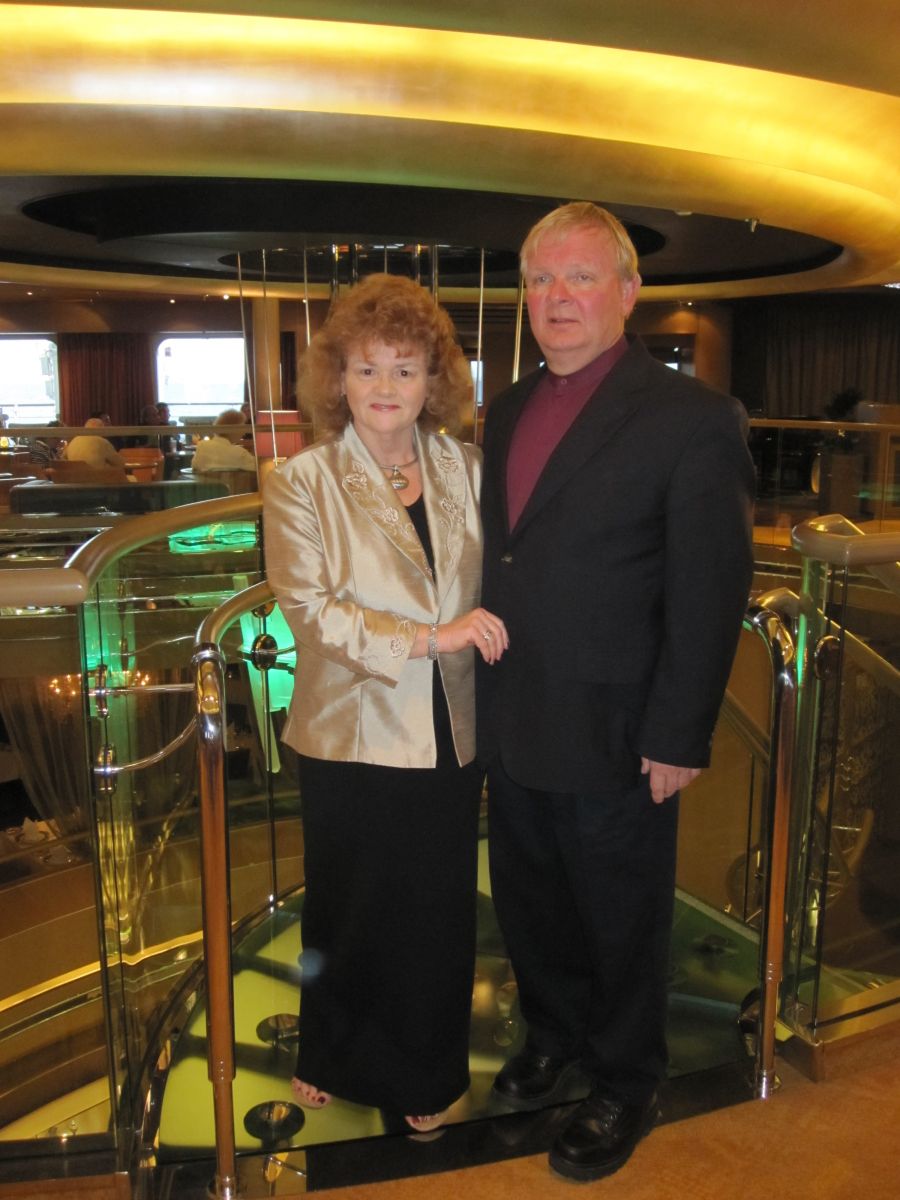
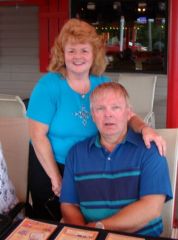
My 60th birthday... I feel like I am 30.....
Retirement trip with hubby to Puerto Rico via Holland America Lines. Lap Band after about 20 months and my health was so much better. Who would have thought I could hike in the rain forest uphill? Please know that my life remains my own and I must pray and focus on the Healthy Plan before me. It will be a life long hike! A good one. Thankful for my health. Joy every Morning! Thanks Jesus for this freedom!

From the album:

A Trip to Health!

· 11 images

Account

Navigation

Search

Search

Configure browser push notifications

Chrome (Android)
  1. Tap the lock icon next to the address bar.
  2. Tap Permissions → Notifications.
  3. Adjust your preference.
Chrome (Desktop)
  1. Click the padlock icon in the address bar.
  2. Select Site settings.
  3. Find Notifications and adjust your preference.