









Skip to content
View in the app

A better way to browse. Learn more.

BariatricPal

A full-screen app on your home screen with push notifications, badges and more.

To install this app on iOS and iPadOS
  1. Tap the Share icon in Safari
  2. Scroll the menu and tap Add to Home Screen.
  3. Tap Add in the top-right corner.
To install this app on Android
  1. Tap the 3-dot menu (⋮) in the top-right corner of the browser.
  2. Tap Add to Home screen or Install app.
  3. Confirm by tapping Install.

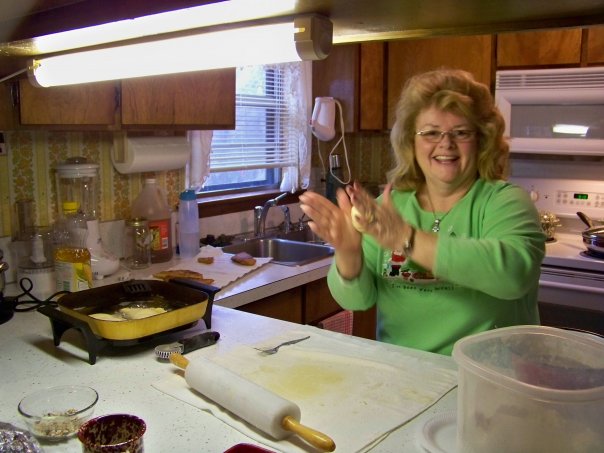
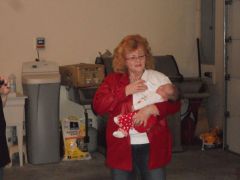
Before... doing my favorite thing! 2007
Fried Pies... fall before I had the lap band in the spring. What am I thinking? Well I am thinking I need to cook to be loved. My knees hurt, my feet are red and ouchy after a few hours on them. Taking prescription anti-inflammatory medication 3 times a day. Stomach burn from the medication. Life is very difficult. Not looking forward to retirement feeling like this.

  • From the album:

    A Trip to Health!

    · 11 images

    Account

    Navigation

    Search

    Search

    Configure browser push notifications

    Chrome (Android)
    1. Tap the lock icon next to the address bar.
    2. Tap Permissions → Notifications.
    3. Adjust your preference.
    Chrome (Desktop)
    1. Click the padlock icon in the address bar.
    2. Select Site settings.
    3. Find Notifications and adjust your preference.