






Skip to content
View in the app

A better way to browse. Learn more.

BariatricPal

A full-screen app on your home screen with push notifications, badges and more.

To install this app on iOS and iPadOS
  1. Tap the Share icon in Safari
  2. Scroll the menu and tap Add to Home Screen.
  3. Tap Add in the top-right corner.
To install this app on Android
  1. Tap the 3-dot menu (⋮) in the top-right corner of the browser.
  2. Tap Add to Home screen or Install app.
  3. Confirm by tapping Install.

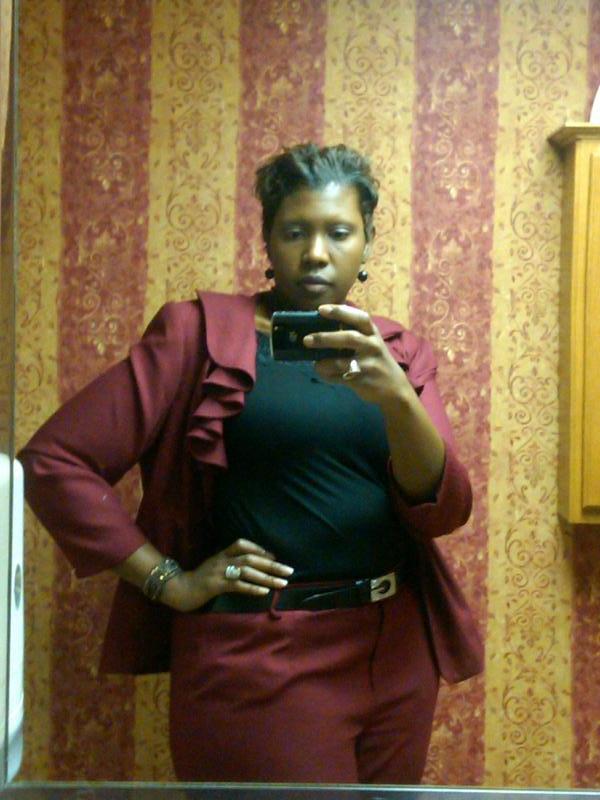
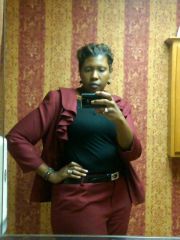
IMG 20110720 00037.jpg One year banded 7 20 2011

<P>It's been an entire year since I had my LB. This road has not been an easy one but it has changed my life in so many ways. I am not at my goal but I thank God that I am not the same person I was a year ago. I am so much healthier and happier with the new person I have learned to love. I do love my band for being the tool I needed to achieve my weight lost goals. I am still a work in process. </P>

  • From the album:

    After Band pic July 2010

    · 37 images

    Account

    Navigation

    Search

    Search

    Configure browser push notifications

    Chrome (Android)
    1. Tap the lock icon next to the address bar.
    2. Tap Permissions → Notifications.
    3. Adjust your preference.
    Chrome (Desktop)
    1. Click the padlock icon in the address bar.
    2. Select Site settings.
    3. Find Notifications and adjust your preference.