Skip to content
View in the app

A better way to browse. Learn more.

BariatricPal

A full-screen app on your home screen with push notifications, badges and more.

To install this app on iOS and iPadOS
  1. Tap the Share icon in Safari
  2. Scroll the menu and tap Add to Home Screen.
  3. Tap Add in the top-right corner.
To install this app on Android
  1. Tap the 3-dot menu (⋮) in the top-right corner of the browser.
  2. Tap Add to Home screen or Install app.
  3. Confirm by tapping Install.

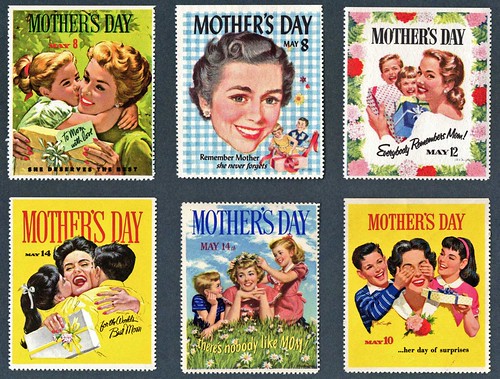
5/10/09 Happy Mother's Day!

2702891442_ebfee31f99.jpg?v=0

Happy Mother's Day all you wonderful moms out there!


This is the gift I'm hoping for...a completely waterproof room I can just hose down...because there's nothing like a plastic covered sofa to relax on in the summertime (make mine the kitchen please...and that drain better have a garbage disposal on it)...just read... they're now available!


Yes we are!spaceball.gif

383380253_d598f0c44e.jpg?v=0

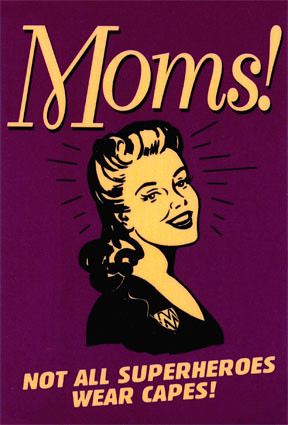
OK, but I at least want the Wonder Woman headband and the wrist cuffs...and maybe that Lasso of Truth would come in handy.

2 Comments

Recommended Comments

mscarly

LAP-BAND Patients

Dear Band Groupie -

Your Mother's Day pics made me smile today. Keep your head up! Happy Mothers Day -mscarly :))

Band_Groupie

LAP-BAND Patients

Carly- Hope you're doing well! You're on your way girl; just a few short weeks! -BG

Guest
Add a comment...

Account

Navigation

Search

Search

Configure browser push notifications

Chrome (Android)
  1. Tap the lock icon next to the address bar.
  2. Tap Permissions → Notifications.
  3. Adjust your preference.
Chrome (Desktop)
  1. Click the padlock icon in the address bar.
  2. Select Site settings.
  3. Find Notifications and adjust your preference.